How To Use Linux Bash In Windows 10 Git Bash Install For Windows 11 YouTube What Does Bash Mean In Linux How To Install Linux Bash In Windows 10 Tutorial YouTube How To Get The Ubuntu Bash In Windows 10 YouTube How To Write Bash Scripts In Linux Tom s Hardware How to Install Use Bash Linux Shell on Windows 10 Tutorial February 12 2021 by Brad Morton Here s how to set up and use the Linux shell on Windows using the Windows Subsystem for Linux WSL This tutorial is intended for up to date versions of Windows 10 from 2020 onwards
2 Enable Developer Mode The Bash feature in Windows is experimental so in order to use it you must enable Developer Mode Click on the search bar at the bottom left of the screen and type For Install Bash in Newer Windows 10 and 11 The good thing is that the latest set of upgrades including the stable release of WSL v1 0 released from Windows makes it easier to install Bash on Windows There are two ways you can go about it You can get it in one click from Windows Store Choose to use the command line 1
How To Write Bash Scripts In Linux Tom s Hardware Bash Shell For Windows Tutorial Vetstashok Digerir Hierro Rep blica Consola Linux Windows 10 Varonil Masaje Pecado Enabling Linux Bash In Windows 10 Build 14316 YouTube Tips Tricks To Master BASH GadgetReactor Learning To Use Linux Commands In Shell Scripts For Efficiency And Hell Freezes Over Microsoft And Ubuntu Bring Linux s Bash Shell To How To Install And Use Linux Bash In Windows 10 TechRadar Pin By Cesar Rizzo On Linux Learn Computer Coding Linux Operating
How To Use Linux Bash In Windows 10
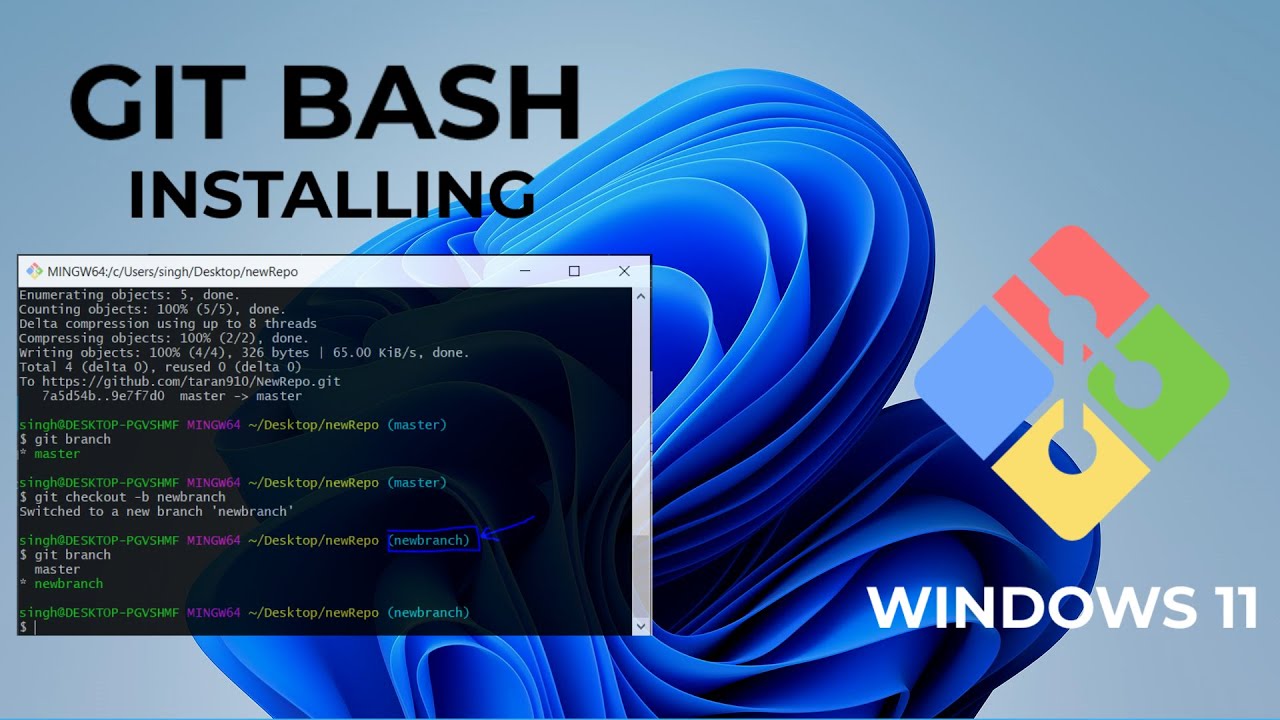 How To Use Linux Bash In Windows 10
https://i.ytimg.com/vi/DSgLq8L5r7o/maxresdefault.jpg
Quick Links How to Write a Bash Script on Windows 10 Make the Script Executable and then Run It How to Work With Windows Files in a Bash Script How to Incorporate Bash Commands into a Batch or PowerShell Script With the arrival of Windows 10 s Bash shell you can now create and run Bash shell scripts on Windows 10
Pre-crafted templates use a time-saving service for developing a diverse range of files and files. These pre-designed formats and layouts can be utilized for various personal and professional tasks, consisting of resumes, invites, flyers, newsletters, reports, discussions, and more, simplifying the material creation procedure.
How To Use Linux Bash In Windows 10

How To Use Linux Commands Stored In The usr bin sbin And usr local

Bash Shell For Windows Tutorial Vetstashok

Digerir Hierro Rep blica Consola Linux Windows 10 Varonil Masaje Pecado

Enabling Linux Bash In Windows 10 Build 14316 YouTube

Learning To Use Linux Commands In Shell Scripts For Efficiency And
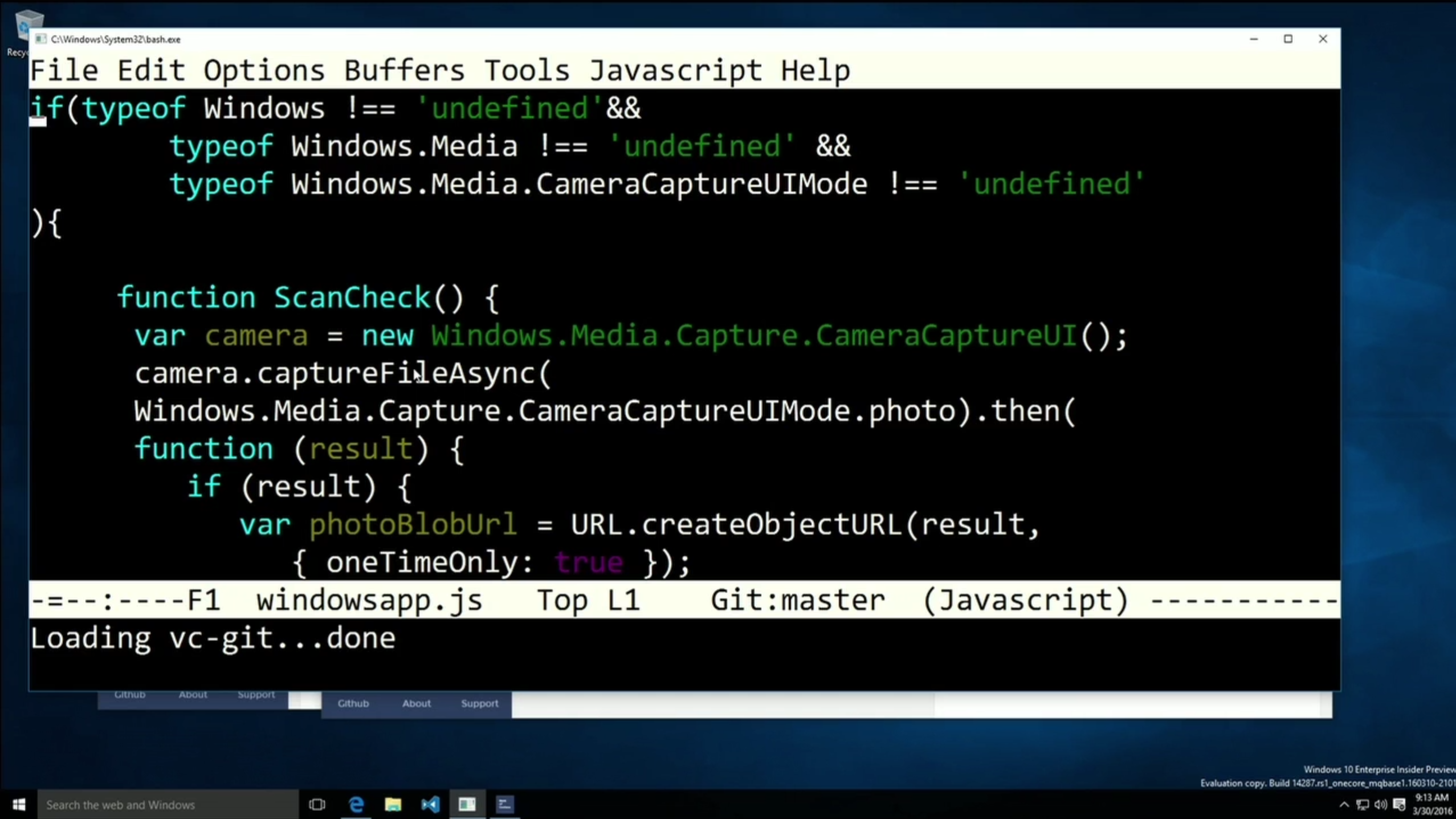
Hell Freezes Over Microsoft And Ubuntu Bring Linux s Bash Shell To

Step 1 Enable Linux in Windows Features Step 2 Download and Install a Linux Distribution on Your PC Step 3 Configure the Linux Bash Shell on Windows 10 Step 4 Start Using Linux Bash Shell Commands on Windows 10 1 Update Package List 2 Install Software Updates 3 Install a New Program 4 Remove an Installed Program 5 Edit a Text File 6

Open PowerShell or Windows Command Prompt in administrator mode by right clicking and selecting Run as administrator enter the wsl install command then restart your machine PowerShell wsl install This command will enable the features necessary to run WSL and install the Ubuntu distribution of Linux

Setting up WSL on Windows 10 We need to tweak Windows a little bit to set up a WSL or Windows Subsystem for Linux We have to enable WSL Feature in Windows first Click on Start and Search and open Turn Windows Features on or off

Using Bash you can navigate around the file system install and run Linux command line apps like the vi text editor or with some unofficial tweaks try to load windowed programs However
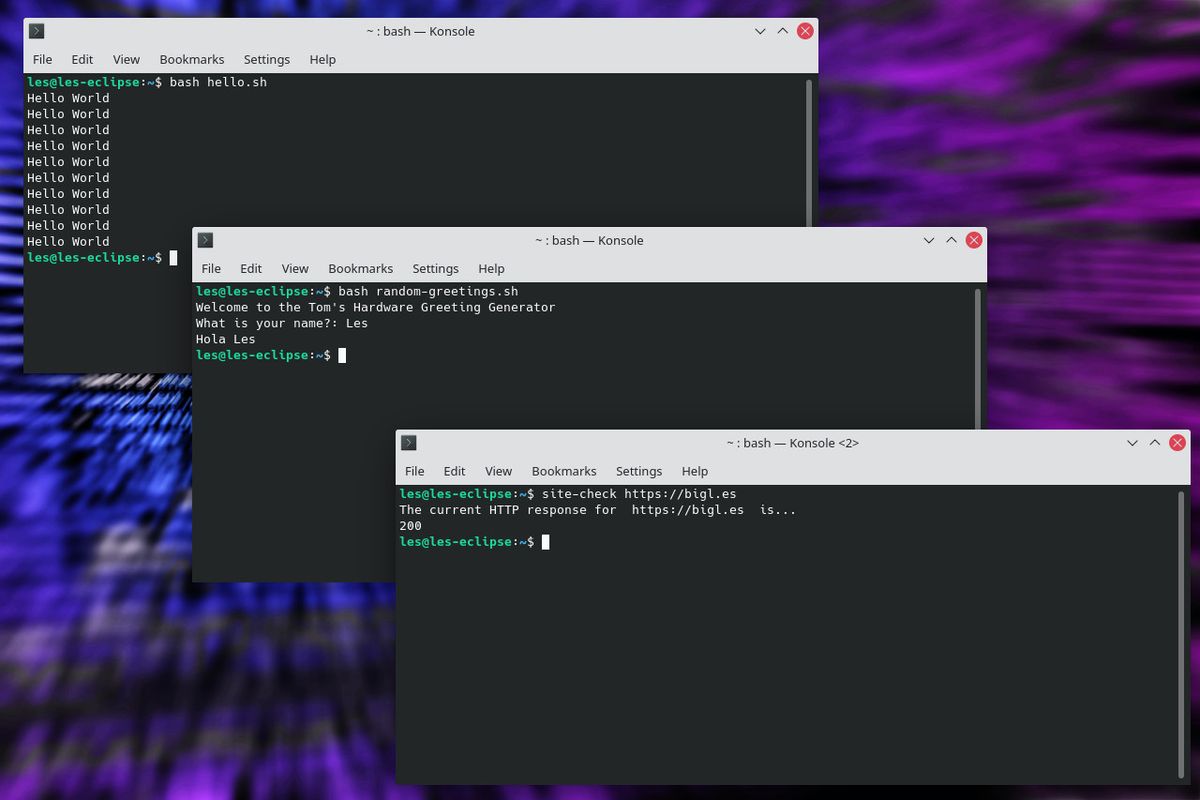
Activate WSL as an optional Windows feature or through a PowerShell command reboot Next go to the Windows Store select and install a distribution Run the distribution and update if needed Use it to run bash scripts or Linux command line utilities This article explains how to activate download install and use the Windows Subsystem for
1 Use Linux Bash Shell on Windows 10 with WSL Did you know that you can run a Linux distribution inside Windows 10 The Windows Subsystem for Linux WSL allows you to run Linux inside Windows The upcoming version of WSL will be using the real Linux kernel inside Windows In this video we will see How to Run Linux Bash on Windows 10 Using the Built In Windows Subsystem for Linux So we will see How to Install Linux Bash Shell
To install and use it on Windows 10 one need to perform the following steps Start Settings Update Security Under the Use Developer Features select Developer mode Selecting the developer mode will pop the following alert Click yes and let the computer restart