How To Use Ipmt Function In Excel How To Use IPMT Function In Excel step By Step Guide Excel Explained How To Use IPMT Function In Excel Formula Calculator How To Use IPMT Function In Excel 8 Examples ExcelDemy How To Use IPMT Function In Excel 8 Examples ExcelDemy Microsoft Excel Tutorial IPMT Function YouTube The IPMT function uses the following syntax IPMT rate per nper pv fv type where rate required the constant interest rate per period i e the rate corresponding to your payment frequency
This article describes the formula syntax and usage of the IPMT function in Microsoft Excel Description Returns the interest payment for a given period for an investment based on periodic constant payments and a constant interest rate Syntax IPMT rate per nper pv fv type The IPMT function syntax has the following arguments The IPMT function in Excel calculates the interest paid on a given loan where the interest and periodic payments are constant It is a built in function in Excel and a type of financial function This function calculates the interest portion for the payment done for a given period
Microsoft Excel Tutorial IPMT Function YouTube PMT PPMT IPMT Functions Of Excel Usage And Notes Excel Unlocked How To Calculate The Interest Portion Of A Loan Payment Using IPMT IPMT Function In Excel YouTube IPMT Function In Excel YouTube PMT PPMT IPMT In Excel How To Use Financial Function PMT PPMT IPMT How To Use PMT PPMT IPMT Formulas In Excel YouTube How To Use IPMT Function In MS Excel In Urdu Hindi YouTube How To Use PMT IPMT PPMT Functions In Excel To Calculate EMI Equal
How To Use Ipmt Function In Excel
 How To Use Ipmt Function In Excel
https://excelexplained.com/wp-content/uploads/2021/12/how-to-use-IPMT-function.jpg
The Excel IPMT function calculates the periodic interest payments owed to a lender by a borrower on a loan such as a mortgage or car loan Upon committing to a loan the borrower is required to pay interest periodically to the lender as well as repay the original loan principal by the end of the borrowing term
Pre-crafted templates offer a time-saving option for producing a varied range of documents and files. These pre-designed formats and layouts can be made use of for numerous personal and expert tasks, consisting of resumes, invitations, leaflets, newsletters, reports, presentations, and more, simplifying the content creation process.
How To Use Ipmt Function In Excel
Excel Financial Functions PMT IPMT PPMT In Hindi YouTube
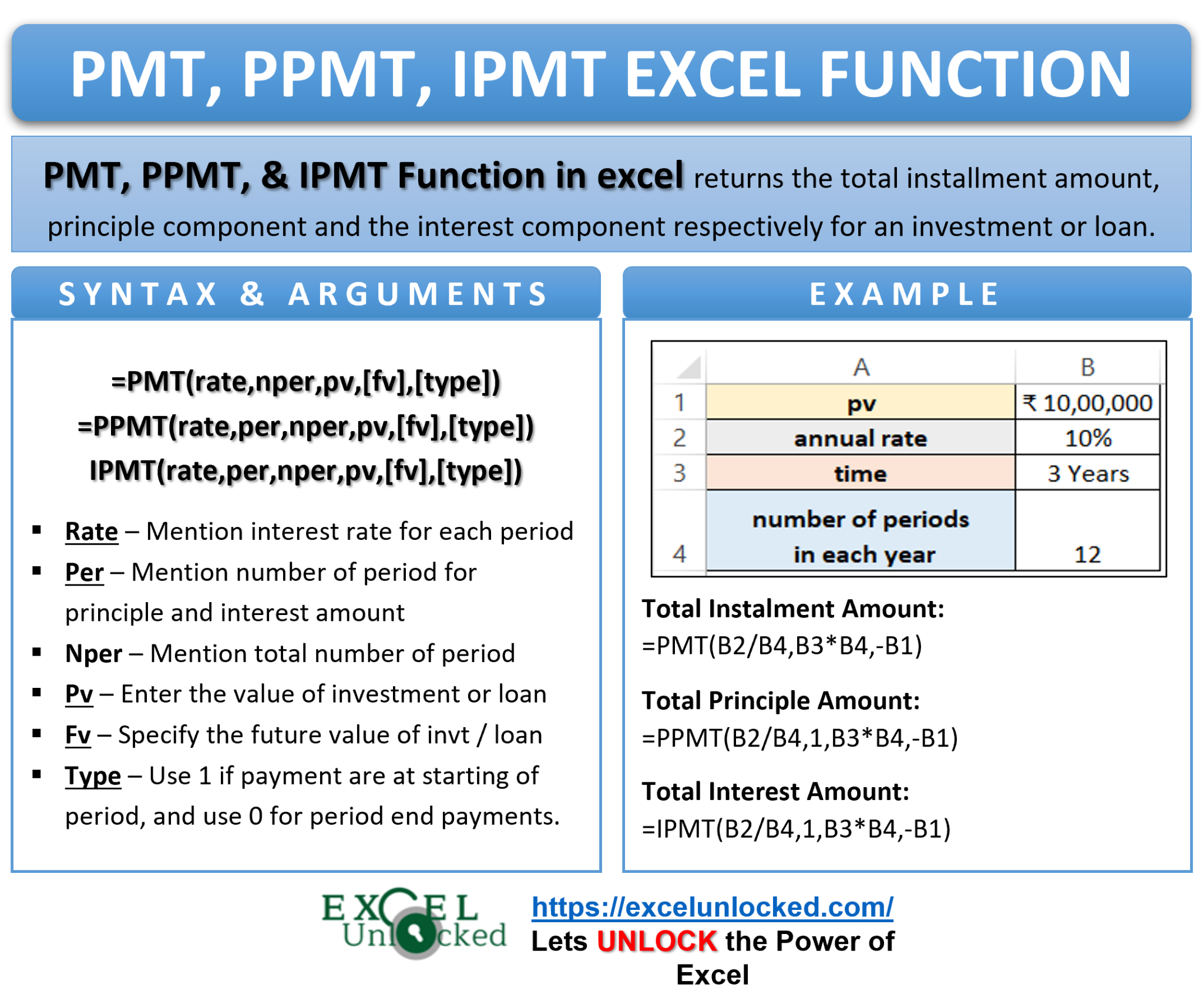
PMT PPMT IPMT Functions Of Excel Usage And Notes Excel Unlocked

How To Calculate The Interest Portion Of A Loan Payment Using IPMT

IPMT Function In Excel YouTube

PMT PPMT IPMT In Excel How To Use Financial Function PMT PPMT IPMT
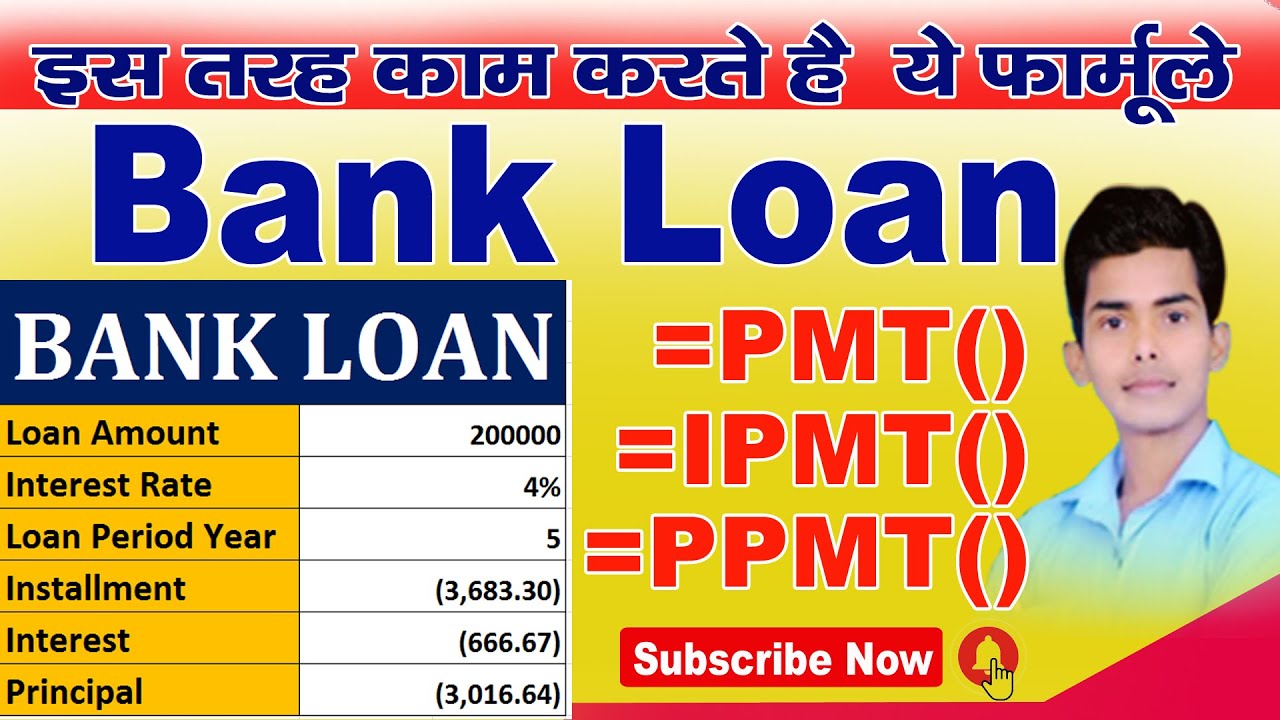
How To Use PMT PPMT IPMT Formulas In Excel YouTube

How to use The IPMT function returns the interest payment for a given period of an investment or a loan based on constant periodic payments and a constant interest rate IPMT takes six arguments four of which are required IPMT rate per nper pv fv type Each argument has the following meaning rate the interest rate per period
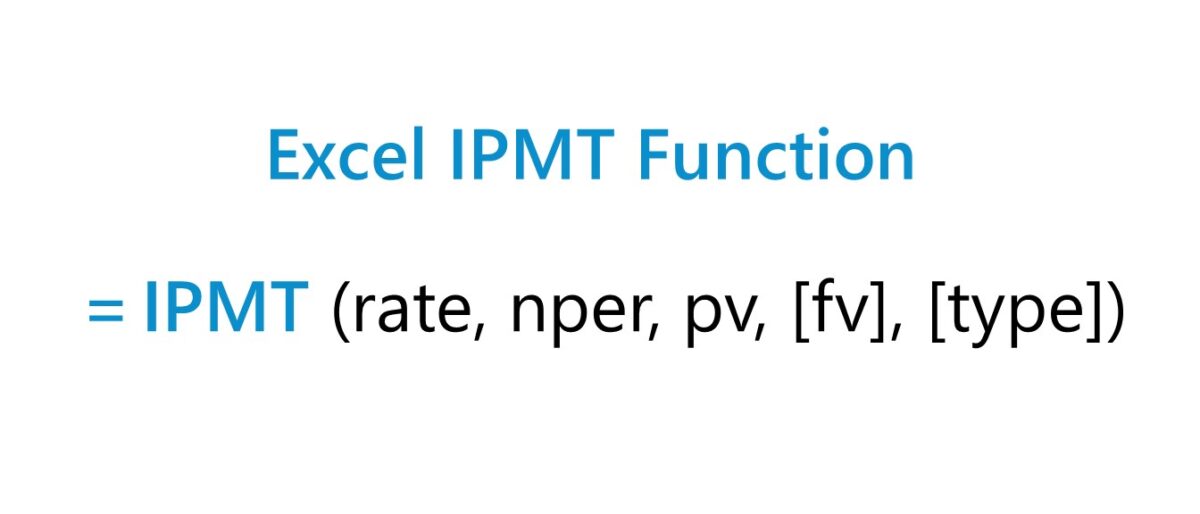
The IPMT function in Excel is used to find the interest payment of a loan amount for a certain period In this article you will get to know the introduction and usage of the IPMT function in Excel Table of Contents Expand IPMT Function Syntax Arguments Function Objective

How to use the IPMT Function in Excel As a worksheet function IPMT can be entered as part of a formula in a cell of a worksheet To understand the uses of the IPMT function let us consider a few examples Example 1 Let us assume we are given the following data

IPMT rate per nper pv fv type Rate is the interest rate per period Per is the period for which you want to find the interest and must be in the range 1 to nper Nper is the total number of payment periods in an annuity Pv is the present value or the lump sum amount that a series of future payments is worth right now

The tutorial shows how to use the IPMT function in Excel to find the interest portion of a periodic payment on a loan or mortgage Whenever you take out a loan whether it s a mortgage home loan or car loan you need to pay back the amount you originally borrowed and interest on top of it
Some loans use a repayment schedule with even principal payments The ISPMT function returns the interest payment for a given period for this type of loan To illustrate the amortization table below uses an even principal repayment schedule The interest charge each period is equal to the Rate times the unpaid balance for the previous period 2023 Google LLC How much of your first mortgage payment is going to interest What about payment 180 Excel s IPMT function will let you know how much is going to interest p
In this lesson you can learn how to use IPMT function in Excel This function calculates the amount of interest you have to pay in a given period assuming that the interest rate and monthly payment in subsequent periods are fixed Interest with the amount repayable installment loans are periodically calculated using the PMT function