How To Use Indirect Function In Data Validation In Excel How To Make A Data Validation List From Table In Excel 3 Methods How To Use Indirect Function In Excel Formulas Microsoftexcel Riset Data Validation With Indirect Function Excel Dependent Drop Downs In How To Use INDIRECT Function In Excel 12 Suitable Instances Excel Formula Tab Name Indirect V rias Estruturas The Excel INDIRECT function returns a valid cell reference from a given text string INDIRECT is useful when you want to assemble a text value that can be used as a valid reference Purpose Create a reference from text Return value A valid worksheet reference Syntax INDIRECT ref text a1 ref text A reference supplied as text
How to use the INDIRECT function Example 1 A basic INDIRECT Example 2 INDIRECT with SUM Example 3 INDIRECT with R1C1 Referencing Example 4 Excel INDIRECT and Data Validation Lists Example 5 How to Lock a Cell Reference using INDIRECT function FAQs What is the INDIRECT function in Excel What is the This video explains how to create a conditional data validation list with the Indirect function in Excel The tutorial explains how to create a data validati
Excel Formula Tab Name Indirect V rias Estruturas Logic And Validation In Dataverse Power Community How To Use The Excel INDIRECT Function Step By Step Data Validation How To Check User Input On Html Forms With Example Riset Excel Workout 5 Name Manager Data Validation Indirect Function Learn Data Validation In Excel Part 2 Custom Criteria Reject Create Drop Down List Using INDIRECT Function In Excel ExcelDemy Excel Create A Data Validation List To Only Allow Certain Items To Be How To Use Data Validation In Microsoft Excel YouTube
How To Use Indirect Function In Data Validation In Excel
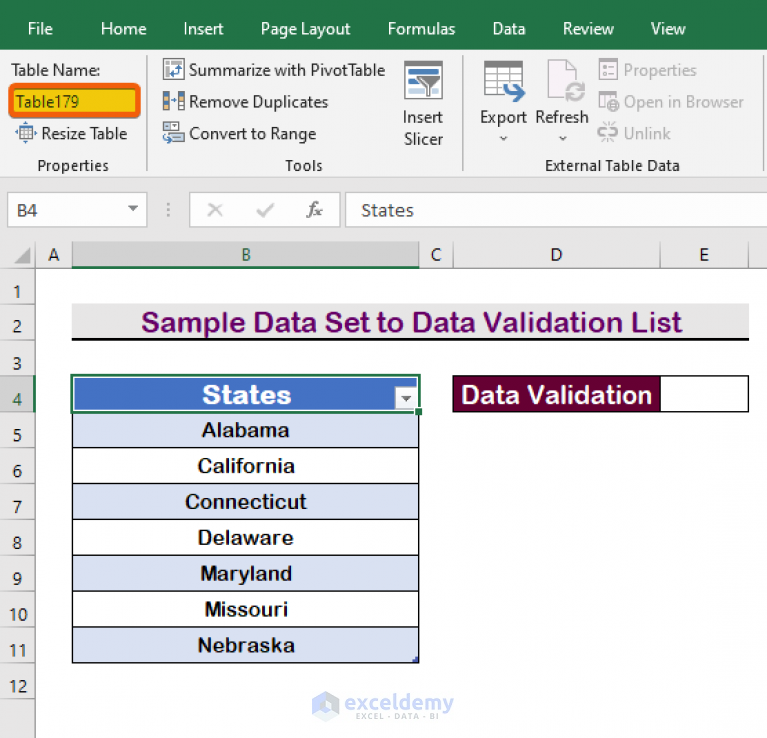 How To Use Indirect Function In Data Validation In Excel
https://www.exceldemy.com/wp-content/uploads/2022/03/Data-Validation-List-1-767x738.png
What is INDIRECT function in excel The INDIRECT function allows users to indirectly reference cells ranges arrays and even worksheets and workbooks The function in excel takes the cell reference in string text format and returns the corresponding value from the given string text cell
Templates are pre-designed documents or files that can be used for different purposes. They can save effort and time by supplying a ready-made format and layout for developing different sort of material. Templates can be used for personal or professional jobs, such as resumes, invitations, flyers, newsletters, reports, presentations, and more.
How To Use Indirect Function In Data Validation In Excel
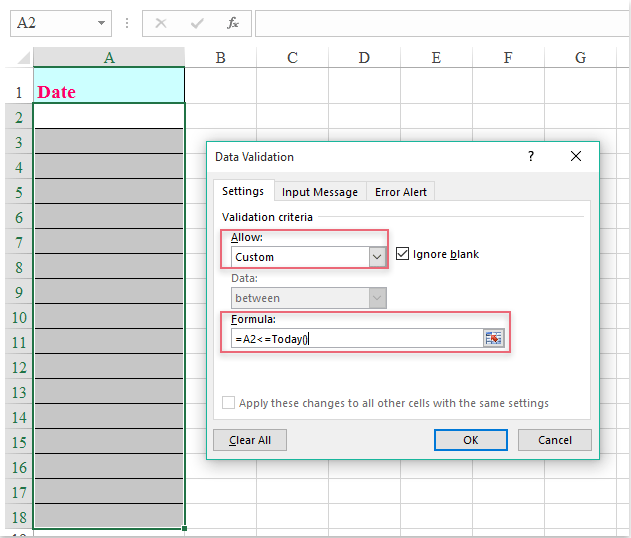
How To Search Data Validation List In Excel Printable Templates Free

Logic And Validation In Dataverse Power Community

How To Use The Excel INDIRECT Function Step By Step
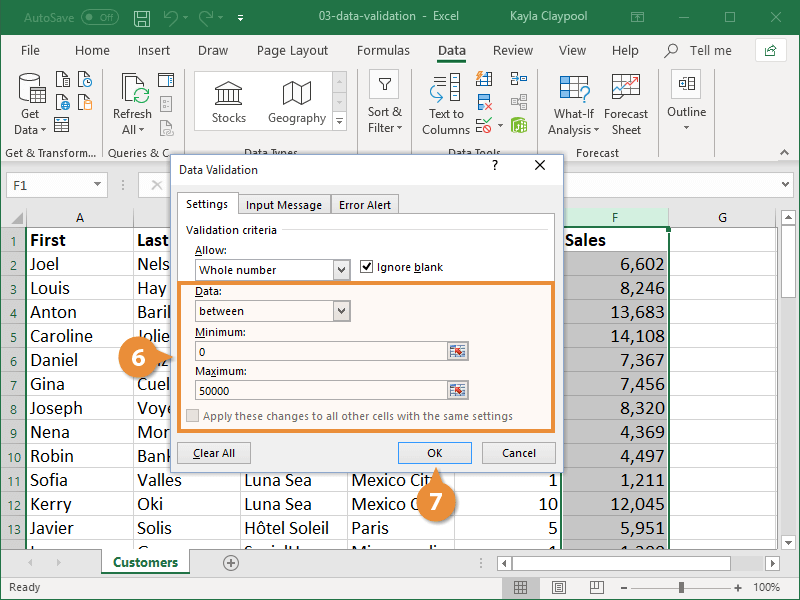
Data Validation How To Check User Input On Html Forms With Example Riset
Learn Data Validation In Excel Part 2 Custom Criteria Reject

Create Drop Down List Using INDIRECT Function In Excel ExcelDemy

Data Validation Basics INDIRECT Function Excel Tables Create Dependent Lists Dependent Dropdowns from Sorted List Dependent Lists INDEX Dependent Lists Tables Sample Files Roger Govier
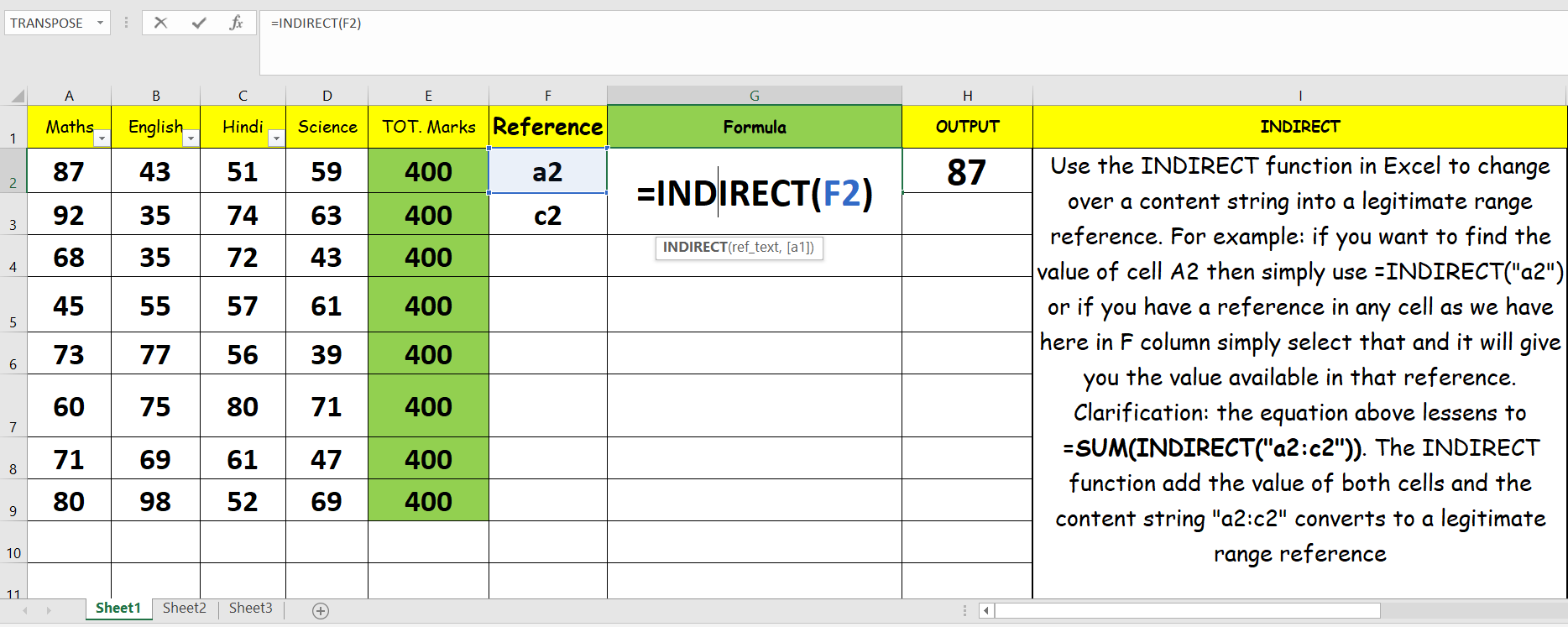
Using INDIRECT with Data Validation in Excel You can use the Excel INDIRECT function with Data Validation to create cascading drop down lists that display different choices depending on what value the user selected in the first dropdown A simple dependent drop down list is really easy to make

How To Use The INDIRECT Function With Data Validation And Tables In Excel YouTube 0 00 5 17 In this tutorial we will take a look at how to use a column from a table as the

With the two named formulas in place you set up Data Validation in the usual way Data tab Data validation For the first drop down list in the Source box enter fruit list the name created in step 2 1 For the dependent drop down list enter exporters list the name created in step 2 3 Done

Syntax INDIRECT ref text a1 The INDIRECT function syntax has the following arguments Ref text Required A reference to a cell that contains an A1 style reference an R1C1 style reference a name defined as a reference or a reference to a cell as a text string If ref text is not a valid cell reference INDIRECT returns the REF error value
Excel Use of INDIRECT in data validation Stack Overflow I want to apply Excel s INDIRECT function in data validation in VBA I am using VBA to populate the data validation criteria and using INDIRECT to find the appropriate workbook named range from a Stack Overflow About Products For Teams Stack OverflowPublic In This Advanced Excel Training Tutorial 2020 Learn Data Validation in Excel How to Create Dynamic Drop Down list Using OFFSET Indirect Functions This m
Sub insertfamilyValidate Selecciona la celda basica de indirecto insertfamilyValidate Macro Acceso directo CTRL f Rows 17 18 Select Selection Insert Shift xlDown Range A17 M17 Select With Selection Interior Pattern xlSolid PatternColorIndex xlAutomatic Color 39423 TintAndShade 0