How To Use Github In Command Line New repository on github using the command line tool - YouTube Using Git from the Command Line · GitHub Scripting with GitHub CLI | The GitHub Blog Git for Windows Adding locally hosted code to GitHub - GitHub Docs Learn how to use the newly released GitHub CLI to manage GitHub Issues and Pull Requests
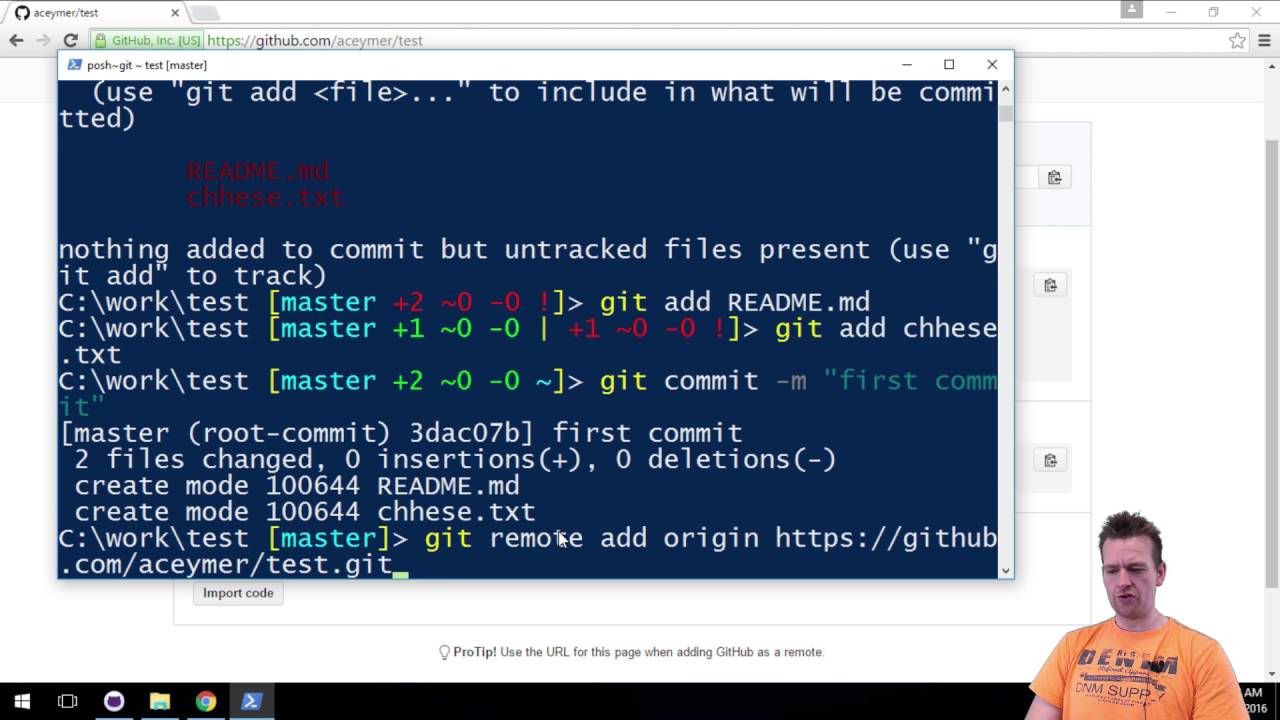
How can we push code or files from local PC to github using command line I am using In this video I d like to share with you guys about how to add an existing project from local
Adding locally hosted code to GitHub - GitHub Docs How to use the git remote add origin command to push remotely | TheServerSide Built in Terminal in GitKraken Client | Command Line The beginner's guide to Git & GitHub Git Cheat Sheet | DataCamp A Friendly Guide to Becoming a Git Power User | by Kairsten Fay | CodeX | Medium Uploading Files To GitHub Quick Start Guide - YouTube How To Download Files From GitHub Getting started with GitHub Desktop - GitHub Docs
How To Use Github In Command Line
 How To Use Github In Command Line
https://i.ytimg.com/vi/Y4uqOVl3VMY/maxresdefault.jpg
Now that we are comfortable with Git and Github let s make it all work on the command line
Pre-crafted templates use a time-saving option for producing a diverse range of documents and files. These pre-designed formats and designs can be used for various individual and professional jobs, consisting of resumes, invitations, leaflets, newsletters, reports, presentations, and more, enhancing the content development process.
How To Use Github In Command Line

GitHub's easy to use command line tool: "gh"! - xiaomiui
How to use the git remote add origin command to push remotely | TheServerSide
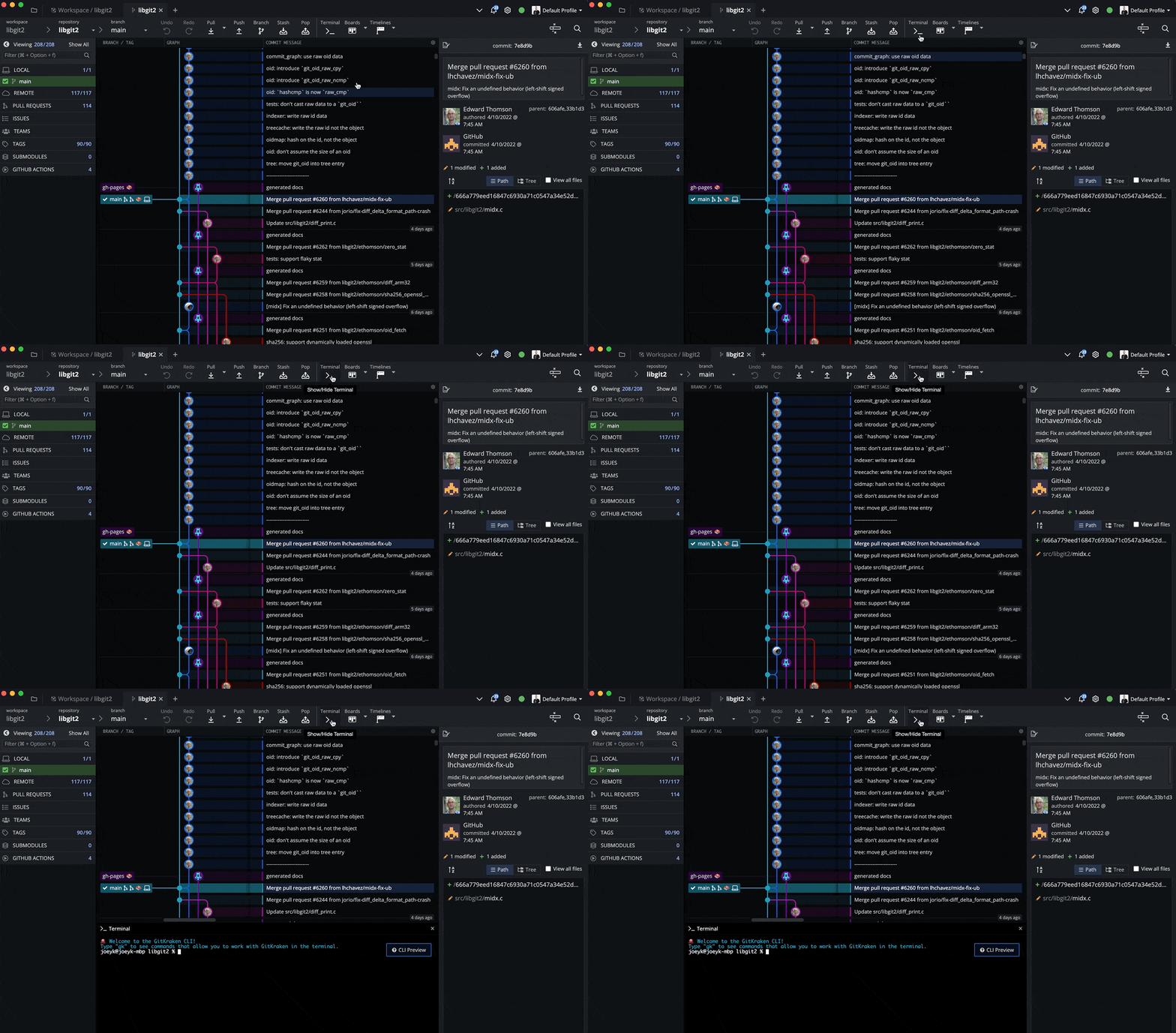
Built in Terminal in GitKraken Client | Command Line
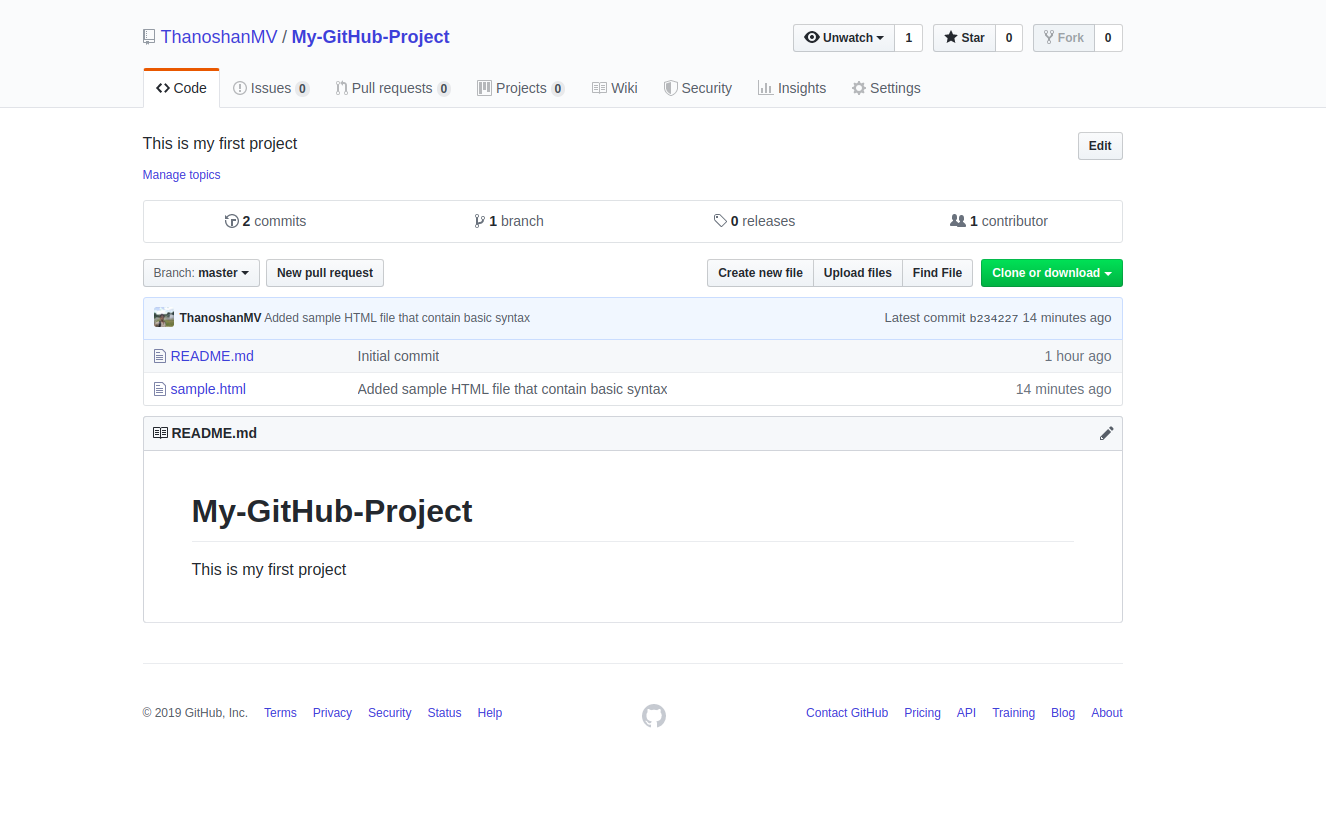
The beginner's guide to Git & GitHub
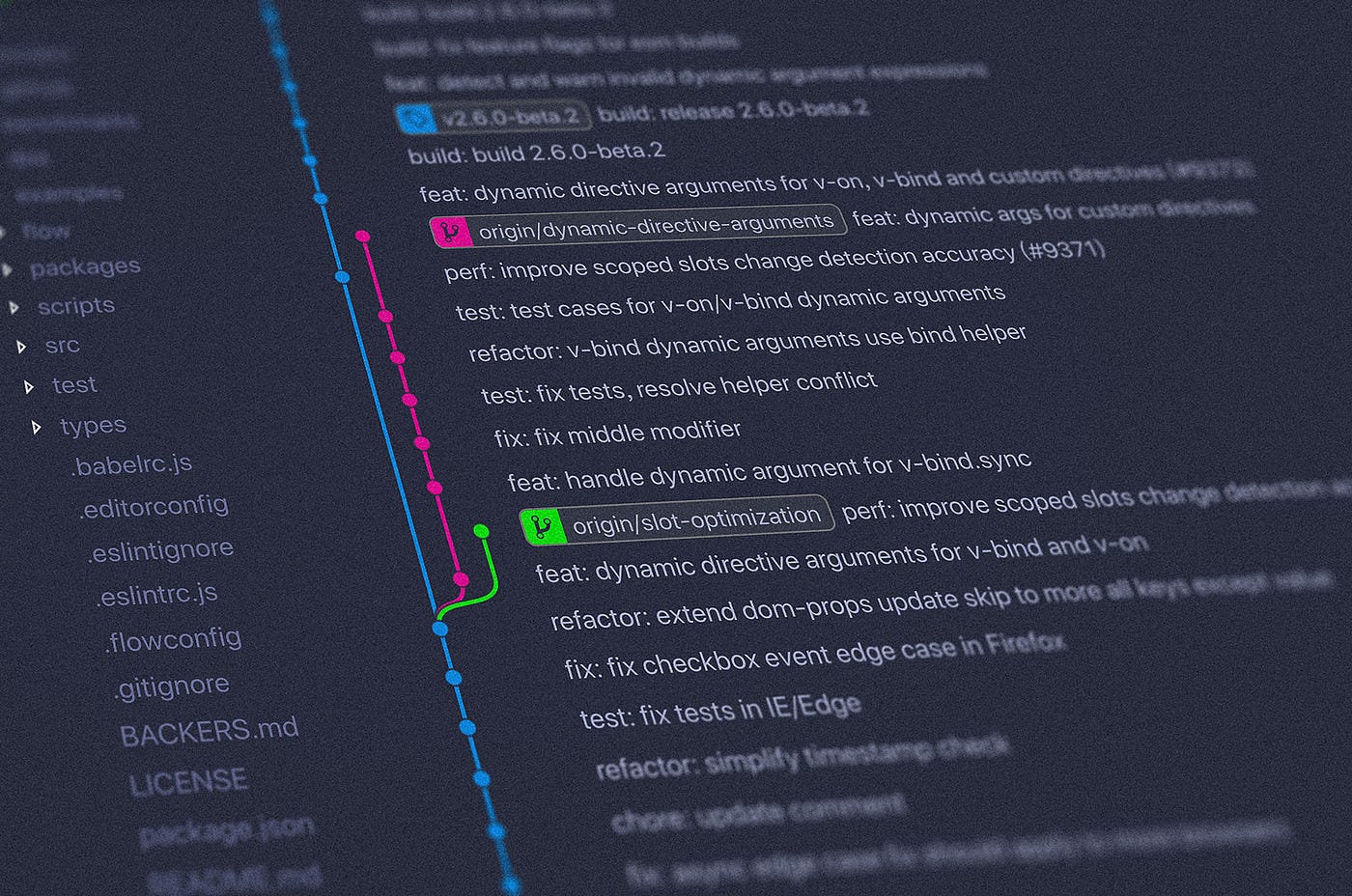
A Friendly Guide to Becoming a Git Power User | by Kairsten Fay | CodeX | Medium
Uploading Files To GitHub Quick Start Guide - YouTube

To use Git on the command line you will need to download install and configure Git on your computer You can also install GitHub CLI to use GitHub from
When you use git from the command line use the following steps Accessing the Repository On Windows launch Git Bash on MacOS or Linux launch a terminal
Try GitHub on the command line GitHub CLI brings GitHub to your terminal Free and open source
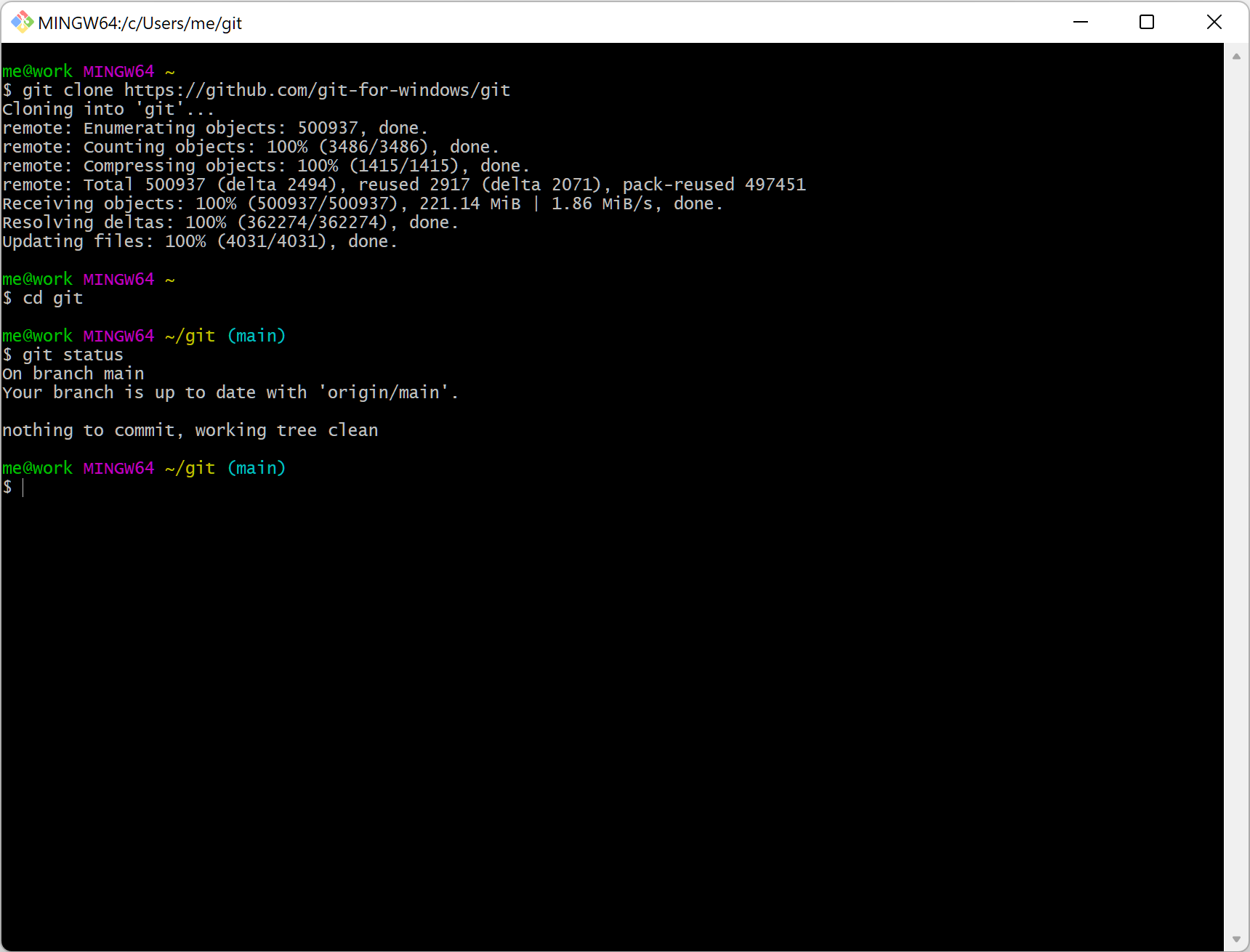
To create a repository for your project on GitHub use the gh repo create subcommand When prompted select Push an existing local repository to GitHub and

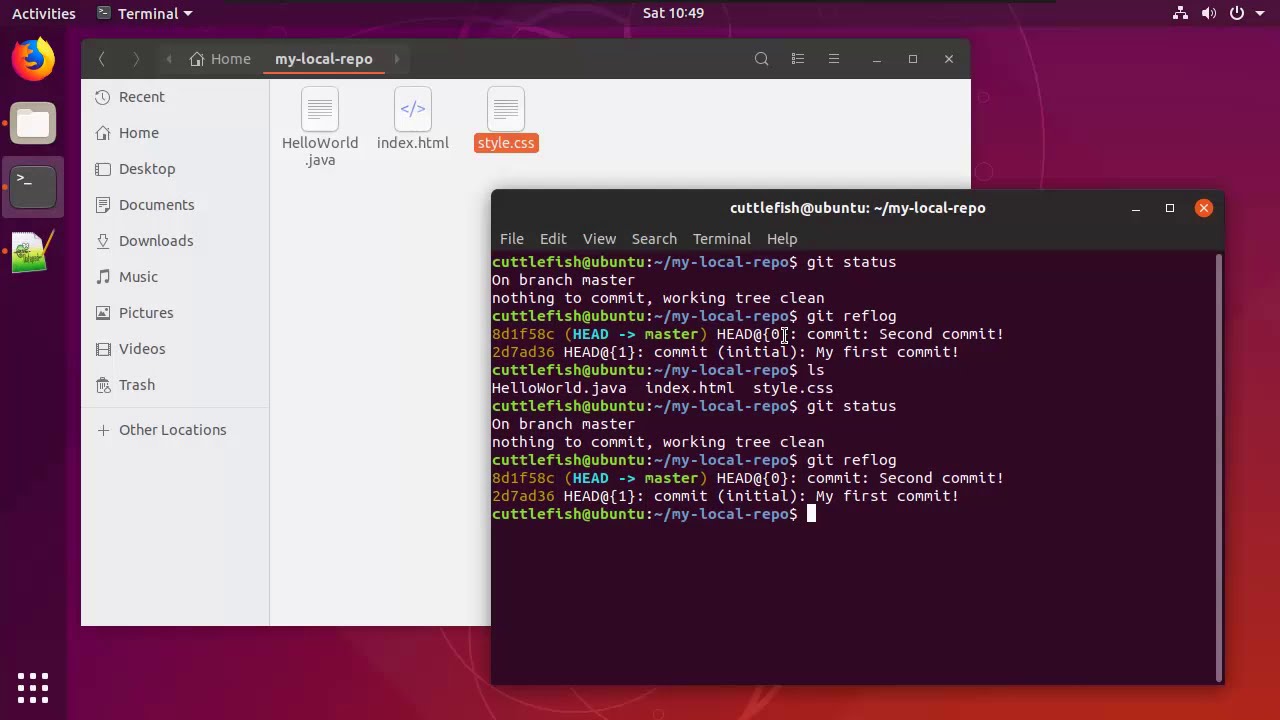
Step 0 Install git and create a GitHub account Step 1 Create a local git repository Step 2 Add a new file to the repo Step 3 Add a file to the staging
GitHub now has its own CLI With this command line tool you can easily create new Choose a terminal Built in command line On the Windows taskbar select the search icon and type cmd PowerShell Git Bash It is built into Git for Windows
This tutorial is a short 10 minute read if you follow along and will completely guide you on how to get started We will look at how to install