How To Use Ghostscript On Windows How To Download And Install Ghostscript On Windpws 10 8 7 Ghostscript How To Use GhostScript For Windows To Repair Damaged PDF Files YouTube How To Download And Install Ghostscript On Windows 10 8 7 2020 YouTube What Is Ghostscript For Windows Romslide How To Install Ghostscript On Windows 7 Web May 28 2020 nbsp 0183 32 1 Answer Sorted by 5 Note that on Windows the Ghostscript executable is not called gs it is either gswin32 gswin32c gswin64 or gswin64c depending on whether you install the 32 or 64 bit version and want the command line or windowed version of the interactive interpreter Share
Web To install Ghostscript on Windows you should run the installer executable The installer is NSIS based and supports a few standard NSIS options NCRC disables the CRC check D sets the default installation directory It must be the last parameter used in the command line and must not contain any quotes even if the path contains spaces Web Sep 27 2021 nbsp 0183 32 Detailed instructions on how to use Ghostscript including such matters as designating an output device choosing a default paper size how Ghostscript finds files including font files how it uses environment variables notes on specific platforms including the X Window System and command line options
How To Install Ghostscript On Windows 7 How To Convert PDFs To Images For ML Projects Using Ghostscript And Ghostscript Studio Download How To Install Ghostscript Ghostscript Tutorial How To Print Different Types Of Halftone AI Ghostscript Imp On Delphi C Builder Install Ghostscript Introduction To Ghostscript Grenade Ghostscript Write Command Windows Stack Overflow
How To Use Ghostscript On Windows
 How To Use Ghostscript On Windows
http://renodefol.weebly.com/uploads/1/2/7/5/127583811/716535858_orig.png
Web Aug 23 2015 nbsp 0183 32 1 First thing you should do is reduce the complexity of your command line From the command shell try gswin32c Do you get a bunch of GS copyright messages and a GS gt prompt If you do then type quit then press return and you should be back to the command shell This means Ghostscript is installed in your path and working
Templates are pre-designed files or files that can be used for various functions. They can conserve effort and time by offering a ready-made format and layout for developing different type of content. Templates can be used for personal or expert jobs, such as resumes, invites, leaflets, newsletters, reports, presentations, and more.
How To Use Ghostscript On Windows

EsN Install Ghostscript
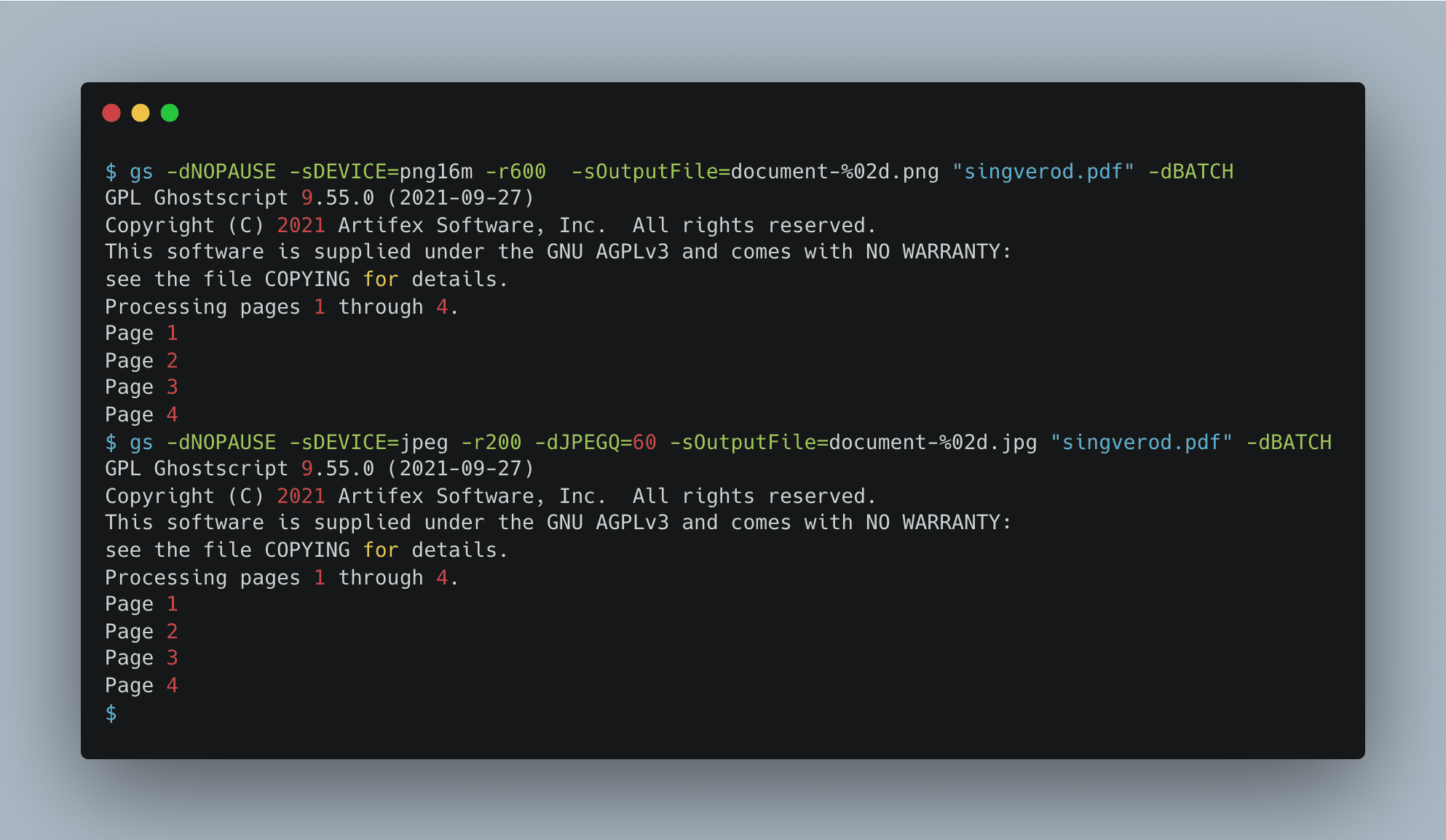
How To Convert PDFs To Images For ML Projects Using Ghostscript And
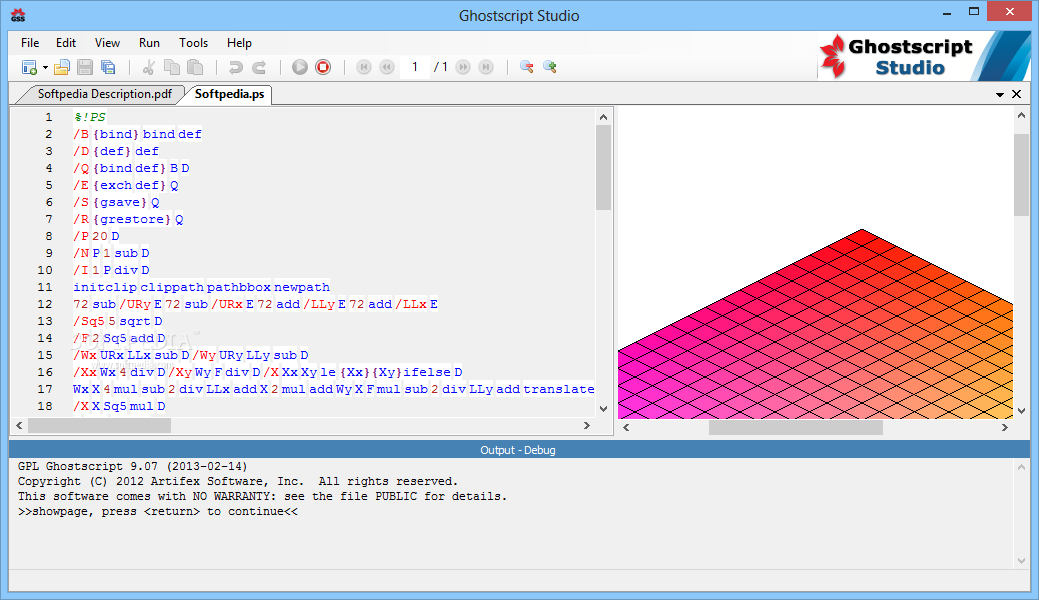
Ghostscript Studio Download

How To Install Ghostscript

AI Ghostscript Imp On Delphi C Builder

Install Ghostscript

Web Oct 20 2001 nbsp 0183 32 Using X Windows on VMS If you are using on an X Windows display you can set it up with the node name and network transport for instance set display create node quot doof city quot transport tcpip and then run Ghostscript by typing gs at the command line

Web After looking through it if you want to install Ghostscript and not only use it we recommend you read How to install Ghostscript and How to compile Ghostscript from source code which is necessary before installing it

Web Open a cmd window and assuming your Ghostscript installation ended up in c path to gs then type set path c path to gs gs9 02 bin path From this same cmd window you can now simply use gswin32c to start Ghostscript use gswin64c on 64 bit Windows Share Improve this answer

Web Feb 20 2004 nbsp 0183 32 Using X Windows on VMS If you are using on an X Windows display you can set it up with the node name and network transport for instance set display create node quot doof city quot transport tcpip and then run Ghostscript by typing gs at the command line
Web Jun 19 2021 nbsp 0183 32 11 1 If you used the Artifex supplied Windows installer downloaded from Ghostscript then Ghostscript will be installed in your start menu To find out where the executable is and what its called right click on the start menu item and select properties from the context menu
Web Oct 20 2001 nbsp 0183 32 You must have three things to run Ghostscript The Ghostscript executable file on some operating systems more than one file is required These are entirely platform specific See below for details Initialization files that Ghostscript reads in when it starts up these are the same on all platforms Web Jan 30 2004 nbsp 0183 32 This document describes how to use the command line Ghostscript client Ghostscript is also used as a general engine inside other applications for viewing files for example Please refer to the documentation for those applications for using Ghostscript in
Web FAQ What is Ghostscript What are GhostPDL GhostPCL and GhostXPS Where can I download Ghostscript GhostPDL Does Ghostscript support PDF 2 0 standard ISO 32000 2 2017 How do I install Ghostscript on Windows How do I install Ghostscript on Linux How do I build Ghostscript from source on Linux