How To Use Fx Function In Excel CASIO Fx 82ZA PLUS II STAT MODE 1 VARIABLE YouTube How To Use FX Radar Wireless Bluetooth Chronograph YouTube How To Use The IFS Function In Excel Flipboard How To Use Fx Replay Guide YouTube Why And How To Use FX In REAPER WEB With the Currencies data type you can easily get and compare exchange rates from around the world In this article you ll learn how to enter currency pairs convert them into a data type and extract more information for robust data
WEB In this example the goal is to get monthly currency exchange rates for a given currency pair i e USD gt EUR USD gt GBP CAD gt JPY etc Currency abbreviations are entered in cells F5 and F6 and the start and end dates are entered in cells F7 and F8 WEB Functions are predefined formulas that perform calculations by using specific values called arguments in a particular order or structure Functions can be used to perform simple or complex calculations You can find all of Excel s functions on the Formulas tab on the Ribbon Excel function syntax
Why And How To Use FX In REAPER Casio Fx 9750GIII Python Graphing Calculator Casio Graphing 02 How To Use FX In Photoshop Cs6 YouTube How To Create A User Defined Function In Microsoft Excel WikiHow 7488 How To Use FX Carry In Trading Strategies Macrosynergy Research How To Use Fx 82MS Scientific Calculator How To Use Scientific Fx 991CW CASIO Fx 991CW CASIO PHILIPPINES Fx Algebra Calculus Function X Icon Download On Iconfinder
How To Use Fx Function In Excel
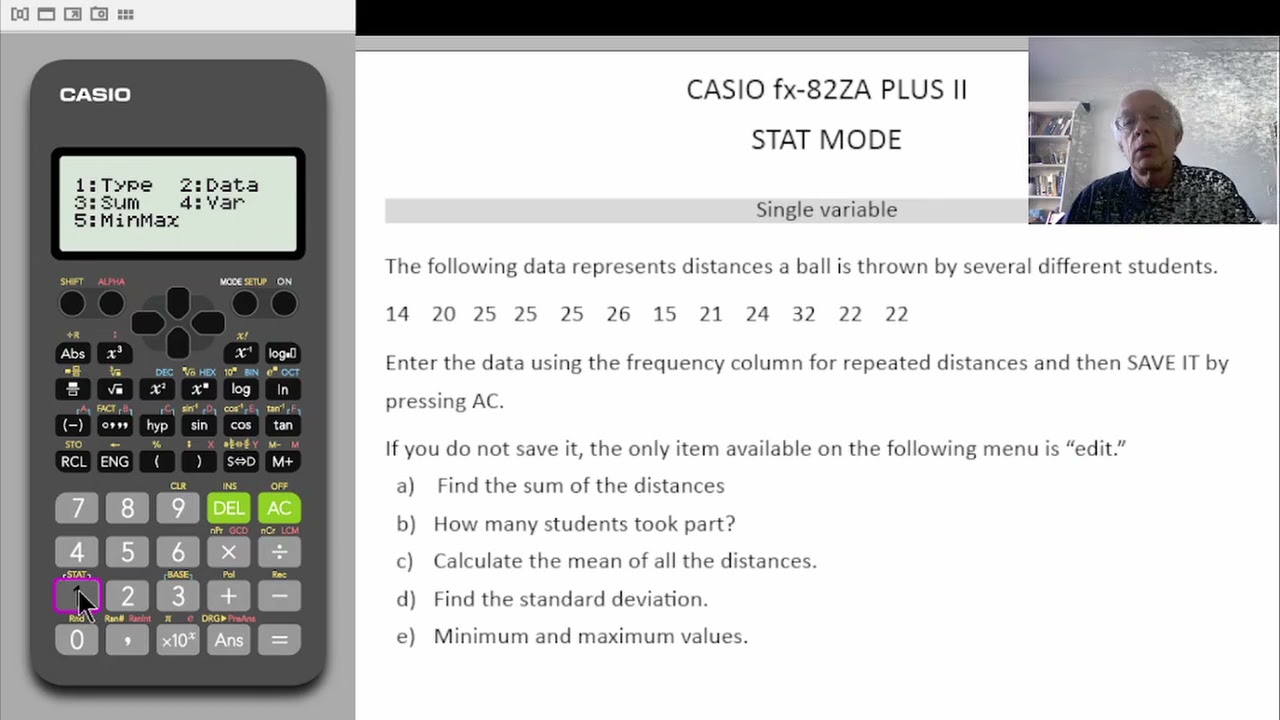 How To Use Fx Function In Excel
https://i.ytimg.com/vi/syS34SPomcg/maxresdefault.jpg
WEB Although Excel includes a multitude of built in worksheet functions chances are it doesn t have a function for every type of calculation you perform Custom functions like macros use the Visual Basic for Applications VBA programming language
Templates are pre-designed documents or files that can be used for different purposes. They can save time and effort by supplying a ready-made format and design for developing different kinds of material. Templates can be utilized for individual or expert tasks, such as resumes, invites, leaflets, newsletters, reports, discussions, and more.
How To Use Fx Function In Excel

How To Use Scientific Calculator Casio Fx 82ES Plus Tutorial Video

Casio Fx 9750GIII Python Graphing Calculator Casio Graphing

02 How To Use FX In Photoshop Cs6 YouTube

How To Create A User Defined Function In Microsoft Excel WikiHow 7488

How To Use Fx 82MS Scientific Calculator How To Use Scientific
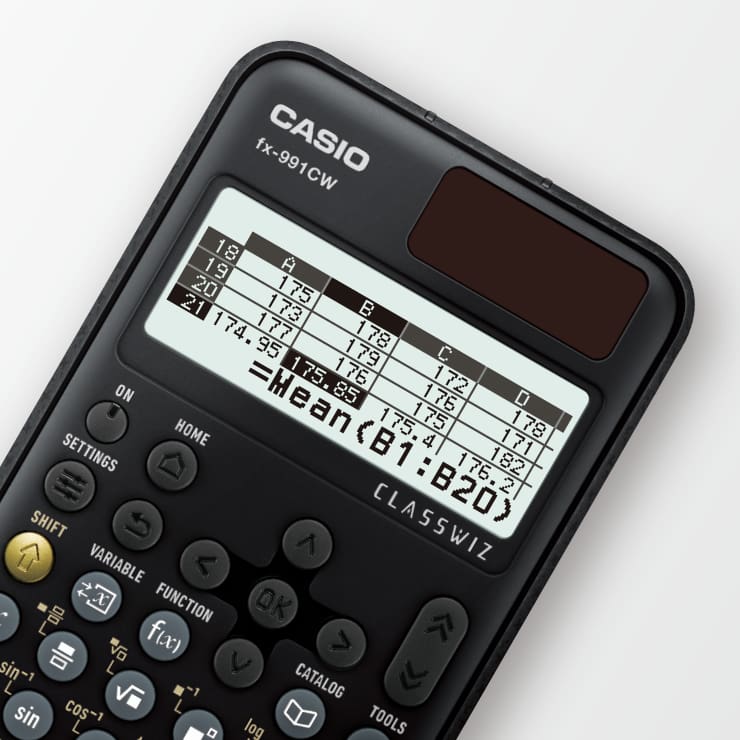
Fx 991CW CASIO

WEB Aug 22 2023 nbsp 0183 32 What to have custom functions in Excel See how to create and use different kinds of user defined functions

WEB Oct 27 2019 nbsp 0183 32 The formula bar is a toolbar that appears at the top of Microsoft Excel and Google Sheets spreadsheets it is also sometimes called the fx bar because that shortcut is right next to it You use the formula bar to enter a new formula or copy an existing formula its uses also include displaying and editing formulas
WEB Jun 20 2024 nbsp 0183 32 This one topic really covered three things how to calculate a loan payment how to use the fx icon to discover new functions and how to use the Function Arguments dialog to get help on any function

WEB To use functions in Excel select a cell and type quot quot followed by the function name and quot quot For example type quot IF quot and you ll see the syntax appear for the IF Function You can also press the small fx button next to the formula bar This will open up the Formula Wizard

WEB Learn Excel in just 2 hours https kevinstratvert thinkificIn this step by step Microsoft Excel tutorial learn how to use Formulas and Functions W
WEB Oct 22 2021 nbsp 0183 32 How to Find a Function in Excel Use a Function You Find Try Formula AutoComplete When you write a new formula in Microsoft Excel half the battle is finding the correct function to use Luckily Excel provides a way for you to quickly locate the function you need for your situation WEB Jan 13 2022 nbsp 0183 32 Strategy To find a function you can click the Insert Function fx button This button is always available to the left of the formula bar and it appears 12 additional times in Excel mostly on the Formulas tab
WEB A small guide how to use sum function