How To Use External Sqlite Database In Android Studio Using A Simple SQLite Database In Your Android App 2023 How To Install Sqlite Database In Android Tidebc Android Create SQLite Database And Adding Data ParallelCodes Android SQLite Database Tutorial Build Note Taking App YouTube Android How To Create SQLite Database ParallelCodes Import and use external database in android Using SQLite YouTube 0 00 5 53 Import and use external database in android Using SQLite analog info 735 subscribers
Create an SQLite local database on the Android device configure new tables with the onCreate method setup the columns and data types extend the SQLiteHelper class create CRUD methods in a DAO Data Access Object class display results on a listview and more Watch the full course on the freeCodeCamp YouTube channel 2 hour watch 1 Answer Sorted by 2 You can use SQLiteAssetHelper which has all the code stuff that you need to install a pre packaged database when your app is first run You cannot directly open files from assets folder You have to copy the database file of your assets folder into an internal external storage and then use the File path to open the file
Android How To Create SQLite Database ParallelCodes Android Tutorial How To Connect Android Studio With SQL Server Simple Sqlite Database Example In Android Lanetide How To Connect Android With SQLite Database Android SQLite Database SQLite Database In Android Studio In Hindi How To Connect Android How To Use A SQLite Database With Android Studio Android App Using SQLite Database To Save Data In Database Tutorial Android Tutorial CRUD With SQLite Database Android My Android SQLite Database Tutorial Design Activity Android Tutorials
How To Use External Sqlite Database In Android Studio
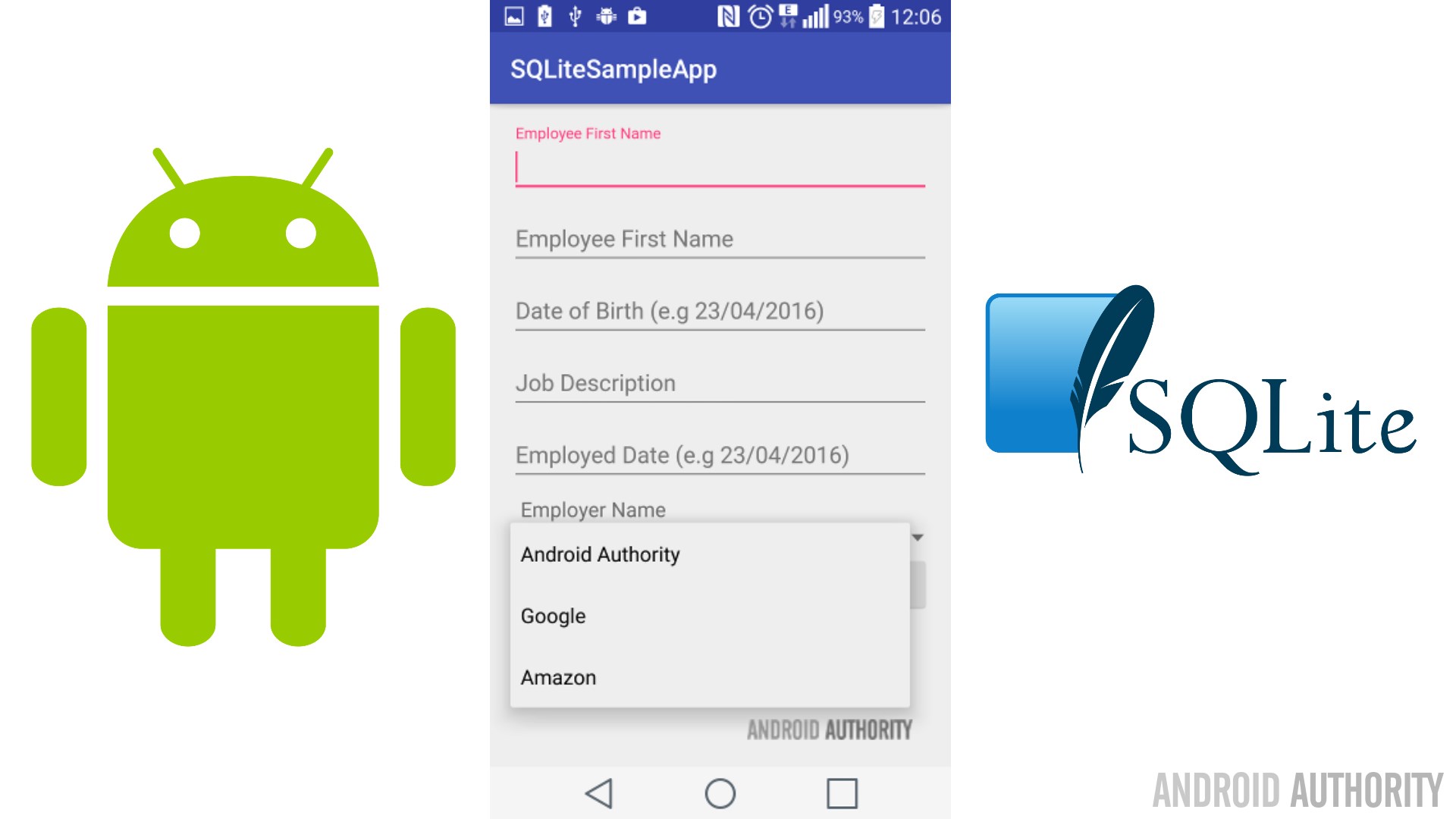 How To Use External Sqlite Database In Android Studio
https://www.androidauthority.com/wp-content/uploads/2016/10/Creating-a-simple-SQLite-database-in-your-Android-app.jpg
Step 1 Create a New Project To create a new project in Android Studio please refer to How to Create Start a New Project in Android Studio Note that select Java as the programming language Step 2 Adding permissions to access the storage in the AndroidManifest xml file Navigate to the app AndroidManifest xml and add the below code to it XML
Pre-crafted templates provide a time-saving service for developing a diverse variety of documents and files. These pre-designed formats and layouts can be utilized for various individual and expert tasks, including resumes, invites, flyers, newsletters, reports, discussions, and more, enhancing the material creation process.
How To Use External Sqlite Database In Android Studio
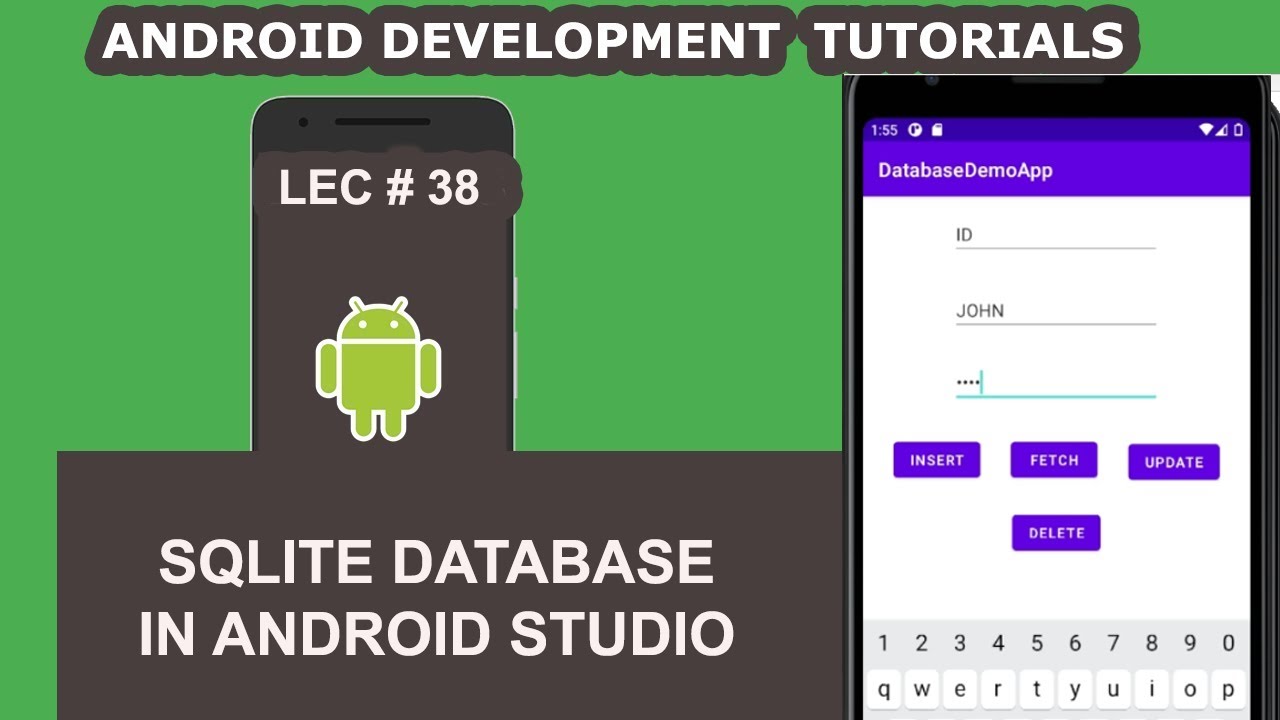
SQLite Database In Android Studio 38 Android Development Tutorial
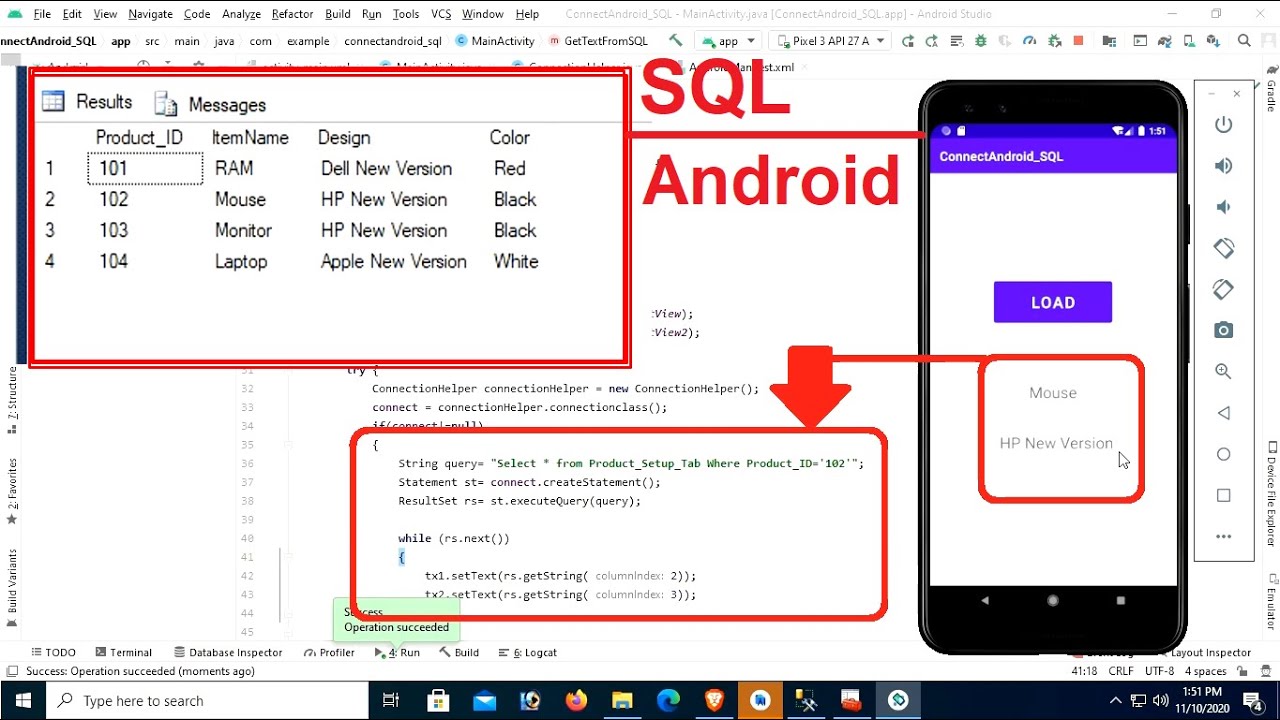
Android Tutorial How To Connect Android Studio With SQL Server
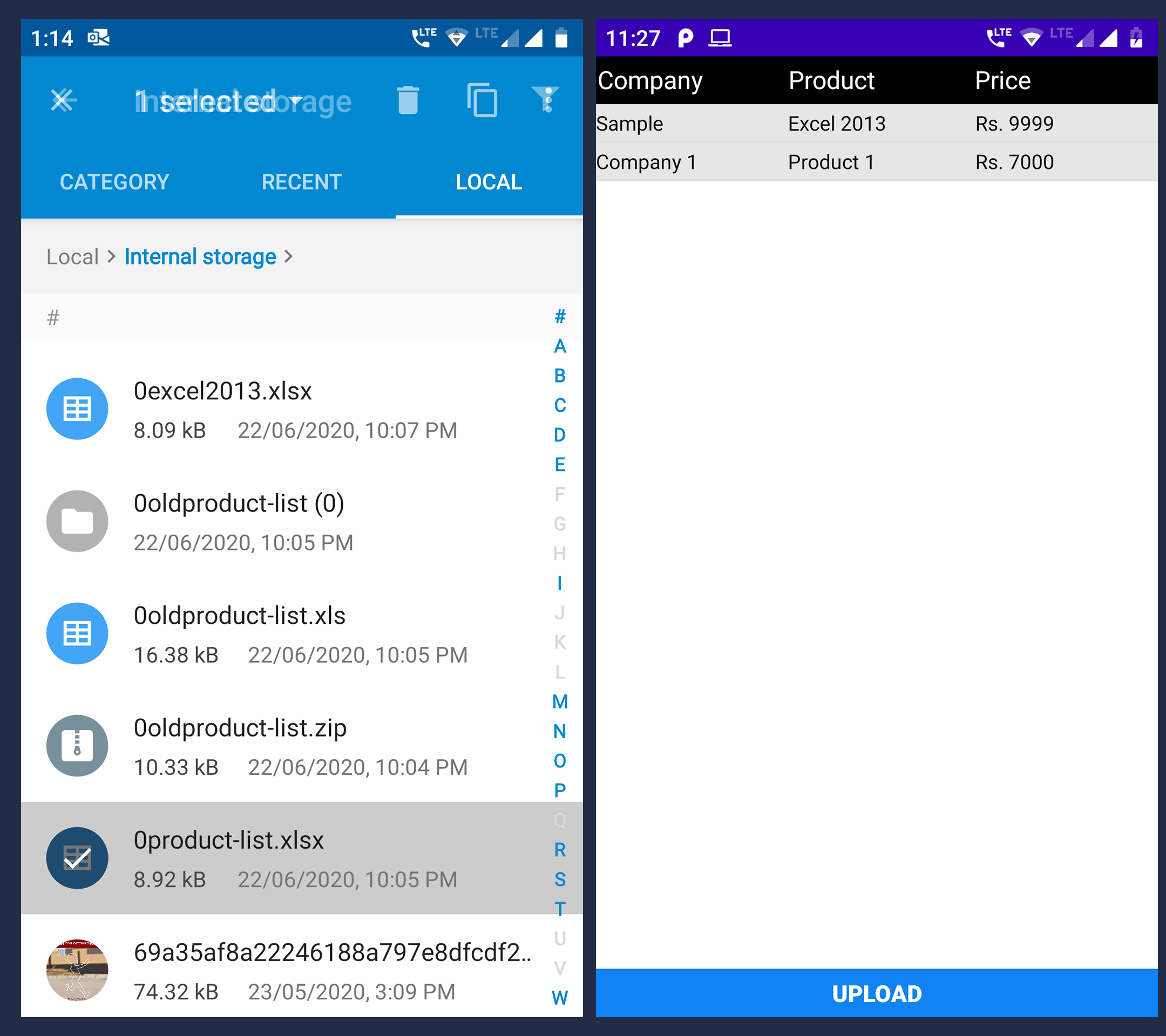
Simple Sqlite Database Example In Android Lanetide

How To Connect Android With SQLite Database Android SQLite Database

How To Use A SQLite Database With Android Studio
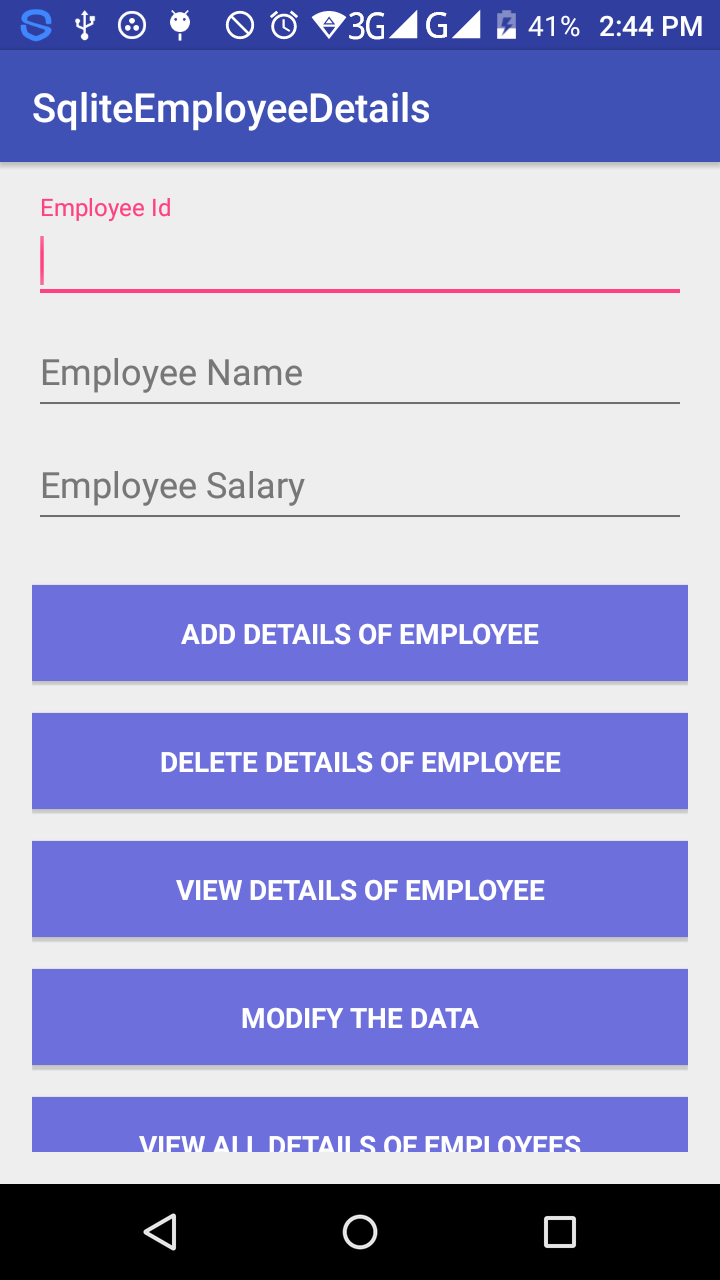
Android App Using SQLite Database To Save Data In Database
The APIs you ll need to use a database on Android are available in the android database sqlite package Caution Although these APIs are powerful they are fairly low level and require a great deal of time and effort to use There is no compile time verification of raw SQL queries
Import and Use External Database in Android Using your own SQLite database in Android applications 78 992 views In this video tutorial I ve covered an Android library which is

Adding external SQLite database to android Studio Ask Question Asked 7 years 4 months ago Modified 7 years 3 months ago Viewed 575 times Part of Mobile Development Collective 0 I created a SQLite database with SQLite Expert and it s name is dbtest I copied it to assets folder when i run the program it shows this dialog

Extend by device Build apps that give your users seamless experiences from phones to tablets watches and more

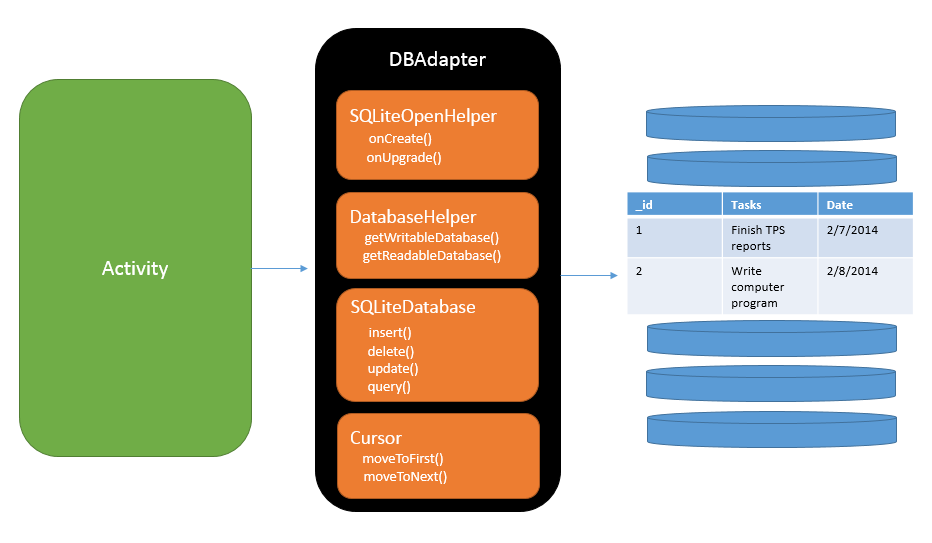
Android SQLite is a very lightweight database which comes with Android OS Android SQLite combines a clean SQL interface with a very small memory footprint and decent speed For Android SQLite is baked into the Android runtime so every Android application can create its own SQLite databases Android SQLite native API is not JDBC as
uses permission android name android permission WRITE EXTERNAL STORAGE uses permission android name android permission READ EXTERNAL STORAGE But what I am getting is the following exceptions Creating And Updating Database In Android For creating updating and other operations you need to create a subclass or SQLiteOpenHelper class SQLiteOpenHelper is a helper class to manage database creation and version management It provides two methods onCreate SQLiteDatabase db onUpgrade SQLiteDatabase db int oldVersion int newVersion
Start a new empty Android Studio project Now create a new class by right clicking the package on the left and choosing New Java Class I ve called mine Database We want to extend