How To Use Existing Sqlite Database In Android Studio Using A Simple SQLite Database In Your Android App 2022 Android SQLite Database In Kotlin How To Install Sqlite In Android Studio Fatdelta Android SQLite Database Example Tutorial DigitalOcean Creating A SQLite Database For Your Android App Rkimball Using a simple SQLite database in your Android app Creating and using an SQLite database for data persistence in Android apps Covers the basics as well as using foreign keys Full
From a remote shell to your device or from your host machine use the sqlite3 command line program to manage SQLite databases created by Android applications The sqlite3 tool includes many useful commands such as dump to print out the contents of a table and schema to print the SQL CREATE statement for an existing table The tool also gives you the ability to execute SQLite commands on the In this video I m going to be showing you how to use an existing Database of SQLite in an android application by using Android Studio in a very easy way By
Creating A SQLite Database For Your Android App Rkimball How To View And Locate Sqlite Database In Android Studio Geeksforgeeks Use A With Studio Vrogue Simple Android App With Database Musliht Stillcup blogg se How To View Sqlite Database In Android Studio Android Sqlite Browser Download Lopezlimo Android SQLite Database Tutorial Build Note Taking App YouTube Android Inserting Data To SQLite Free Source Code Projects And Tutorials Simple Sqlite Database Example In Android Lanetide Flutter SQLite Database Crud Flutter SQFLite How To Insert Retrieve Data In Sqlite In
How To Use Existing Sqlite Database In Android Studio
 How To Use Existing Sqlite Database In Android Studio
https://www.androidauthority.com/wp-content/uploads/2016/10/Creating-a-simple-SQLite-database-in-your-Android-app.jpg
Step by Step Implementation Step 1 Create a New Project To create a new project in Android Studio please refer to How to Create Start a New Project in Android Studio Note that select Java as the programming language Step 2 Adding permissions to access the storage in the AndroidManifest xml file
Pre-crafted templates provide a time-saving service for producing a varied variety of documents and files. These pre-designed formats and layouts can be used for numerous personal and professional jobs, including resumes, invites, flyers, newsletters, reports, discussions, and more, streamlining the material creation process.
How To Use Existing Sqlite Database In Android Studio

How To View And Locate Sqlite Database In Android Studio Geeksforgeeks Use A With Studio Vrogue

How To View And Locate Sqlite Database In Android Studio Geeksforgeeks Use A With Studio Vrogue
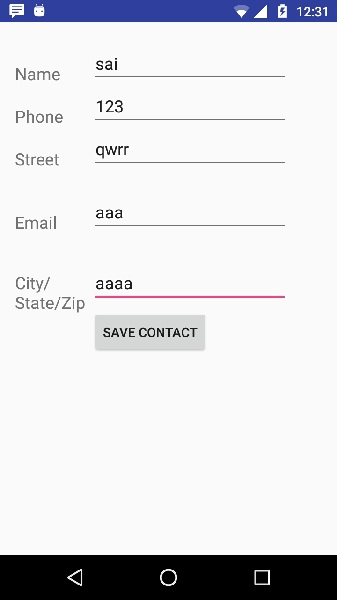
Simple Android App With Database Musliht
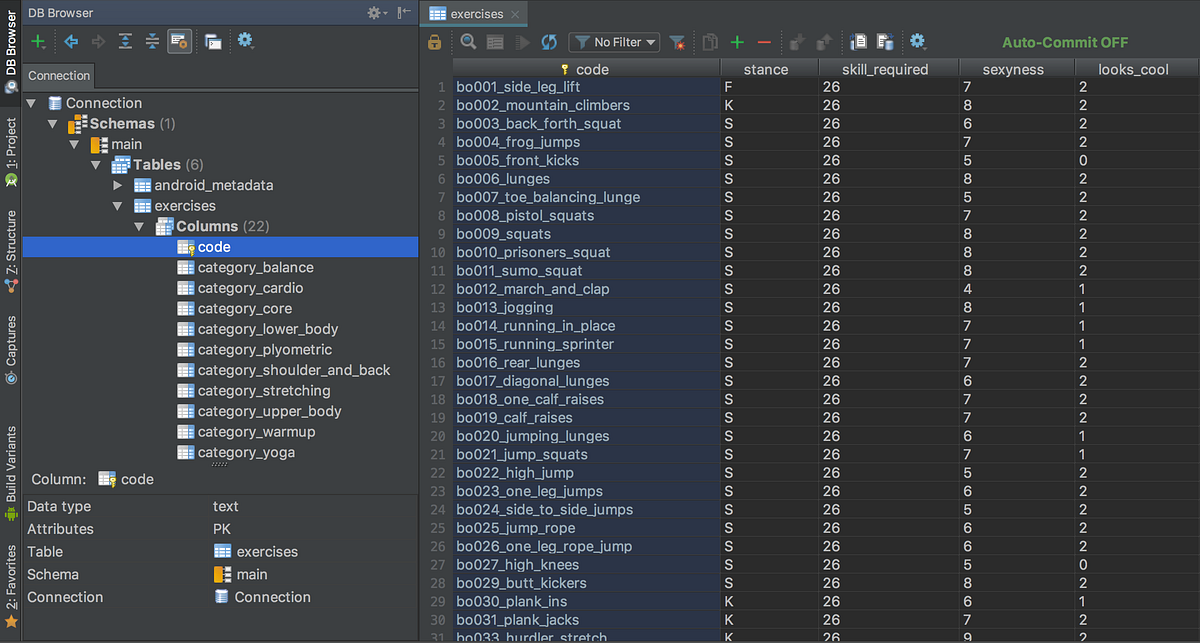
Stillcup blogg se How To View Sqlite Database In Android Studio

Android SQLite Database Tutorial Build Note Taking App YouTube
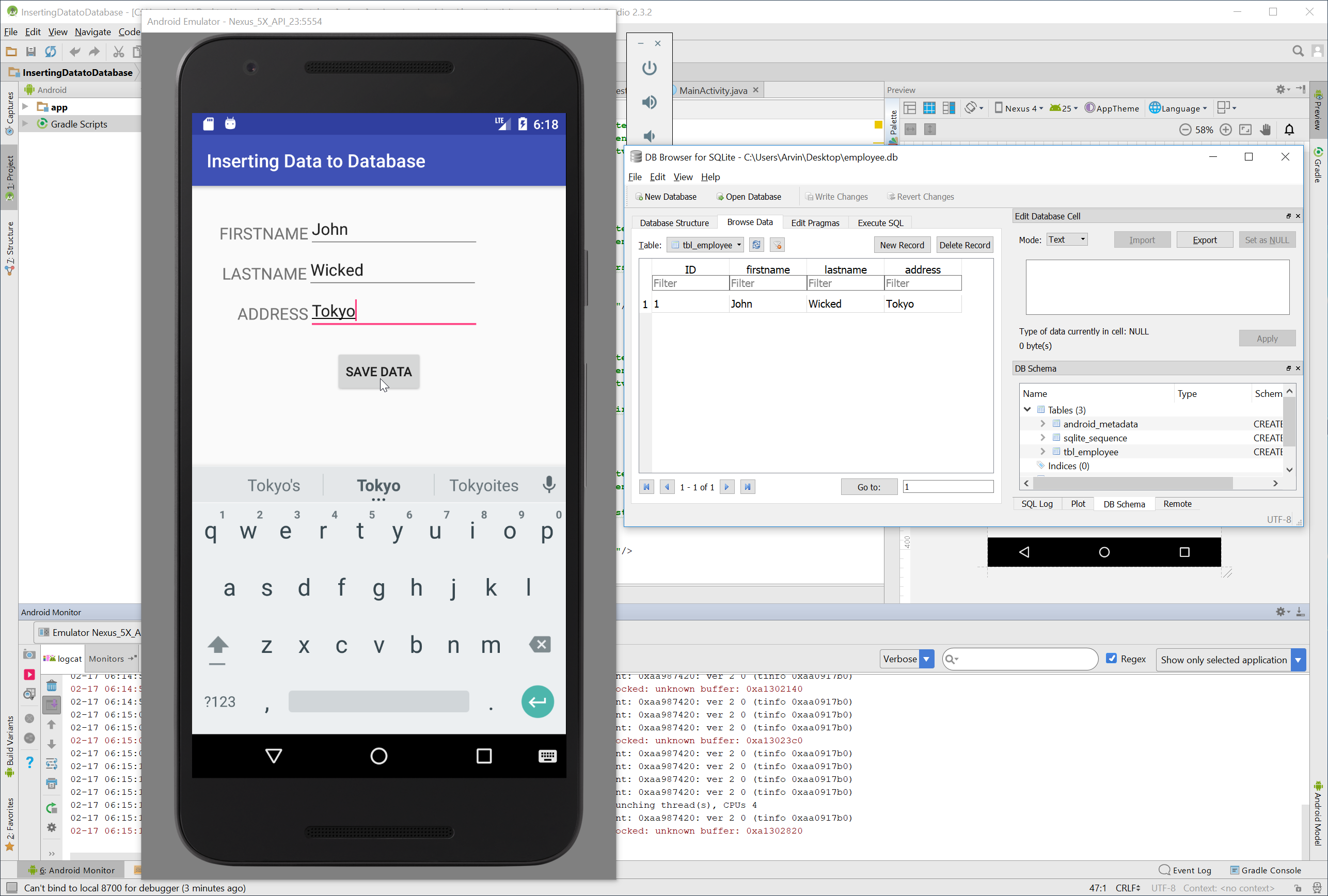
Android Inserting Data To SQLite Free Source Code Projects And Tutorials
1 Use SQLiteAssetHelper CommonsWare Jan 17 2018 at 22 29 Add a comment 3 Answers Sorted by 0 Change database path with fully qualified path like path context getApplicationInfo dataDir databases Share Improve this answer Follow answered Jan 17 2018 at 22 27
Private void copyDataBase throws IOException Open your local db as the input stream InputStream myInput myContext getAssets open DB NAME Path to the just created empty db String outFileName DB PATH DB NAME Open the empty db as the output stream OutputStream myOutput new FileOutputStream outFileName transfer by

The APIs you ll need to use a database on Android are available in the android database sqlite package Caution Although these APIs are powerful they are fairly low level and require a great deal of time and effort to use There is no compile time verification of raw SQL queries

Open existing android studio project which has connected to SQLite database and already having some saved records Step 2 Connect a device Connect external device or emulator with android studio make sure the name of the device must be shown on android studio screen Step 3 Search for Device File Explorer in android studio

Get started ADVERTISEMENT Most Android apps need to store data somewhere and the most common way to store data on Android is using a SQLite Database We have released a full course on the freeCodeCamp YouTube channel all about using the SQLite Database with Android Studio You will learn everything you need to
If we have requirement that we don t want to lose existing data in the table then we can write alter table query in the onUpgrade SQLiteDatabase db int oldVersion int newVersion method For more details read Insert Read Delete Update Operation In SQLite SQLite Example In Android Studio I will show you the easiest solution by far is to use sqliteassethelper you add your existing sqlite database in a specified location in your project s assets directory then use sqliteassethelper to access your database much same as you would use sqliteopenhelper this is the databasehelper class to copy and open your sqlite file from the asset folder public class databasehelper extends
Import and Use External Database in Android Using your own SQLite database in Android applications 78 992 views In this video tutorial I ve covered an Android library which is