How To Use Bios Setup Utility Aptio Setup Utility Bios Update Bureaurom Using The BIOS Setup Utility PDF Booting Bios Bios Menu Hot Sex Picture Correct BIOS Setting To Install Windows 7 Super User Hard Drive How To Check Its Health A Step by step Guide For 2023 Web Support Enter BIOS Setup Utility in Windows 8 10 The standard method for entering the BIOS Setup Utility is to tap a specific function key while the computer is booting The required key is either F1 or F2 depending on the model of machine Certain systems also require holding down the Fn key while tapping the F1 or F2 key
Web May 17 2022 nbsp 0183 32 Windows 10 Help In this guide we ll show you the steps to enter the legacy BIOS or modern UEFI firmware on your device to change advanced system settings to troubleshoot a problem configure a Web Apr 26 2023 nbsp 0183 32 Method 1 Use a BIOS Key When you first power on a computer it goes through a very quick POST power on self test If you can hit the correct key before the POST is completed or hold it
Hard Drive How To Check Its Health A Step by step Guide For 2023 Cara Masuk BIOS Di Laptop Lenovo Seri Baru IdeaPad Slim S Legion Yoga BIOS And The BIOS Setup Program IT Essentials BIOS Setup What It Is How To Open Or Use It DESKDECODE COM Configuring BIOS Settings For GPU Mining On Intel Motherboards Block GA MA785GMT Best Bios Settings Windows Forum American Megatrends Bios Update Needed Citiesmzaer BIOS Windows How To Use Bios 7 YouTube
How To Use Bios Setup Utility
 How To Use Bios Setup Utility
http://bureaurom.weebly.com/uploads/1/2/6/8/126885260/988508743_orig.jpg
Web Press f10 to enter BIOS Setup Utility Use the BIOS Setup Utility menus and settings Use the top menu bar to access computer information security settings and system configuration options Available settings vary by computer model CAUTION Information stored by the BIOS Setup Utility is essential Use caution when making changes in the
Templates are pre-designed documents or files that can be used for different functions. They can save time and effort by offering a ready-made format and layout for developing various sort of content. Templates can be utilized for personal or professional tasks, such as resumes, invitations, flyers, newsletters, reports, discussions, and more.
How To Use Bios Setup Utility

How To Configure BIOS Settings On A Motherboard Complete Guide Just
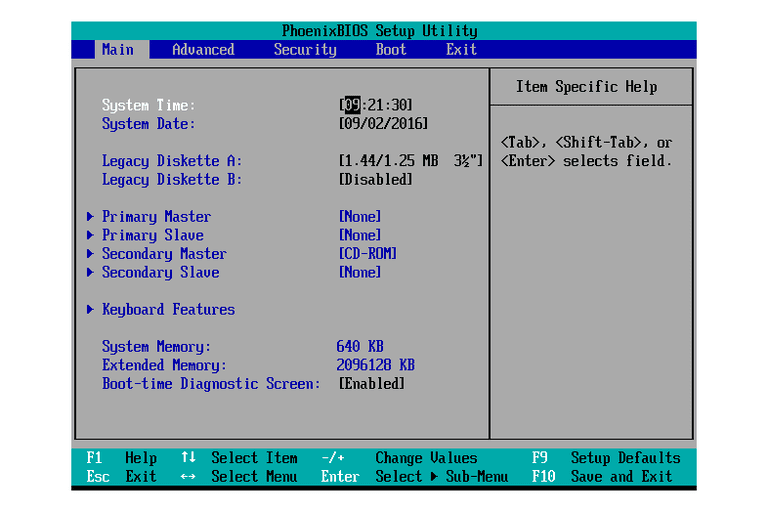
Cara Masuk BIOS Di Laptop Lenovo Seri Baru IdeaPad Slim S Legion Yoga

BIOS And The BIOS Setup Program IT Essentials
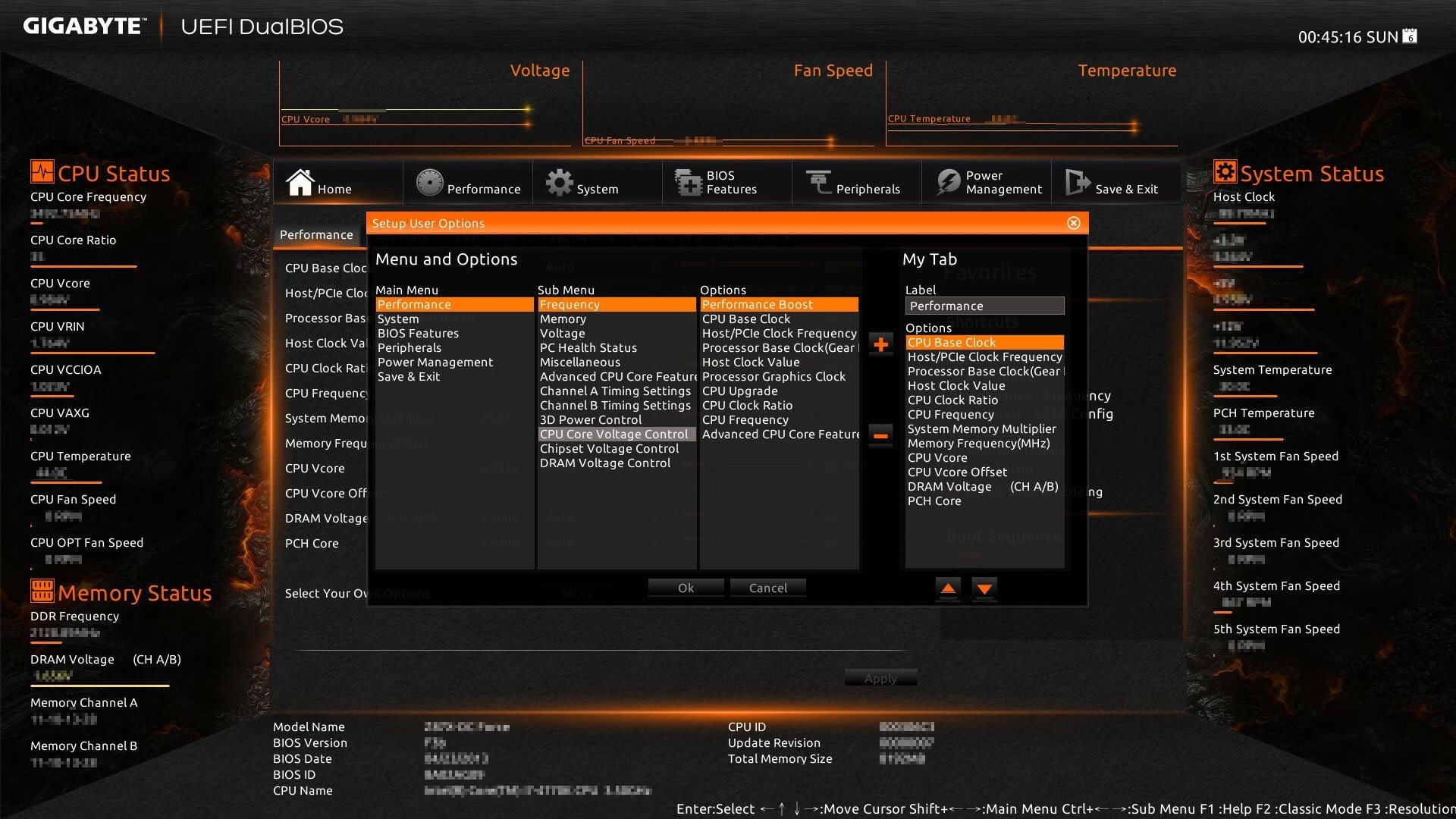
BIOS Setup What It Is How To Open Or Use It DESKDECODE COM
GA MA785GMT Best Bios Settings Windows Forum
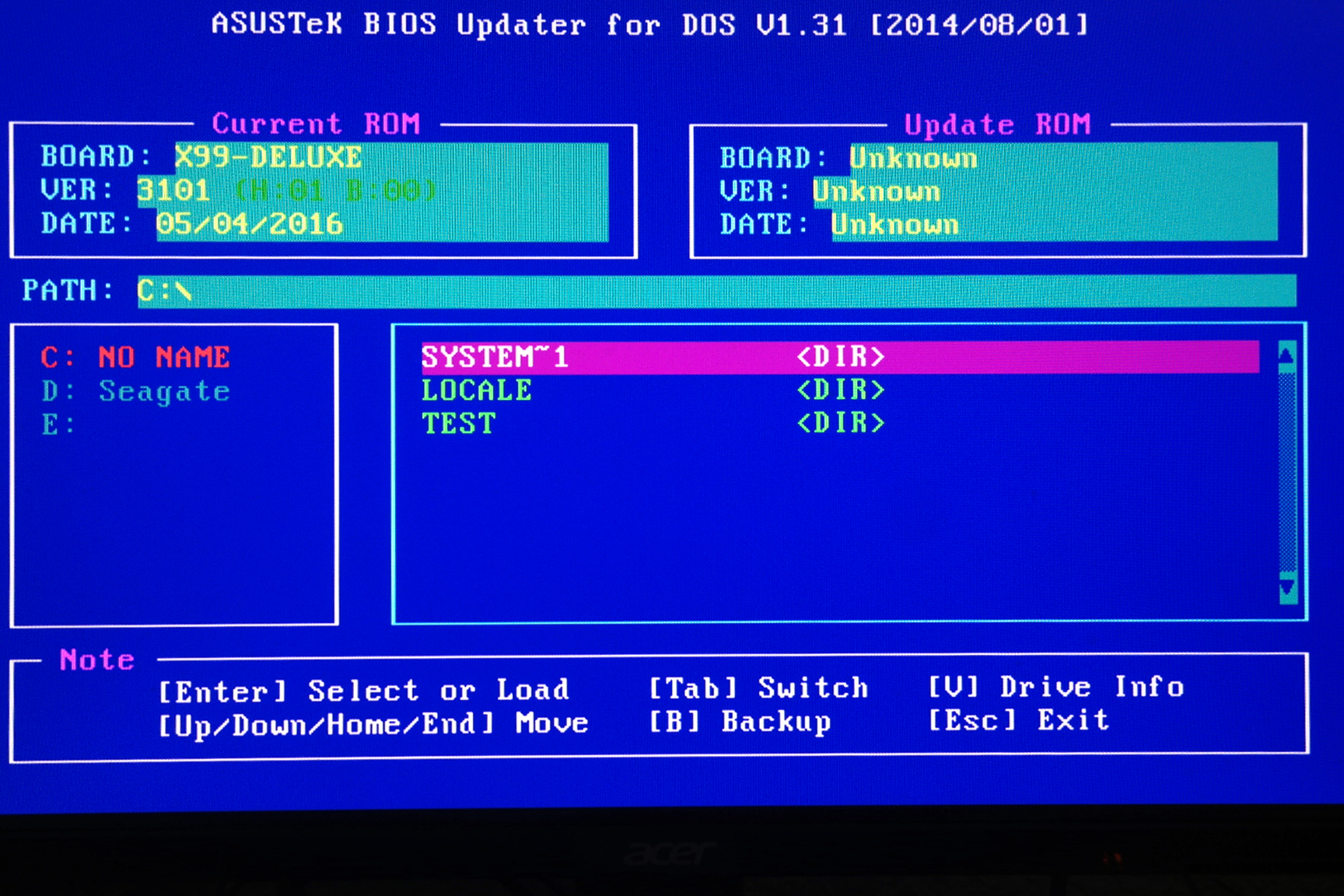
American Megatrends Bios Update Needed Citiesmzaer

Web About Read information about the BIOS Setup Utility System Log Review a log of BIOS updates Set Time and Date Set the computer time and date Default Setup Save BIOS settings changes as the new defaults or restore settings to factory defaults Apply Defaults and Exit Return the computer to the default settings and exit from Setup

Web Aug 28 2023 nbsp 0183 32 Quick Links What Is the BIOS Accessing the BIOS UEFI at Startup Accessing the BIOS From Within Windows 10 Creating a Shortcut to Access the BIOS What to Do If You Can t Access the BIOS Key Takeaways The BIOS or UEFI is a software that initializes and tests hardware on your computer and can be accessed to

Web The BIOS Setup Utility allows you to access and set up your computer system Follow the steps in this video to understand how the BIOS menu works

Web Mar 29 2019 nbsp 0183 32 In order to access BIOS on a Windows PC you must press your BIOS key set by your manufacturer which could be F10 F2 F12 F1 or DEL If your PC goes through its power on self test startup too quickly you can also enter BIOS through Windows 10 s advanced start menu recovery settings

Web Jan 13 2022 nbsp 0183 32 1 How to Check Out and Change the Boot Order in Your BIOS UEFI Let s say you have a new PC build replete with a new clean M 2 or 2 5 inch SSD or a hard drive And let s say you have an empty
Web Aug 25 2023 nbsp 0183 32 Easily enter the BIOS UEFI on your Windows 11 PC by pressing a key like F2 or Delete during startup or restart through the Recovery page in Settings You can access the BIOS using Windows Terminal by typing a specific command in PowerShell or Command Prompt and navigating through the Troubleshoot menu in the quot Choose an Web Mar 29 2019 nbsp 0183 32 In order to access BIOS on a Windows PC you must press your BIOS key set by your manufacturer which could be F10 F2 F12 F1 or DEL If your PC goes through its power on self test startup too quickly you can also enter BIOS through Windows 10 s advanced start menu recovery settings
Web Dec 20 2021 nbsp 0183 32 Press F1 or F2 after powering on the computer Some Lenovo products have a small Novo button on the side next to the power button that you can press you might have to press and hold to enter the BIOS setup utility You might have to then enter BIOS Setup once that screen is displayed