How To Use Angularjs In Visual Studio 2019 The Fundamentals Of AngularJS Framework In Programming Swan Software How To Use Angularjs Http Example In Asp Visual Studio 2015 Visual Studio 2019 Version 16 1 Preview 3 Visual Studio Blog What s New In Visual Studio 2019 Capabilities YouTube Performance Improvements In Visual Studio 2019 Visual Studio Blog Second we will select the Microsoft Web Developer tools Both of these will give us the basics needed in Visual Studio for Angular development Installing Visual Studio should not mess with any previously installed NodeJS instances Ok now you can go download the latest Visual Studio here
Angular in Visual Studio 2019 Getting StartedAngular is a platform and framework for building single page client applications using HTML and TypeScript An 1 Download the Extension from the Visual Studio Via The Visual Studio Marketplace You can find the extension here Select the Download button and then open up the vsix file to get the extension into Visual Studio Via Visual Studio In the top menu bar of Visual Studio hover over the Extensions menu and the select Manage Extensions
Performance Improvements In Visual Studio 2019 Visual Studio Blog Get To Code How We Designed The New Visual Studio Start Window How To Get Started With Visual Studio 2019 The Best New Features Visual Studio Microsoft Visual Studio 2019 How To Run AngularJS In Visual Studio Code Coding Campus Meg rkezett A Visual Studio 2019 HWSW HTML Preview In Visual Studio 2019 Making Visual Studio Perfect How To Create A Setup File In Visual Studio 2019 C VB Net Installer Setup SFML In Visual Studio 2019 Install SFML With Visual Studio 2017
How To Use Angularjs In Visual Studio 2019
 How To Use Angularjs In Visual Studio 2019
https://swansoftwaresolutions.com/wp-content/uploads/2019/04/The-Fundamentals-of-AngularJS-Framework-in-Programming.jpg
Adding AngularJS to a project To get started I need to install the AngularJS extension for Visual Studio To do this I download the angular intellisense js file and place it in the Program Files x86 Microsoft Visual Studio 12 0JavaScriptReferences folder on my PC This extension works the same with any project that uses JavaScript
Pre-crafted templates use a time-saving solution for producing a diverse series of documents and files. These pre-designed formats and layouts can be utilized for different personal and expert projects, including resumes, invitations, leaflets, newsletters, reports, presentations, and more, streamlining the material development procedure.
How To Use Angularjs In Visual Studio 2019

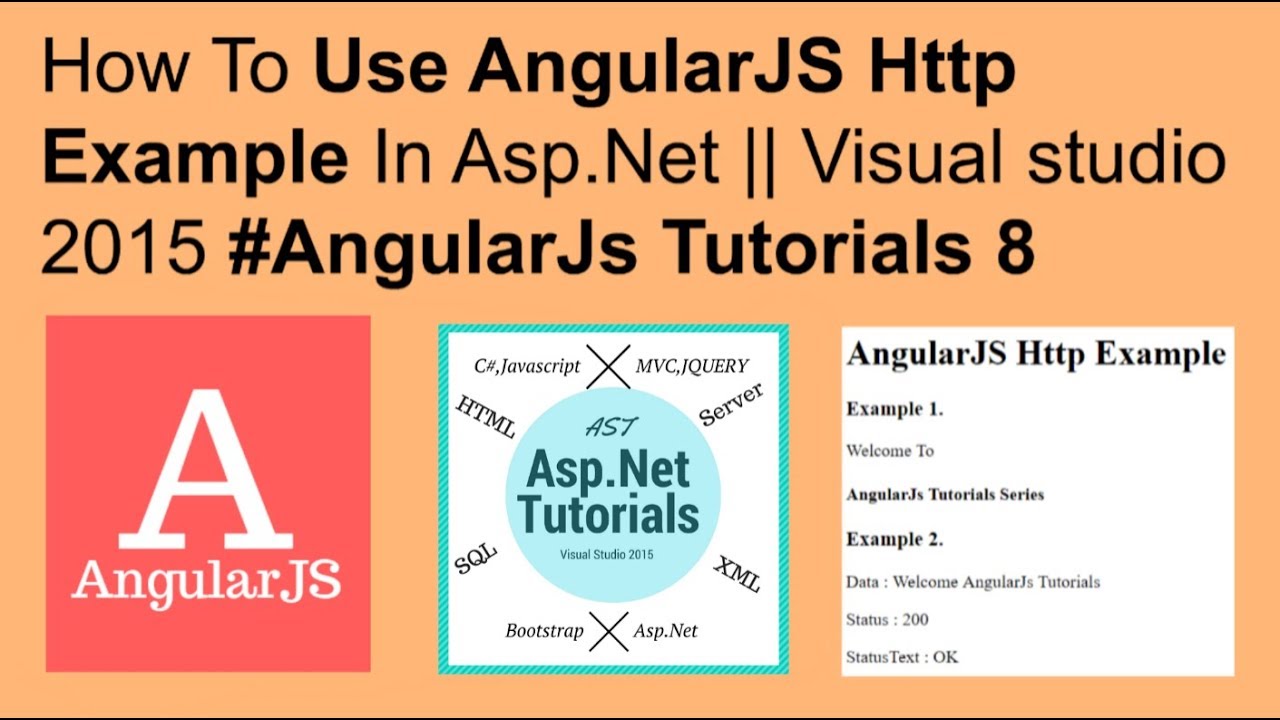
How To Use Angularjs Model Example In Asp Visual Studio 2015
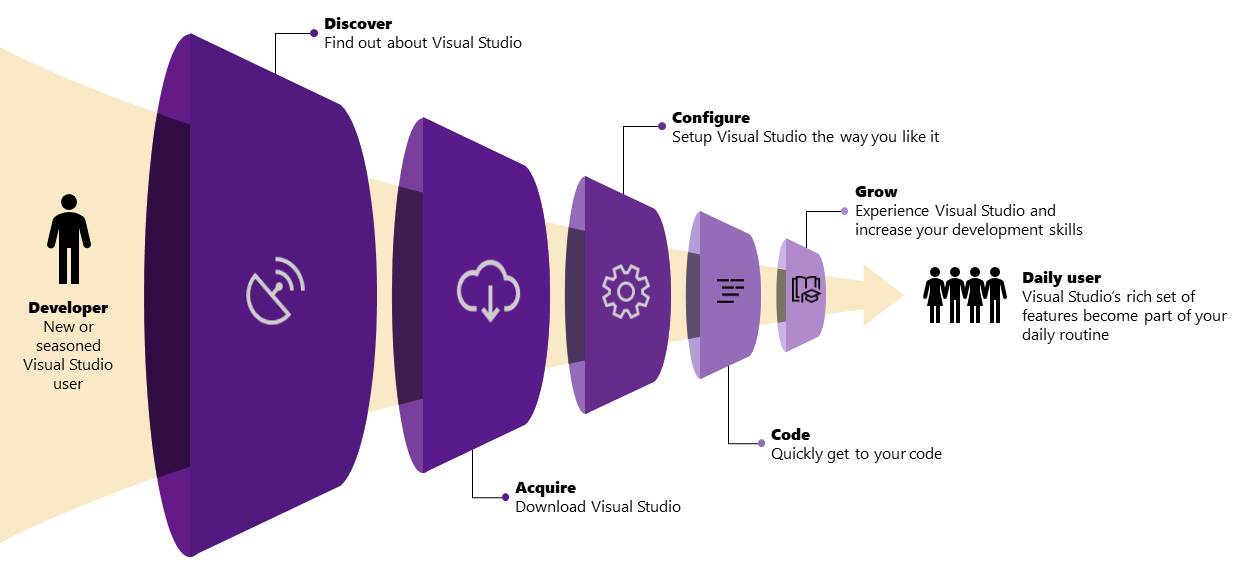
Get To Code How We Designed The New Visual Studio Start Window
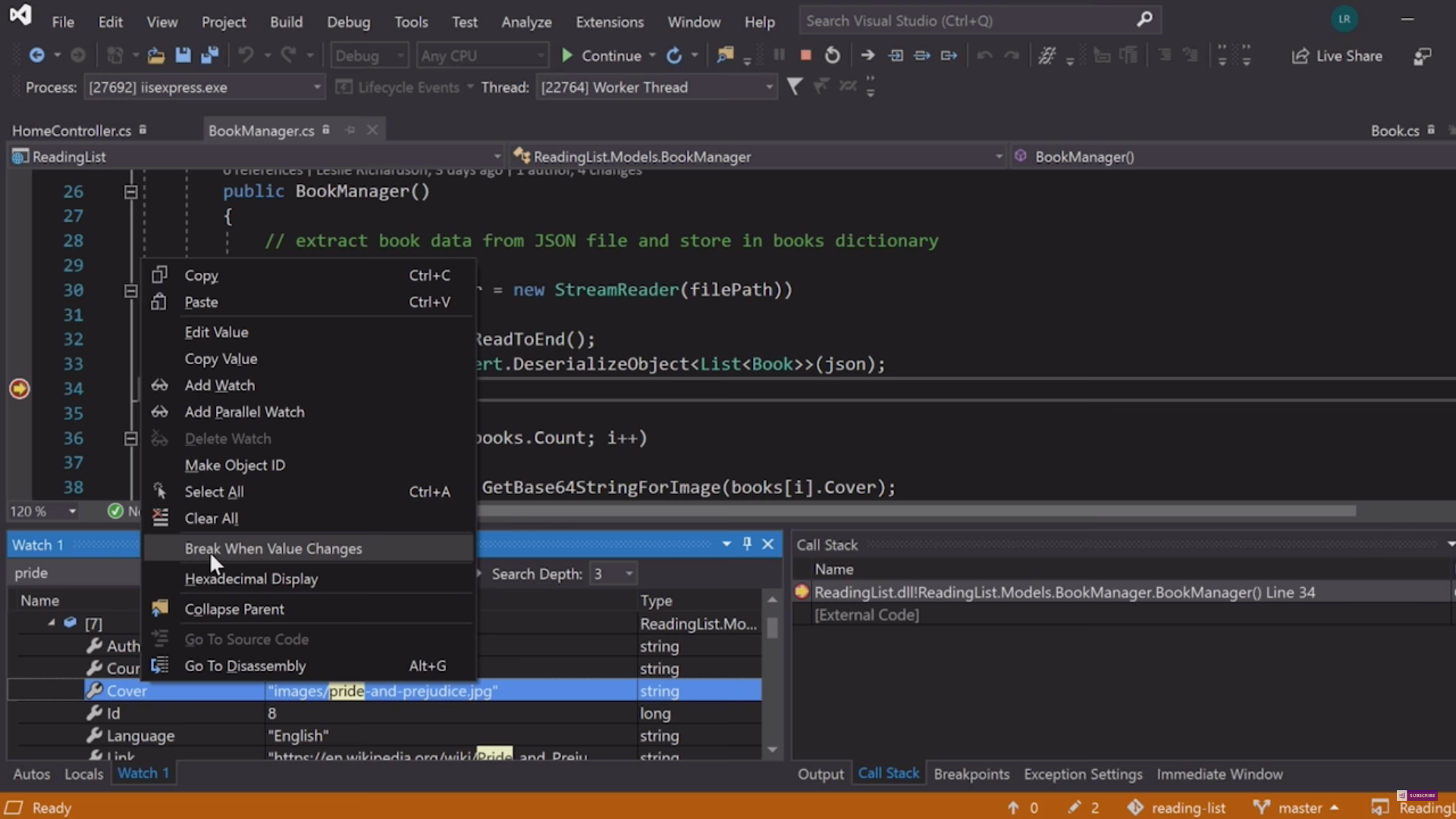
How To Get Started With Visual Studio 2019 The Best New Features

Visual Studio Microsoft Visual Studio 2019
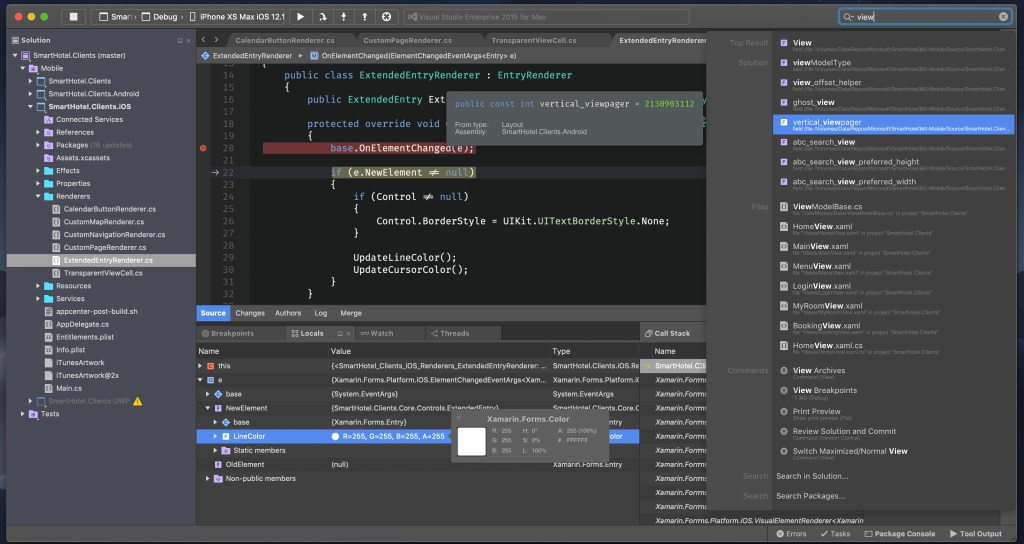
Meg rkezett A Visual Studio 2019 HWSW

HTML Preview In Visual Studio 2019 Making Visual Studio Perfect

In order to build an Angular front end application in Visual Studio we need to follow the below steps Then enter the solution and project name After that Select the Angular template and click Create This will create an Angular application with two components A Web API back end application An Angular front end application
3 Answers Sorted by 2 You do not need any extension just use angular cli Open new terminal in the Visual Studio Code from Terminal New Terminal Then write on the console ng generate component component name or ng g c component name Share Improve this answer Follow answered Aug 18 2020 at 13 35 Selman Alpdundar 80 1 8 4

Go to the Visual Studio downloads page to install it for free If you need to install the workload and already have Visual Studio go to Tools Get Tools and Features which opens the Visual Studio Installer Choose the ASP NET and web development workload then choose Modify npm https www npmjs which is included with Node js

Angular is a platform for building mobile and desktop web applications It is a TypeScript based open source web application frameworkAnd Microsoft Visual St

If you want to learn all of Angular I want to personally recommend ng book as the single best resource out there You can get a copy here The book is updated to Angular 8 In this post we ll use an ASP NET Core 3 0 based Angular template project which out of the box creates an Angular 8 app
This walkthrough will show a few easy steps to follow to get your Angular app integrated into an ASP NET Core MVC project Here s a link to the Azure Dev Ops The updated Angular project template in Visual Studio 2019 and 2017 before that provides a convenient starting point for ASP NET Core apps using Angular and the Angular CLI to implement a rich client side user interface UI The template is equivalent to creating an ASP NET Core project to act as an API backend and an Angular CLI project to act as a UI
Nodejs Npm Angular CLI IDE for writing your code Visual Studio Let s understand the step by step procedure for the Angular 2 Environment Setup in Visual Studio 2015 Step1 Install Node js and nmp The first and the most important step for you is to install the Node js and npm in your machine