How To Upload Excel File To Sql Table How To Import Excel Text And STATA Files Into SAS 4 Unique Examples How To Upload Excel File To Blackboard Murrill Hickis How To Use SQL With Excel Using Python How To Upload Excel File To Google Sheets Nracompare Pin On Node js Web Jan 13 2022 nbsp 0183 32 Import Excel data into a SQL database using C where the Excel file defines the database tables structure References Export SQL Server Table to Excel with C Export SQL Server Data to Multiple Excel Worksheets with C How to Make a Chart in Excel from a SQL Server Database
Web Apr 12 2018 nbsp 0183 32 In SQL Server Managment Right Click on the DB Name in the solution explorer Select Tasks gt Import Data In the opened wizard choose Microsoft Excel as data source Select the excel file path and the excel version Clisk next and choose the destination table details Finish Web Choose the Server name and the type of Authentication provide credentials and click the Connect button When SSMS is connected to the chosen instance of SQL Server right click on the desired database and navigate to Tasks gt Import data option from the Tasks submenu That action will open the SQL Server Import and Export Wizard window
Pin On Node js Uploading Excel File To ASP NET Core 6 Application To Save Data From How To Upload Excel CSV To Google Drive And Connect Excel Files YouTube Raj Kaimal Uploading An Excel File To SQL Through An ASP NET Webform SQL Tips Tricks How To Import CSV Excel File To SQL Server Table How To Upload Excel To Google Sheets Automatically Sheetgo Blog Sql Server Truncation Error When Importing Excel File To SQL Table How To Upload Excel File To Quickbooks Online Musligallery How To Upload Excel Csv File To Sql Sever Database Table YouTube
How To Upload Excel File To Sql Table
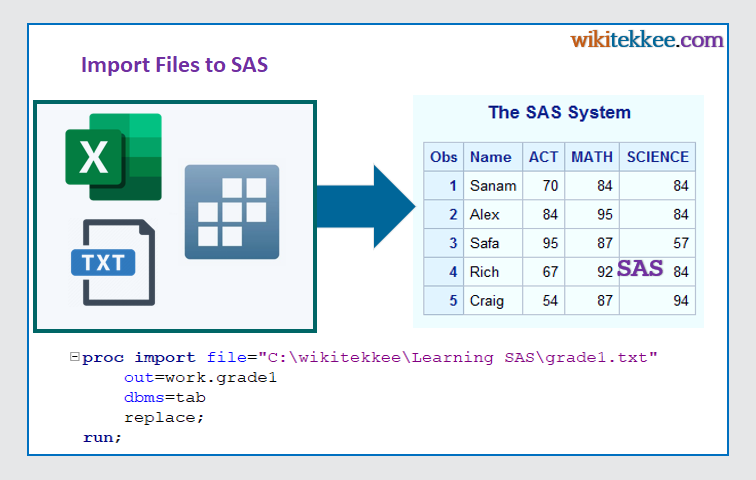 How To Upload Excel File To Sql Table
https://wikitekkee.com/wp-content/uploads/2022/10/Import-files-to-SAS.png
Web Jul 30 2019 nbsp 0183 32 1 Answer SSIS Package Use SSIS package which picks up data from a specified path your excel which inserts new rows and updates existing ones Schedule this package with SQL Job agent Console App Write a simple c console app which does the same and schedules it using windows scheduler
Templates are pre-designed files or files that can be utilized for different functions. They can conserve effort and time by providing a ready-made format and layout for creating different type of content. Templates can be used for individual or expert projects, such as resumes, invitations, leaflets, newsletters, reports, presentations, and more.
How To Upload Excel File To Sql Table

How To Upload Excel File In Mysql Database Using Java Servlet
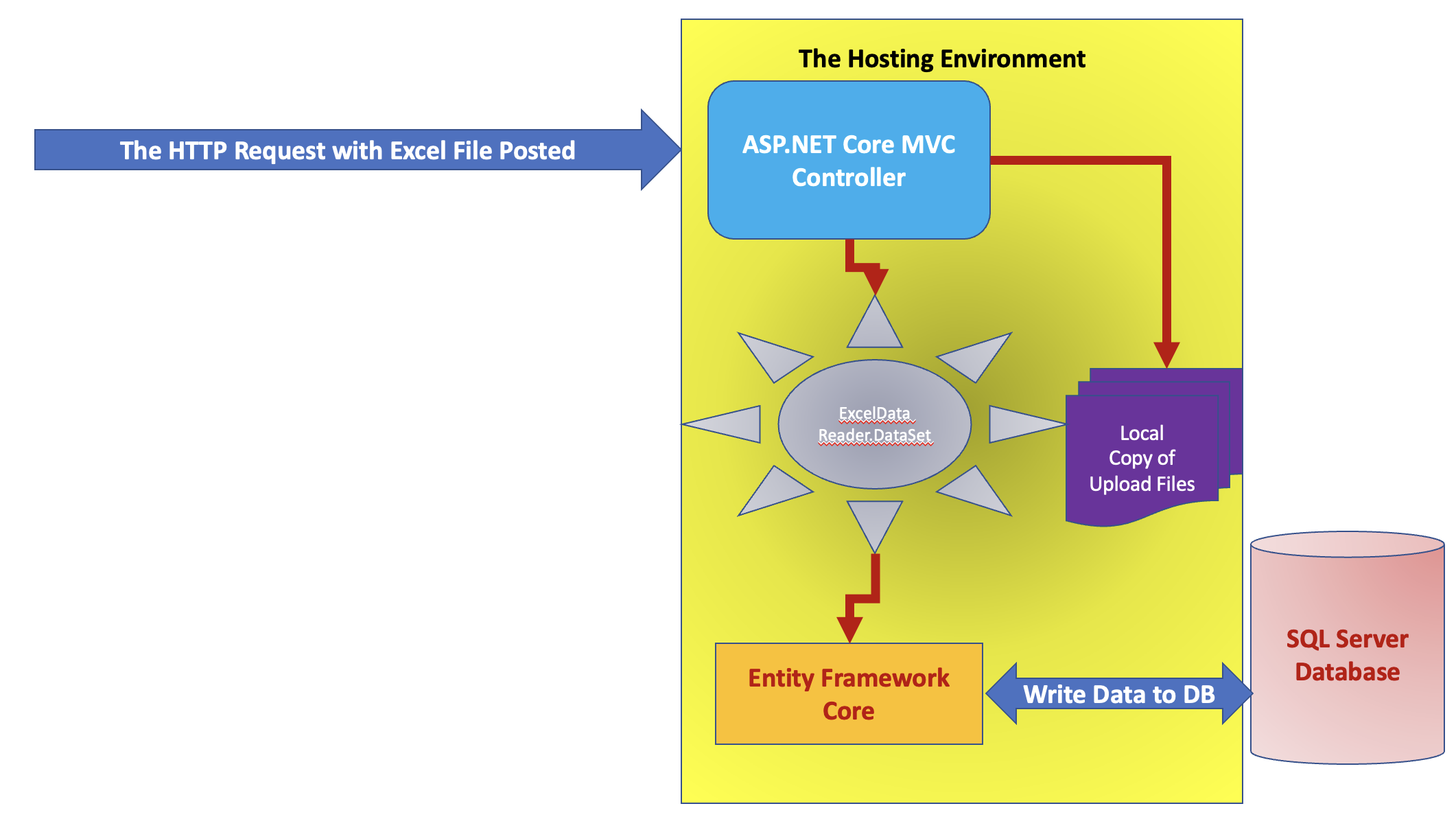
Uploading Excel File To ASP NET Core 6 Application To Save Data From

How To Upload Excel CSV To Google Drive And Connect Excel Files YouTube

Raj Kaimal Uploading An Excel File To SQL Through An ASP NET Webform

How To Upload Excel To Google Sheets Automatically Sheetgo Blog

Sql Server Truncation Error When Importing Excel File To SQL Table
Web Apr 18 2015 nbsp 0183 32 You can copy paste data from en excel sheet to an SQL table by doing so Select the data in Excel and press Ctrl C In SQL Server Management Studio right click the table and choose Edit Top 200 Rows Scroll to the bottom and select the entire empty row by clicking on the row header Paste the data by pressing Ctrl V
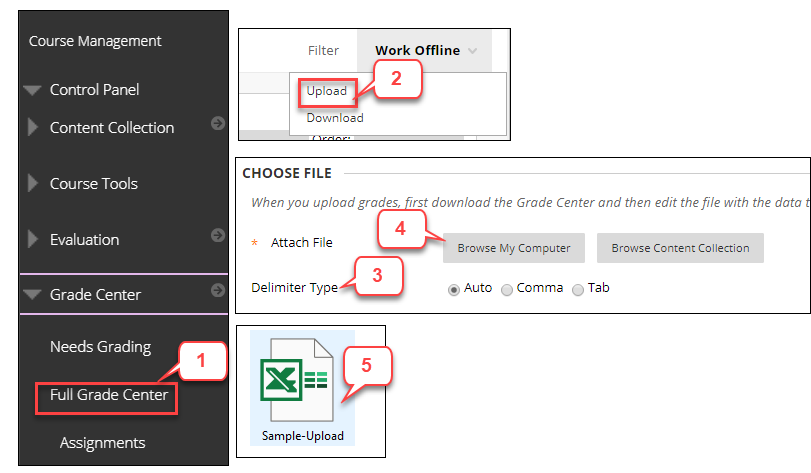
Web The quickest way to get your Excel file into SQL is by using the import wizard Open SSMS SQL Server Management Studio and connect to the database where you want to import your file into Import Data in SSMS in Object Explorer under Databases right click the destination database and select Tasks Import Data

Web Nov 10 2017 nbsp 0183 32 There are many ways to import data from an Excel file to a SQL Server database using SQL Server Integration Services SSIS the OPENROWSET and OPENDATASOURCE functions SQL Server linked servers the

Web Mar 21 2022 nbsp 0183 32 Copy and paste from Excel to SQL tables via SQL Server Management Studio Insert directly from Excel to SQL tables using SQL Spreads How to import data from Excel to SQL Server Copy and Paste method Step by step Instructions Open SQL Server Management Studio and connect to your SQL Server database

Web Apr 7 2022 nbsp 0183 32 There are several ways to import data into SQL Server from Excel In this tutorial we will take a look at how this could be accomplished by creating an Excel macro with some VBA code to import data from an Excel spreadsheet into SQL Server Solution Below is a sample of what we will put together
Web In this section we will go through the Import Wizard and import data from an Excel spreadsheet into a table in a SQL Server database Explanation To begin launch SSMS by clicking SQL Server Management Studio from the Microsoft SQL Server program group Upon launching SSMS you will be prompted for a connection connect to the Database Web Mar 18 2019 nbsp 0183 32 Step 1 Run and search for SQL server import and export data Step 2 Click on import and export wizard and click on next Step 3 Once you click on next you will get an option to select data source from where you want to load data As in the below screen select data source as Microsoft Excel from drop down list and click on next Step 4
Web Share Improve this question Follow edited May 4 2012 at 10 32 marc s 735k 176 1335 1460 asked May 4 2012 at 10 25 Hemantsom 543 2 9 24 Look at the connection string used for SQLExpress You don t have space before the users folder Why you are putting spaces in the path to the excel file Steve May 4 2012 at 10 37 Add a comment 9 Answers