How To Upgrade Powershell Version Windows How To Upgrade PowerShell Version Stack Overflow How To Upgrade PowerShell Version In Windows 7 PowerShell Upgradation How To Upgrade Windows Home To Pro Using Power Shell Windows 11 Update PowerShell To The Latest Version PeteNetLive How To Check PowerShell Version In Windows 10 YouTube 1 Ensure that the version of PowerShell you plan to update is compatible with your operating system Newer PowerShell versions might not be supported on older Windows versions 2
Update PowerShell to Version 5 1 Here are the steps for updating to the latest original PowerShell version 5 1 In this example I have a 2012 Windows Server that comes with PowerShell version 4 0 You can quickly check your PowerShell version with the command below PSVersionTable PSVersion Step 1 Right click the Windows Start menu at the bottom of your left screen and select Windows PowerShell Step 2 In the Windows PowerShell window type the following command and hit Enter PSversionTable
How To Check PowerShell Version In Windows 10 YouTube Get PowerShell Version ItsMyCode How To Update PowerShell On Windows 11 Or 10 Gear Up Windows Know Installed PowerShell Version On Mac How To Check PowerShell Version On Windows 7 8 And 10 Learn The Many Ways In PowerShell To Get The Windows Version How To Check PowerShell Version ITPro Today IT News How Tos Trends How To Upgrade PowerShell To The Latest Version On MacOS Via Homebrew How To Upgrade Powershell On Windows 10 Crayton Shose1997
How To Upgrade Powershell Version
 How To Upgrade Powershell Version
https://i.stack.imgur.com/8wkw5.png
For this what we must do is open a PS window with administrator permissions and execute the following command in it iex irm https aka ms install powershell ps1 UseMSI This will automatically start downloading the latest stable version from Microsoft s servers
Pre-crafted templates offer a time-saving service for producing a varied series of files and files. These pre-designed formats and designs can be used for various personal and professional tasks, consisting of resumes, invites, leaflets, newsletters, reports, presentations, and more, improving the material creation procedure.
How To Upgrade Powershell Version
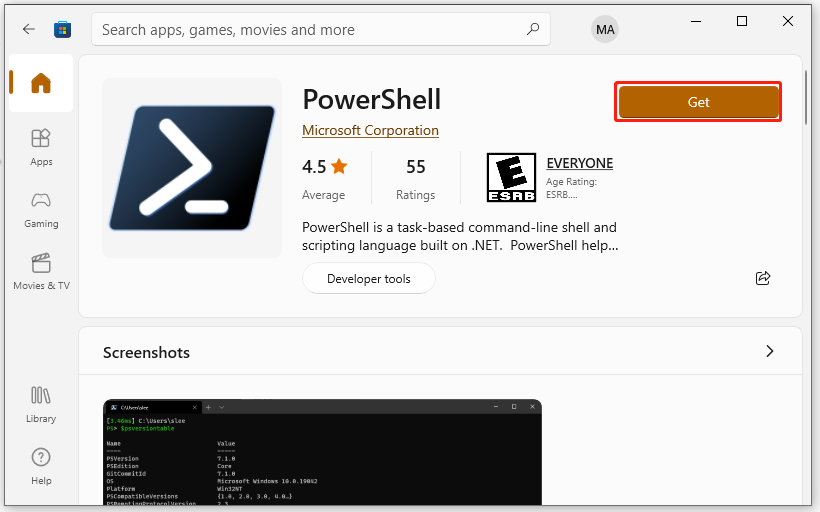
How To Update PowerShell Version To V7 2 5 For Windows 10 11

Get PowerShell Version ItsMyCode
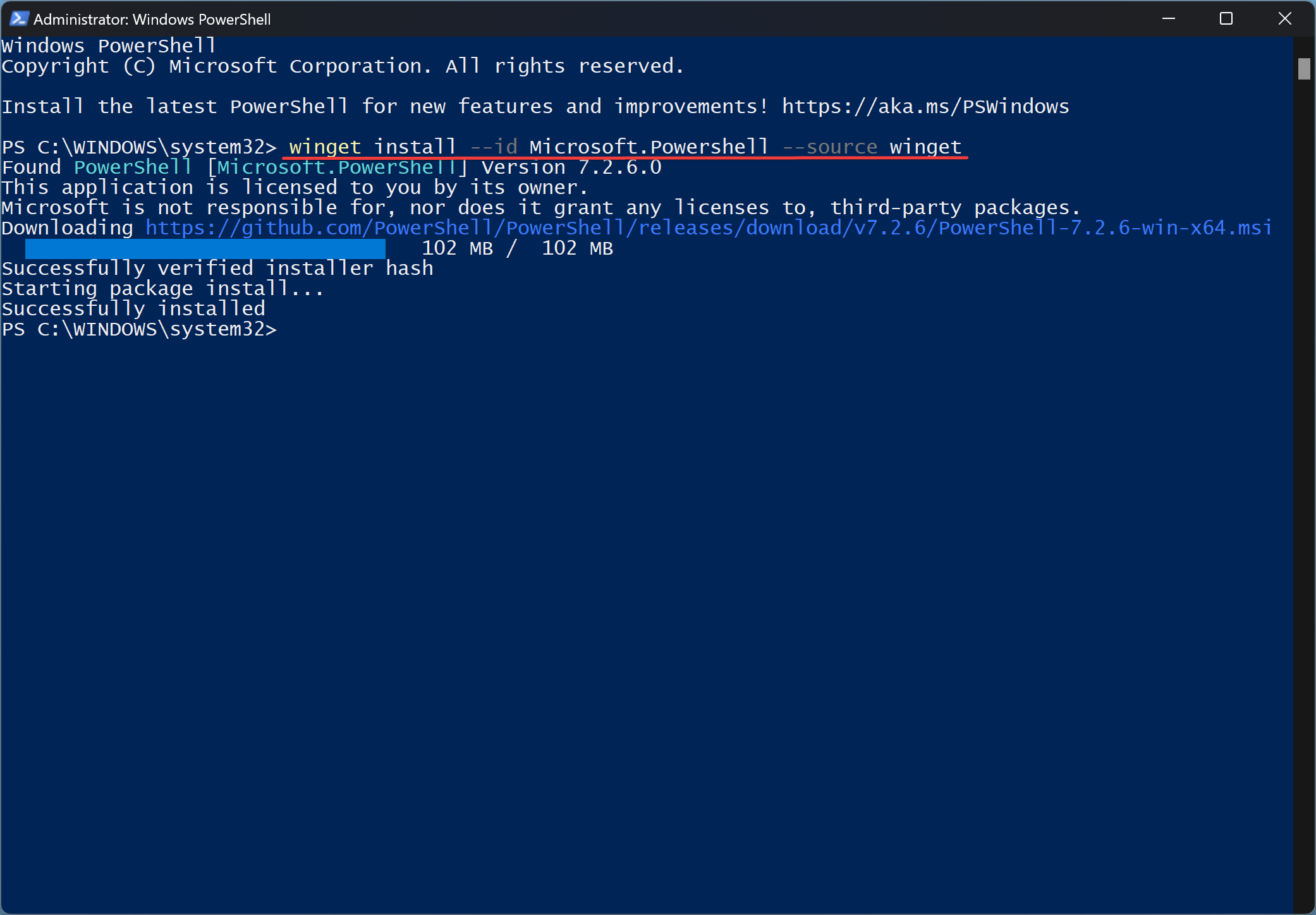
How To Update PowerShell On Windows 11 Or 10 Gear Up Windows
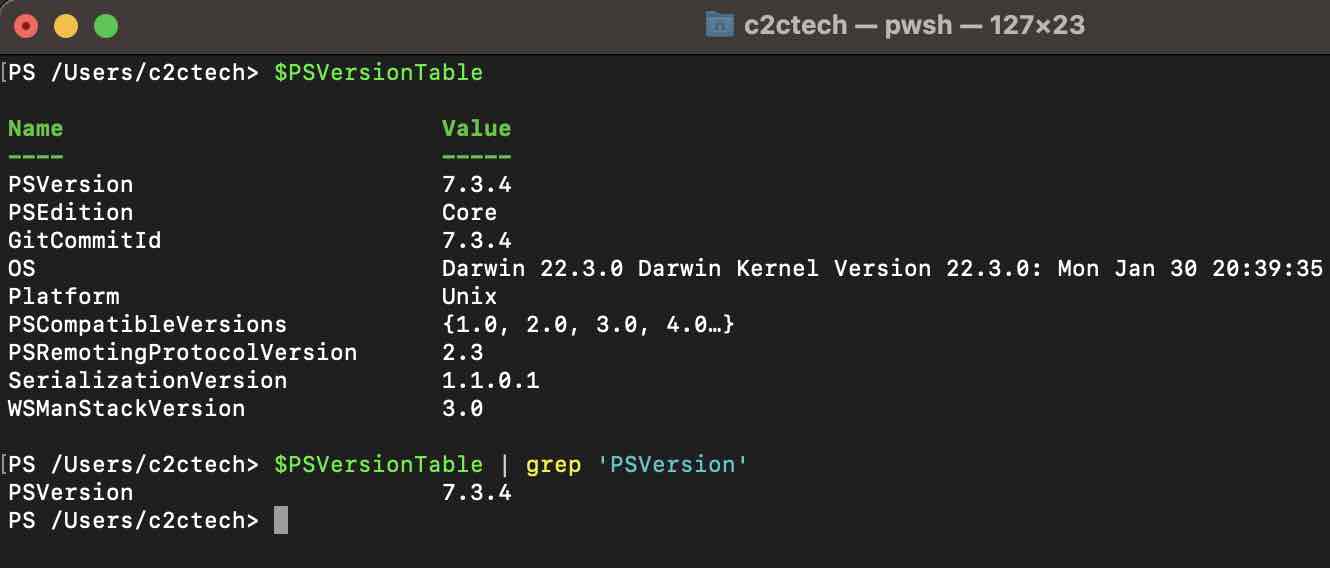
Know Installed PowerShell Version On Mac

Learn The Many Ways In PowerShell To Get The Windows Version

How To Check PowerShell Version ITPro Today IT News How Tos Trends

When upgrading PowerShell won t upgrade from an LTS version to a non LTS version It only upgrades to the latest version of LTS for example from 7 2 3 to 7 2 18 To upgrade from an LTS release to a newer stable version or the next LTS you need to install the new version with the MSI for that release

You can upgrade PowerShell directly from the console To install or upgrade to the latest version of PowerShell Core run the following command iex irm https aka ms install powershell ps1 UseMSI This command downloads the PowerShell 7 3 MSI file from GitHub and then starts the installation via the MSI installer

To update PowerShell open a Windows Terminal to a PowerShell tab then enter the command winget install id Microsoft Powershell source winget into the window The latest version of PowerShell installs alongside the default version of PowerShell so both versions remain accessible as profiles in the Terminal app
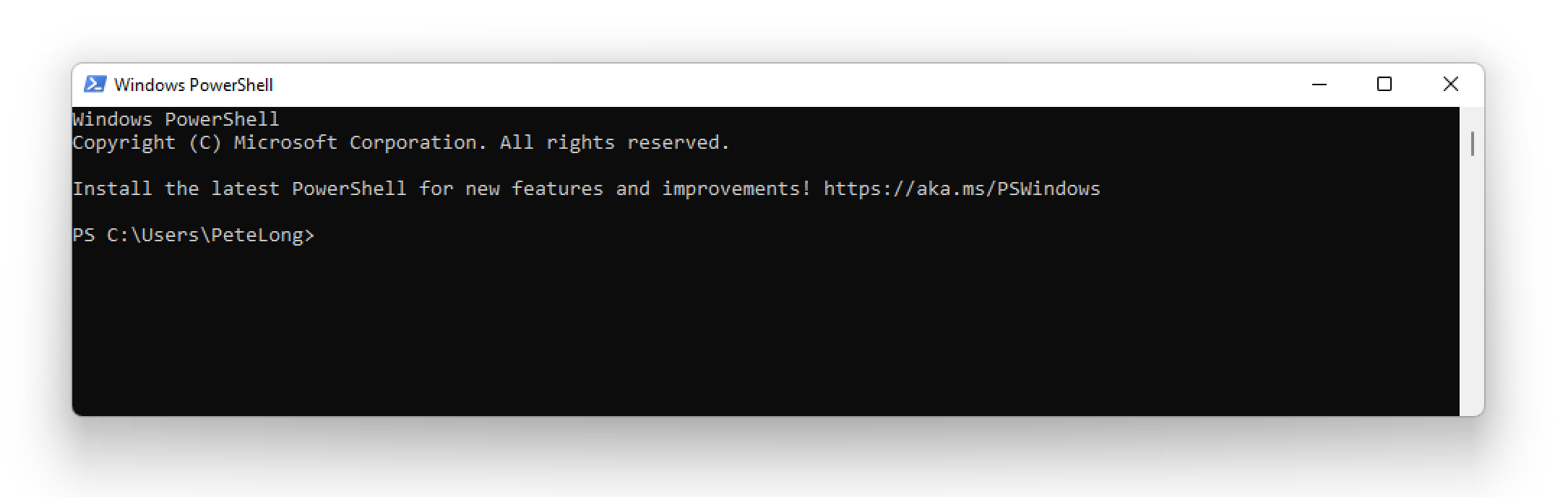
If you have Microsoft s winget app Windows package manager you can run the following command to update to the most recent version of PowerShell winget install Microsoft PowerShell

PowerShell 7 installs to a new directory enabling side by side execution with Windows PowerShell 5 1 Install locations by version Windows PowerShell 5 1 env WINDIR System32 WindowsPowerShell v1 0 PowerShell 6 x env ProgramFiles PowerShell 6 PowerShell 7 env ProgramFiles PowerShell 7
[desc-11] [desc-12]
[desc-13]