How To Upgrade Pip In Python How To Upgrade Pip In Python Terminal Templates Printable How To Upgrade Pip In Pychram python YouTube How To Download And Install Packages And Modules With Pip For Python 3 Pip Install Specific Version How To Install A Specific Python Package Installing Python And Pip On Mac Well Python3 And Pip3 By Tolu Updating Python packages on Windows or Linux Output a list of installed packages into a requirements file requirements txt pip freeze requirements txt Edit requirements txt and replace all with Use the Replace All command in the editor
I m able to update pip managed packages but how do I update pip itself According to pip version I currently have pip 1 1 installed in my virtualenv and I want to update to the latest version What s the command for that Do I need to use distribute or is there a native pip or virtualenv command 01 41 To do that you would first run a command like sudo apt update to refresh your system s package manger and then you would follow up with sudo apt install python pip and running that command would add pip to your existing Python install 01 57 Now adding pip to an existing Python install is a little bit fiddly there are a couple of
Installing Python And Pip On Mac Well Python3 And Pip3 By Tolu How To Upgrade Pip In Python Terminal Templates Printable Three Easy Methods To Upgrade Pip To The Latest Version Easy Way To Update A Python Package With Pip Upgrade Be On The Right What Is PIP How To Use PIP What Is Python PIP YouTube Different Ways To Upgrade PIP Latest Or Specific Version Spark By Install A Module Using PIP For Specific Python Version YouTube Install Python 2 7 And Pip Onto Windows 10 YouTube How To Upgrade PIP In Python TAE
How To Upgrade Pip In Python
 How To Upgrade Pip In Python
https://i.ytimg.com/vi/M9IgprHQcn4/maxresdefault.jpg
A How to Update Pip and Python in Linux First start by checking the current version of Python and Pip in the system python3 version Or pip version Checking the version of Python and Pip in Ubuntu If Python and Pip are not available in your system you can install them by running the following commands For Ubuntu sudo
Pre-crafted templates offer a time-saving solution for creating a diverse variety of files and files. These pre-designed formats and layouts can be made use of for various personal and professional jobs, consisting of resumes, invites, leaflets, newsletters, reports, presentations, and more, enhancing the material production procedure.
How To Upgrade Pip In Python
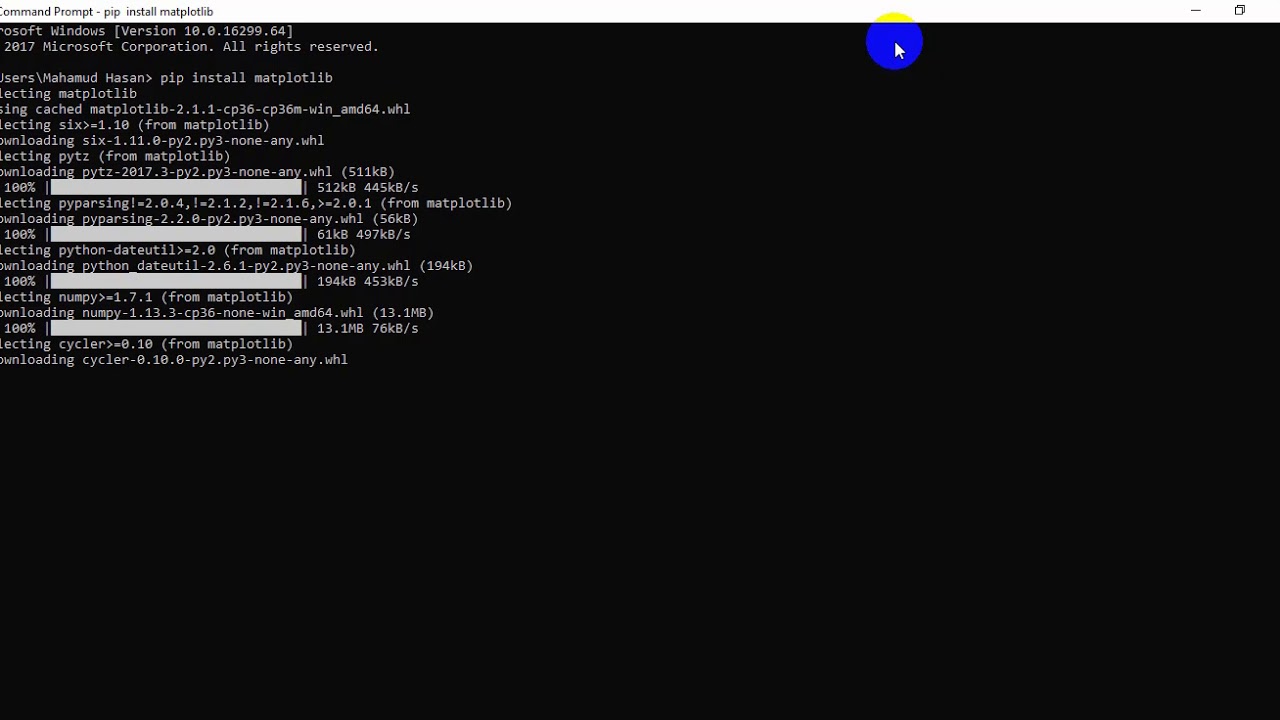
How To Install Pip In Python Riset
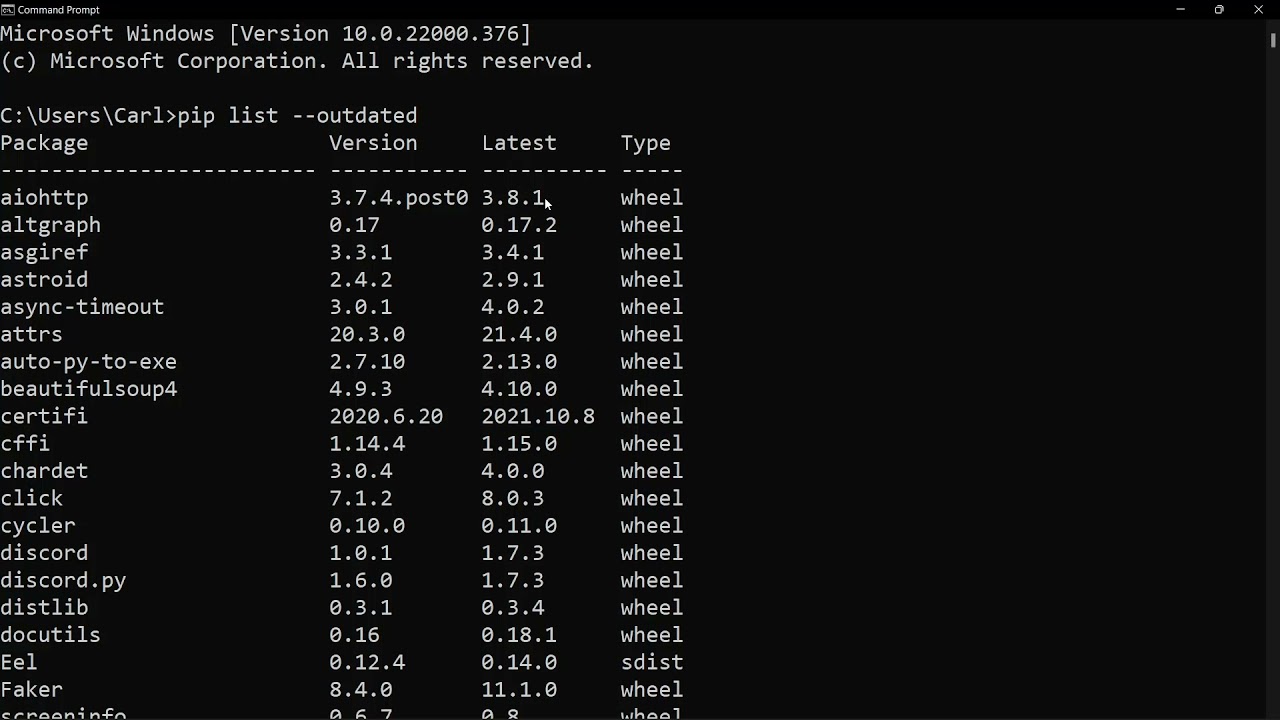
How To Upgrade Pip In Python Terminal Templates Printable

Three Easy Methods To Upgrade Pip To The Latest Version

Easy Way To Update A Python Package With Pip Upgrade Be On The Right
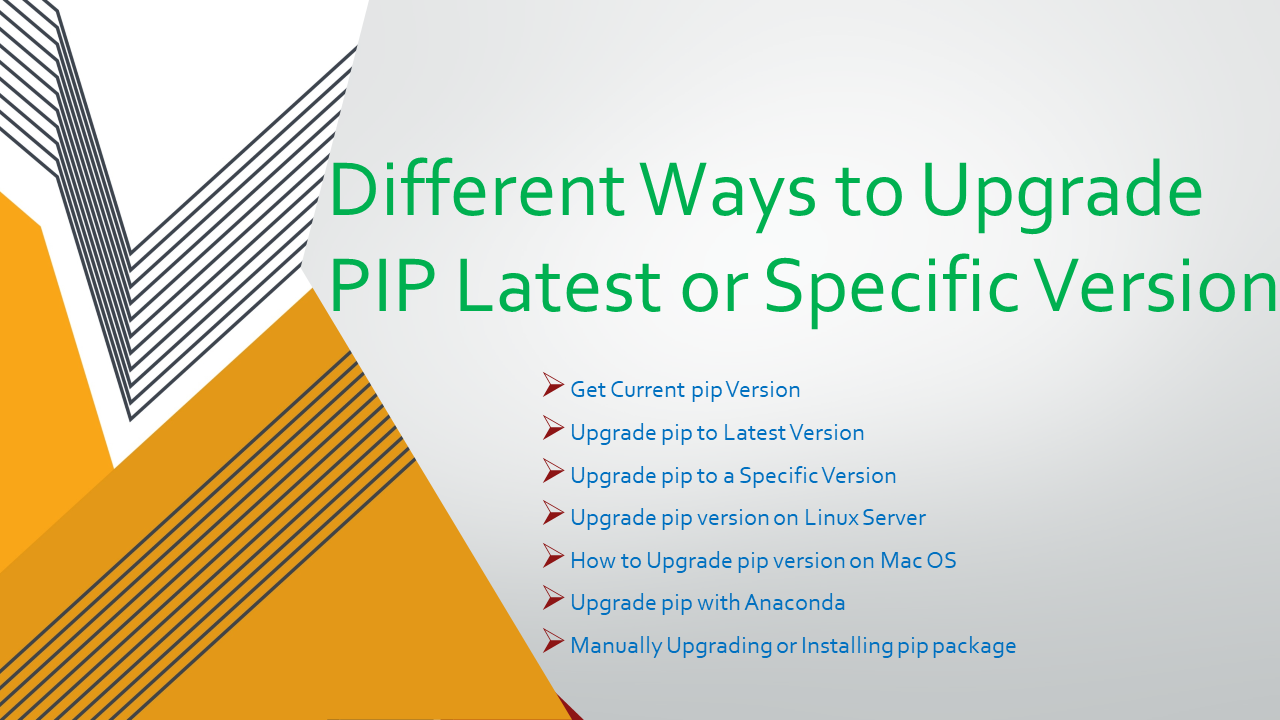
Different Ways To Upgrade PIP Latest Or Specific Version Spark By

Install A Module Using PIP For Specific Python Version YouTube

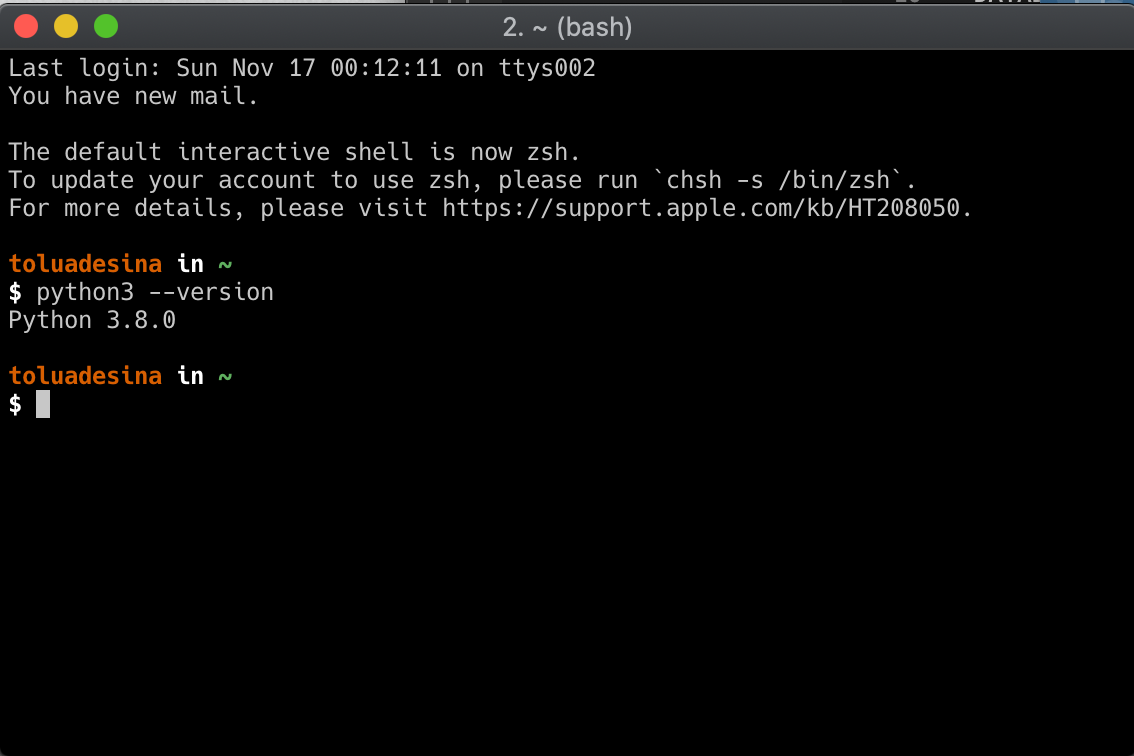
One of the easiest ways to update Python and Pip on Mac is by downloading the package from the Python official website When you update Python the Pip version that comes with it is also updated First check the versions of Python and Pip you have by running python3 version and pip3 version

If your Python environment does not have pip installed there are 2 mechanisms to install pip supported directly by pip s maintainers ensurepip get pip py ensurepip Python comes with an ensurepip module 1 which can install pip in a Python environment

Read Discuss Courses Practice In this tutorial we will see how to Upgrade PIP on Windows We will cover how to upgrade check the version and also how to downgrade PIP to the previous version What does pip do PIP is a package management system used to install and manage software packages libraries written in
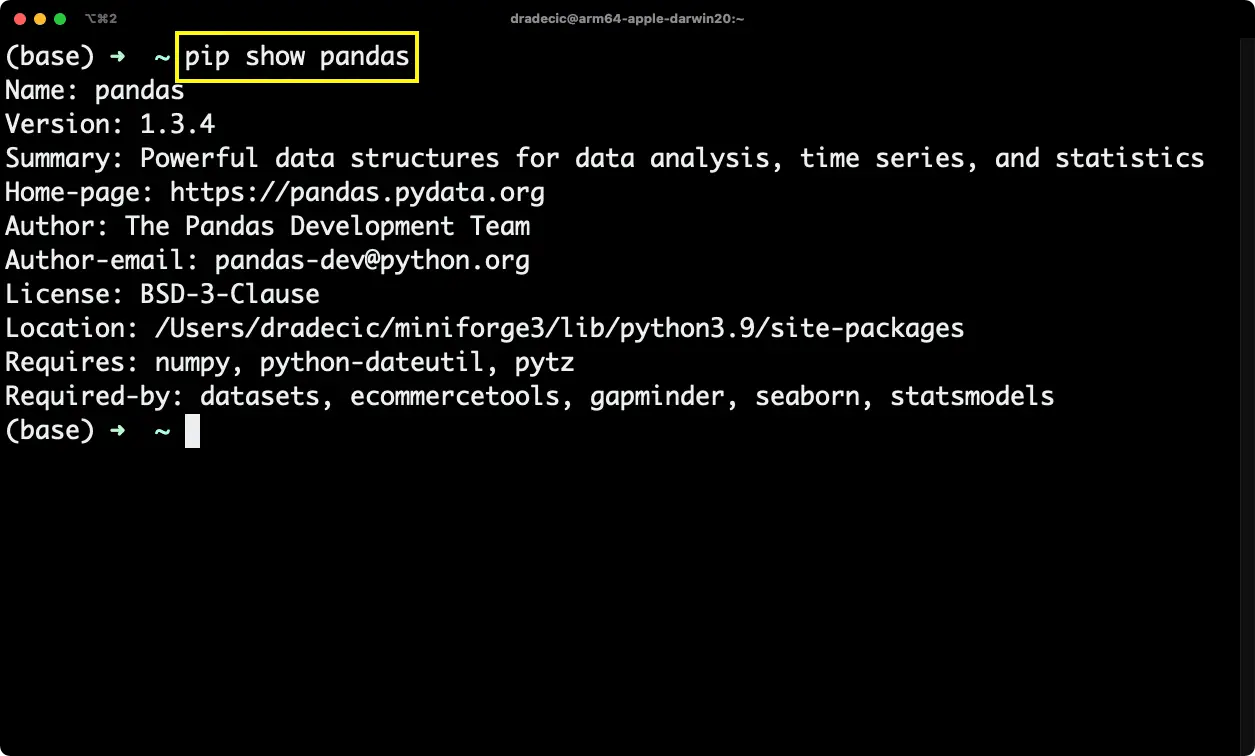
Just run the following python m pip install upgrade pip Bear in mind that this command will try to uninstall the current version and replace it with the new one Upgrading pip on Ubuntu If you see the message Not uninstalling pip at usr lib python3 dist packages outside environment usr it s because you re using Ubuntu
In order to upgrade PIP on Windows you ll need to open the Windows Command Prompt and then type copy the following command python m pip install upgrade pip Note that the above method would only work if you already added Python to Windows path Otherwise check the full steps to upgrade PIP in the section below
[desc-11] [desc-12]
[desc-13]