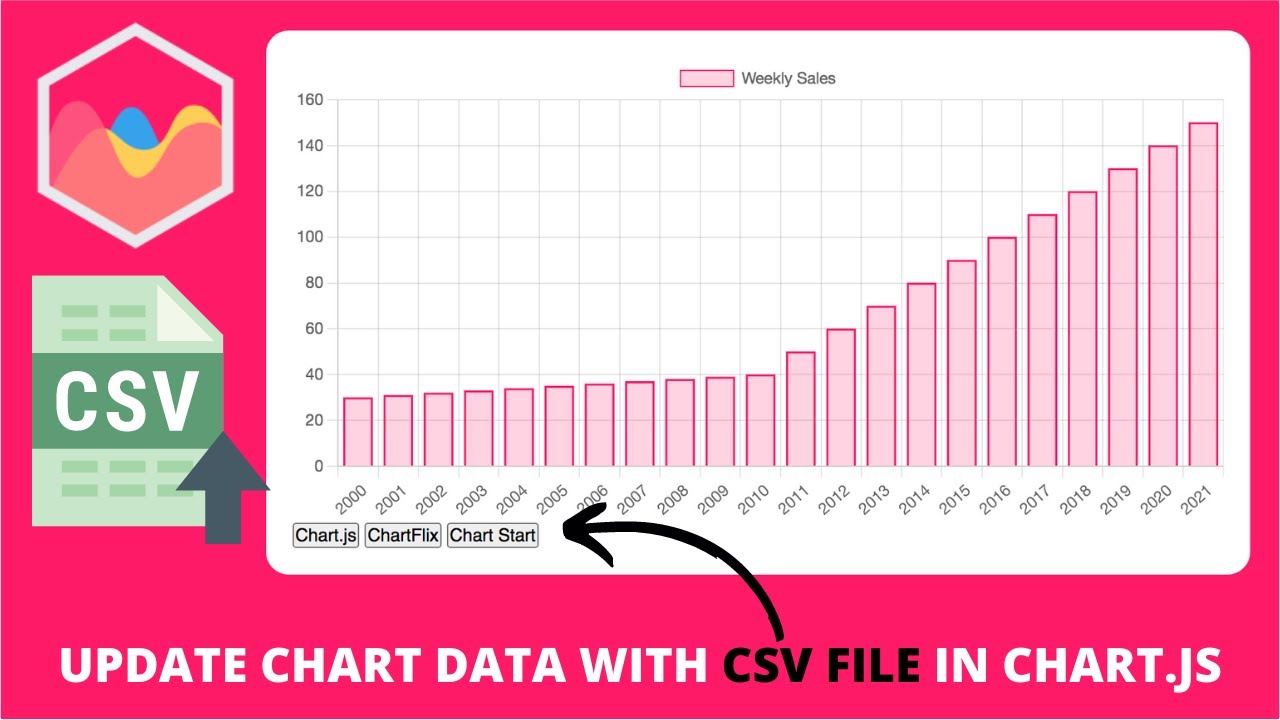
How To Update Chart Data In Excel How To Update Chart Data With CSV File In Chart JS YouTube Solved How To Update Chart After Selecting Item From JComboBox Java UPDATE CHART 4 Signals Matter How To Update Chart On Furuno ECDIS YouTube GitHub DevExpress Examples how to update chart data at runtime e3554 Web Apr 12 2023 nbsp 0183 32 To update a chart in Microsoft Excel we can click the Refresh All button in the Data tab This will refresh the chart with any changes made to the source data However if we add a new row or column to the source data we can update the chart by converting the data to a table
Web Oct 3 2023 nbsp 0183 32 1 Create a Graph from an Excel Table If we have the following data range and column chart we want the chart to automatically update as new information is entered We may increase the data range by creating a table in Excel 2007 2010 or later versions and the graphic will automatically update Just do as follows Steps Web Oct 18 2023 nbsp 0183 32 In this article we have learned how to add data to an existing chart in an Excel worksheet by using the Excel feature I hope from now on you can quickly add data to an existing chart in an Excel worksheet If you have any queries regarding this article please don t forget to leave a comment below Have a great day
GitHub DevExpress Examples how to update chart data at runtime e3554 Solved Dynamically Update Chart Data In D3 9to5Answer How To Update Chart Of Accounts Flectra Accounting YouTube 04 update chart data in google slides SlideModel How To Auto Update A Chart After Entering New Data In Excel Chart Solved Mystery Data Point At 0 0 In D3 js Scatterplot Chart d3 js How To Update Chart Of Account Segment Values And GL Account Hierarchy How To Add An Indicator To The Chart On Meta Trader Tradingstrategyguides The Pits Encountered By Ngx echarts Programmer Sought
How To Update Chart Data In Excel
 How To Update Chart Data In Excel
https://i.ytimg.com/vi/rFqW6A57UvA/maxresdefault.jpg
Web Jan 6 2020 nbsp 0183 32 1 Set Up an Excel Spreadsheet To create a chart that will update automatically you need to set up a spreadsheet that can house the data you want to use The formatting is important because you want to be able to add more data without having to re arrange everything Here is a basic layout with some neat formatting
Pre-crafted templates provide a time-saving option for developing a diverse variety of files and files. These pre-designed formats and designs can be utilized for numerous individual and expert projects, including resumes, invites, leaflets, newsletters, reports, discussions, and more, improving the material development procedure.
How To Update Chart Data In Excel

How To Automatically Update Charts In LibreOffice Calc Microsoft

Solved Dynamically Update Chart Data In D3 9to5Answer
How To Update Chart Of Accounts Flectra Accounting YouTube
04 update chart data in google slides SlideModel

Solved Mystery Data Point At 0 0 In D3 js Scatterplot Chart d3 js

How To Update Chart Of Account Segment Values And GL Account Hierarchy

Web Oct 3 2023 nbsp 0183 32 1 Creating a Table to Refresh Chart in Excel In this section we will create a table to refresh the chart This is an easy and time saving task also To refresh a chart we will create a table first Let s follow the instructions below to refresh a chart Step 1 First of all select the data range

Web Auto update a chart after entering new data with creating a table If you have the following range of data and column chart now you want the chart update automatically when you enter new information In Excel 2007 2010 or 2013 you can create a table to expand the data range and the chart will update automatically Please do as this 1
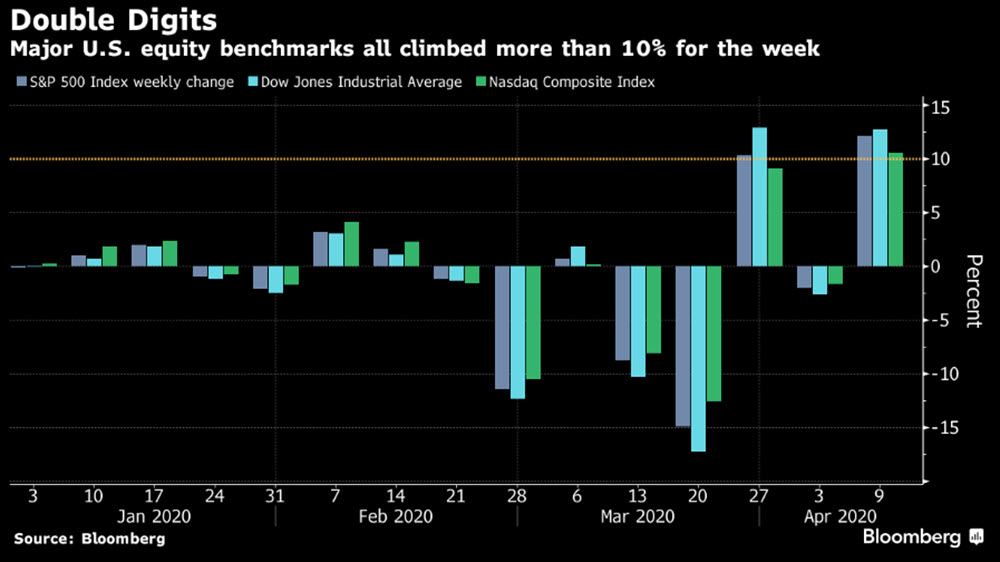
Web Oct 9 2023 nbsp 0183 32 1 Modifying Excel Chart Data In our first example we will see how to modify the chart by editing chart data within it Let s say the price unit of the first product in our table has gone down from 22 to 10 Changing the value now will automatically update the chart To change the value select cell D5 and rewrite the value to 10

Web To change the data used in a chart clear the current data reference in the Chart data range box at the top of the window click the button to the right of the box to minimize the window if required then select your new data
Web Right click your chart and then choose Select Data In the Legend Entries Series box click the series you want to change Click Edit make your changes and click OK Changes you make may break links to the source data on the worksheet To rearrange a series select it and then click Move Up or Move Down
Web Note that the Chart data range contains the B and C column ranges and that the chart contains one series shown in the box at lower left Method 2 Click and Drag to Update a Scatter Chart in Excel Another method to use is to left click on the data displayed in the chart The data columns for the curve will become highlighted Web Start with creating a dynamic chart by using named ranges or table feature to automatically update the chart data when new data is added Keep the chart design and format consistent by using chart templates Save time in updating charts by using macros or VBA codes to automate the chart updating process
Web Jan 5 2023 nbsp 0183 32 Step 1 Click on the chart area and a menu bar will appear in the corner of the chart as highlighted Step 2 Click on the sign and another menu will open that bears the name Chart Elements Step 3 Click on the Trendline checkbox and you ll see a trendline on the chart