How To Uninstall Node Js In Mac Using Terminal How To Remove Node js From Windows Best Online Coding Communities To Join Uninstall Node js On Windows 10 How To Uninstall Node JS YouTube How To Uninstall Node Js From Mac M1 YouTube Uninstall Node Js Tools For Visual Studio Vermontlasopa Web Jan 22 2023 nbsp 0183 32 1 Answer Sorted by 1 After 2 hours of fiddling with this I accidently typed in npm b And this dir came up usr local Cellar node 10 After deleting that folder I found this as well usr local opt node 10 and deleted it as well
Web Sep 14 2023 nbsp 0183 32 Open the Terminal app on your Mac and run the following command to list all the installed versions of Node js nvm list Find the version of Node js that you want to uninstall and take note of its name Run the following command to uninstall the specific Node js version nvm uninstall version Web Aug 20 2023 nbsp 0183 32 Go to the bin directory cd usr local bin At final run the following commands to delete any node or node modules inside the bin directory sudo rm rf usr local bin npm sudo rm rf usr local bin node Verify if the node is completely uninstalled or not using node v command
Uninstall Node Js Tools For Visual Studio Vermontlasopa How To Uninstall Node Js Windows Lasopaarchi How To Uninstall Node js On Mac How To Remove It How To Uninstall Node From Mac Removal Guide Nektony How To UNINSTALL DELETE NODE JS JavaScript On Windows 10 YouTube How To Uninstall Node js On Windows 10 YouTube Uninstall Node js On Windows 10 YouTube Remove Old Node Js Mac Satmusli Vue sass
How To Uninstall Node Js In Mac Using Terminal
 How To Uninstall Node Js In Mac Using Terminal
https://linuxhint.com/wp-content/uploads/2022/08/How-to-Remove-Node.js-From-Windows-13.png
Web Oct 9 2023 nbsp 0183 32 For this method you will need to manually find and remove all files associated with Node Here is how Open Finder Press the Cmd Shift G shortcut In the search field type usr local lib and press Enter Finder will show this location Find the files or folder with Node in their names and move them into the Trash
Templates are pre-designed files or files that can be utilized for different functions. They can save time and effort by supplying a ready-made format and design for creating various type of content. Templates can be utilized for personal or expert jobs, such as resumes, invites, flyers, newsletters, reports, presentations, and more.
How To Uninstall Node Js In Mac Using Terminal

Uninstall Node Js Mac Os X Pilotflip
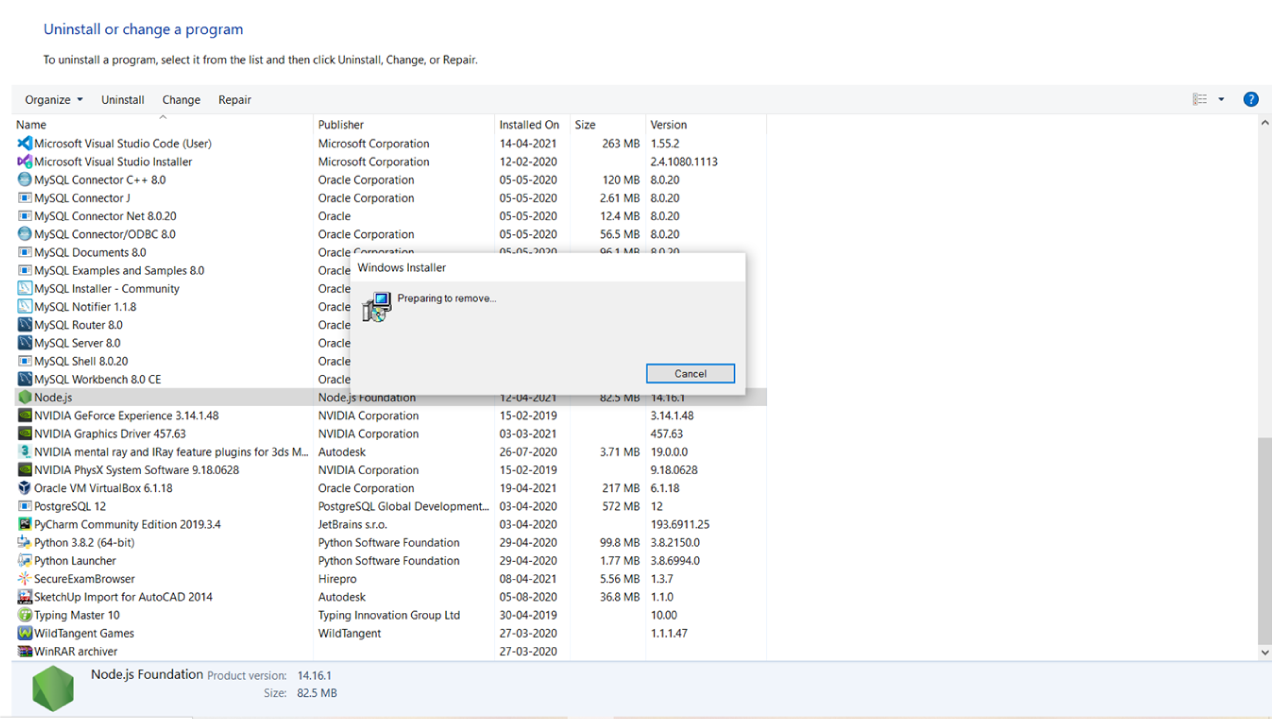
How To Uninstall Node Js Windows Lasopaarchi
How To Uninstall Node js On Mac How To Remove It
How To Uninstall Node From Mac Removal Guide Nektony
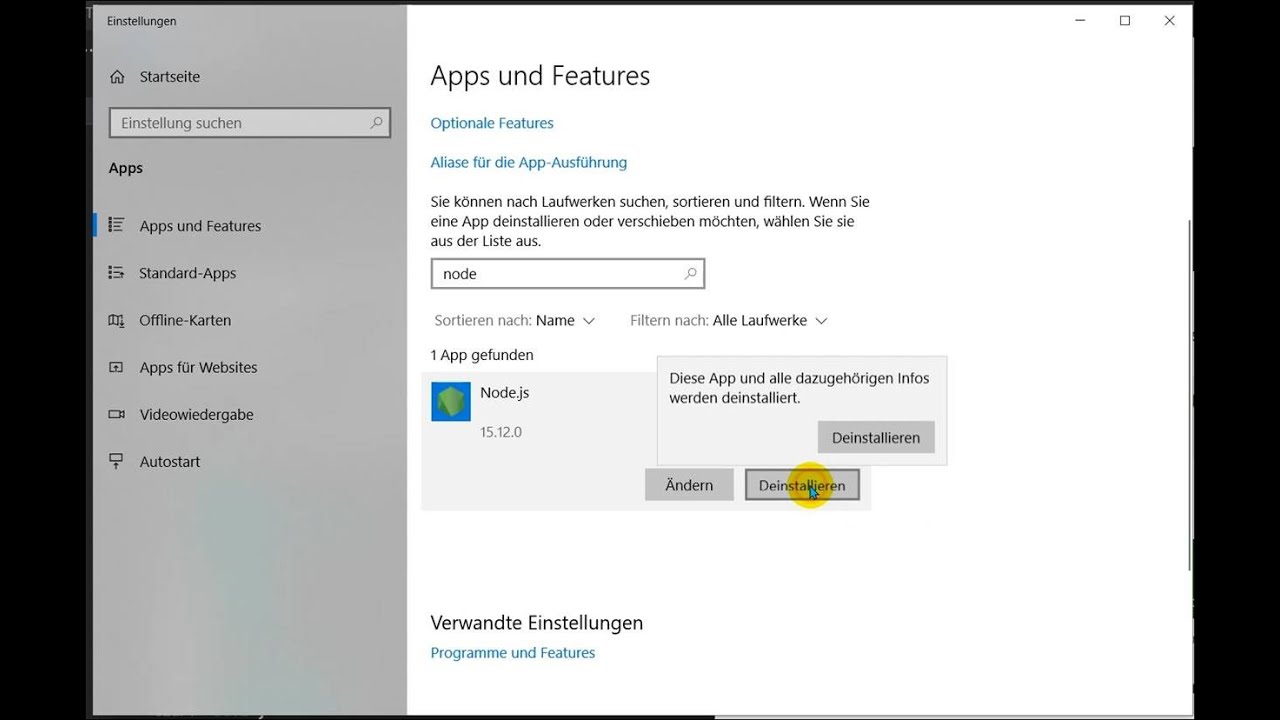
How To Uninstall Node js On Windows 10 YouTube

Uninstall Node js On Windows 10 YouTube

Web Jun 24 2012 nbsp 0183 32 if you installed with brew install node then run brew uninstall node in your terminal brew uninstall node check your Home directory for any quot local quot or quot lib quot or quot include quot folders and delete any quot node quot or quot node modules quot from there go to usr local bin and delete any node executable cd usr local bin sudo rm rf usr local bin npm ls las
Web Aug 15 2023 nbsp 0183 32 If you used NVM to install Node open Terminal and type the following command nvm uninstall lt version gt lt version gt Replace lt version gt lt version gt with the version number of Node js you installed So for example if you installed v17 0 you would type nvm uninstall v17 0 How to uninstall any app easily As you can see there are a
Web Jan 28 2012 nbsp 0183 32 In order to delete the native node js installation I have used the method suggested in previous answers sudo npm uninstall npm g with additional sudo rm rf usr local lib node usr local lib node modules var db receipts org nodejs BUT I had to also delete the following two directories sudo rm rf usr local include node

Web Mar 27 2023 nbsp 0183 32 Step 1 Open the Terminal app on your Mac Step 2 Type the following command and press Enter to see the version of Node js that is installed on your Mac node v Step 3 Type the following command to uninstall Node js sudo rm rf usr local bin node npm lib node modules npm lib node share man man1 node 1

Web Mar 9 2022 nbsp 0183 32 Complete uninstall Node js on macOS Monterey version 12 0 1 To check the current node version installed on your system node v v14 15 0 Enter the given below commands to delete Node from your system cd usr local include sudo rm R node cd lib sudo rm R node modules cd bin sudo rm R node
Web Feb 3 2022 nbsp 0183 32 The command below lists all the versions of Node js that are currently installed in your system nvm list Once we are sure of the version of Node js that we want to uninstall we can execute the command below nvm uninstall lt version gt Manually Uninstall Node js in MacOS It is the least recommended way to adopt when Web May 17 2023 In this article you will find the following How to remove Node js from Mac How to uninstall Node js manually How to remove Node js with Homebrew How to delete Node js from Mac with Node Version Manager NVM How to check Node js version on Mac How to uninstall Node js using Terminal Conclusion
Web Jan 30 2023 nbsp 0183 32 Restart the terminal or run the following command source bash profile This should remove Node js from your Mac You can verify the uninstallation by running the following command node v If Node js is uninstalled you should see an error message saying that the command is not found Remove NVM from MacOS