How To Undo Git Clone Command What Is Git Clone Repository Command Line Updated 2023 GIT Commands Basic To Advanced GIT Commands List That You Should Know How To Clone Git Project With Visual Studio Code Git Revert File Revertir Un Archivo A Una Confirmaci n Anterior How To Undo git Reset Restore Data Gone In hard Resets Official Gmail Help Center where you can find tips and tutorials on using Gmail and other answers to frequently asked questions
How to install Chrome Important Before you download you can check if Chrome supports your operating system and other system requirements Important When you create a Google Account for your business you can turn business personalization on A business account also makes it easier to set up Google Business Profile
How To Undo git Reset Restore Data Gone In hard Resets Git Clone Branch Clone Git Linux Git Clone Option QFB66 How To Undo Pushed Commits With Git DEV Community Git Clone How To Clone A Project From Github YouTube How To Undo git Init Command with Examples Codingem Git Commands BytesofGigabytes Git Clone Command Studytonight Using Git With The Shell Replit Docs
How To Undo Git Clone Command
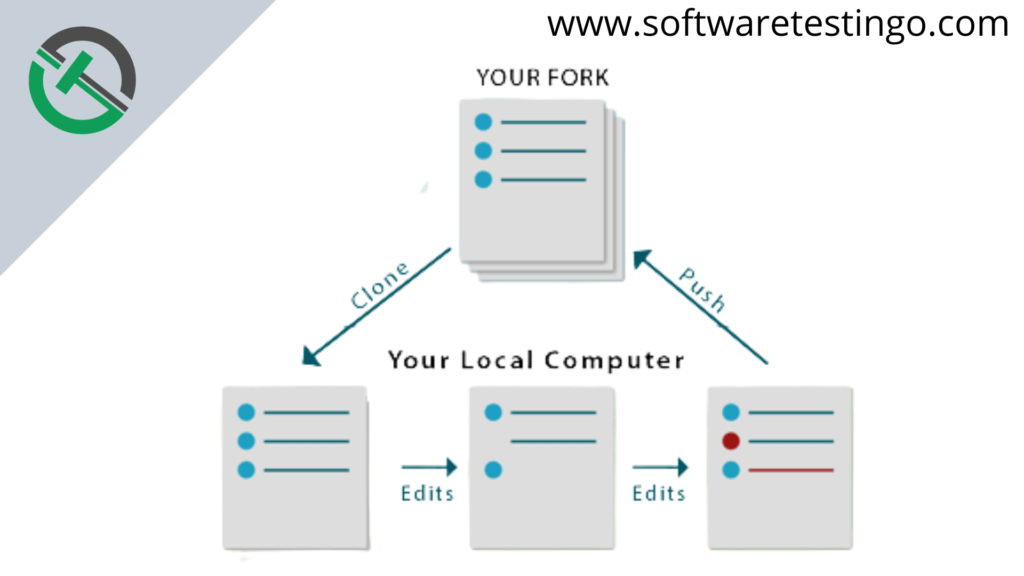 How To Undo Git Clone Command
https://www.softwaretestingo.com/wp-content/uploads/2022/07/Git-Clone-1024x576.png
Record the email addresses from people who fill out your form When someone takes your survey they will be required to enter their email address before they submit the form Collect verified
Pre-crafted templates use a time-saving service for producing a diverse range of files and files. These pre-designed formats and layouts can be utilized for different personal and expert tasks, including resumes, invites, leaflets, newsletters, reports, presentations, and more, streamlining the content creation process.
How To Undo Git Clone Command

Git Tutorial How To Undo Git Command Createswowtech
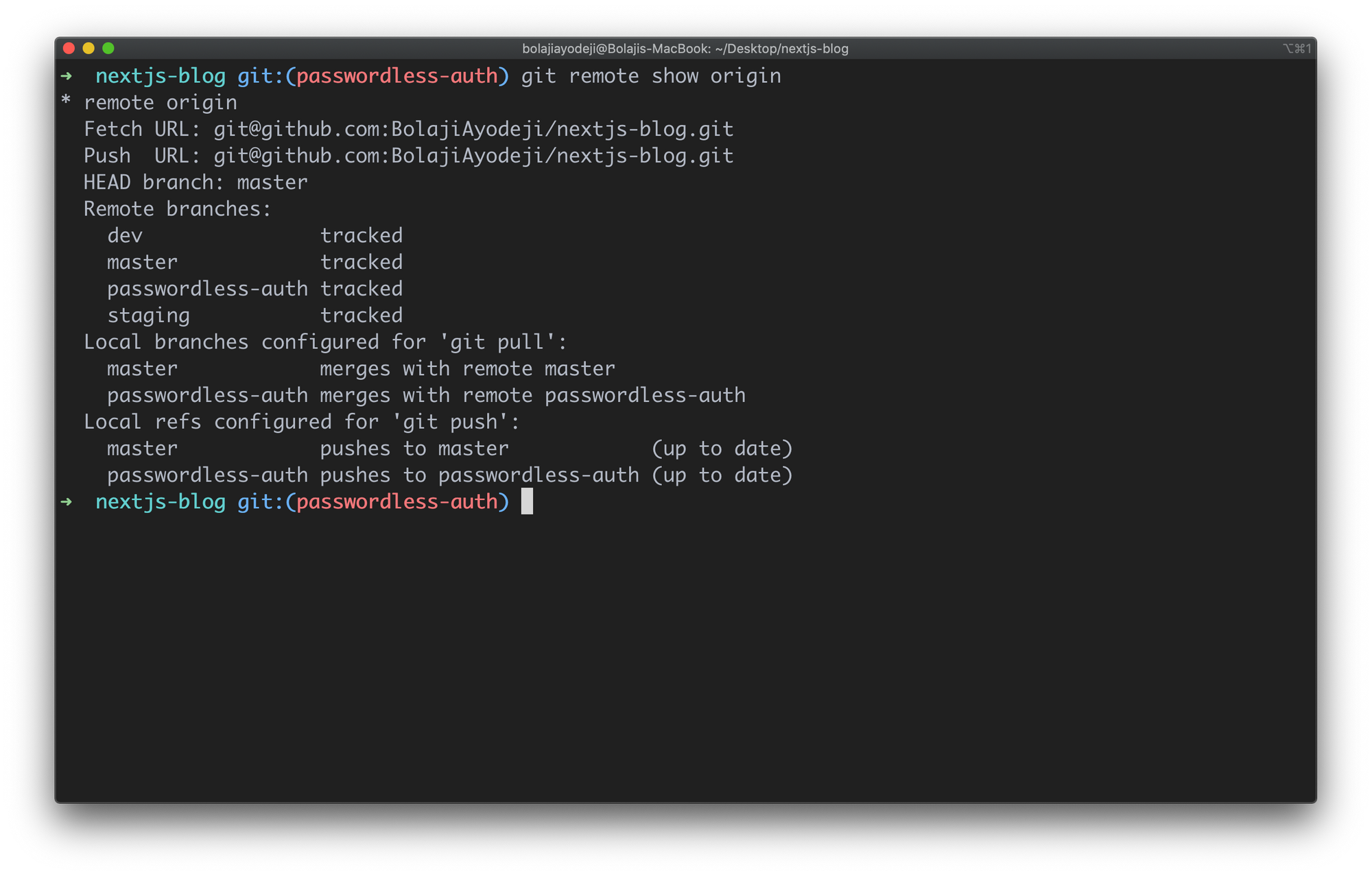
Git Clone Branch
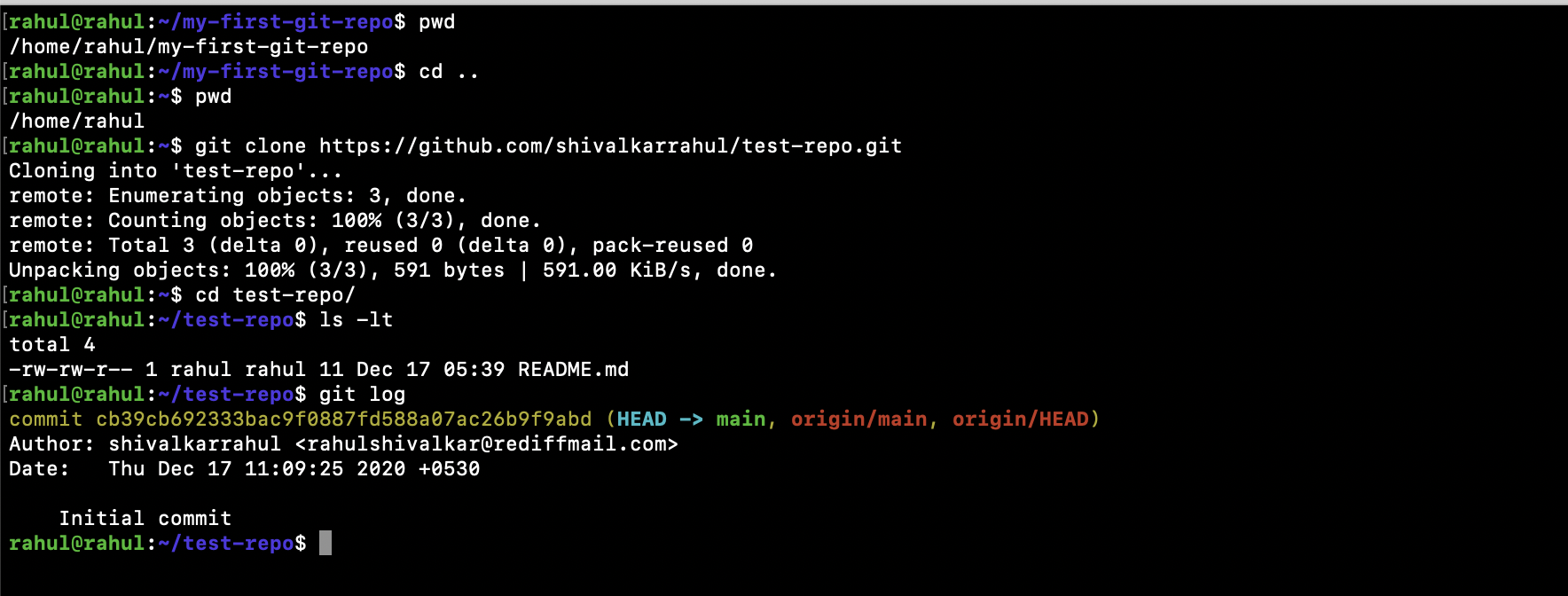
Clone Git Linux Git Clone Option QFB66
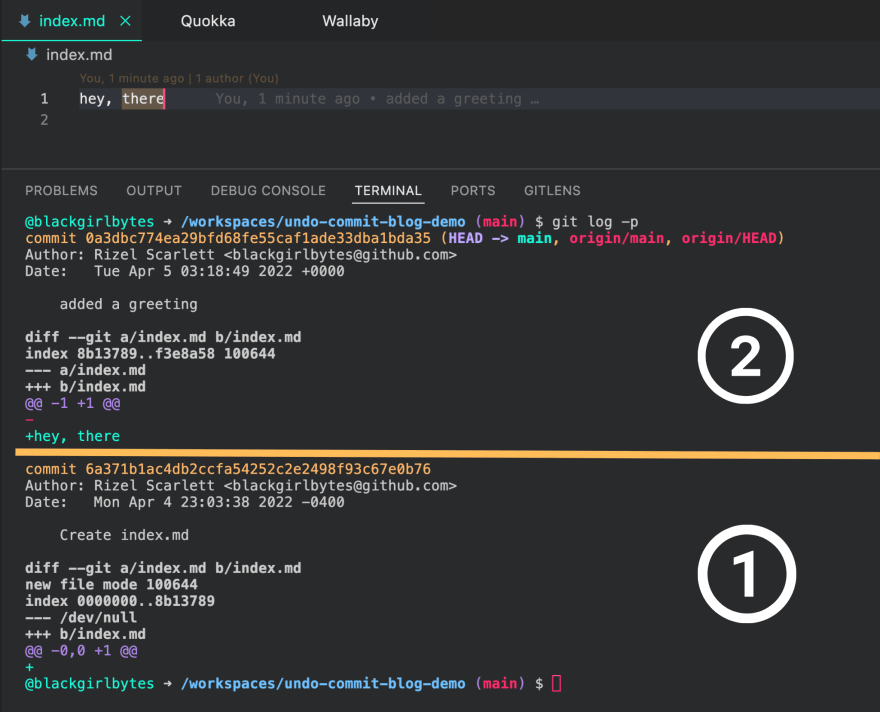
How To Undo Pushed Commits With Git DEV Community

How To Undo git Init Command with Examples Codingem
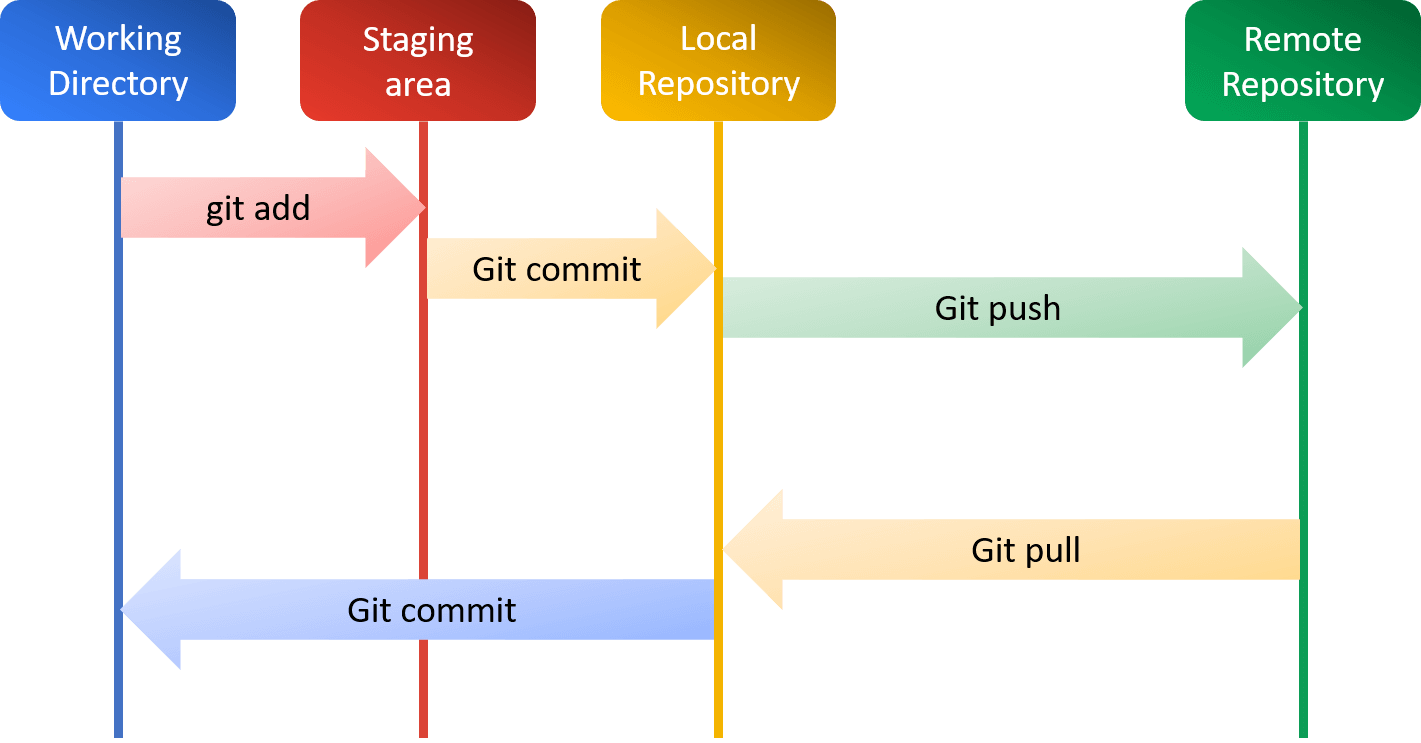
Git Commands BytesofGigabytes
Sign in to Gmail Tip If you sign in to a public computer make sure to sign out before you leave the computer Learn how to sign in on a device that s not yours

To find your username follow these steps You need to know A phone number or the recovery email address for the account The full name on your account Follow the instructions to
If you change or reset your password you ll be signed out everywhere except Devices you use to verify that it s you when you sign in Some devices with third party apps that you ve given

You can easily work with your files with Google Drive for desktop You can also Keep local files safe Your computer files are securely stored in the cloud Keep files up to date across

Important Before you set up a new Gmail account make sure to sign out of your current Gmail account Learn how to sign out of Gmail From your device go to the Google Account sign in
[desc-11] [desc-12]
[desc-13]