How To Underline Text In Visual Studio Code How To Underline Text In Photoshop YouTube How To Underline Text In WhatsApp YouTube How To Put Underline In Html Css Design Talk How To Create Underline In Html PELAJARAN Adobe Illustrator Bittbox Flipboard 4 I recently encountered the same problem with VS 2010 And I noticed it soon after guess what I installed and uninstalled Resharper Dmitry Tashkinov May 2 2011 at 13 18 It happened to me on VS2013 after installing Resharper I think the Visual Studio Power Tools may have had an effect too SoManyGoblins Jan 16 2015 at 12 39
In this article Applies to Visual Studio Visual Studio for Mac Visual Studio Code This dialog box lets you change global settings for the Visual Studio code and text editor To display this dialog box select Options on the Tools menu expand the Text Editor folder and then select General 1 In VSCode press Ctrl Shift P Type python linting Select Python Enable Linting Choose Off Share Improve this answer Follow edited Nov 3 2019 at 7 29 answered Nov 1 2019 at 9 05
Adobe Illustrator Bittbox Flipboard How To Underline Text In Python CopyAssignment How To Underline Text In InDesign Bobs SEO CSS Custom Text Underline How To Create Custom Text Underline With CSS Suggestion Menu With USINGS In Visual Studio Keyboard Shortcut Solved How To Underline Text In Visual Basic with 9to5Answer How To Underline Text In Photoshop 2021 Edit Video Faster Set Of Bold Underline And Black Highlight Collection Of Lines And Visual Studio Shortcuts Duplicate Line Generationlasopa
How To Underline Text In Visual Studio Code
 How To Underline Text In Visual Studio Code
https://i.ytimg.com/vi/SDaQqLYPzBM/maxresdefault.jpg
VS Code comes with a set of standard semantic token types and modifiers for all semantic token providers to use Still semantic token providers are free to define new types and modifiers and create a subtype of the standard types Standard token types and modifiers The standard types and modifiers cover common concepts used by many languages
Pre-crafted templates provide a time-saving solution for developing a diverse series of documents and files. These pre-designed formats and layouts can be made use of for various individual and professional tasks, including resumes, invites, leaflets, newsletters, reports, presentations, and more, enhancing the content creation procedure.
How To Underline Text In Visual Studio Code
How To Run JavaScript In Visual Studio Code
How To Underline Text In Python CopyAssignment
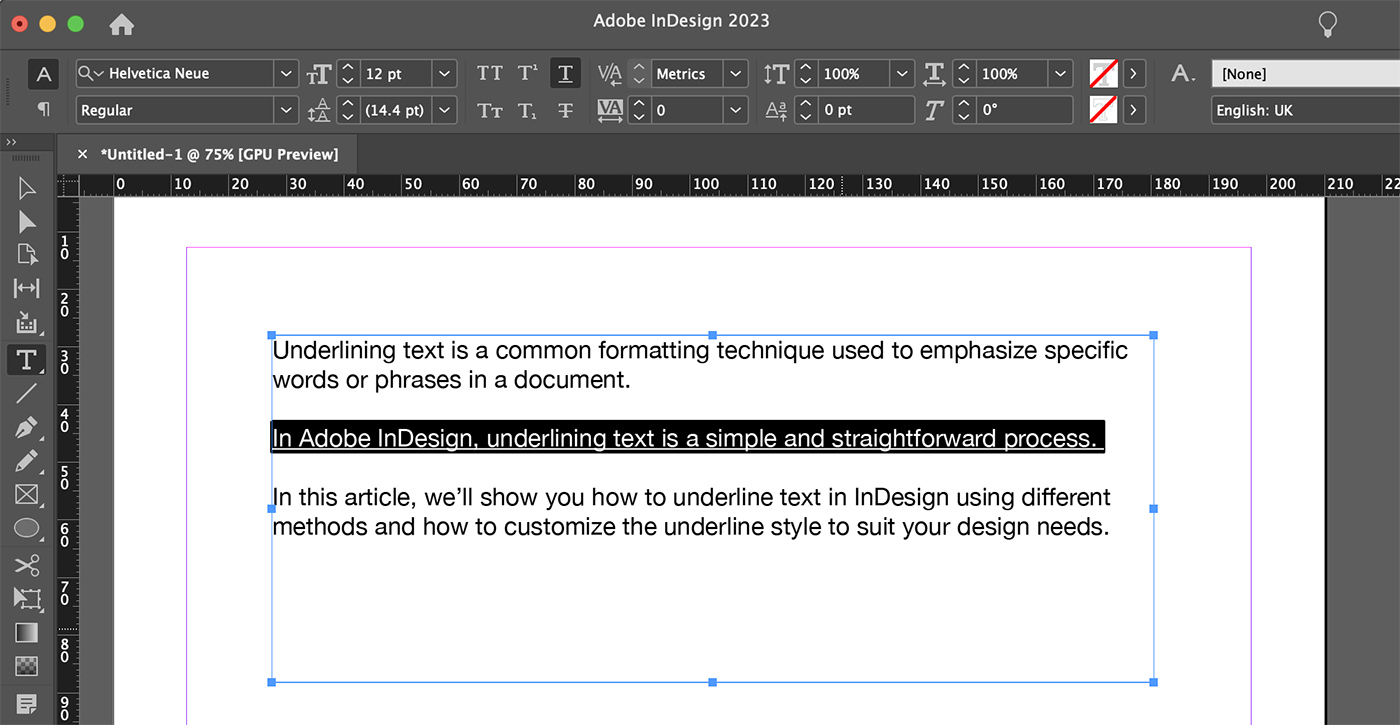
How To Underline Text In InDesign Bobs SEO
CSS Custom Text Underline How To Create Custom Text Underline With CSS

Solved How To Underline Text In Visual Basic with 9to5Answer
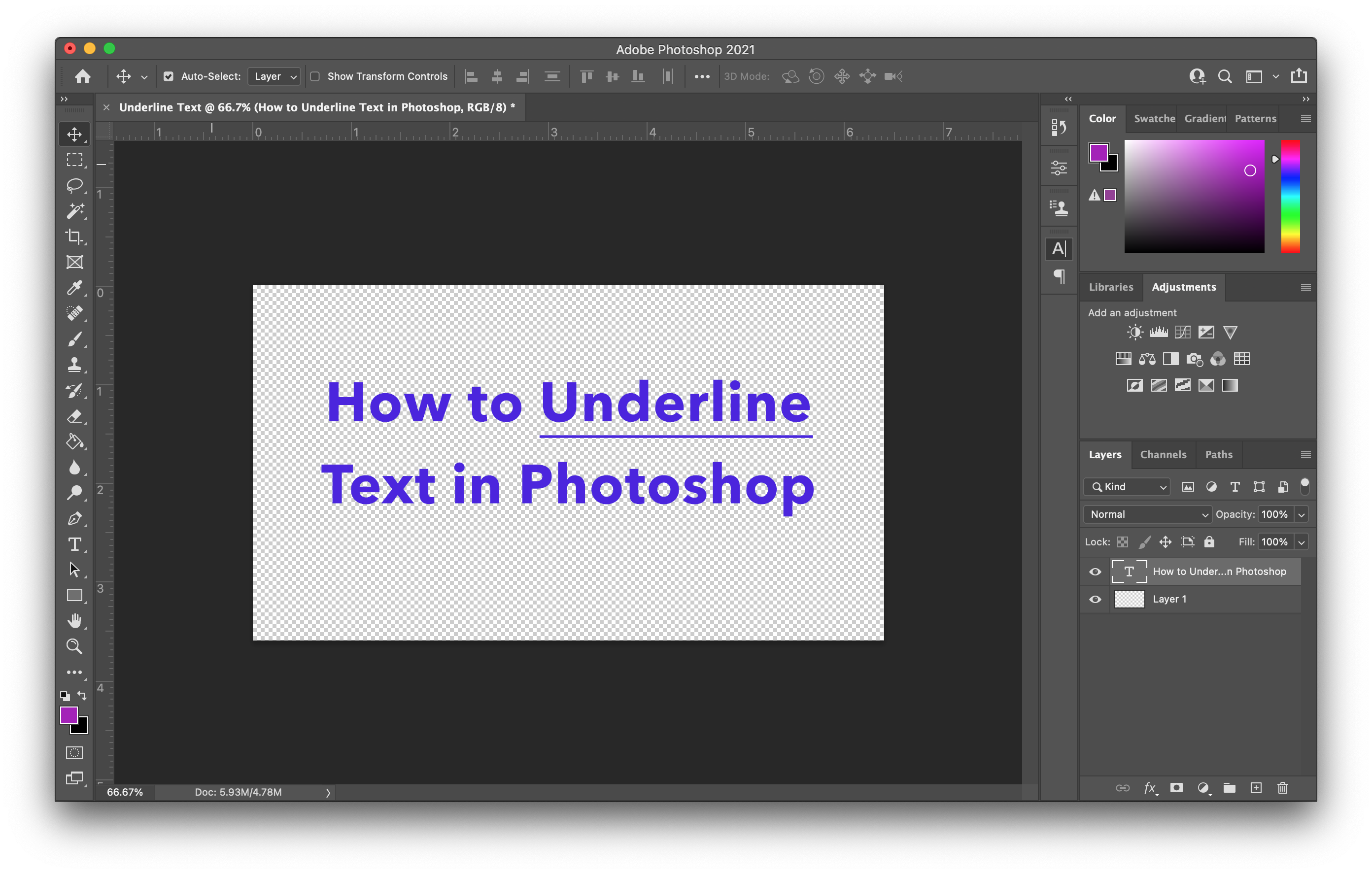
How To Underline Text In Photoshop 2021 Edit Video Faster

To make text underlined in most modern word processors you can highlight the text you want to be underlined and then click the U icon on the toolbar or press Ctrl U In some programs such as Microsoft Word you can also right click on the text and select Underline from the drop down menu
To display the dialog box select Tools from the menu bar and then select Options Text Editor Advanced Difference display mode The Whole line option is selected by default

What is the u tag The u tag stands for Unarticulated Annotation element This element is a length of inline text that stylistically looks different from its surrounding text but has non textual annotation The default style for this element is a single underline Let s take a look at some examples of when to use the u tag

How to get rid of these underlined things in Visual Studio Code Ask Question Asked 3 years 1 month ago Modified 3 years ago Viewed 590 times 1 Whenever I type any HTML code in Visual Studio Code these items underline automatically which make code very illegible I was looking for some solution but I haven t find anything useful
Syntax Highlight Guide Syntax highlighting determines the color and style of source code displayed in the Visual Studio Code editor It is responsible for colorizing keywords like if or for in JavaScript differently than strings and comments and variable names There are two components to syntax highlighting
Text style See also Applies to Visual Studio Visual Studio for Mac Visual Studio Code The environment font All fonts within Visual Studio must be exposed to the user for customization This is primarily done through the Fonts and Colors page in the Tools Options dialog The three main categories of font settings are How To Underline a Text in HTML and CSS in Visual Code StudioWhen we write paragraphs we often need to emphasize texts to show our users that these are impor
Welcome to ErrorLens ErrorLens enhances Visual Studio Code s inbuilt diagnostic highlighting Visual Studio Code s default behavior is to underline errors and warnings and other diagnostic messages using a squiggly underline Whilst this is certainly useful the underline visual effect is subtle and therefore can be easily overlooked in a