How To Total Multiple Rows In Excel List writerow Is Writing Into Alternate Rows In Excel Csv Format How To Insert Multiple Rows In Excel Worksheet Riset Count The Number Of Rows In Excel QuickExcel How To Delete Blank Rows In Excel The Right Way 2021 Riset How To Remove Duplicate Rows In Excel Web Sep 25 2023 nbsp 0183 32 1 Using AutoSum Command to Sum Multiple Rows and Columns in Excel 2 Applying Excel SUMPRODUCT Function to Sum Multiple Columns 3 Inserting Excel SUMPRODUCT Function to Sum Multiple Rows 4 Calculating Total by Defining Columns Range Instead of Cells Range 5 Finding Sum by Defining Rows Range Instead of Cells
Web Nov 16 2020 nbsp 0183 32 SUM D1 D7 F1 F7 to the formula bar Swap the cells inside the parenthesis to fit your needs Press the quot Enter quot button on the keyboard or the checkmark in the formula bar to execute the formula Android Web May 20 2023 nbsp 0183 32 Learn how to sum multiple rows in Excel with our easy step by step guide Save time and simplify your spreadsheet calculations with this essential function You can get a running total in Excel by using a simple formula called the Cumulative Total formula You can create a running total by creating a new column and entering the
How To Remove Duplicate Rows In Excel 2 Methods To Collapse Rows In Excel QuickExcel How To Move Over A Row In Excel Quora Adding Total Row To A Table In Excel 2016 YouTube How To Delete Multiple Rows In Excel Part 3 Biblipole How To Expand All Rows In Excel SpreadCheaters How To Delete Blank Rows In Excel How To Delete Blank Rows In Excel 5 Fast Ways To Remove Empty Rows Riset How To Transpose Rows And Columns In Excel Free Excel Tutorial Vrogue
How To Total Multiple Rows In Excel
 How To Total Multiple Rows In Excel
https://i.stack.imgur.com/x4a8A.png
Web Jun 7 2023 nbsp 0183 32 This is a guide on How to Sum Multiple Rows in Excel Here we discuss How to Sum Multiple Rows in Excel practical examples and a downloadable Excel template You can also go through our other suggested articles How to SUM in Excel Add Rows in Excel Shortcut SUM Cells in Excel ROWS Function in Excel
Templates are pre-designed documents or files that can be used for various purposes. They can conserve effort and time by providing a ready-made format and design for creating different type of material. Templates can be used for individual or expert projects, such as resumes, invitations, leaflets, newsletters, reports, discussions, and more.
How To Total Multiple Rows In Excel
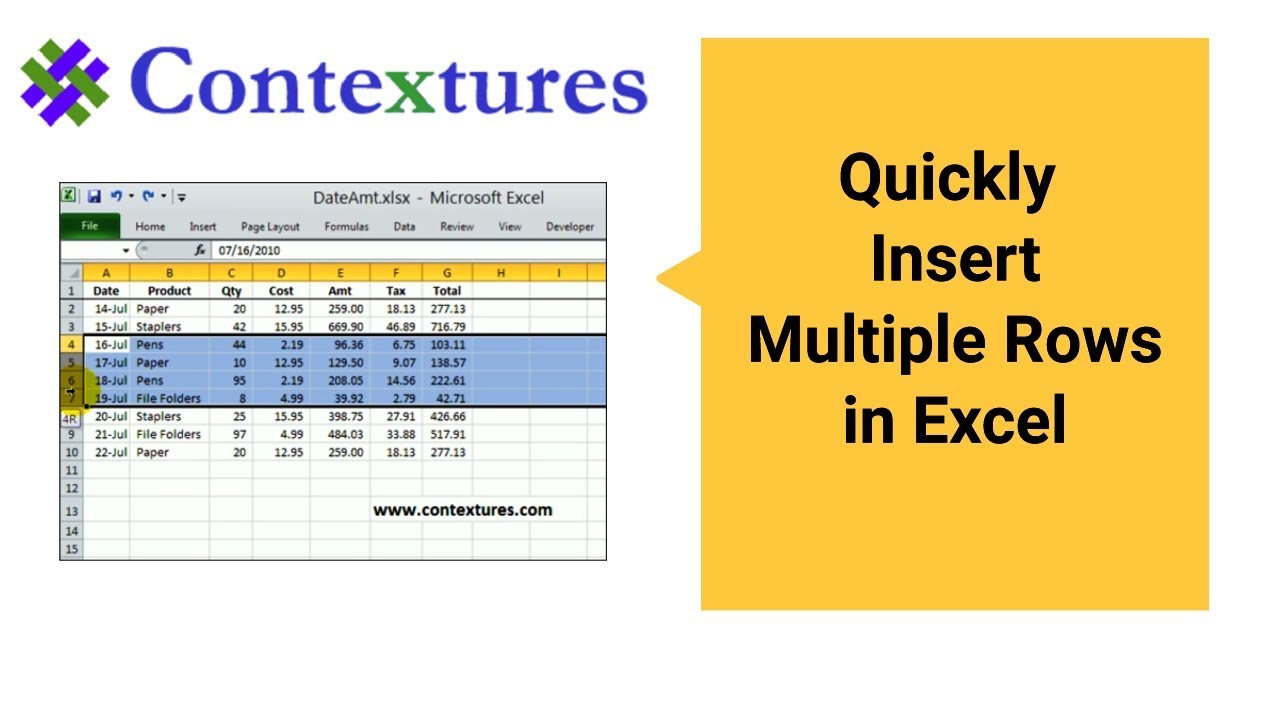
Quickly Insert Multiple Rows In Excel YouTube

2 Methods To Collapse Rows In Excel QuickExcel
How To Move Over A Row In Excel Quora
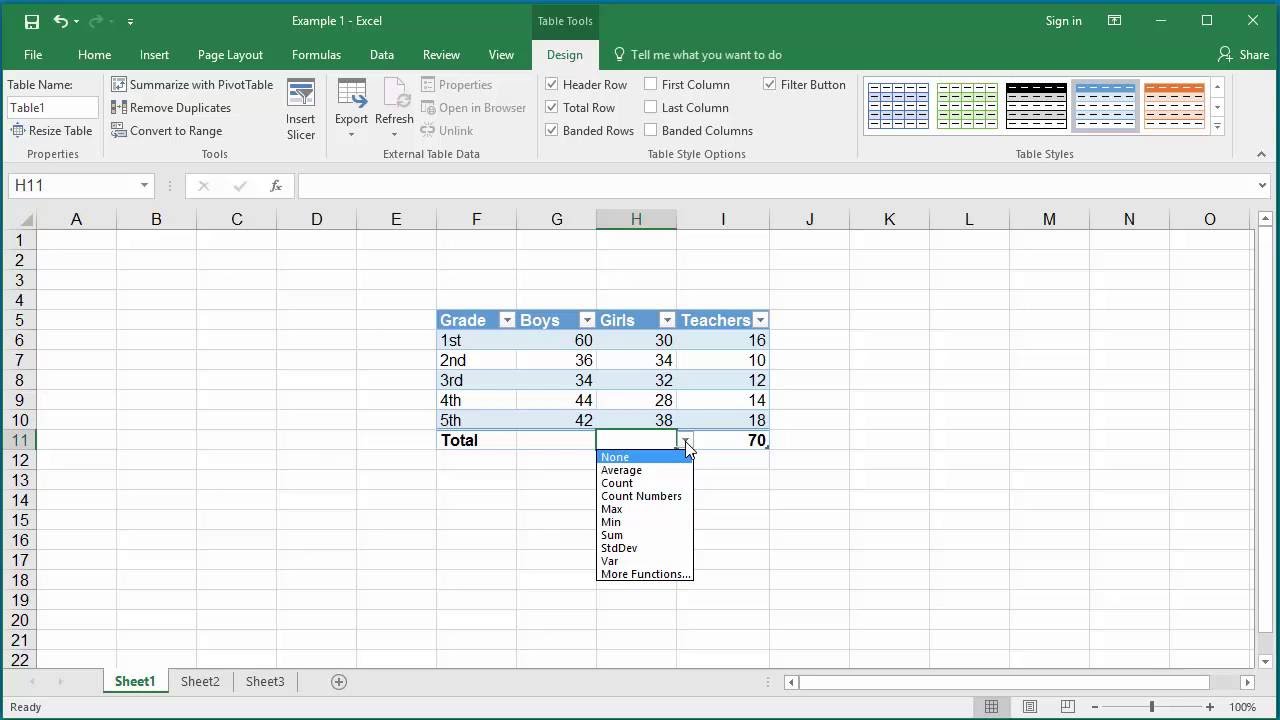
Adding Total Row To A Table In Excel 2016 YouTube
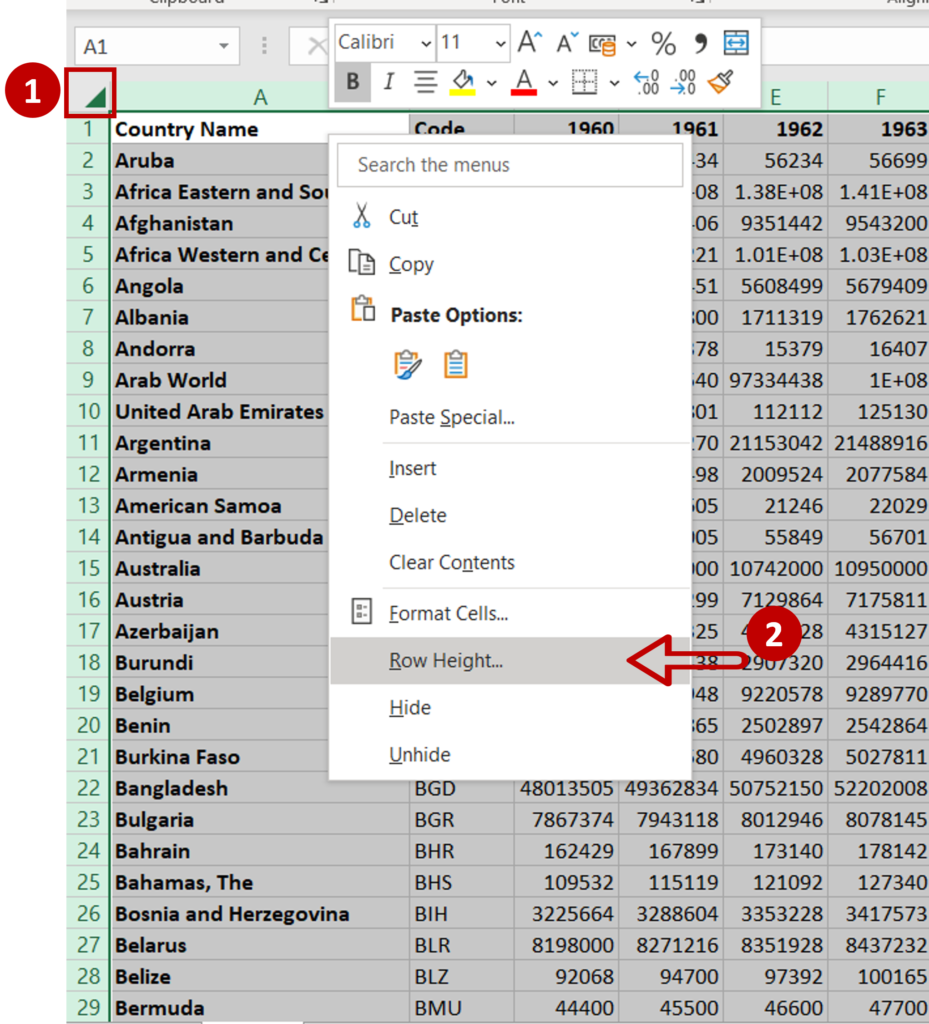
How To Expand All Rows In Excel SpreadCheaters

How To Delete Blank Rows In Excel

Web Nov 1 2021 nbsp 0183 32 Using the SUM Function 1 Insert a blank column or blank row after your data First if you want to find the total sum of an entire range of 2 Click the first blank cell after the numbers you want to add If you re summing multiple columns click the first 3 Type the beginning of the SUM

Web Hold the Ctrl Shift key together and press the left arrow Close the bracket and press the Enter key to get the total Similarly we can add multiple rows together Open SUM function in the G1 cell Then select the cell E1 cell Hold the Ctrl Shift key together

Web SUM function The SUM function adds values You can add individual values cell references or ranges or a mix of all three For example SUM A2 A10 Adds the values in cells A2 10 SUM A2 A10 C2 C10 Adds the values in cells A2 10 as well as cells C2 C10 Syntax Best Practices with SUM Frequently Asked Questions Need more help

Web Jun 8 2023 nbsp 0183 32 SUM A1 A2 A5 SUM 1 5 2 The Excel SUM function is useful when you need to add up values from different ranges or combine numeric values cell references and ranges For example

Web Select a cell next to the numbers you want to sum click AutoSum on the Home tab press Enter and you re done When you click AutoSum Excel automatically enters a formula that uses the SUM function to sum the numbers Here s an example
[desc-11] [desc-12]
[desc-13]