How To Stop Visual Studio Code Running Mac Visual Studio Code Running Cells With Python 3 9 5 64 bit Requires Visual Studio Code VSCode Course For JavaScript Python PHP Microsoft Visual Studio Microsoft Updates Visual Studio Code With Native Support For Apple Best Visual Studio Code Extensions To Work For Azure All Around Azure Download Visual Studio Code for macOS Open the browser s download list and locate the downloaded app or archive If archive extract the archive contents Use double click for some browsers or select the magnifying glass icon with Safari Drag Visual Studio Code app to the Applications folder making it available in the macOS Launchpad
Press Ctrl C to shut down Now there is an error when I try to launch the web app in Visual Studio because it is already running I couldn t find a command like dotnet stop only Ctrl C which doesn t work in this case I used Process Hacker to kill the dotnet exe process but that doesn t seem right Applies to Visual Studio Visual Studio for Mac Visual Studio Code Starting in Visual Studio 2022 the Hot Reload experience in Visual Studio works for both managed NET and native C apps If you re using the Visual Studio debugger to run your app but you ve disabled Enable Hot Reload and Edit and Continue when debugging in settings
Best Visual Studio Code Extensions To Work For Azure All Around Azure Visual Studio Code Download Visual Studio Code 1 9 0 For Windows Tavalli Tavalli Blog Google Explained How To Stop Chrome From Blocking Downloads Offdrive Visual Studio Code Git GitHub How To Install Run Java In Visual Studio Code 2020 YouTube Visual Studio Code Setup To Improve Your Development Experience Visual Studio Code1 58 Microsoft Visual Studio Visual Studio Code Team Foundation Server
How To Stop Visual Studio Code Running Mac
 How To Stop Visual Studio Code Running Mac
https://i.stack.imgur.com/xp87W.png
In this article Applies to Visual Studio Visual Studio for Mac Visual Studio Code Visual Studio includes a powerful integrated set of project build and debugging tools This article describes how Visual Studio can help you find problems in your code by using build output code analysis debugging tools and unit tests
Pre-crafted templates provide a time-saving service for creating a varied series of files and files. These pre-designed formats and designs can be used for various individual and professional jobs, including resumes, invites, flyers, newsletters, reports, discussions, and more, streamlining the material creation process.
How To Stop Visual Studio Code Running Mac
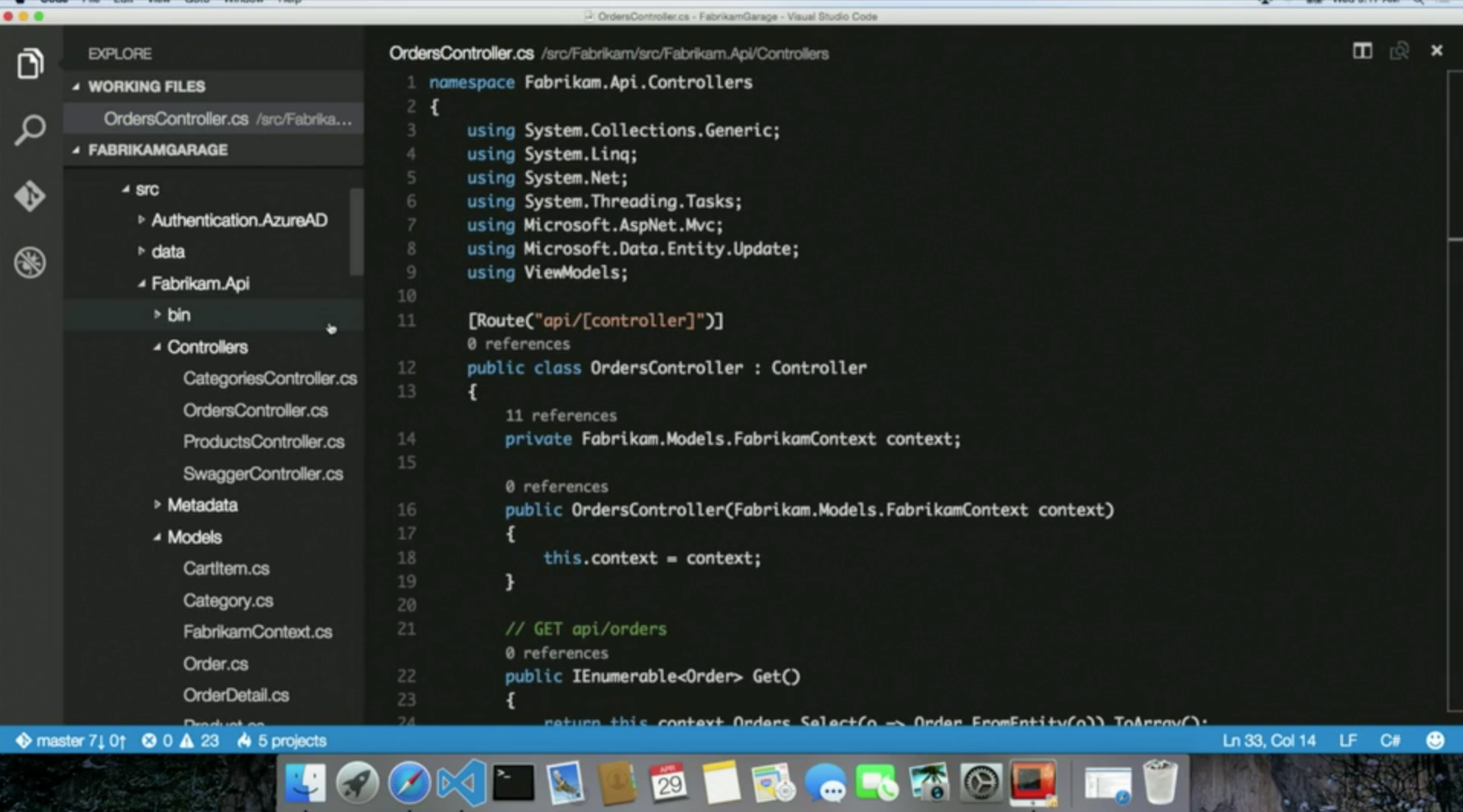
Microsoft Unveils Visual Studio Code For Mac A Cross platform Code
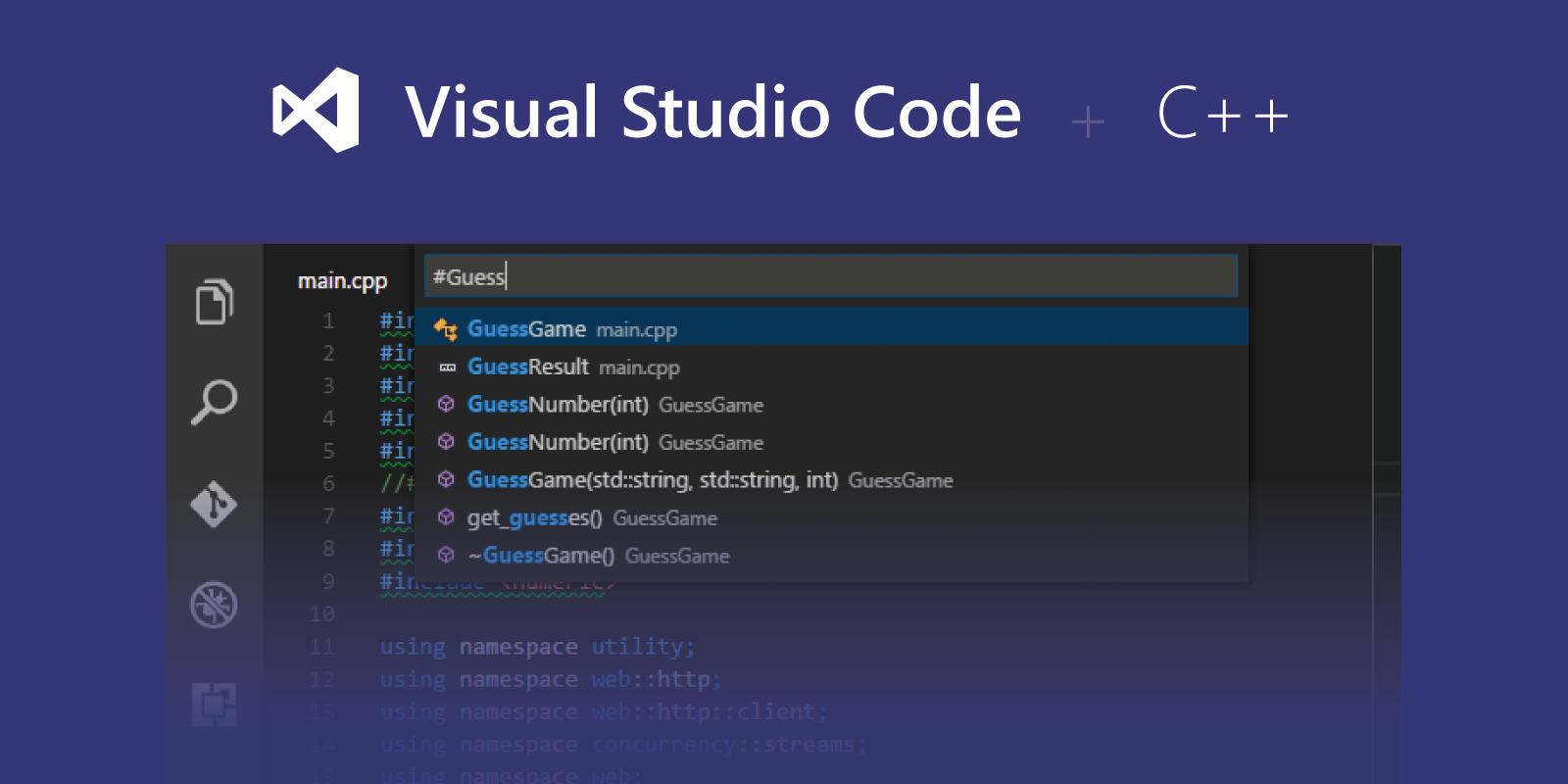
Visual Studio Code
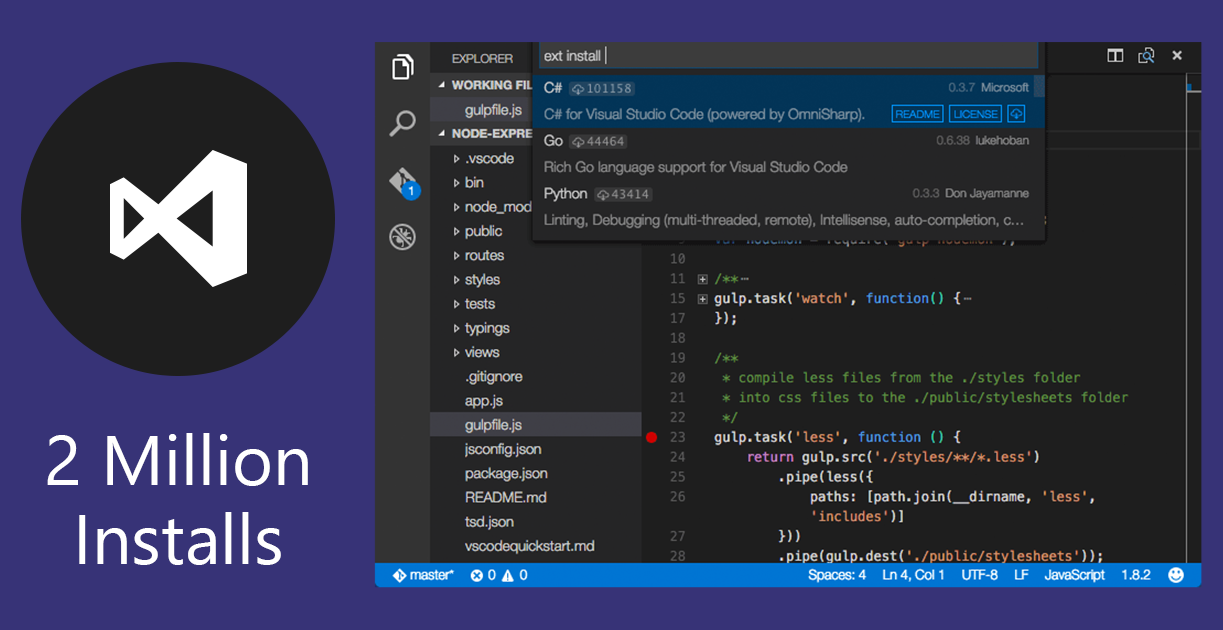
Download Visual Studio Code 1 9 0 For Windows Tavalli Tavalli Blog

Google Explained How To Stop Chrome From Blocking Downloads Offdrive

How To Install Run Java In Visual Studio Code 2020 YouTube

Visual Studio Code Setup To Improve Your Development Experience

1 When I debug a code I can see a stop button But when I simply run a code I dont see one I have to manually kill the terminal or use the task manager to stop the code Is there any alternative to stop the code having infinite loops from running without having to kill the terminal python visual studio code Share Follow

1 stripawayunnecessary 2 yr ago Right now March 22 it seems to be CMD T in the terminal 1

F5 Stop I Show hover terminal Show integrated terminal Create new terminal C Copy selection Scroll up down PgUp PgDn Scroll page up down Home End Scroll to top bottom Other operating systems keyboard shortcuts and additional unassigned shortcuts available at aka ms vscodekeybindings Keyboard shortcuts for

15 Answers Sorted by 543 You can hit Ctrl Break on the keyboard to cancel stop a build that is currently in progress Share Follow edited Jan 25 2012 at 3 30 Cody Gray on strike 240k 50 494 575 answered Jan 25 2012 at 3 18 Chris Subagio 6 149 1 15 7

Below are some specific ways you can configure Docker on a local or remote host Windows Docker Desktop 2 0 on Windows 10 Pro Enterprise Windows 10 Home 2004 requires Docker Desktop 2 3 and the WSL 2 back end Docker Toolbox is not supported Windows container images are not supported macOS Docker Desktop 2 0
Troubleshooting steps To troubleshoot Integrated Terminal launch failures in Visual Studio Code follow these steps to diagnose issues Check your user settings Review these terminal integrated settings that could affect the launch terminal integrated defaultProfile platform The default shell profile that the terminal uses The Visual Studio Code Remote Tunnels extension lets you connect to a remote machine like a desktop PC or virtual machine VM via a secure tunnel You can connect to that machine from a VS Code client anywhere without the requirement of SSH Tunneling securely transmits data from one network to another via Microsoft dev tunnels
6 Somehow My visual studio code froze when It was idle for some time and I was using my Injellij application When I found I tried quitting the application by doing right click on visual studio code icon and quit nothing happened Then I tried force quit still nothing happened