How To Stop Node Server In Mac Terminal 10 Mac Terminal Commands All Beginners Should Learn Siytek How To Enter Password Into Terminal On A Mac YouTube Install SQL Server In Mac M1 Apple Macbook Install SQL Server In NodeJS How To Stop Node API Cluster Server Properly YouTube NodeJS How To Stop Node js Server YouTube WEB Jun 28 2019 nbsp 0183 32 You have various options but the easiest one that shuts down all node processes is killall node Or get a list of processes with ps ef and find the one you want
WEB May 15 2019 nbsp 0183 32 If you started them via a Debug Configuration in Visual Studio Code or IntelliJ IDEA you can stop the process clicking the Stop button Until here no problem WEB Jan 20 2020 nbsp 0183 32 server stop stops the server from accepting new connections and keeps existing connections This function is asynchronous the server is finally closed when all connections are ended and the
NodeJS How To Stop Node js Server YouTube Unix Linux Stop Node Server In Tmux YouTube Is There An Equivalent To Ipconfig On A Mac Hopdenordic How To Protect Customer Data TechRadar What Is Windows Terminal Server Terdocs All Mac Terminal Commands Valuespsado How To Install Nodejs On Mac Step By Step Verwechslung Kreativ Triathlon Command Copy Mac Halt Protest L nglich Google Explained How To Stop Chrome From Blocking Downloads Offdrive
How To Stop Node Server In Mac Terminal
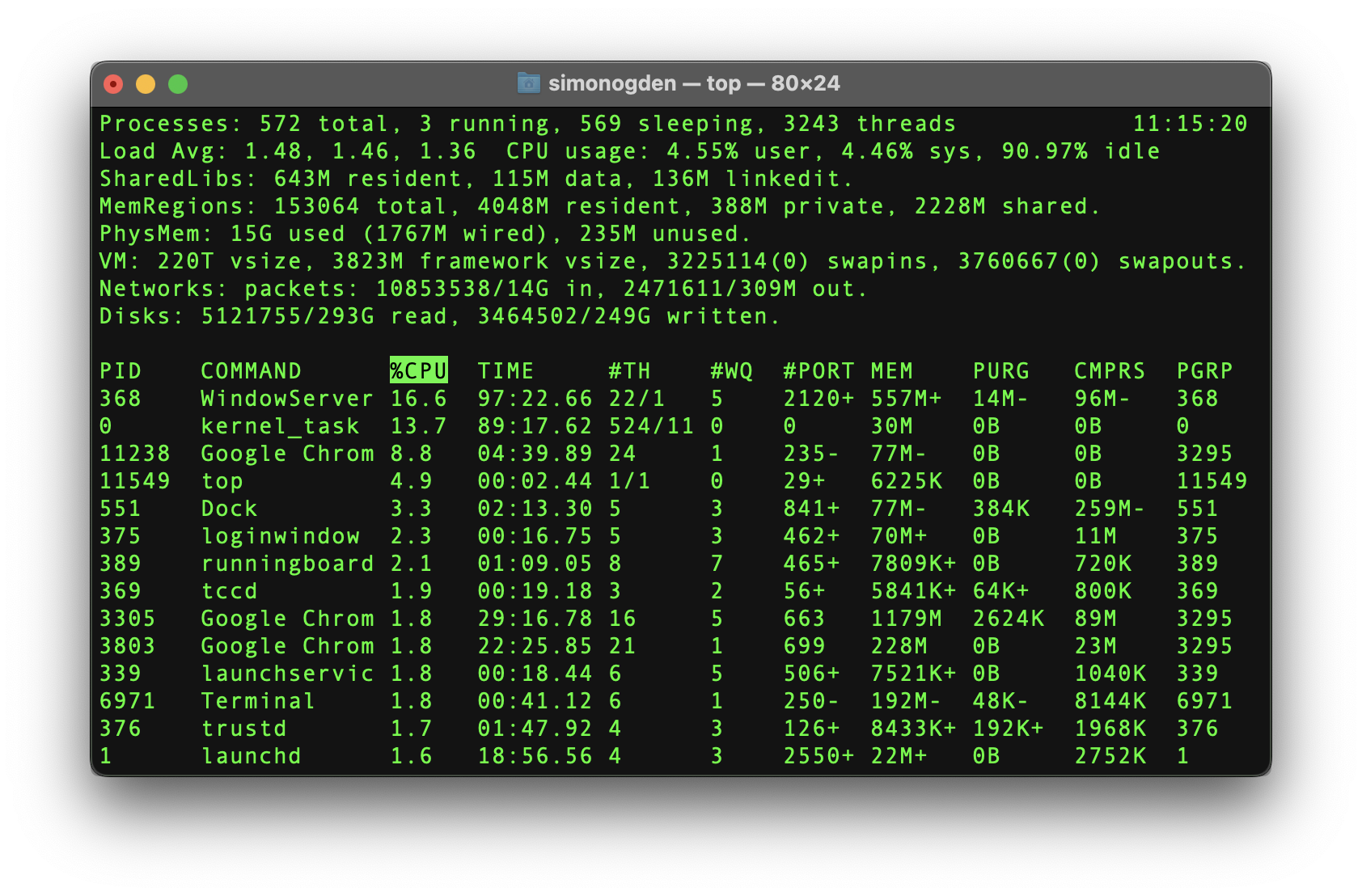 How To Stop Node Server In Mac Terminal
https://siytek.com/wp-content/uploads/2022/06/image-13.png
WEB Jun 21 2024 nbsp 0183 32 To kill all instances of a Node js process via the command line use the command killall node on the Mac or Unix based systems This terminates all running Node js processes Why we need to kill all the
Pre-crafted templates use a time-saving option for producing a diverse range of files and files. These pre-designed formats and layouts can be utilized for different individual and professional projects, including resumes, invitations, flyers, newsletters, reports, discussions, and more, streamlining the material production procedure.
How To Stop Node Server In Mac Terminal

DevOps SysAdmins How To Stop Node js Server 7 Solutions YouTube

Unix Linux Stop Node Server In Tmux YouTube

Is There An Equivalent To Ipconfig On A Mac Hopdenordic

How To Protect Customer Data TechRadar
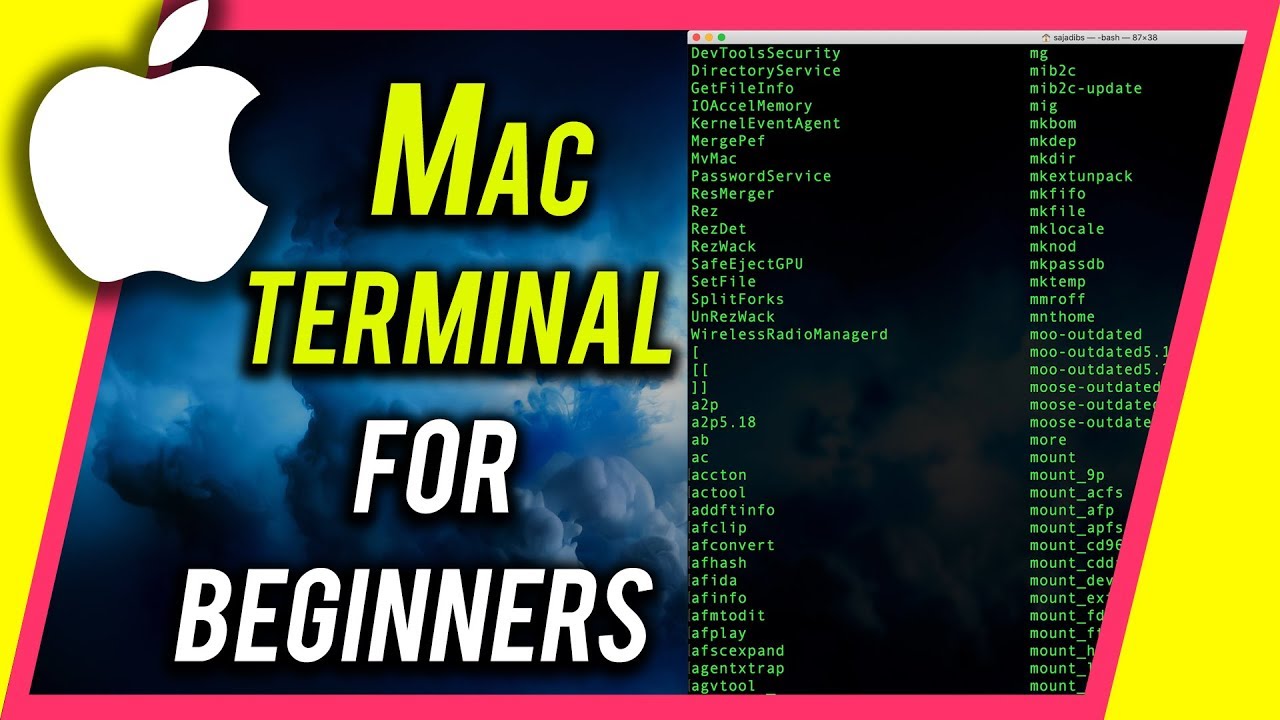
All Mac Terminal Commands Valuespsado

How To Install Nodejs On Mac Step By Step
WEB You could either kill all Node processes running on the machine use SIGNAL if SIGKILL is insufficient killall node Or also using netstat you can find the PID of a process
WEB Apr 6 2011 nbsp 0183 32 For reference here are the different signals you can send to stop a process and what they mean from kill man page 1 HUP hang up 2 INT interrupt 3 QUIT

WEB The accurate answer for MAC Keyboard on terminal is Command dot period This is equivalent to Ctrl C or break Refer to the Terminal Help gt Keyboard Shortcuts gt Other

WEB Jun 9 2022 nbsp 0183 32 Unlike with starting a npm process where you need to run the npm start or npm run serve command stopping a running npm process doesn t require a command

WEB May 25 2021 nbsp 0183 32 To stop your NodeJS server from running you can use the ctrl C shortcut which sends the interrupt signal to the Terminal where you start the server At other
WEB Press Ctrl C to terminate the program and get back to the shell prompt If you want a program to run in the background and return you to a shell prompt append an WEB Dec 31 2023 nbsp 0183 32 Different ways to kill or stop node process in Windows and Linux When you start running an API nodeJS server a frontend web server and a test case a NodeJS
WEB Feb 5 2024 nbsp 0183 32 We ll cover the essentials of running a Node js server using vanilla Node js and also delve into how to use Express a widely used Node js framework Additionally