How To Stop A Vba Macro While Running Como Usar O Do While Loop No Excel VBA Acervo Lima Migliori Corsi Di Vba Excel Online 2024 CercaCorso it Vba Can Not Run Macro The Macro May Not Be Available In This Workbook Excel VBA Create A Progress Bar While Macro Is Running ExcelDemy Ms Excel Developer Tutorial The Best Images 12 Vba Certifications And You can stop a macro by pressing ctrl break but if you don t have the break key you could use this autohotkey open source code ESC SendInput CtrlBreak return Pressing shift Escape will be like pressing ctrl break and thus will stop your macro All the glory to this page
5 Answers Sorted by 13 When Excel is busy executing your macro it won t respond to a button You have three options here If the Macro is simply in a continuous loop or is running for too long you can use one of these keyboard shortcuts to kill it Esc hit the Escape key Ctrl Break hit Ctrl key and then the break key which is also the pause key
Ms Excel Developer Tutorial The Best Images 12 Vba Certifications And Zeitplan Symbol Aufwachen Vba Custom Message Box Ung ltig Ausbrechen Insert And Run VBA Macros In Excel Step by step Guide Excel VBA Macro Progress Bar While Macro Is Running UserForm YouTube VBA Tip Stop A Running Macro Excel Vba Immediate Vba Do Loop How To Use Do Loop In Excel Using Vba Code Vrogue How To Call Or Run A Another Macro From A Macro Excel Campus VBA Macros Step By Step Guide To Record Macros In VBA
How To Stop A Vba Macro While Running
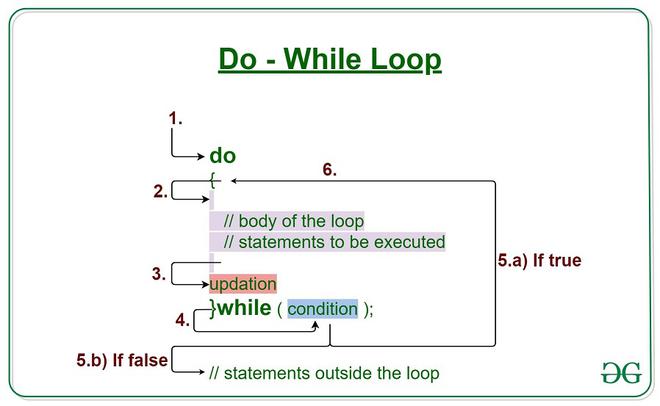 How To Stop A Vba Macro While Running
https://media.geeksforgeeks.org/wp-content/uploads/20210706231004/dowhileLoopGeeksforGeeks2-660x406.jpg
I know you can manually stop a running VBA macro with Ctrl Break but is there any way to have the code stop automatically if a certain condition is met exit function exit sub are not working because they are only terminating
Templates are pre-designed files or files that can be used for different purposes. They can conserve effort and time by offering a ready-made format and design for developing different kinds of material. Templates can be used for individual or professional jobs, such as resumes, invitations, leaflets, newsletters, reports, discussions, and more.
How To Stop A Vba Macro While Running
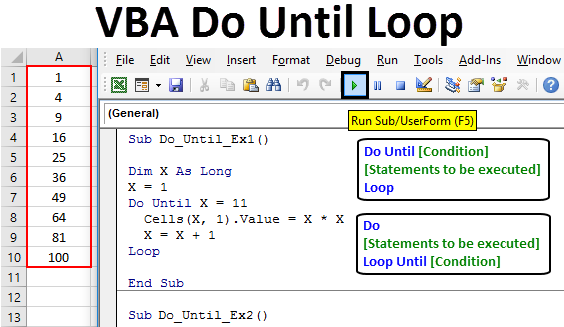
Do Loop Until Vba Vba Excel Do While Crpodt
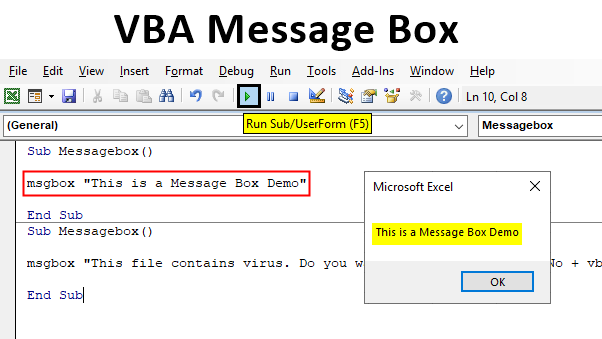
Zeitplan Symbol Aufwachen Vba Custom Message Box Ung ltig Ausbrechen
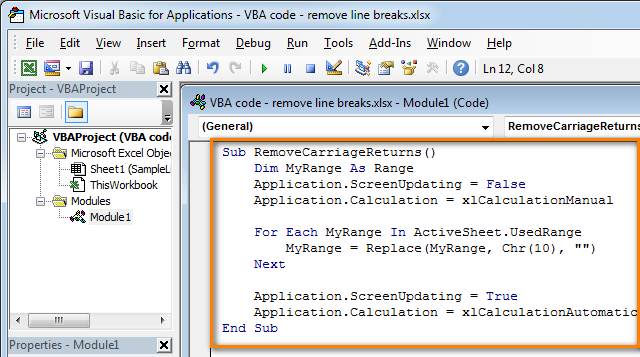
Insert And Run VBA Macros In Excel Step by step Guide
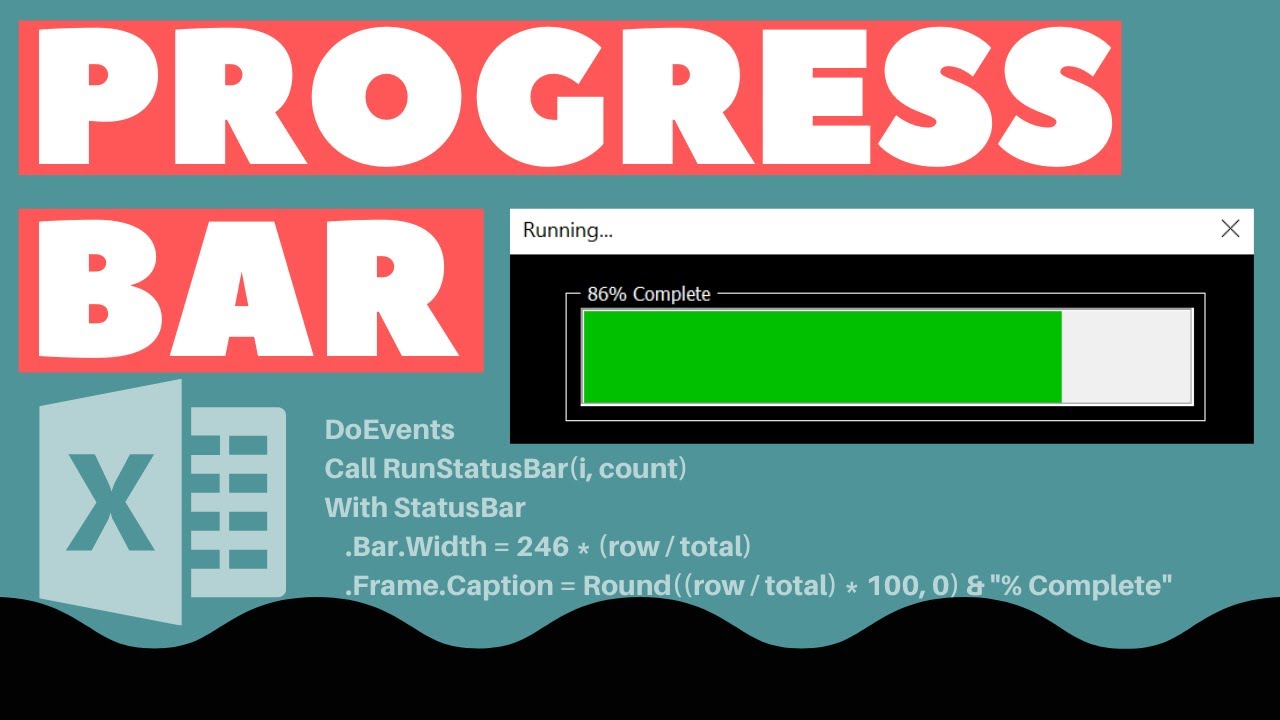
Excel VBA Macro Progress Bar While Macro Is Running UserForm YouTube
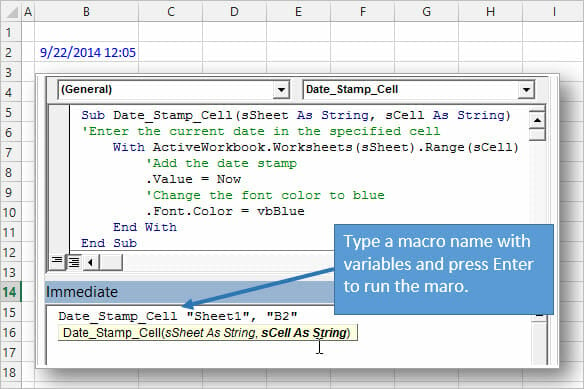
Excel Vba Immediate
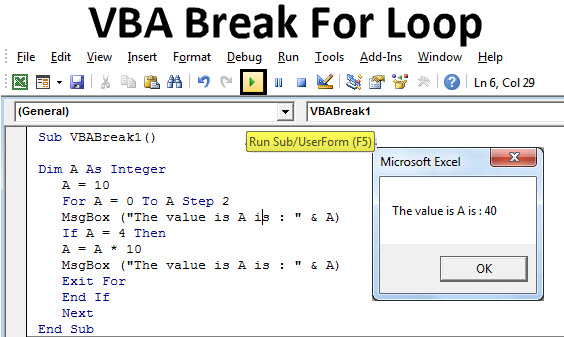
Vba Do Loop How To Use Do Loop In Excel Using Vba Code Vrogue

Call ThirdPart MsgBox All of the macros have been run End Sub Private Sub FirstPart MsgBox This is the first macro End Sub Private Sub SecondPart Dim answer As Long answer MsgBox Do you want to stop the macros vbYesNo If answer vbYes Then Stops All macros

As you run your code it may stop executing for one of the following reasons An untrapped run time error occurs A trapped run time error occurs and Break on All Errors is selected on the General tab of the Options dialog box

Solution 1 It works most of the time When some particular keys Pause Break or ScrLk are missing on the keyboard and pressing Esc 2 3 or multiple times doesn t stop the macro too Step 01 If your keyboard does not have a specific key please do not worry and open the OnScreen Keyboard from Windows Utilities by pressing Win U

1 Click the command button on the sheet This macro never stops because the part after Do While will always be true x will always be higher than 2 2 To halt this infinite loop press Esc or Ctrl Break The following dialog box will appear 3 Click End to end the macro click Debug to take a look at the macro in the Visual Basic Editor 4
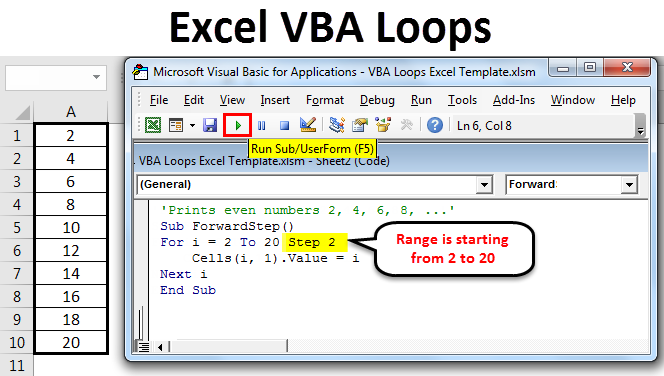
PC Shortcut Ctrl Pause Mac Shortcut We can then press the Continue button in the dialog box that pops up to continue running the macro Alternatively if we then press the Debug button in the dialog box the macro will highlight the position where it stopped running
If you re running a macro that uses a lot of processing power you may need to repeatedly press the Esc or Ctrl Break keys before it s finally recognized If your keyboard has a function key usually labeled Fn you may have to hit Ctrl Fn Break to manually kill your macro VBA Tip Stop a Running Macro Sometimes you can get into trouble if you start a very slow macro or worse yet an infinite loop Fortunately with Ctrl Break it is often possible to stop a running macro How to stop a running Excel macro e g in case of a slow macro or an infinite loop
You can place Stop statements anywhere in procedures to suspend execution Using the Stop statement is similar to setting a breakpoint in the code The Stop statement suspends execution but unlike End it doesn t close any files or clear variables unless it is in a compiled executable exe file