How To Start Wireless Network From Command Line Create Multiple Files And Name Them From Command Line 3 Solutions How To Update Ubuntu Using Command Line Gui Www vrogue co How To Open Edge From Command Line In Windows 10 YouTube How To Copy To Clipboard From Command Line YouTube How To Test SMTP And IMAP Servers Using The Telnet Command line Part Easiest way to do is to dump all Wi Fi profiles on the system first netsh wlan export profile Pick one of the xml files that are being created by this command and
1 Ping Ping is one of the most basic yet useful network commands to utilize in the command prompt application It tells you whether your computer can reach some destination IP address or Tutorial Windows Connect to a wireless network using the command line Learn how to connect to a wireless network using the command line on a computer running
How To Test SMTP And IMAP Servers Using The Telnet Command line Part Create Admin User From Command Line YouTube Wireless Networking Best Practices 5 Things To Consider Manage Profiles From The Command Line In OS X 10 9 Profile Manage Buy Mesh WiFi System Mesh Router Up To 6000 Sq Ft And 90 Devices How To Run A City wide Wireless Network From A Drawer Adam Dunkels Input Data From Command Line Electronics Arduino Etc Processing How To Make Android Apps Without IDE From Command Line Android Solved Enable disable Network Connection From Command 9to5Answer
How To Start Wireless Network From Command Line
 How To Start Wireless Network From Command Line
https://i.ytimg.com/vi/PGoKj5inOfM/maxresdefault.jpg
To do that you can use the ping network command followed by a web address or IP address For instance you can check the connectivity to Digital Citizen
Templates are pre-designed files or files that can be utilized for various functions. They can save effort and time by offering a ready-made format and design for producing different type of material. Templates can be utilized for individual or expert jobs, such as resumes, invites, leaflets, newsletters, reports, discussions, and more.
How To Start Wireless Network From Command Line
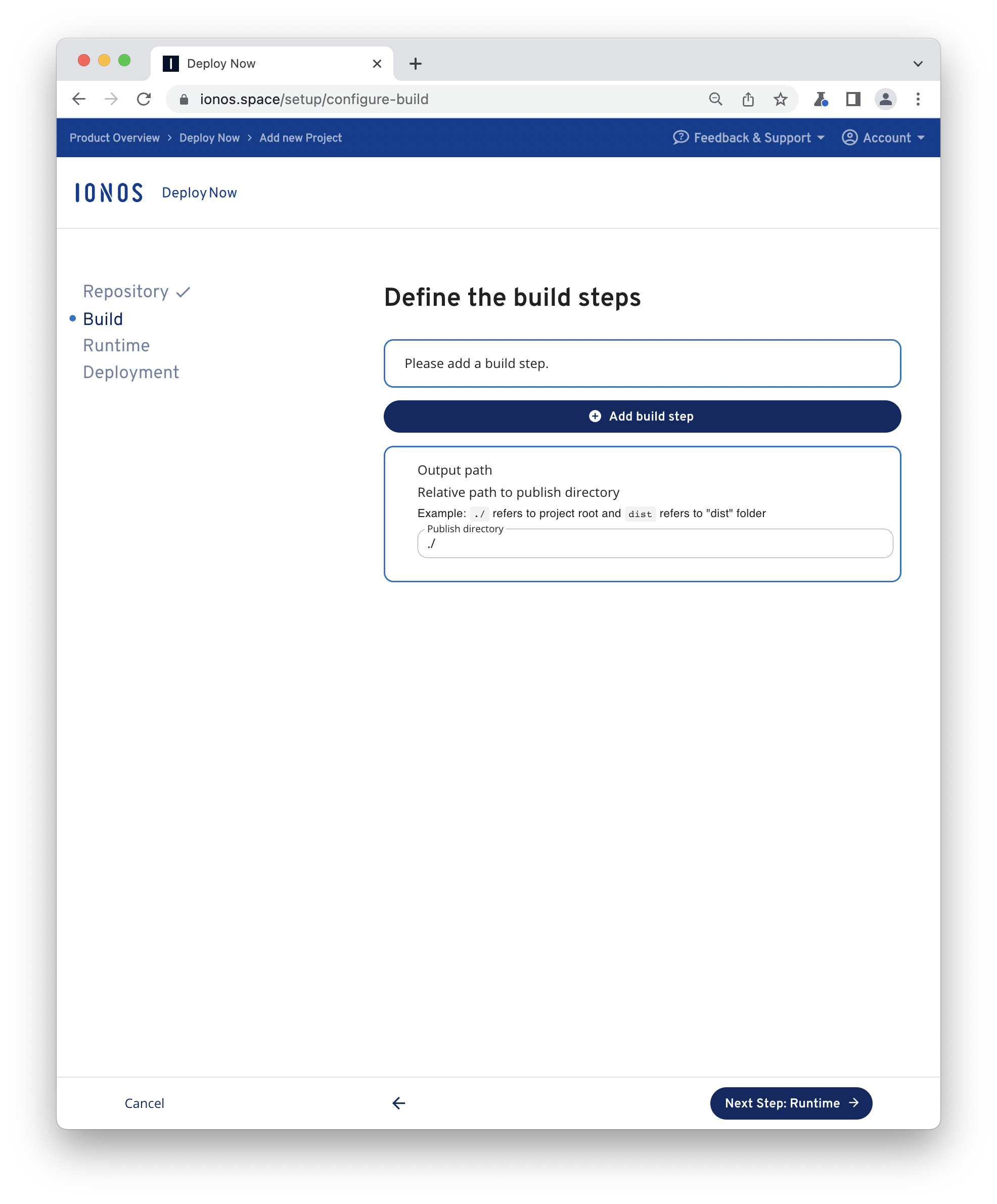
From Command Line Docs IONOS Deploy Now

Create Admin User From Command Line YouTube

Wireless Networking Best Practices 5 Things To Consider

Manage Profiles From The Command Line In OS X 10 9 Profile Manage

How To Run A City wide Wireless Network From A Drawer Adam Dunkels

Input Data From Command Line Electronics Arduino Etc Processing

For example if the name of your wireless adapter in netsh is Wi Fi the shortcut would look like this one line C Windows System32 runas exe savecred

Open Network Connections from PowerShell Open the Network Connections Applet from Modern Settings App Open Network Connections from Control

To see what profiles you have available on your machine use the following command netsh wlan show profiles Once you have made sure you have a profile for the network

Open Start Search for Command Prompt right click the top result and select the Run as administrator option Type the following command to view the Wi Fi network profiles stored on your

1 View Wireless Network Profile 2 Delete a Wireless Network Profile 3 Export Import Wireless Network Profiles 4 See Wi Fi Network Password 5 Stop Auto
WeavingBird1917 It needs to be done in two steps First you need to enable network adapter and then you can connect to wifi Here you can find 1 PING Ping is a command line utility used to test network connectivity
To launch the command prompt on Windows you can use Win X keys or right click the Windows Start icon and select Windows PowerShell Admin If you want