How To Start Node Red On Windows Installing And Running Node RED On A Windows PC Brainboxes Gadjet s Blog Discovering Node red Part 1 How To Install Node RED In Windows How To Install Node Red On Windows Or PC Donskytech Installing And Running Node RED On A Windows PC Brainboxes 1 Introduction Node RED is a visual programming tool aimed at connecting hardware devices APIs and online services in alternative ways without the need for traditional programming experience
Level Up Coding 3 min read Sep 23 2021 In this tutorial we will learn how to install Node RED on your Windows 10 computer But before we begin we must install npm and Node js onto our computer We will begin by visiting the Node js Foundation website to download the latest software of Node js which includes the current version of npm Now open your command prompt and type node version npm version to verify that Node js and npm have successfully been installed in your system or not Now to install Node Red type the following command npm install g unsafe perm node red You should get similar results Start Node Red on Windows
Installing And Running Node RED On A Windows PC Brainboxes Node RED Installing The Windows Software ACC Automation Node Red Mit Neuem Grafischen User Interface IT News Install Node RED On Windows And Getting Started With Dashboard How To Uninstall Node js On Windows 10 YouTube Datacastle RED On Windows Azure YouTube ESP8266 And Node RED With MQTT Random Nerd Tutorials Install Node Red On Windows And Getting Started With Dashboard Riset How To Install Node Red In Windows System Simple Steps Node Red Riset
How To Start Node Red On Windows
 How To Start Node Red On Windows
https://www.brainboxes.com/files/pages/support/faqs/node-RED/Node-Red install/Node-RED logo.png
Once the NodeJS installer finishes open a terminal or console window and type in the following command Copy Code sudo npm install g unsafe perm node red Next wait for the node package manager npm to finish its work Omit sudo when using Windows as it is only needed on Unix like operating systems such as Linux and macOS
Templates are pre-designed documents or files that can be used for various purposes. They can save time and effort by providing a ready-made format and layout for developing different type of material. Templates can be utilized for individual or professional projects, such as resumes, invites, flyers, newsletters, reports, presentations, and more.
How To Start Node Red On Windows
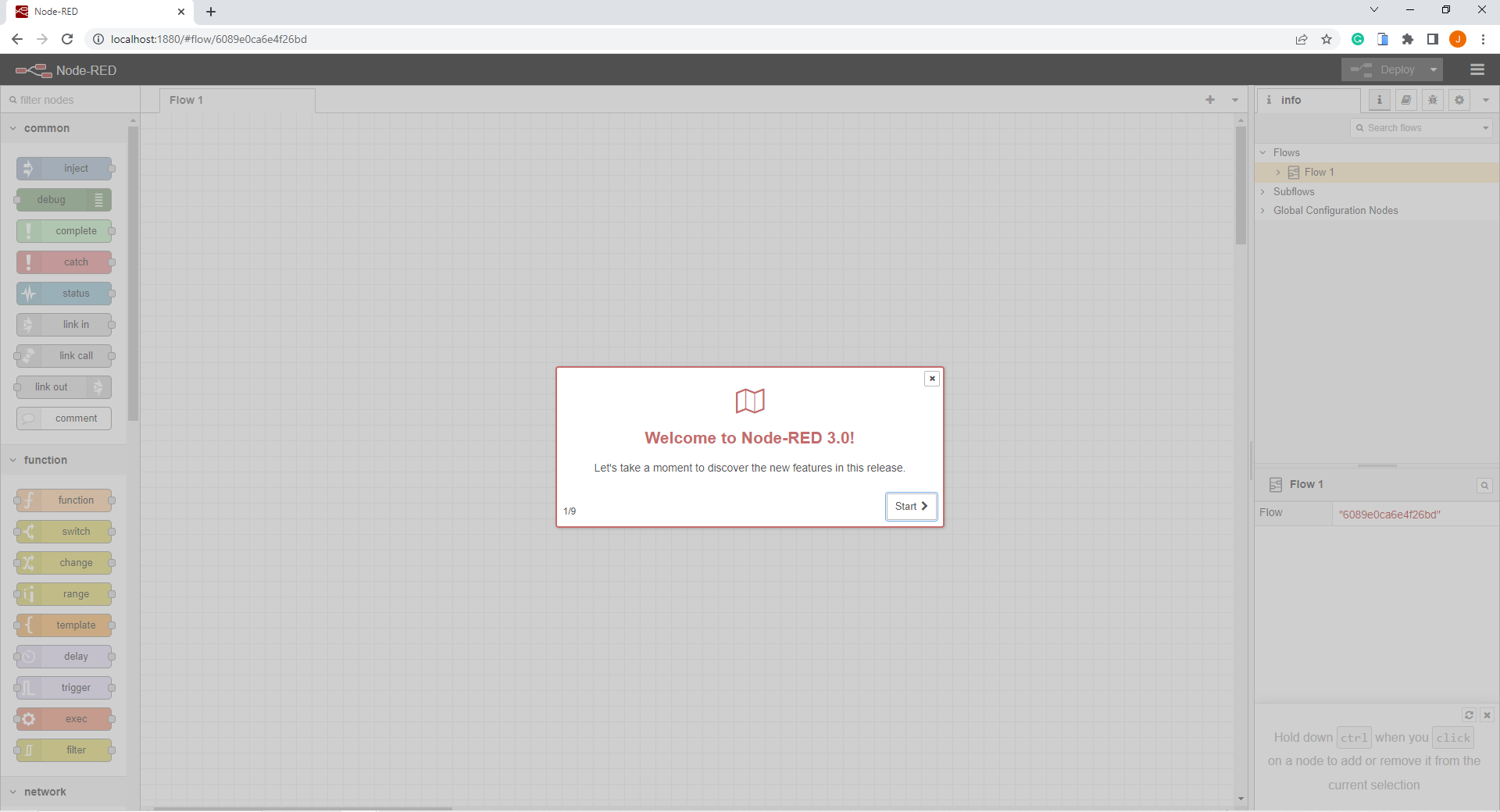
How To Install Node Red On Windows Or PC Donskytech
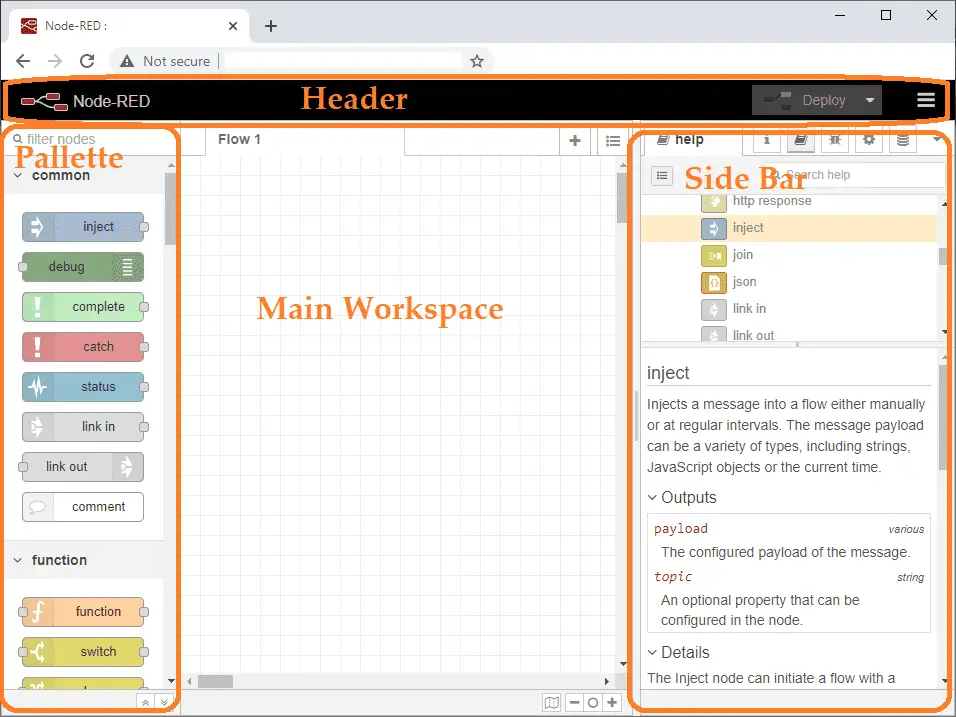
Node RED Installing The Windows Software ACC Automation
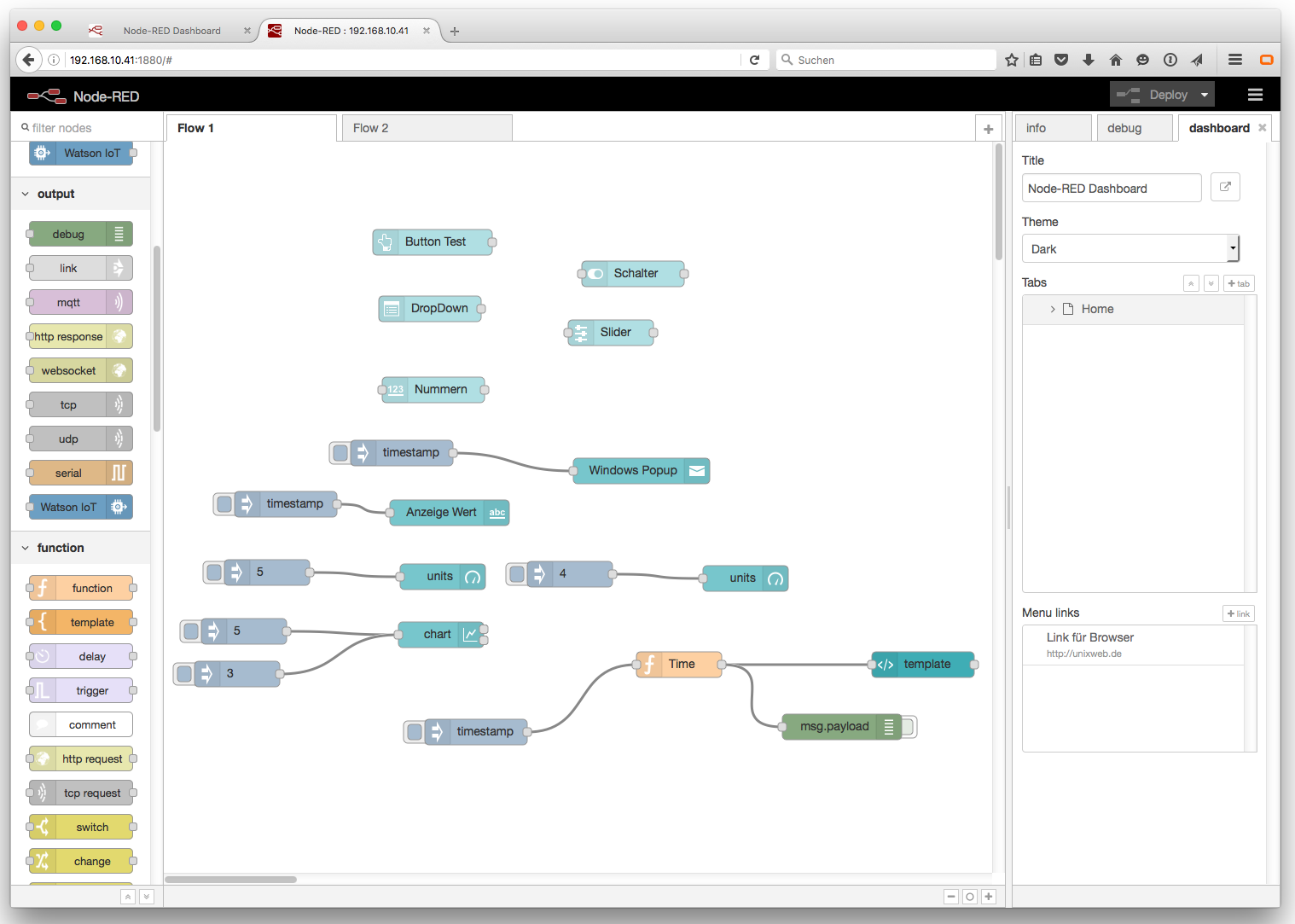
Node Red Mit Neuem Grafischen User Interface IT News

Install Node RED On Windows And Getting Started With Dashboard

Datacastle RED On Windows Azure YouTube

ESP8266 And Node RED With MQTT Random Nerd Tutorials
Getting Started This guide will help you get Node RED installed and running in just a few minutes Pick where you want to run Node RED whether on your local computer a device such as a Raspberry Pi or in the cloud and follow the guides below Running locally Installing Node RED on your local computer Raspberry Pi
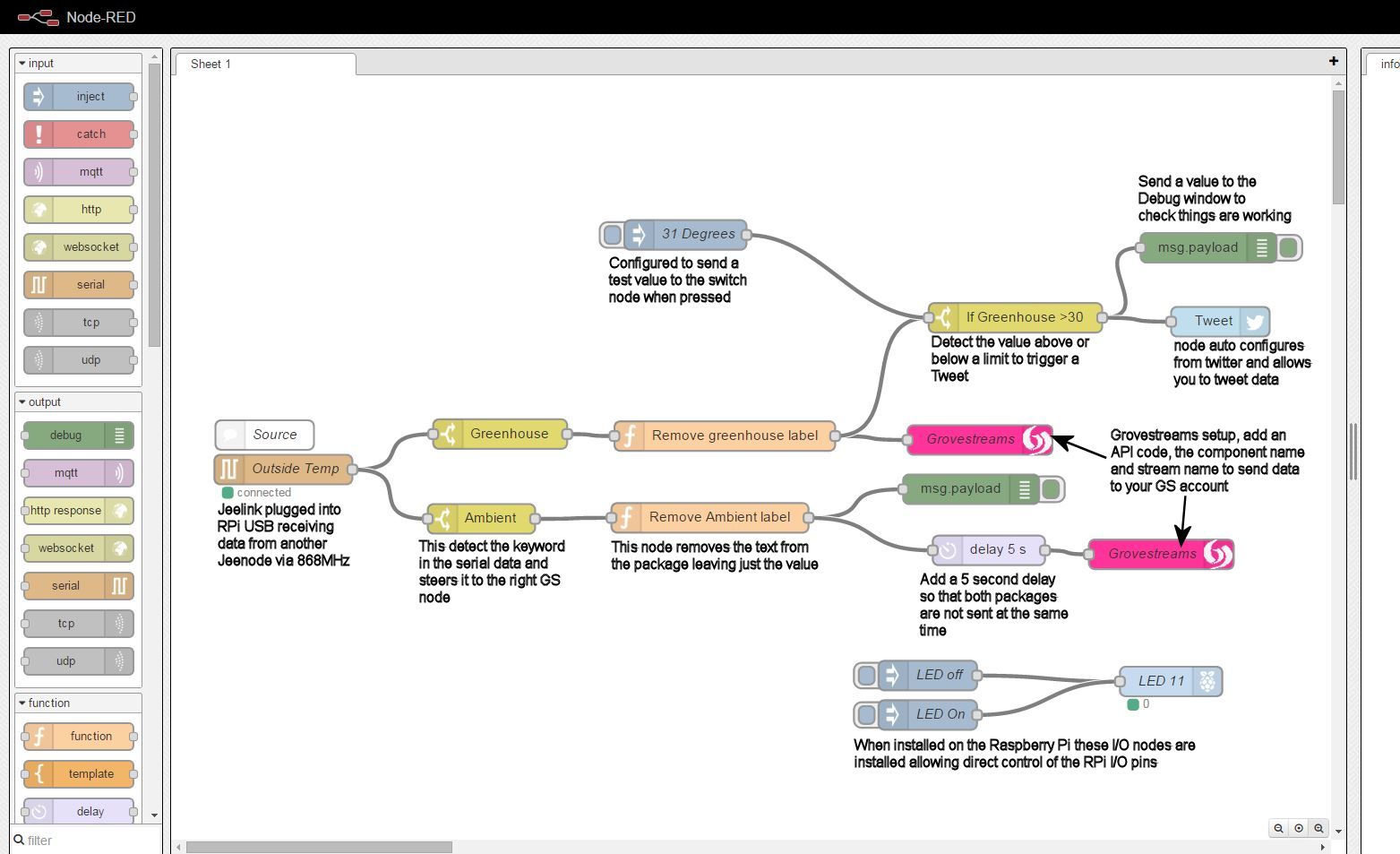
Installing with npm To install Node RED you can use the npm command that comes with node js sudo npm install g unsafe perm node red If you are using Windows do not start the command with sudo That command will install Node RED as a global module along with its dependencies

Press the keys Win r write shell startup this will open a startup window open this directory 1688 178 86 1 KB C Users AppData Roaming npm node red cmd 4 you have to right click create a shortcut of node red cmd 5 Then dragg and dropp this shortcut into the Startup window folder that just opened And its good this time

1 Install PM2 sudo npm install g pm2 Note sudo is required if running as a non root user on Linux or OS X If running on Windows you will need to run in a command shell as Administrator without the sudo command If running on Windows you should also ensure tail exe is on your path as described here 2
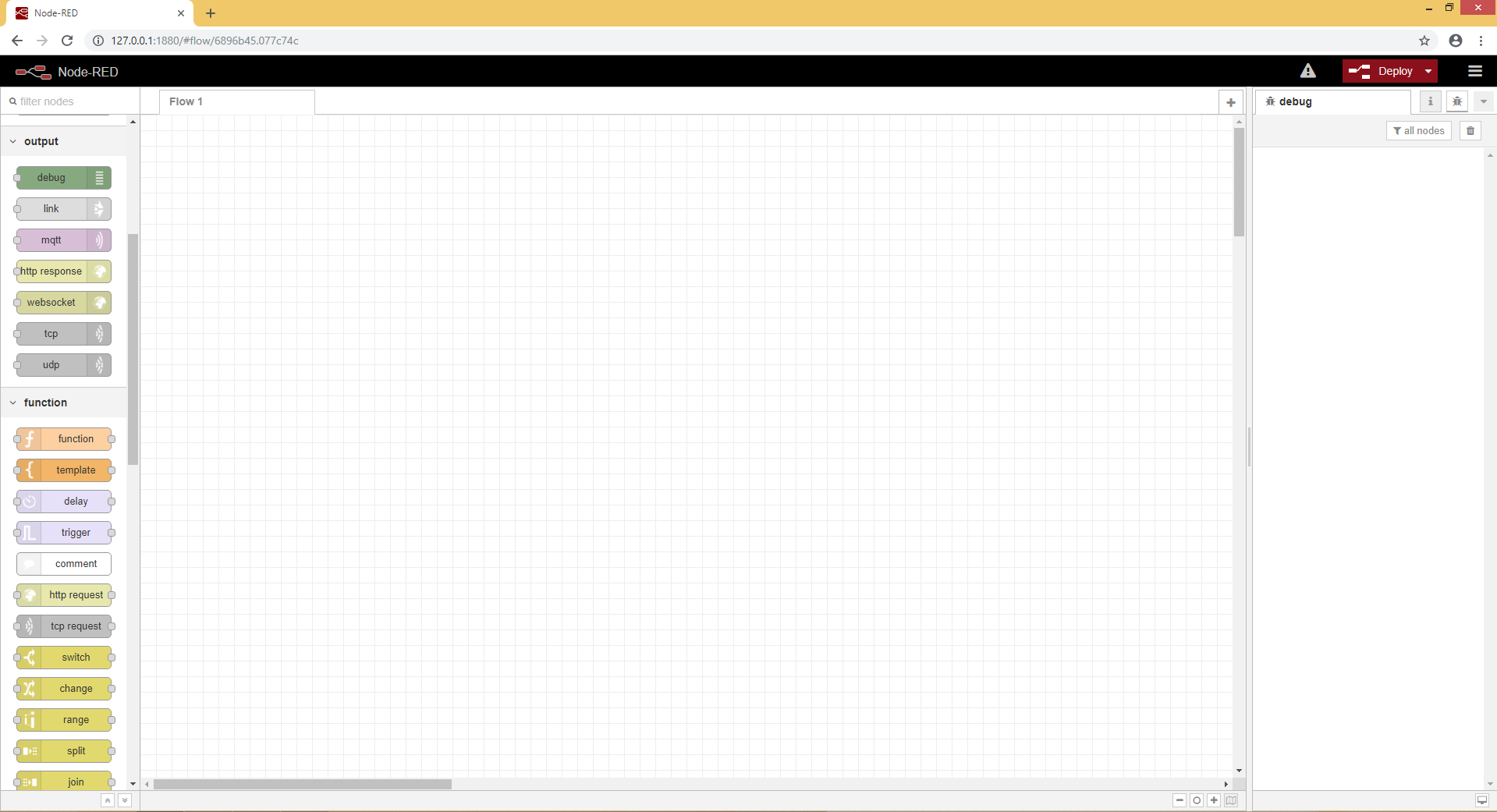
To start node red on Windows go to a command prompt and type node red if you installed node red using the g option Note you may need to change into the node directory If it fails you can use node c node node modules node red red js On Linux
Node Red is a fantastic flow based drag and drop programming tool that you can use for easily writing logic without much coding knowledge You can follow the Below are the steps to install Node RED on Windows Step 1 Install Node js Start the installation process by downloading the latest LTS version of Node js for Windows from the official website
Execute the following at the command prompt npm install g unsafe perm node red Now you can execute the node red command and launch node red You will see some Node red logs which aren t super important for now and also NOTE keep the terminal open in order to keep Node RED running