How To Start Node Red In Raspberry Pi Reefwing Robotics Node Red Dashboard For Raspberry Pi Learn How To Use Node RED Node Red And Raspberry Pi YouTube Tutorial Node RED Com Raspberry Pi Arduino E Cia Getting Started With Node RED Using Raspberry Pi YouTube To automatically run Node RED when the Pi boots up you need to enter the following command This means that as long as your Raspberry Pi is powered up Node RED will be running sudo systemctl enable nodered service Now restart your Pi so the autostart takes effect The next time the Raspberry Pi restarts Node RED will be already running
This tutorial show how to get started with Node RED using Raspberry Pi For more information please visit the tutorial site https tutorial cytron io 2021 Sudo apt get update sudo apt get install nodered Before installing Node RED install the npm as well To do this enter the following command in the terminal sudo apt get install npm sudo npm install g npm 2 x After running Node RED an IP will be displayed to you as follow this link
Getting Started With Node RED Using Raspberry Pi YouTube Node RED Installing The Windows Software ACC Automation Installing And Running Node RED On A Windows PC Brainboxes Node Red Utilizando As GPIO Da Raspberry Embarcados How To Install Node Red On Windows Or PC Donskytech Industrial Automation Based On Node RED And Raspberry Pi Using Node RED Complete Installation Node RED In Raspberry Pi 3 Raspbian OS Node RED Raspberry Pi GPIO I Blink YouTube Installing Node js On A Raspberry Pi TechWorked
How To Start Node Red In Raspberry Pi
 How To Start Node Red In Raspberry Pi
https://2.bp.blogspot.com/-hw9CvxZtGek/WP2VaaBVvqI/AAAAAAAAB6I/R24S5pylP5A8ICPzM_rdJpUW9YhiOY1VQCLcB/s1600/Screen%2BShot%2B2017-04-24%2Bat%2B3.12.19%2BPM.png
Step 6 First Flow With Node Red To get you used to the Node RED interface let s create a simple flow The flow we ll create prints a message to the debug console when triggered Drag an inject node and a debug node to your flow and wire them together Now let s edit the inject node Double click the node
Templates are pre-designed documents or files that can be utilized for various functions. They can save effort and time by providing a ready-made format and design for producing various type of material. Templates can be utilized for individual or professional tasks, such as resumes, invitations, leaflets, newsletters, reports, discussions, and more.
How To Start Node Red In Raspberry Pi

Raspberry Pi Accessories Discussions GrabCAD Groups
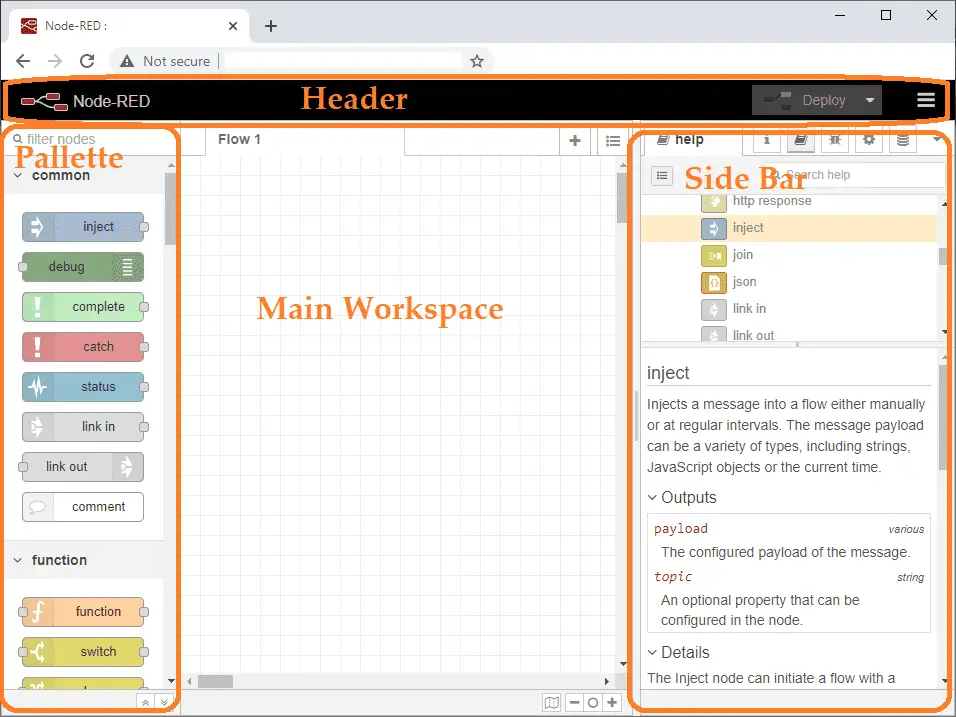
Node RED Installing The Windows Software ACC Automation
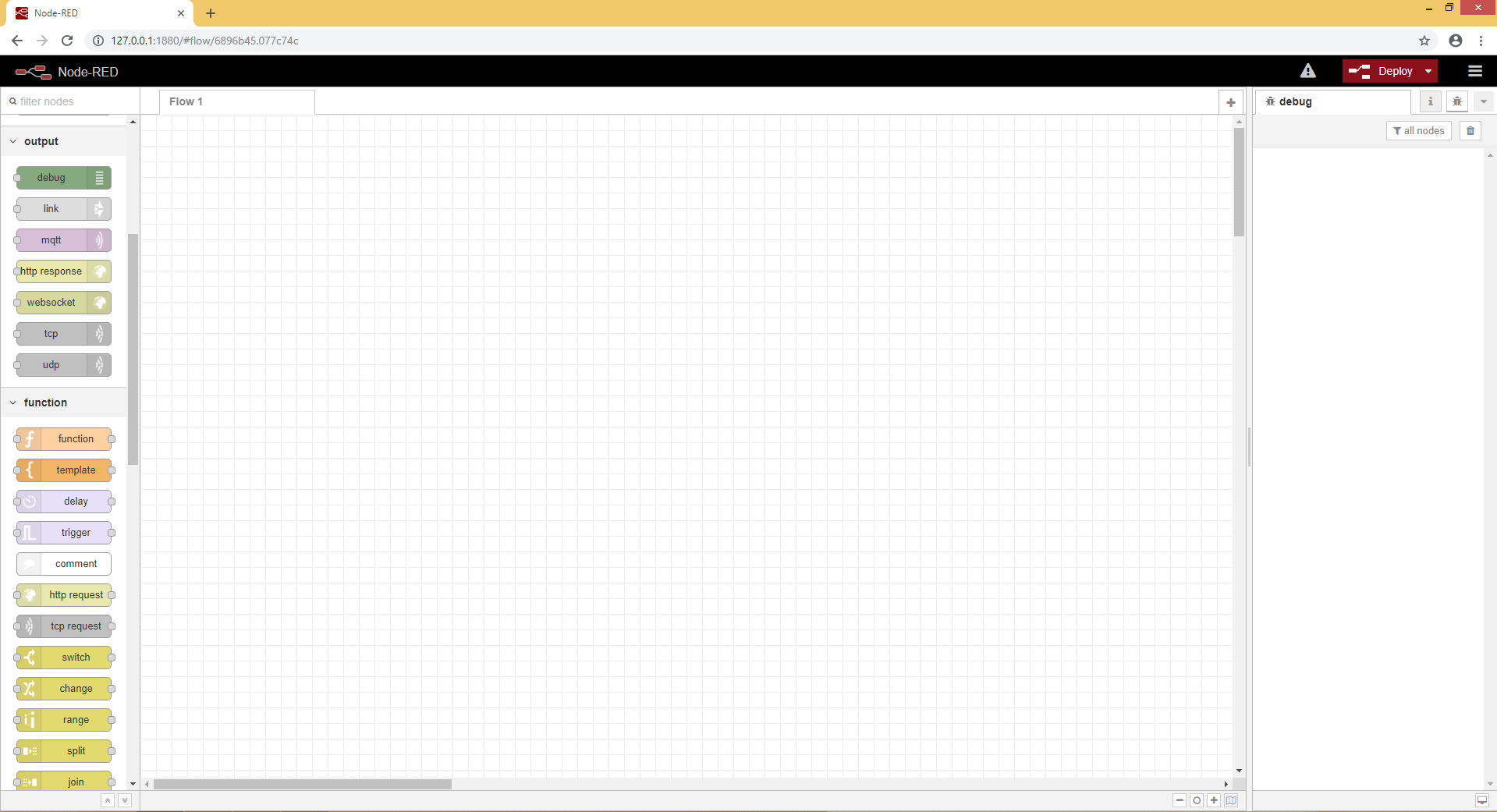
Installing And Running Node RED On A Windows PC Brainboxes

Node Red Utilizando As GPIO Da Raspberry Embarcados

Industrial Automation Based On Node RED And Raspberry Pi Using Node RED

Complete Installation Node RED In Raspberry Pi 3 Raspbian OS
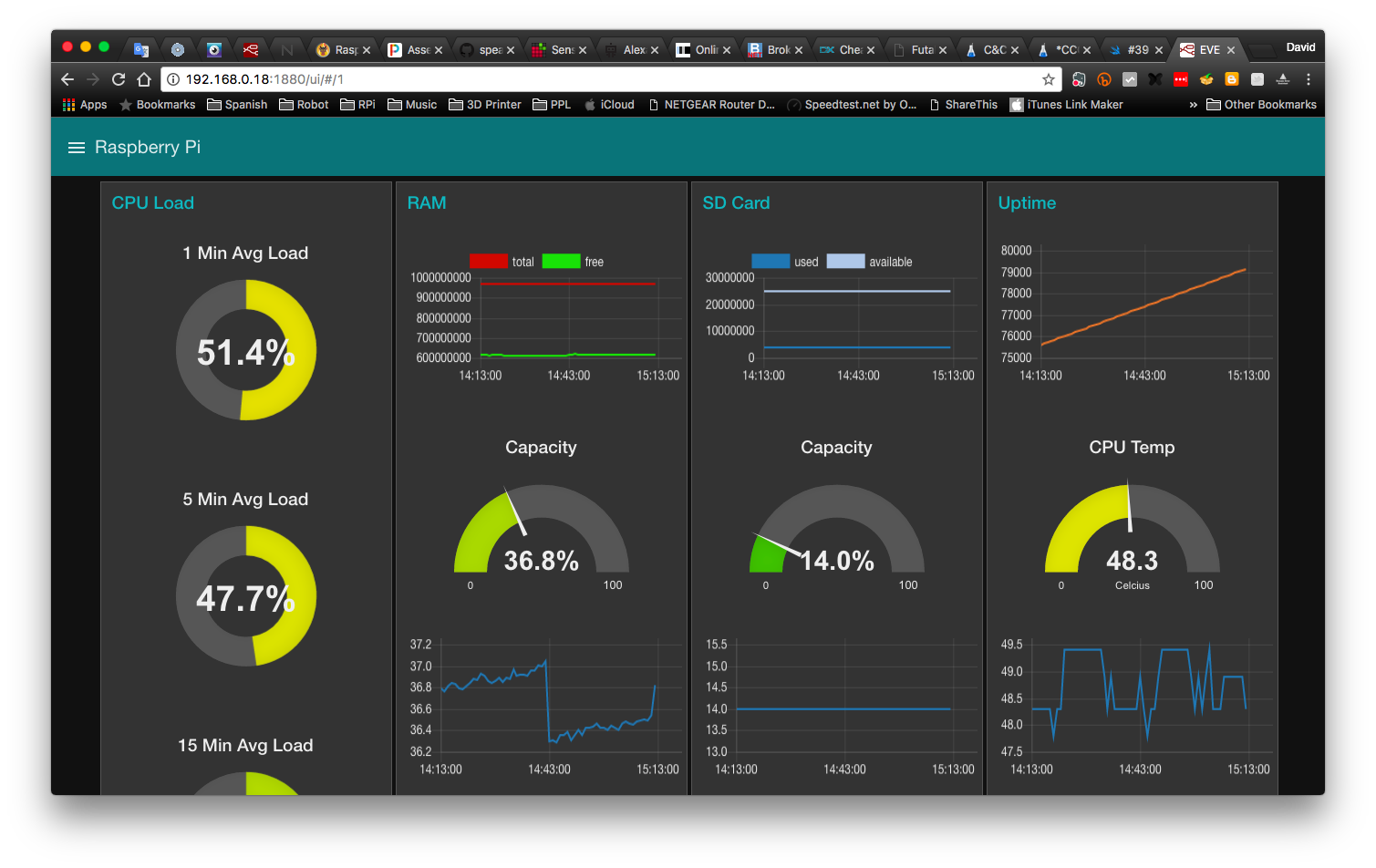
First use this command to create your configuration file and set a user and password node red admin init The most important step is to create a username and password It will also ask questions about your preferences It doesn t matter what you decide but make sure to set a username and password in the first steps
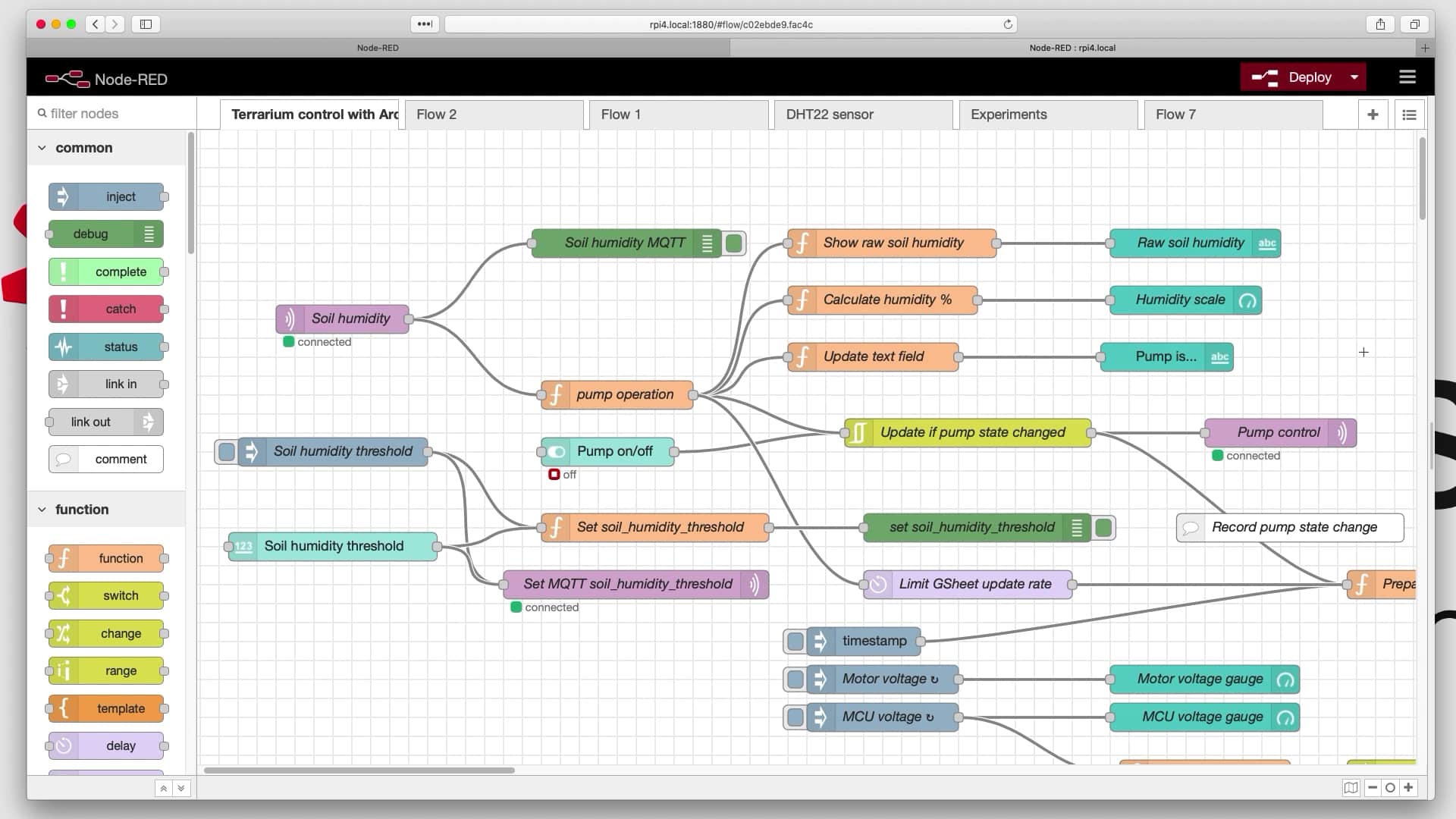
To access Node RED open a browser and type the Raspberry Pi IP address followed by 1880 For example 192 164 1 106 1880 To get your Raspberry Pi IP address you can run the following command hostname I After entering the Raspberry Pi IP address followed by 1880 on the web browser you ll get access to the Node RED login page
Node RED is a powerful open source tool for visual programming to build Internet of Things IoT applications In this tutorial we ll cover what is Node RED
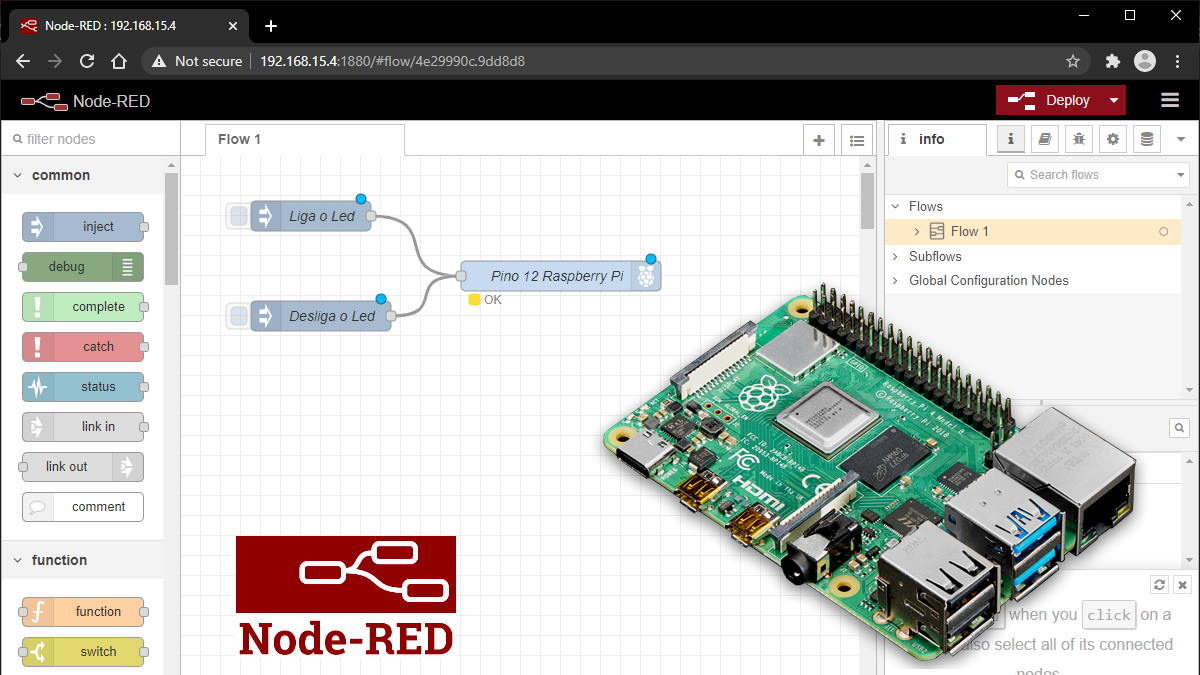
From Terminal or PuTTY type in node red start This will launch Node RED on the Pi Then go to a web browser I like Chrome and type in your Pi s IP address Raspberry Pi Node RED programming is actually pretty easy First connect an inject node to the pi GPIO output node This will turn the LED on by sending a 1 to the output
To automatically run Node RED when the Pi boots up you need to enter the following command This means that as long as your Raspberry Pi is powered up Node RED will be running sudo systemctl enable nodered service Now restart your Pi so the autostart takes effect The next time the Raspberry Pi restarts Node RED will be already running
Starting Node Red on the Raspberry Pi 1 With Node RED finally installed to our Pi we can now go ahead and start the software up There are two different ways to do this One is to launch it as a service The other is to launch it directly Launching Node RED Directly To launch Node RED directly without starting it as a service all you need There are two ways to run Node RED on a Raspberry Pi 4 The easiest way to do this is to follow this flowchart Menu Programming Node RED Launch Node RED from the Raspberry Pi Application s
To automatically start the Node RED service on boot use this command sudo systemctl enable nodered service Now when your Raspberry Pi starts the Node RED service with begin automatically Try this Type sudo reboot to reboot the Raspberry Pi Wait for a couple of minutes for the reboot to complete