How To Ssh Into Windows 10 From Linux How To Enable SSH On Raspberry Pi Linux Mac OS Windows Putty Ssh Command Line Statlokasin How To SSH Into A Docker Container Secure Shell Vs Docker Attach Linux Commands With Examples And Syntax Pdf Canadian Examples User Tutorials Running Ssh Commands On Windows Important When you create a Google Account for your business you can turn business personalization on A business account also makes it easier to set up Google Business Profile
how How what what what I can t make out what he is driving at
Running Ssh Commands On Windows Openssh Server Sellerjord Enable Ssh On Windows 8 1 Lasopaspanish Ssh Windows Xshell Vseraasset Ubuntu Bash On Windows 10 Internet Of Ideas Running Ssh Commands On Windows How To SSH To EC2 AWS From Windows 10 CMD Or Terminal Jarrod s Tech How To SSH Into A Particular Directory On Linux OSTechNix How To Ssh From Mac Into Ubuntu Passaplease
How To Ssh Into Windows 10 From Linux
 How To Ssh Into Windows 10 From Linux
https://phoenixnap.com/kb/wp-content/uploads/2021/04/enable-ssh-raspberry-pi.png
Jan 14 2010 nbsp 0183 32 how about what about how about what about 1 how about 2 what
Templates are pre-designed files or files that can be utilized for different purposes. They can save time and effort by providing a ready-made format and layout for developing different type of content. Templates can be utilized for personal or professional tasks, such as resumes, invites, leaflets, newsletters, reports, discussions, and more.
How To Ssh Into Windows 10 From Linux
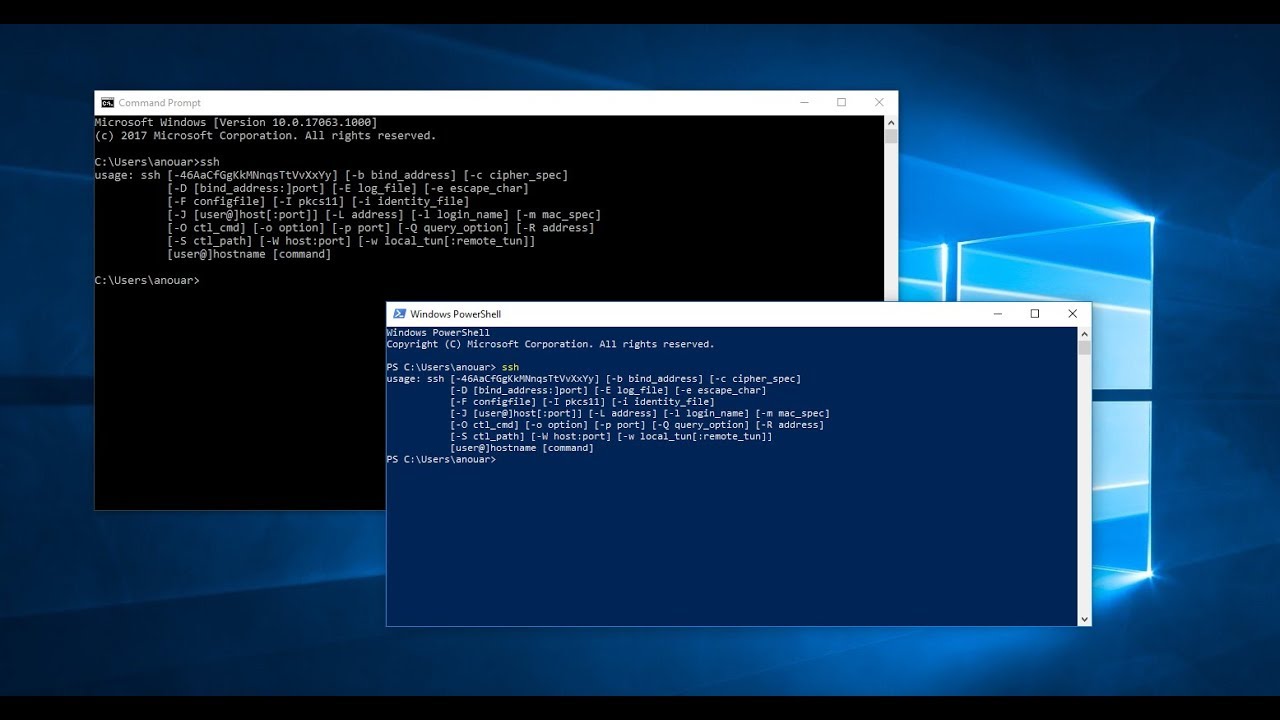
How To Enable And Install Built in SSH In Windows 10 Using The Windows Command Prompt Or
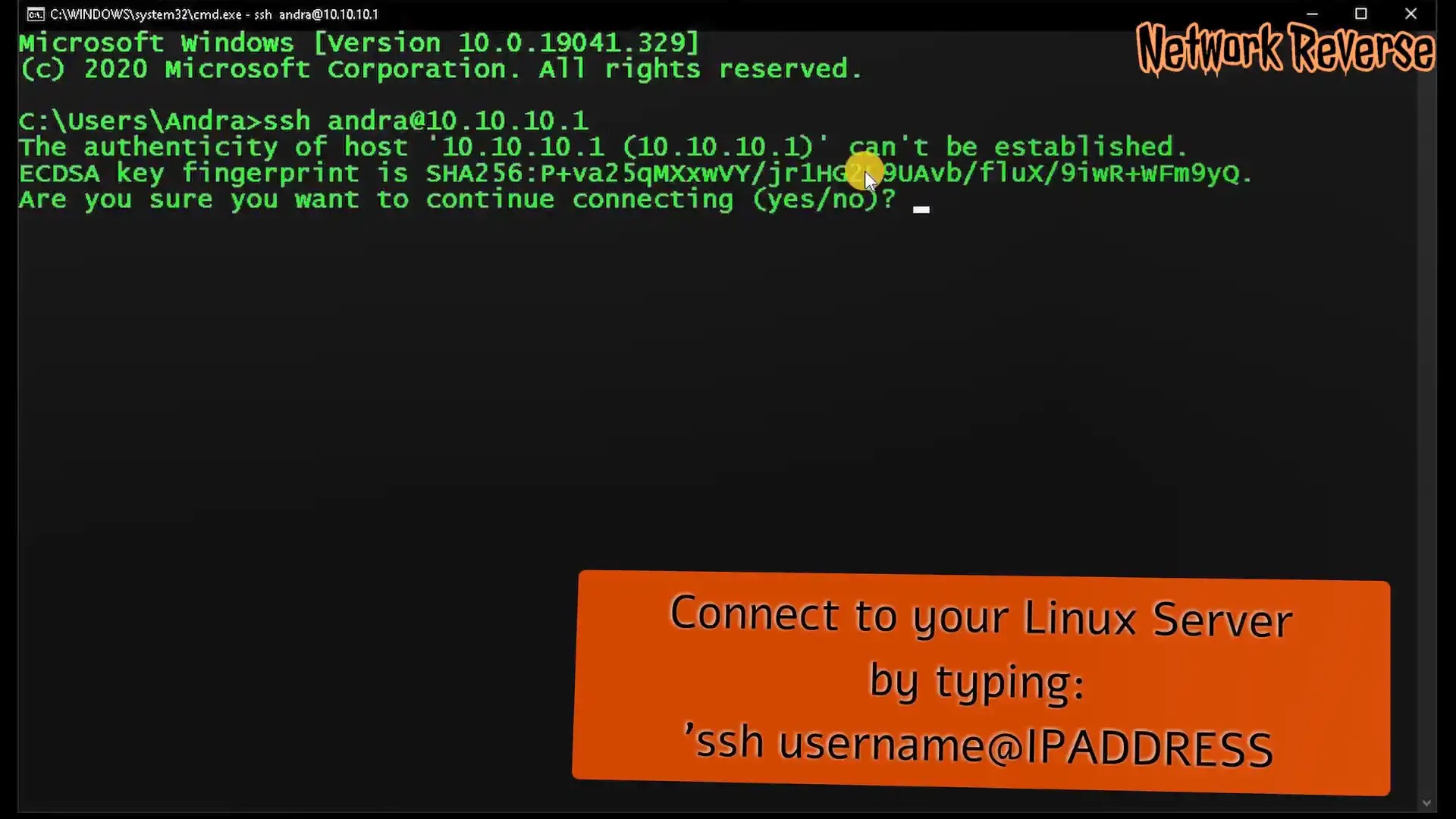
Openssh Server Sellerjord

Enable Ssh On Windows 8 1 Lasopaspanish
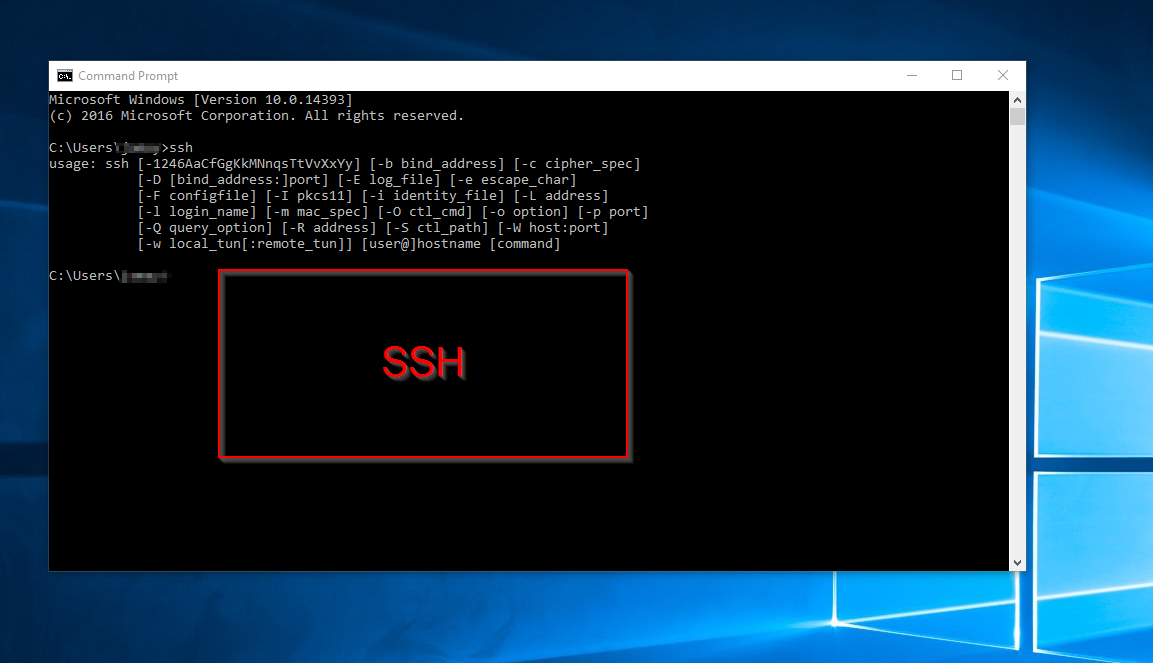
Ssh Windows Xshell Vseraasset
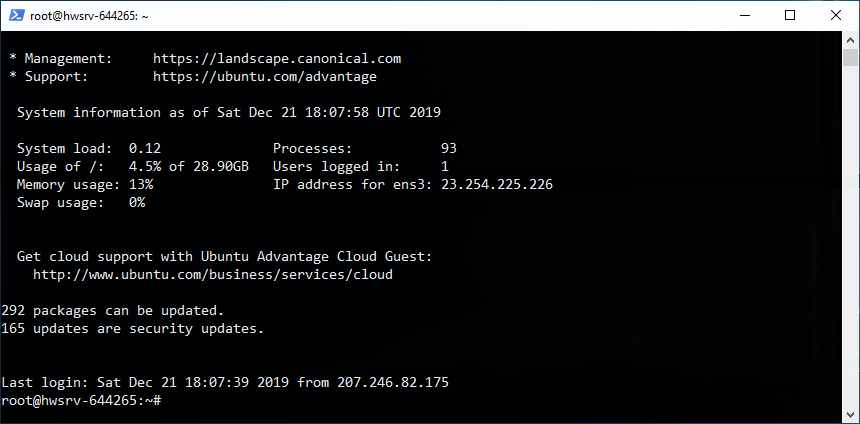
Running Ssh Commands On Windows
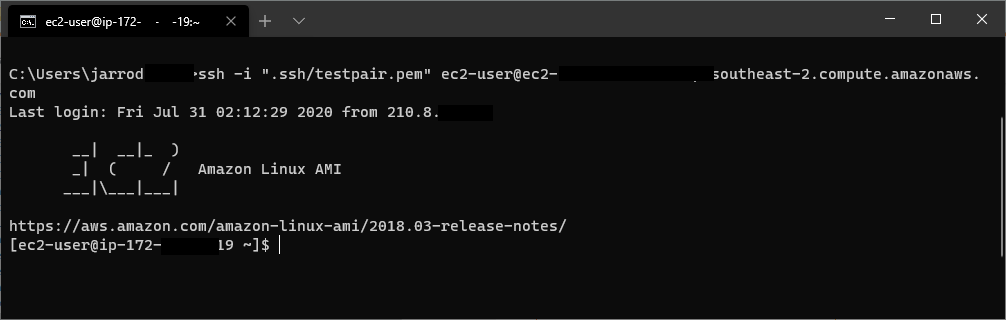
How To SSH To EC2 AWS From Windows 10 CMD Or Terminal Jarrod s Tech
Jan 31 2008 nbsp 0183 32 How How a What What a what how

Sign in to Gmail Tip If you sign in to a public computer make sure to sign out before you leave the computer Learn how to sign in on a device that s not yours

To easily manage and share content across all of your devices and the cloud use Google s desktop sync client Drive for desktop If you edit delete or move a file on the Cloud the same

how
If you forgot your password or username or you can t get verification codes follow these steps to recover your Google Account That way you can use services like Gmai
[desc-11] [desc-12]
[desc-13]