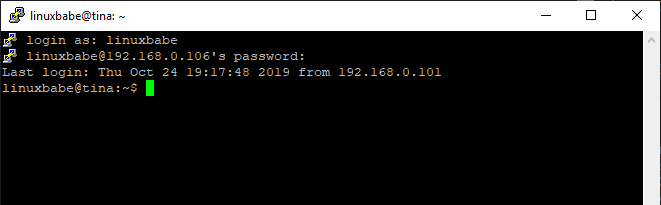
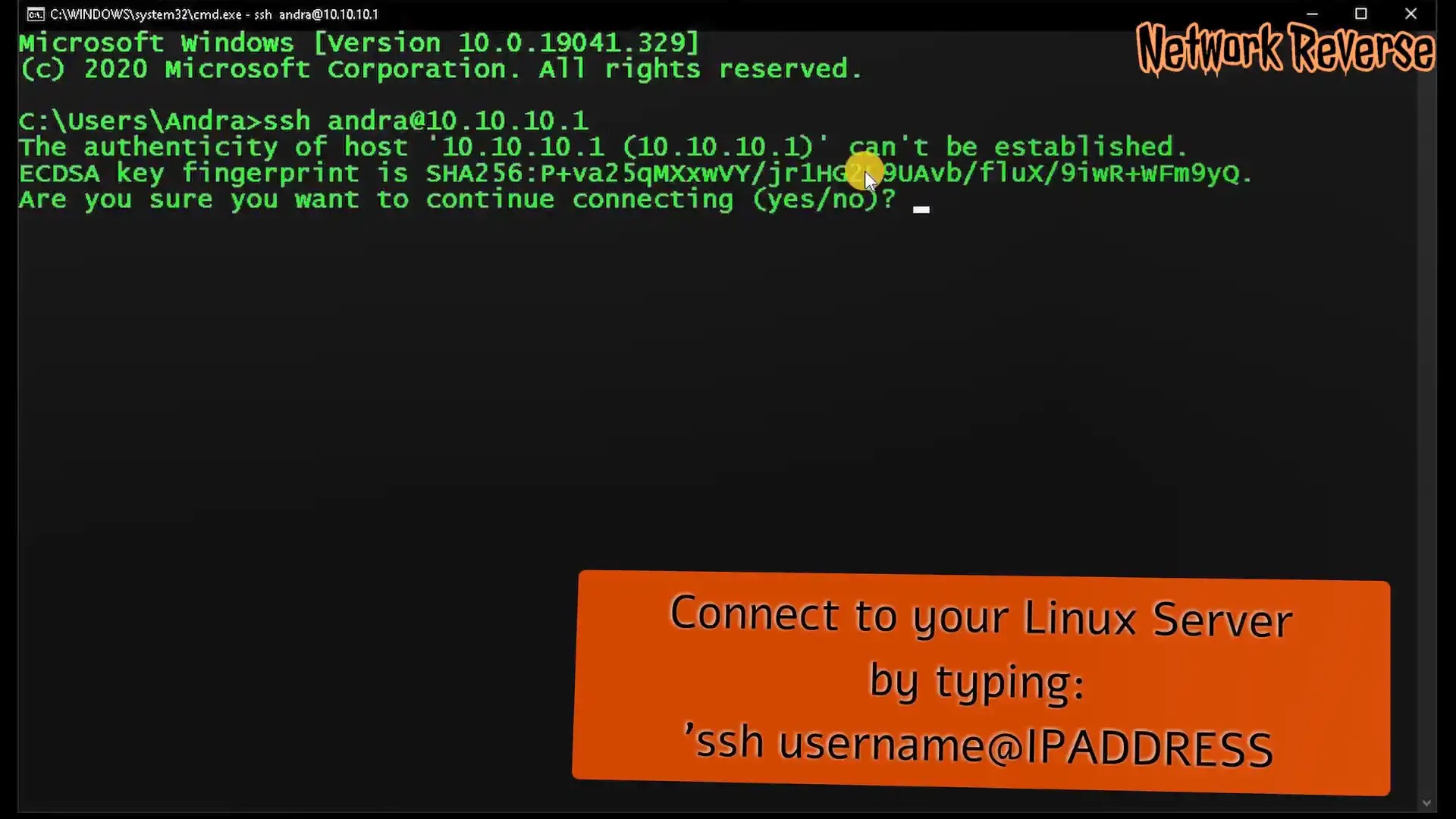
How To Ssh From Windows To Linux How To SSH From Windows To Linux Linux In A Minute YouTube R ponse Rapide Comment Ssh De Windows Linux VS Code Remote SSH Putty Launch Command Line And Can You Make Money Selling Diaper Cakes What Does The Ssh keygen Command Do In Linux Systran Box Web Jun 25 2021 nbsp 0183 32 Within the terminal enter the following command replacing username with the username of the remote user and ip address with the IP address or domain name of the remote server ssh username ip address The SSH client attempts to connect to the remote server over port 22 the default SSH port Note
Web Jan 18 2022 nbsp 0183 32 One essential tool to master as a system administrator is SSH SSH or Secure Shell is a protocol used to securely log onto remote systems It is the most common way to access remote Linux servers In this guide we will discuss how to use SSH to connect to a remote system Web Connect to your Linux instance from Windows with OpenSSH The following procedures show you how to connect to your Linux instance from Windows using OpenSSH an open source connectivity tool for remote login with the SSH protocol OpenSSH is supported on Windows Server 2019 and later operating systems
What Does The Ssh keygen Command Do In Linux Systran Box Running Ssh Commands On Windows SSH From Windows To Linux Transfer Files Via SFTP BENISNOUS Openssh Server Sellerjord SSH Client On Windows 10 Using The Command Prompt SSH From Windows To Linux And Other Systems Ssh Windows Xshell Vseraasset How To Disconnect From SSH Connection Linux Tutorials Learn Linux Configuration SSH Remote Login Raspberry Pi LibGuides At New York Institute Of Technology VS Code Remote SSH HuoyanCC
How To Ssh From Windows To Linux
 How To Ssh From Windows To Linux
https://i.ytimg.com/vi/UPXnop3C6JQ/maxresdefault.jpg
Web Sep 7 2020 nbsp 0183 32 To create a new SSH key use the ssh keygen command ssh keygen t ed25519 f ssh lan The t option stands for type and ensures that the encryption used for the key is higher than the default The f option stands for
Pre-crafted templates use a time-saving service for producing a varied series of files and files. These pre-designed formats and layouts can be utilized for numerous individual and expert tasks, including resumes, invitations, leaflets, newsletters, reports, discussions, and more, improving the material development procedure.
How To Ssh From Windows To Linux

Linux Commands With Examples And Syntax Pdf Canadian Examples User Tutorials
Running Ssh Commands On Windows
SSH From Windows To Linux Transfer Files Via SFTP BENISNOUS
Openssh Server Sellerjord
Ssh Windows Xshell Vseraasset

How To Disconnect From SSH Connection Linux Tutorials Learn Linux Configuration

Web Jun 2 2021 nbsp 0183 32 In this article I ll explain four ways to use SSH 1 how to configure the SSH daemon on the Linux side 2 how to set up a remote console connection 3 how to copy files over the network and 4 how to tunnel a certain protocol over SSH

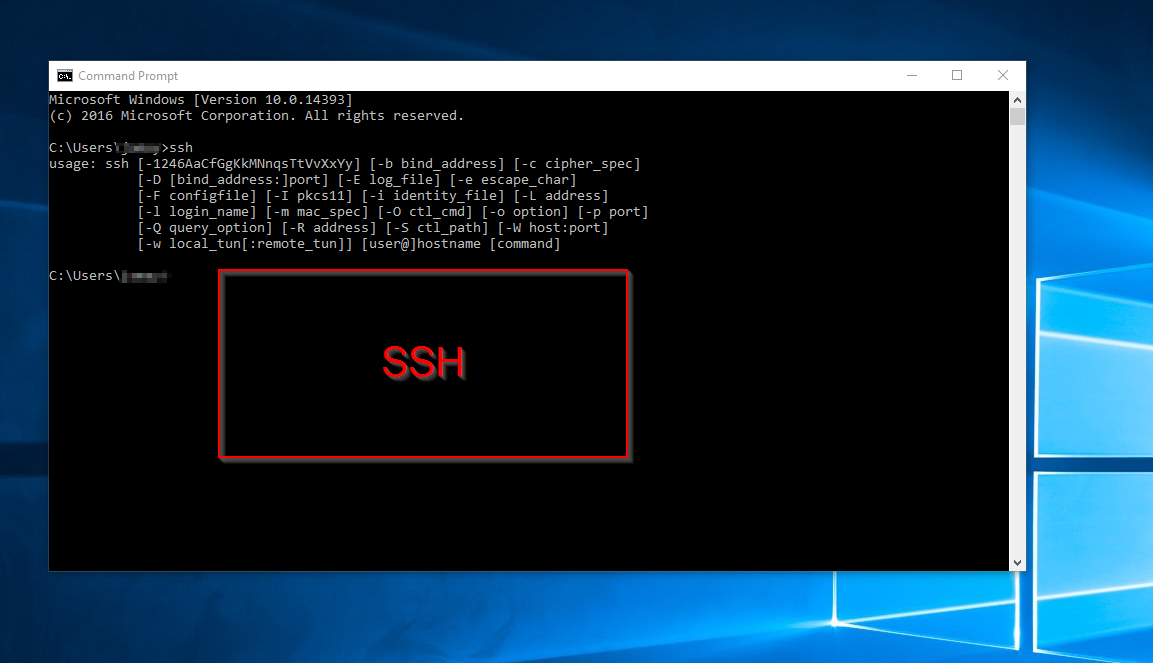
Web Feb 20 2023 nbsp 0183 32 To connect to an SSH server on Windows install the optional SSH feature and then run quot ssh user exampleIP quot in PowerShell or the Windows Terminal On Linux or macOS open the Terminal and run quot ssh user exampleIP quot An SSH client allows you to connect to a remote computer running an SSH server The Secure Shell SSH protocol
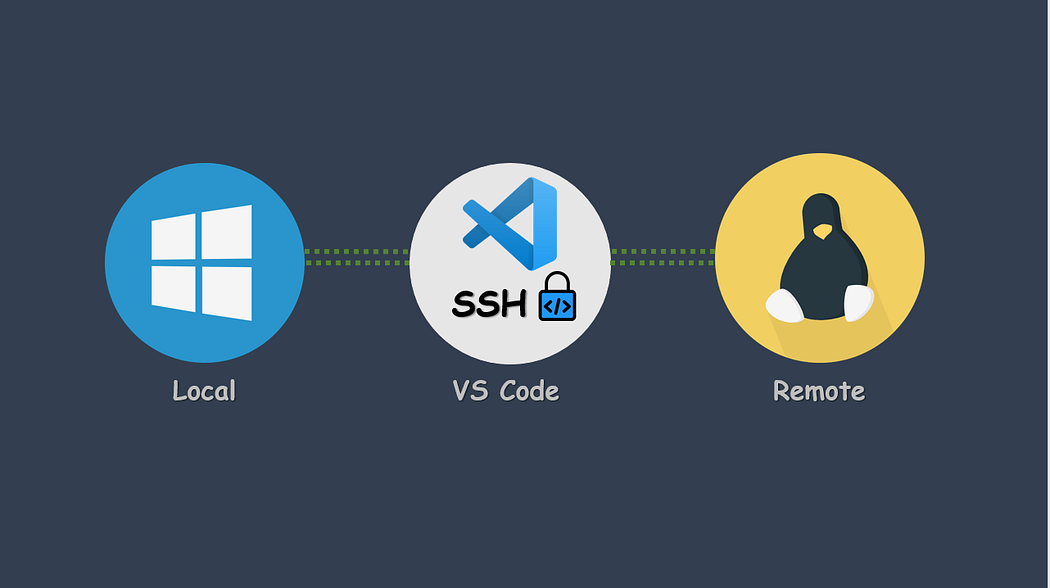
Web May 23 2023 nbsp 0183 32 Windows has a built in SSH client that you can use in Windows Terminal In this tutorial you ll learn how to set up a profile in Windows Terminal that uses SSH Note that this feature is in preview
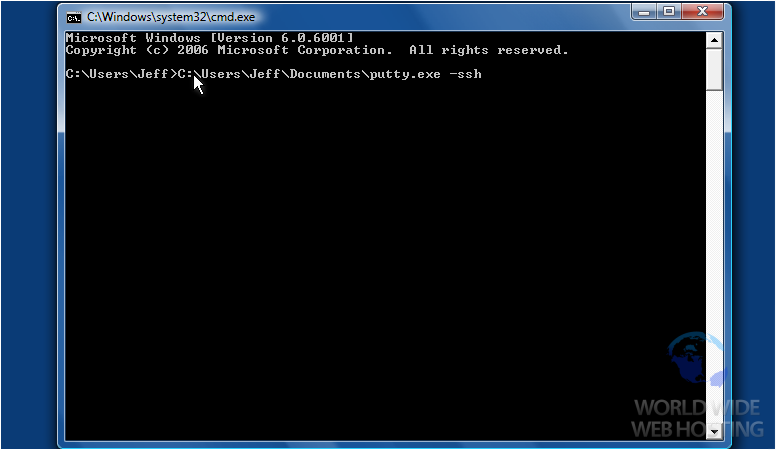
Web Jul 4 2022 nbsp 0183 32 1 Download and install PuTTY Windows does have its own command prompt which can be used with SSH but PuTTY is by far the most accessible means to open an SSH connection 2 Open PuTTY

Web Sep 24 2018 nbsp 0183 32 In order to establish an SSH connection you need two components a client and the corresponding server side component An SSH client is an application you install on the computer which you will use to connect to another computer or a server
[desc-11] [desc-12]
[desc-13]