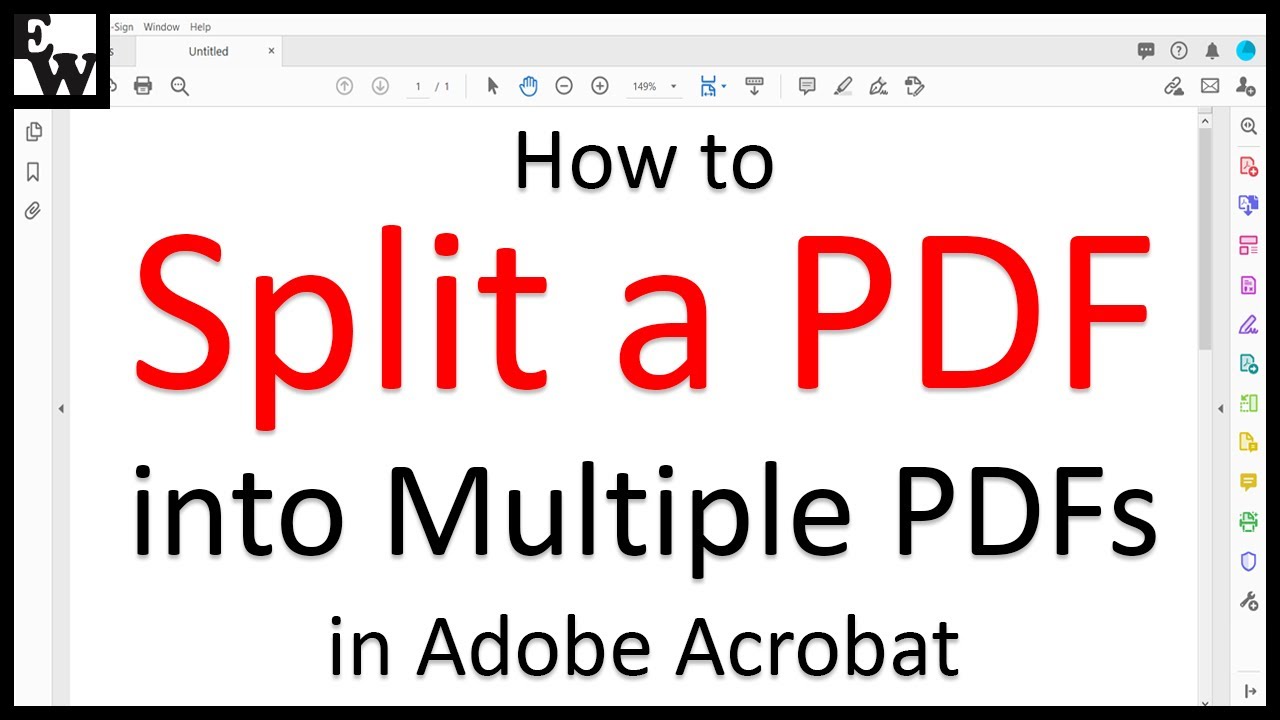
How To Split A Pdf Into Multiple Files Mac How To Split PDF Pages Into Separate Files Free In PC 2020 YouTube How To Split A PDF File Into Multiple Files For Free In 1 Second How To Select Multiple Files On A Mac Nektony Divide PDF Pages Into Multiple With AutoPageX How To Split A PDF File Into Multiple Files For Free YouTube How to Split a PDF into Multiple PDFs Open the PDF that you want to split Select the Tools tab Figure 1 Tools tab Select Organize Pages in the Tools Center Figure 2 Organize Pages button Select Split in the Organize Pages toolbar Figure 3
Take these steps to split a PDF on your Mac using Preview Open your PDF in the Preview app Open the thumbnail view and select the page or pages you would like to separate Drag and drop the pages to your desktop or to another folder You can continue to split the PDF by repeating the last two steps In this video I ll show you How to Split a PDF into Multiple Files Using Adobe Acrobat DC Watch More Related Videos How To Make a Fillable PDF Form Wit
How To Split A PDF File Into Multiple Files For Free YouTube How To Split A PDF Into Multiple PDFs In Adobe Acrobat PC Mac How To Split A PDF Document Into Multiple Files Free Easy YouTube HOW TO SPLIT A PDF DOCUMENT INTO MULTIPLE FILES YouTube How To Split A Large PDF Into Several Small Files Support Kdan Mobile How To Split A PDF Document Into Multiple Files Free YouTube How To Split PDF Pages Into Separate Files YouTube How To Split A PDF File Into Separate PDFs Online How To Split A Pdf Into Multiple Files Online Techtiertips
How To Split A Pdf Into Multiple Files Mac
 How To Split A Pdf Into Multiple Files Mac
https://i.ytimg.com/vi/43jgT7lcqa0/maxresdefault.jpg
Learn how to split a PDF into multiple PDFs in Adobe Acrobat PDFs can be split by number of pages file size or top level bookmarks Plus explore the diff
Templates are pre-designed documents or files that can be utilized for numerous functions. They can conserve effort and time by offering a ready-made format and layout for producing different kinds of content. Templates can be used for individual or professional projects, such as resumes, invitations, leaflets, newsletters, reports, discussions, and more.
How To Split A Pdf Into Multiple Files Mac
How To Split PDF Files For Free PDFsam
How To Split A PDF Into Multiple PDFs In Adobe Acrobat PC Mac
How To Split A PDF Document Into Multiple Files Free Easy YouTube
HOW TO SPLIT A PDF DOCUMENT INTO MULTIPLE FILES YouTube
How To Split A PDF Document Into Multiple Files Free YouTube

How To Split PDF Pages Into Separate Files YouTube

Open the PDF in Acrobat Choose Organize Pages Split Choose how you want to split a single file or multiple files Name and save Click Output Options to decide where to save what to name and how to split your file Split your PDF Click OK and then Split to finish You can use additional PDF tools to extract pages or delete pages

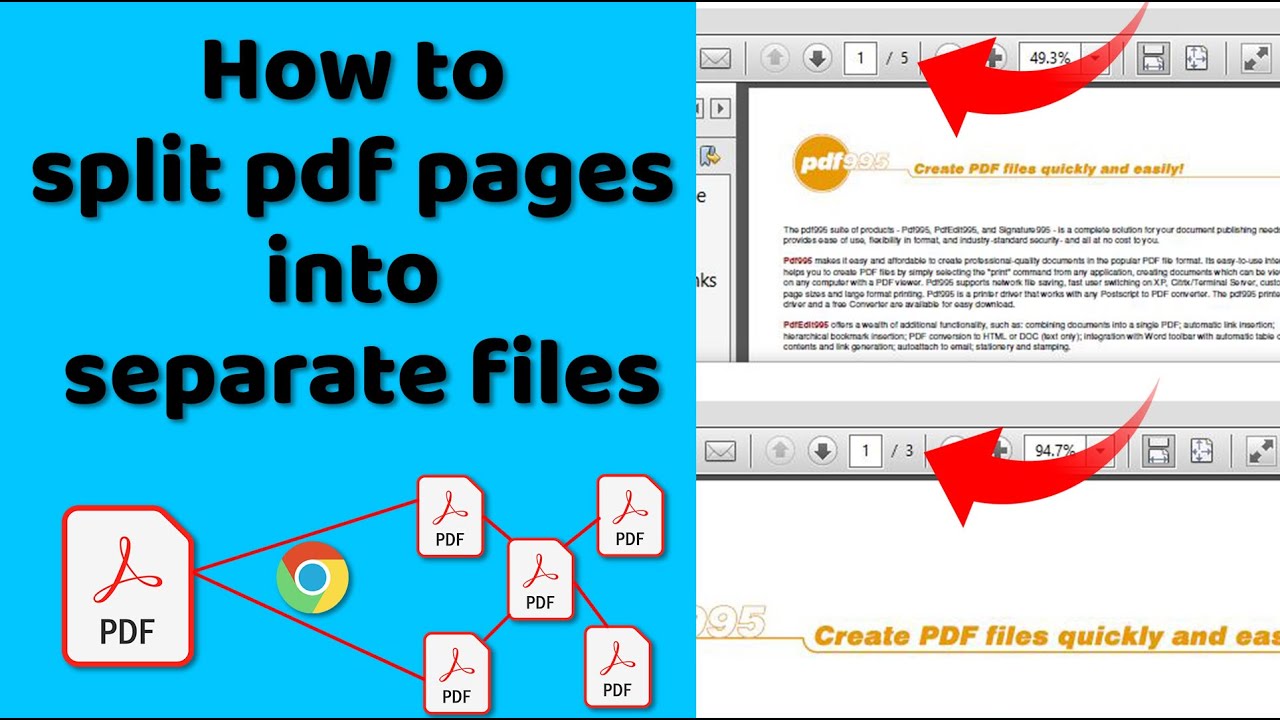
Method 1 Using Google Chrome Download Article 1 Open the PDF file in Google Chrome The easiest way to do this is to drag the PDF file into an open Chrome window 1 You can also right click on the PDF file select Open With and then select Google Chrome from the list of available programs
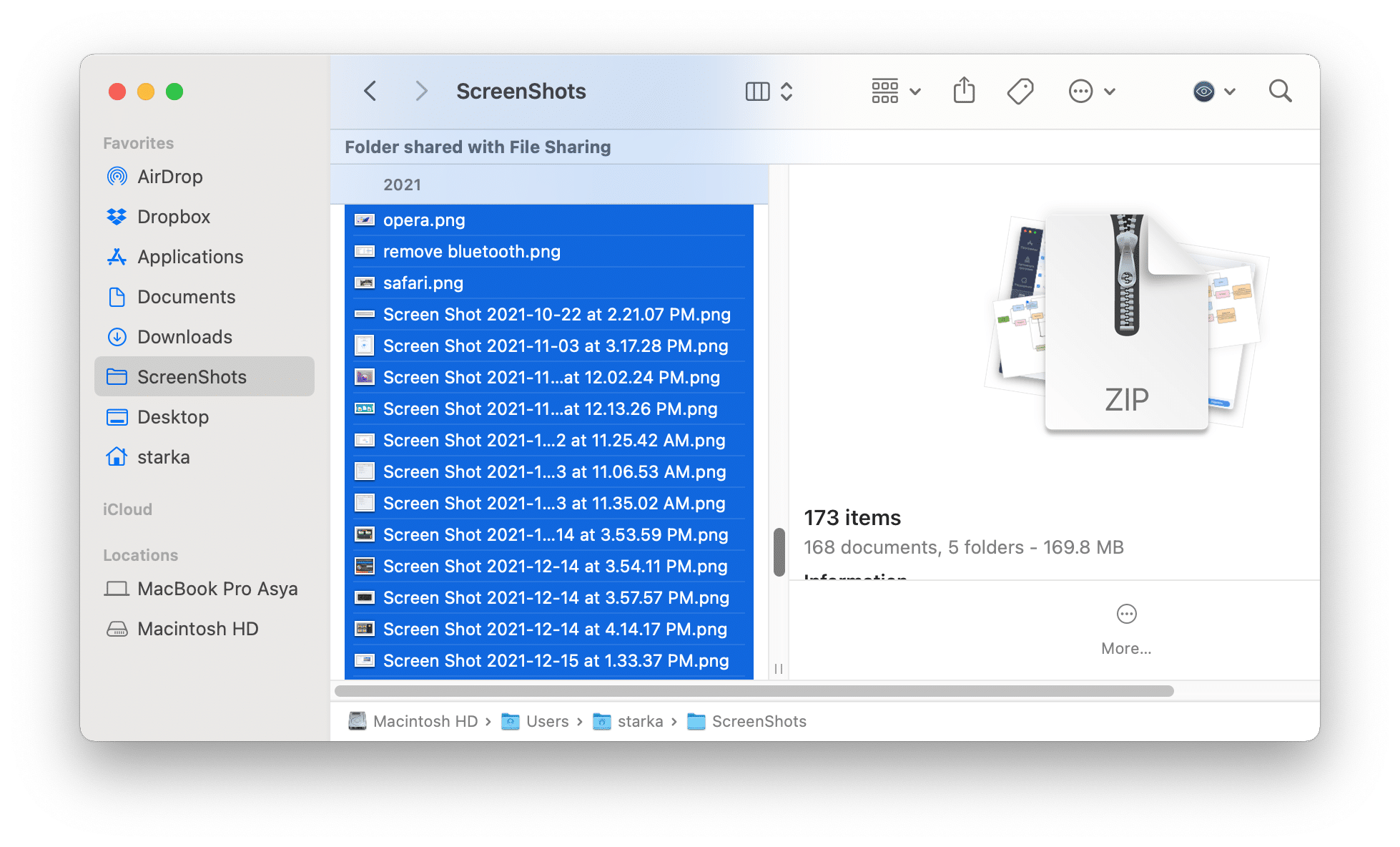
Split a PDF using Preview If you have a PDF that you need to break up into two or more files you can do this easily in Preview on Mac Step 1 Open the PDF file in Preview If

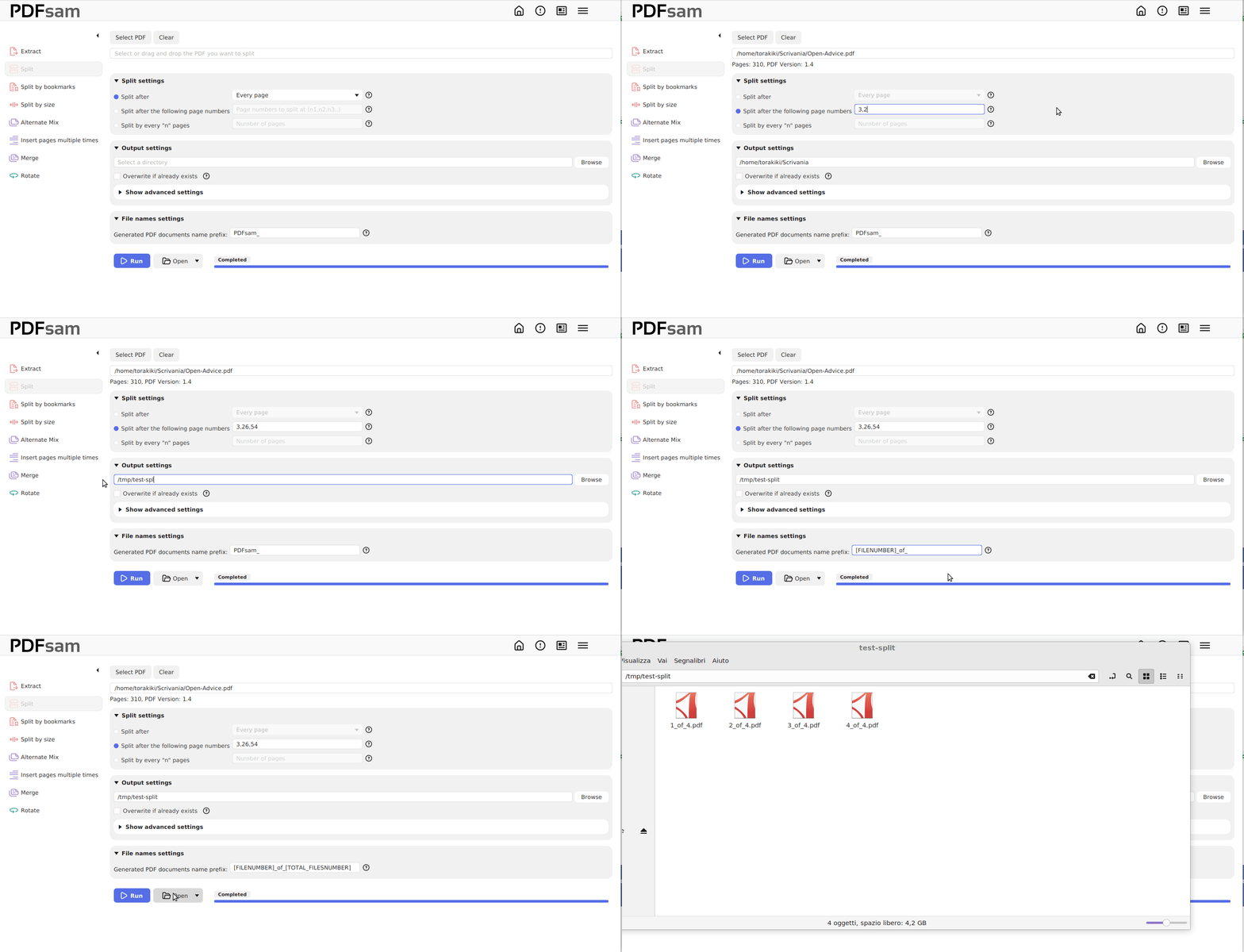
Split PDF files online Free service to split PDF Split PDF file Separate one page or a whole set for easy conversion into independent PDF files Select PDF file or drop PDF here Split a PDF file by page ranges or extract all PDF pages to multiple PDF files Split or extract PDF files online easily and free

Drag and drop your PDF into the PDF Splitter Choose to Extract every page into a PDF or Select pages to extract For the latter select the pages you wish to remove Click Split PDF wait for the process to finish and download
Follow these steps to learn how to split a PDF into multiple PDFs using Preview Step1 Right click the PDF you want to split and open with Preview Step 2 Head over to View on the top menu and click Thumbnails from the drop down menu You will see a list of the PDF pages displayed on the left screen Step 1 Open the PDF You Want to Split Browse and select the file from your local folder or drag and drop it into PDFelement Step 2 Go to the Page Menu Click the Organize Pages at the top left and then click the Split button TRY IT FREE Select a page range or separate the PDF pages by bookmark if you d like
How to split PDF into multiple files on Mac First a word of caution If you want a free PDF splitter your initial impulse might be to go look for a free online tool that can do PDF split Unfortunately many of those are riddled with malicious ads and are better to stay away from So we recommend never uploading your PDFs to random websites