How To Setup Python In Visual Studio Code On Windows 7 How To Setup Python 3 On Windows Step by Step Tutorial Install Python In Visual Studio Africalalapa How To Compile Python In Visual Studio Pagdaily How To Set Up Python In Visual Studio Code On Windows 10 Installation How To Setup Python In Visual Studio Code Python 3 Visual Studio Riset Web Getting Started with Python in VS Code Learn how to edit run and debug code in VS Code Virtual Environments and Packages Python Learn more about virtual environments and packages Installing Python Modules Python Learn how to install Python modules
Web Jan 9 2019 nbsp 0183 32 26 Answers Sorted by 209 P S I have been using Visual Studio Code for a while now and found an another way to show virtual environments in Visual Studio Code Go to the parent folder in which venv is there through a command prompt Web Jun 29 2023 nbsp 0183 32 Python support is available only on Visual Studio for Windows On Mac and Linux Python support is available through Visual Studio Code Download amp install the Python workload Download and run the latest Visual Studio installer for Windows Python support is present in the release 15 2 and later
How To Setup Python In Visual Studio Code Python 3 Visual Studio Riset Use Python In Visual Studio Code Fadviva How To Download And Set Up Python In VS Code Python Tutorial 1 YouTube Python Visual Studio Code Theme Loader How To Run Python In Visual Studio Code Theme Loader Visual Studio Code Python File How To Run Python In Visual Studio Code How To Use Python In Visual Studio Code Geeklasopa Install Visual Studio Code Ubuntu Arm64 Fervis Python 3 Setup And Installation For Windows And Mac
How To Setup Python In Visual Studio Code On Windows 7
 How To Setup Python In Visual Studio Code On Windows 7
https://i.ytimg.com/vi/SsnGXKWFo30/maxresdefault.jpg
Web Jul 21 2023 nbsp 0183 32 Select the Add Environment command in the Python Environments window or the Python toolbar select the Python installation tab indicate which interpreters to install and select Install You can also manually install any of the interpreters listed in the table below outside of the Visual Studio installer
Templates are pre-designed documents or files that can be utilized for numerous purposes. They can save effort and time by supplying a ready-made format and design for creating various kinds of material. Templates can be utilized for individual or expert jobs, such as resumes, invites, leaflets, newsletters, reports, presentations, and more.
How To Setup Python In Visual Studio Code On Windows 7
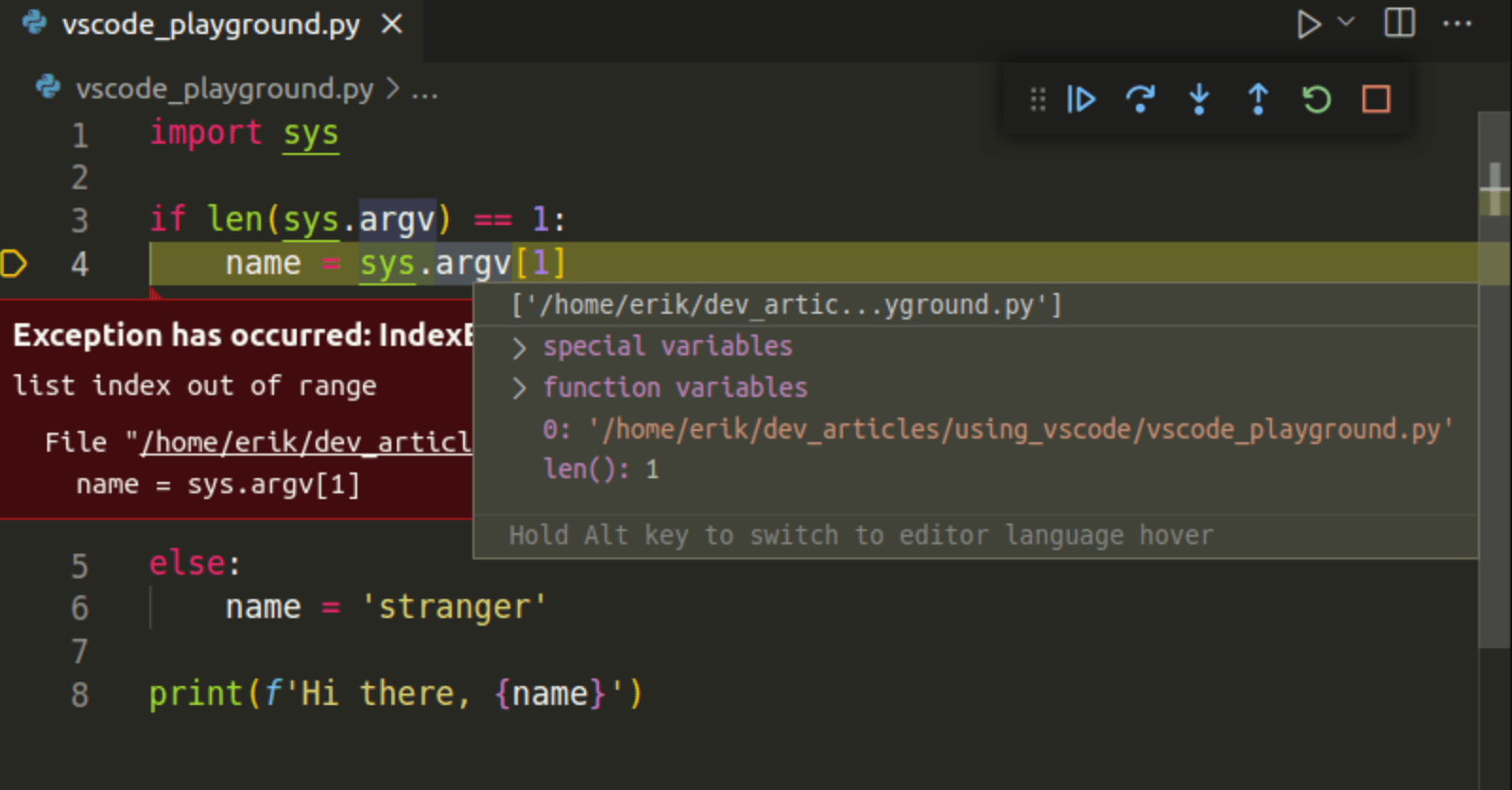
Debugging Python In Visual Studio Code Holdencor

Use Python In Visual Studio Code Fadviva

How To Download And Set Up Python In VS Code Python Tutorial 1 YouTube

Python Visual Studio Code Theme Loader
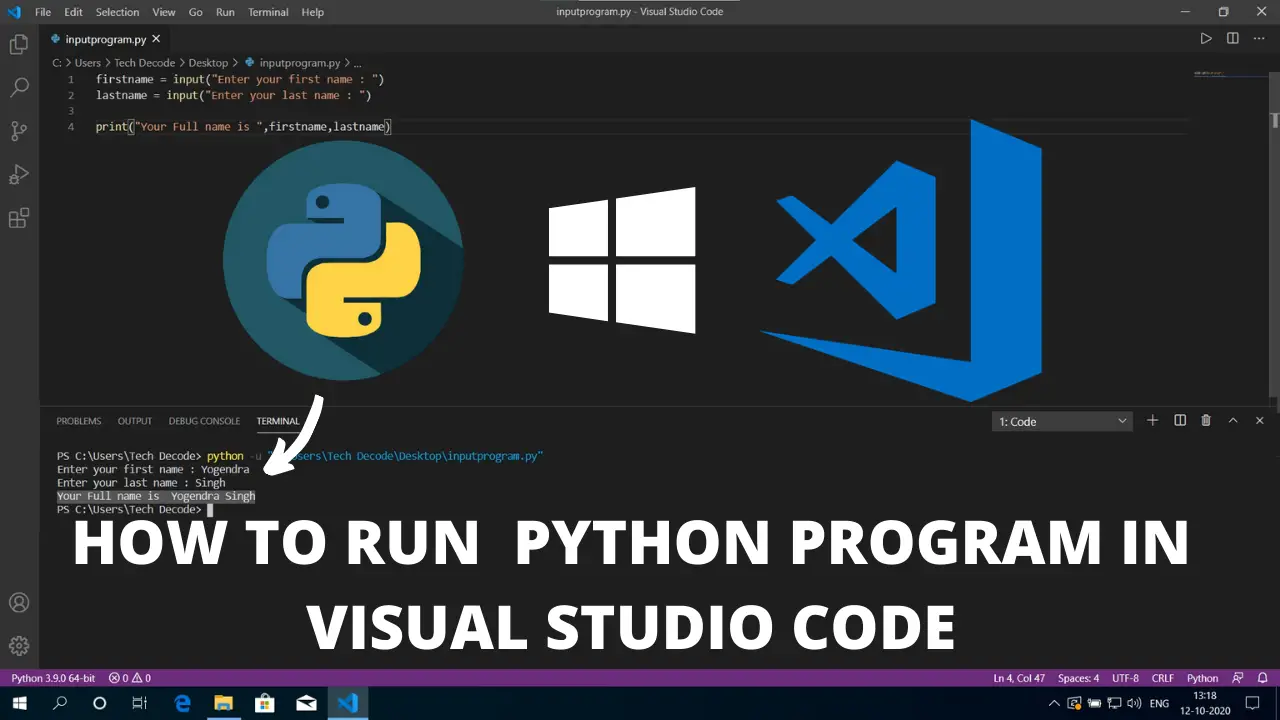
Visual Studio Code Python File How To Run Python In Visual Studio Code
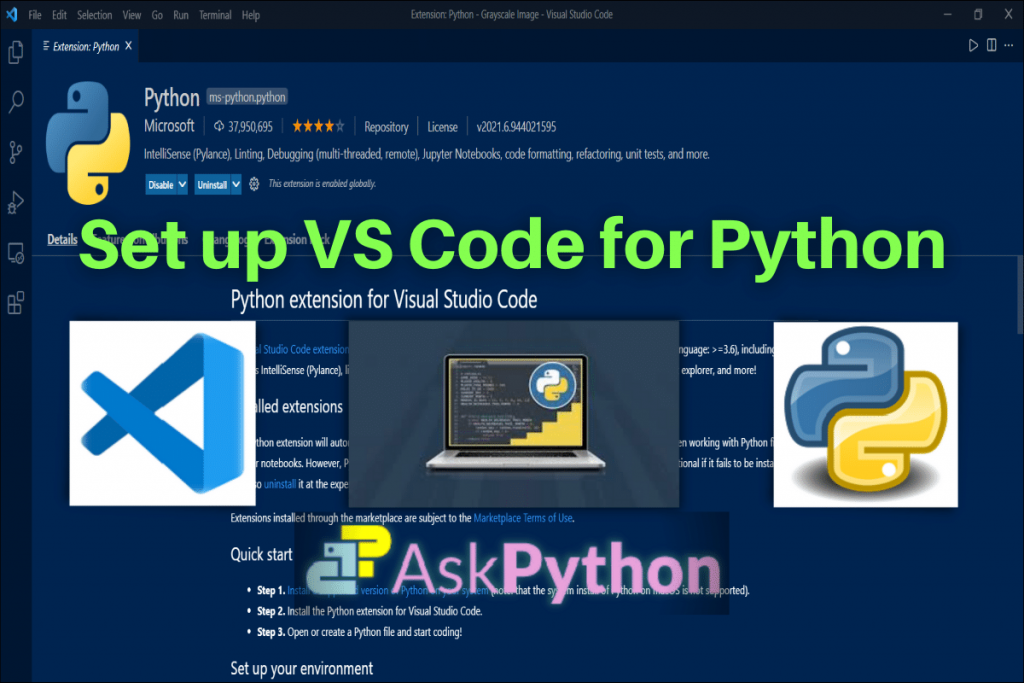
How To Use Python In Visual Studio Code Geeklasopa
Web Install Python and the Python extension The tutorial guides you through installing Python and using the extension You must install a Python interpreter yourself separately from the extension For a quick install use Python from python and install the extension from the VS Code Marketplace
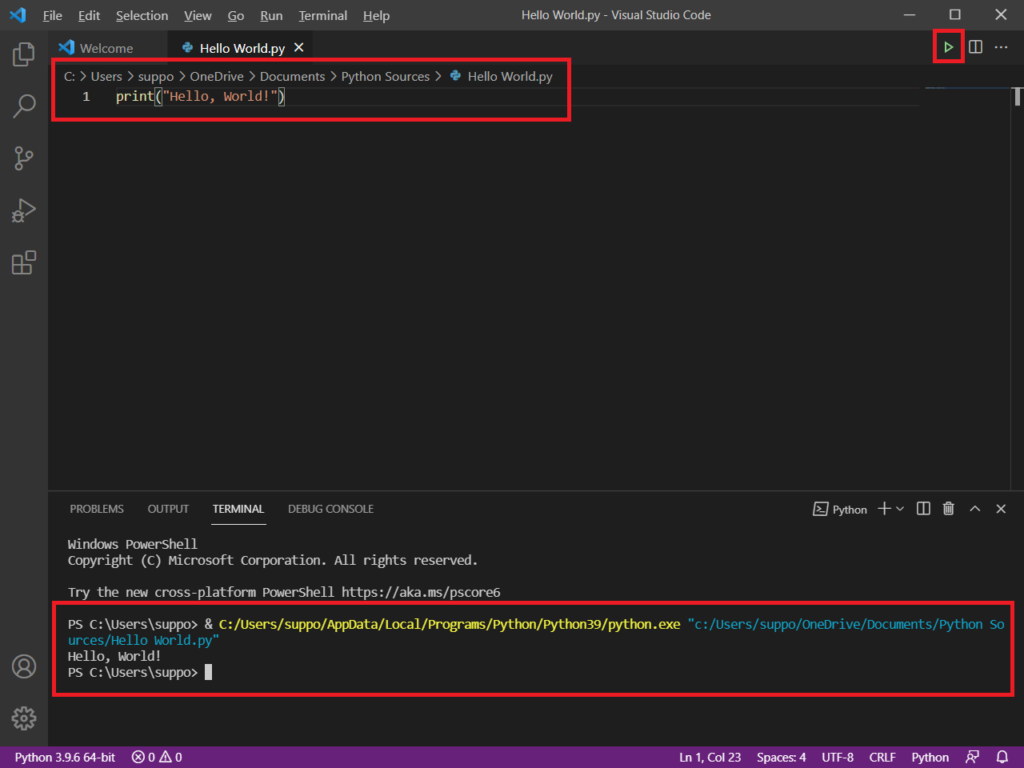
Web To set up the VS Code you follow these steps First navigate to the VS Code official website and download the VS code based on your platform Windows macOS or Linux Second launch the setup wizard and follow the steps Once the installation completes you can launch the VS code application

Web Beginner Developer Student Visual Studio Code Get started with learning Python by installing and configuring the tools you ll need to build real applications Learning objectives By the end of this module you ll be able to Install Python 3 if needed Install and configure Visual Studio Code and extensions on your computer Create a Python file
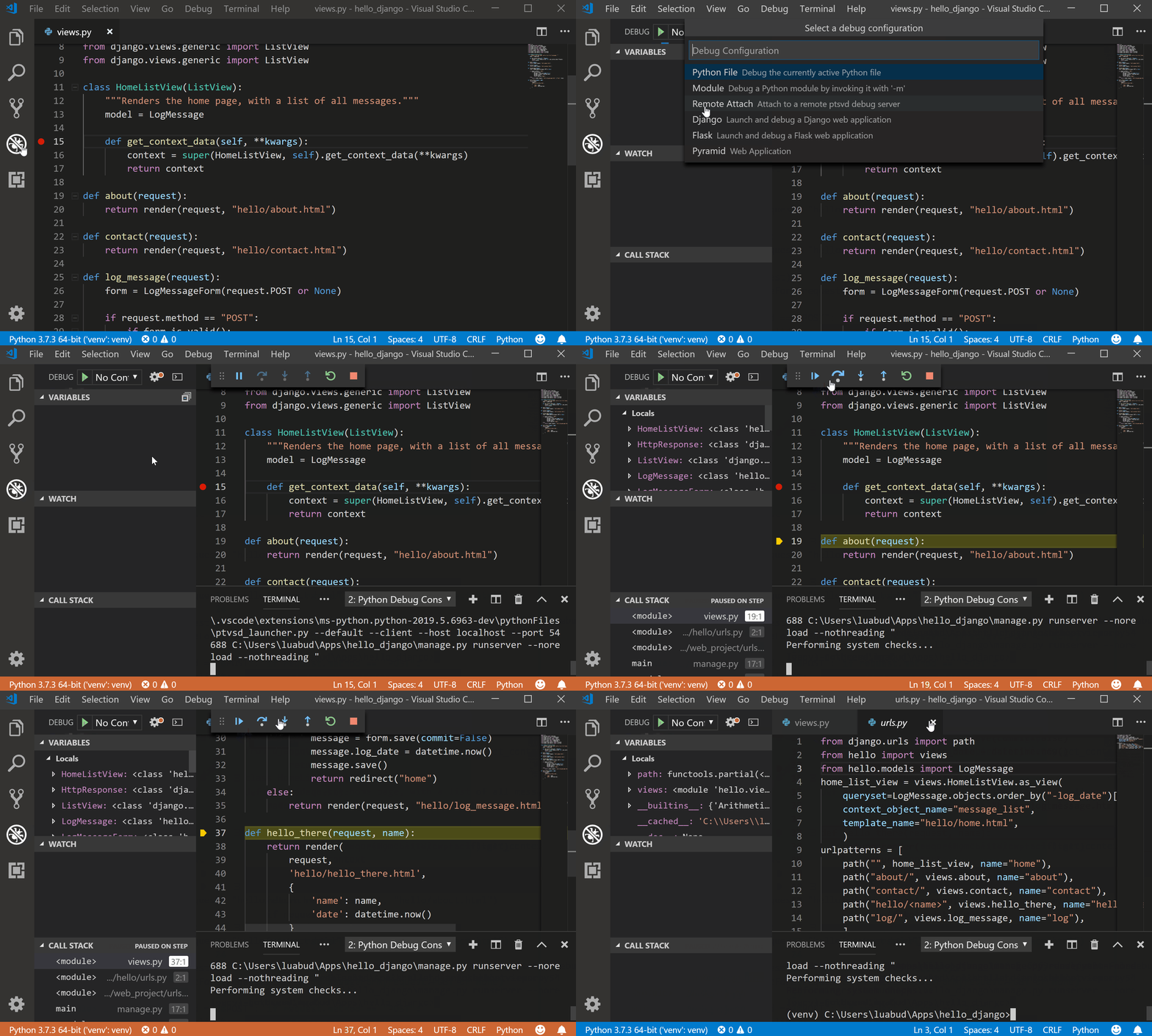
Web In the end we will learn about Python productivity hacks Python and Visual Studio Code Setup In this part we will learn to install Python and VSCode and run a simple Python code Installing Python Downloading and installing the latest version of Python is straightforward Go to Python and download the latest version for Windows The

Web Jun 29 2023 nbsp 0183 32 Step 1 Create a new Python project A project is how Visual Studio manages all the files that come together to produce a single application Application files include source code resources and configurations A project formalizes and maintains the relationships among all the project s files
Web Apr 4 2022 nbsp 0183 32 Finish page 2 Downloading and Installing VS Code Once the Miniconda installation is complete you can proceed with the Visual Studio Code installation Web Jul 28 2023 nbsp 0183 32 To access the GUI settings click the gear icon in the lower left corner of the VS Code window If you re a keyboard shortcut fan then use the shortcut Ctrl Windows Linux or Cmd Mac
Web Sep 2 2021 nbsp 0183 32 We are pleased to announce that the October 2021 release of the Python Extension for Visual Studio Code is now available This release introduces debugging support for Jupyter Notebooks our new Python walkthrough and an improvement to the debugging experience for Python files and projects Luciana Abud