How To Set Path In Mac For Flutter How To Set Path For Flutter Command At Mac YouTube Guide To Install Flutter On Windows Mac And Android Devices Flutter Creating Generic Interactive Cards To Use In Listview Builder How To Set Path Variable For Python Fleming Defter Install Flutter In Mac And Build First Project Follow this step To permanently add Flutter to your path Flutter has good installation documentation but to update flutter path permanently on macOS need to follow this steps Download
Set up the iOS simulator To prepare to run and test your Flutter app on the iOS simulator follow these steps On your Mac find the Simulator via Spotlight or by using the following command content copy open a Simulator Make sure your simulator is using a 64 bit device iPhone 5s or later 1 I am trying to permanently add flutter to my PATH I will tell you what I previously did So I unzipped the MacOS version in my user folder Then I went into my bash profile and added export PATH Users kayajones flutter bin PATH
Install Flutter In Mac And Build First Project Enabling Flutter Desktop Applications Add Support For And Write Your An Open Source Flutter POS FlutterFlux How To Get Path Of A File In Mac Job For Flutter Developer Why Should You Hire A Vrogue How To Get Path Of A File In Mac Updating The PATH Variable For Flutter On Mac KindaCode Pies Suaves Sector Publicidad Flutter Install In Mac Par lisis How To Set Cache Control And Expires Headers For Paperclip Uploads
How To Set Path In Mac For Flutter
 How To Set Path In Mac For Flutter
https://i.ytimg.com/vi/8R5wCBNvGso/maxresdefault.jpg
Open your Android studio start a new Flutter Project select default application next select flutter sdk path browse to the location where you have download and extract your flutter sdk select the flutter bin and say okay All set Your project will get created in some time Share Improve this answer
Templates are pre-designed documents or files that can be utilized for various purposes. They can conserve time and effort by providing a ready-made format and layout for developing various kinds of content. Templates can be utilized for personal or professional tasks, such as resumes, invites, flyers, newsletters, reports, presentations, and more.
How To Set Path In Mac For Flutter

Why Your Next Mobile App Should Be Made In Flutter

Enabling Flutter Desktop Applications Add Support For And Write Your
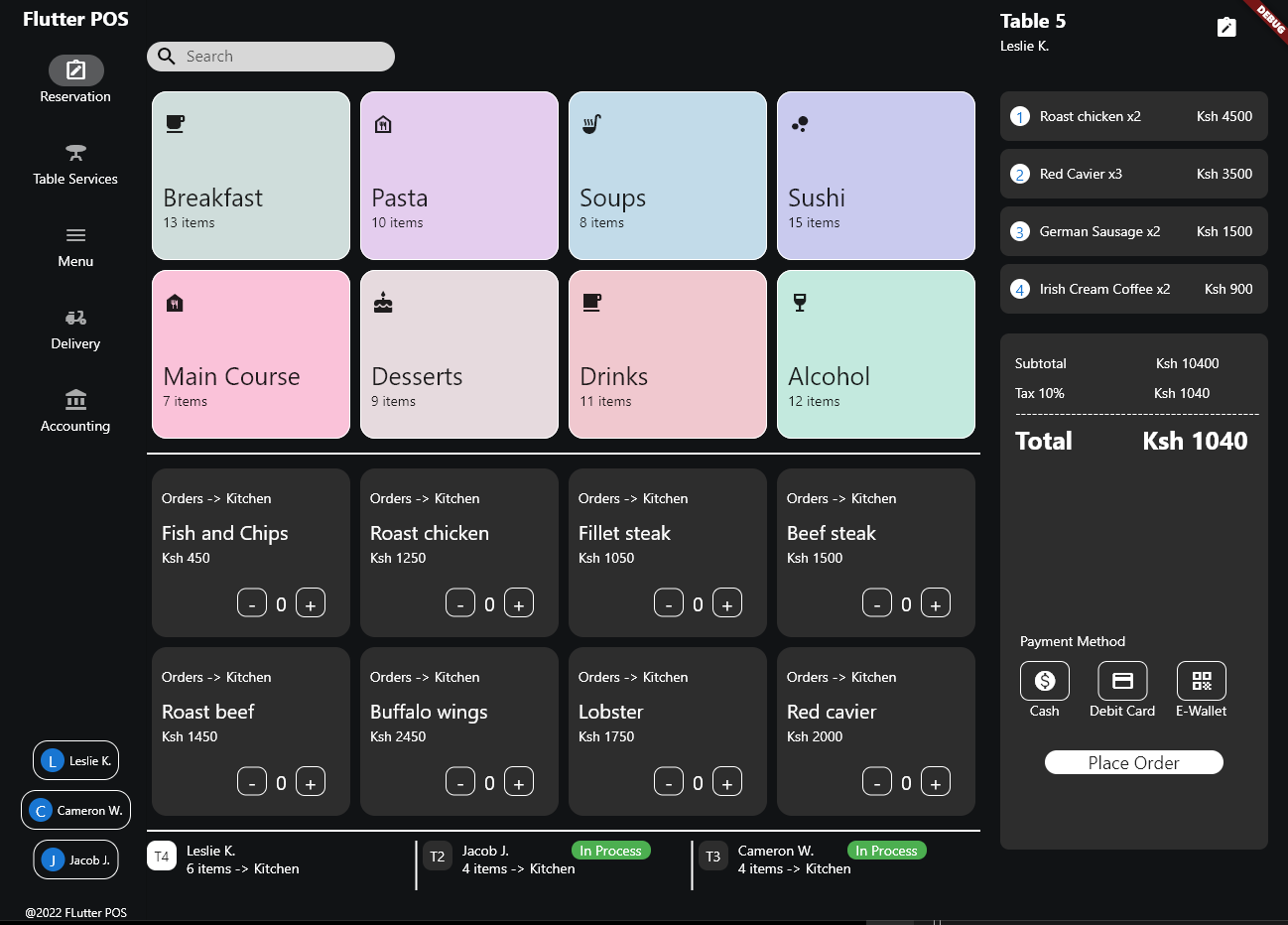
An Open Source Flutter POS FlutterFlux
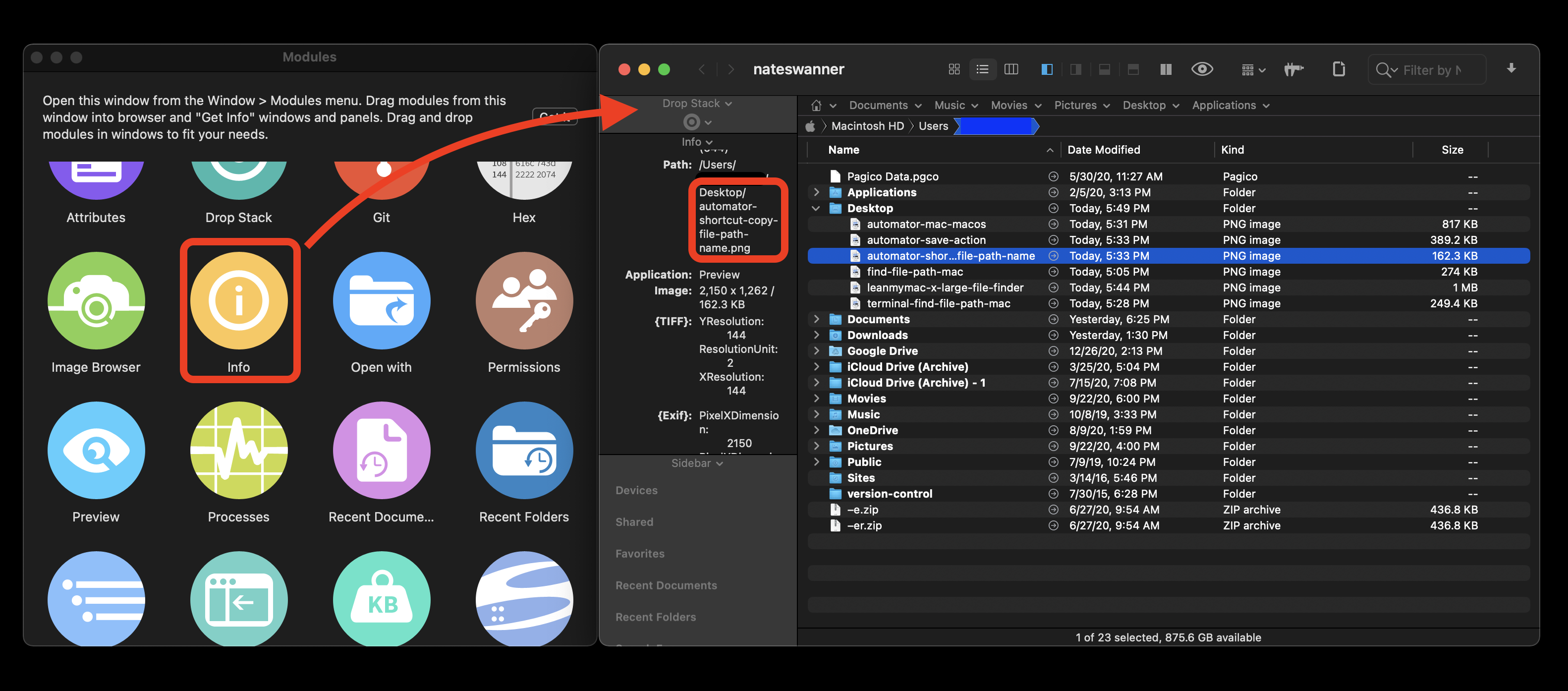
How To Get Path Of A File In Mac
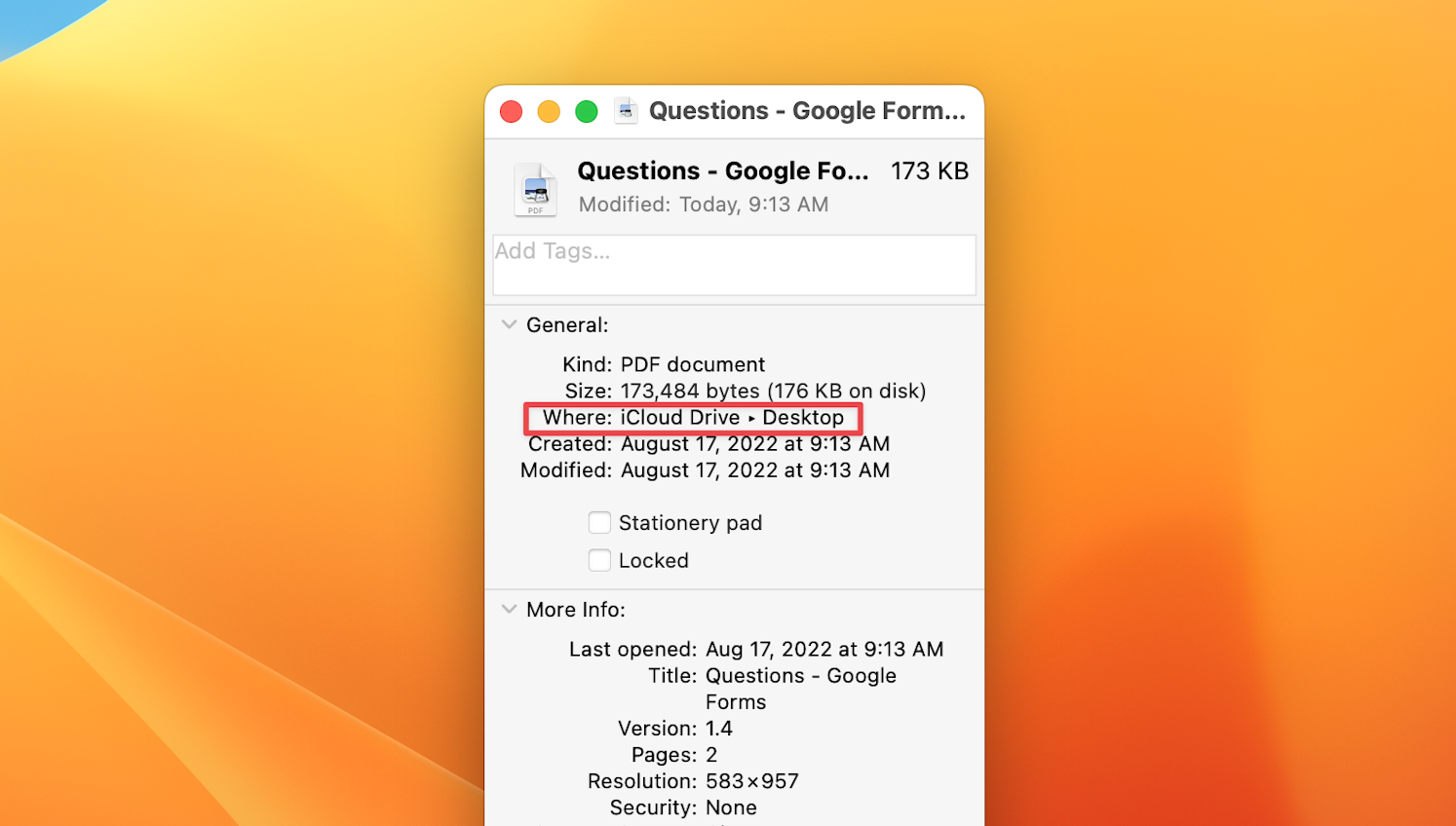
How To Get Path Of A File In Mac

Updating The PATH Variable For Flutter On Mac KindaCode

15 Please follow the steps below Open the Terminal Type nano zshrc Type export PATH PATH TO FLUTTER GIT DIRECTORY flutter bin PATH Press control x to Exit Type source zshrc Restart the Terminal Verify by typing flutter version Share Improve this answer Follow answered Nov 6 2022 at 16 18 Sweta Jain 3 516 6 32 53
Install macOS Contents System requirements Get the Flutter SDK Run flutter doctor Downloading straight from GitHub instead of using an archive Update your path Platform setup iOS setup Install Xcode Set up the iOS simulator Deploy to physical iOS devices Create your Apple ID and Apple Developer account Attach your physical iOS device to your Mac

Add the following line and change PATH TO FLUTTER GIT DIRECTORY to be the path where you cloned Flutter s git repo export PATH PATH PATH TO FLUTTER GIT DIRECTORY flutter bin Run source HOME bash profile to refresh the current window Verify that the flutter bin directory is now in your PATH by running echo PATH flutter Share
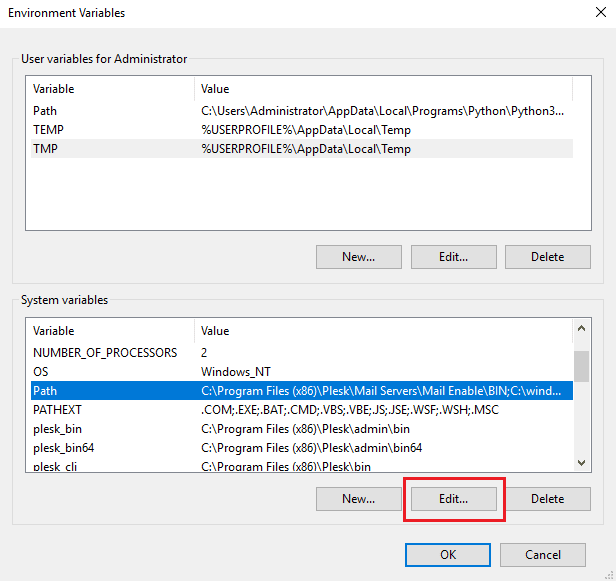
Launch Terminal App type touch zshrc and press enter type vi zshrc add export PATH PATH FLUTTER INSTALLATION DIRECTORY bin save the changes Reload the changes by typing zshrc Now you should be able to run all flutter commands using terminal app

How to install Flutter on Mac and add to PATH YouTube Link to Flutter download page https docs flutter dev get started install macos Link to Flutter download page
1 Download Flutter SKD First we will create a new folder in our home directory here I will name it tools In the tools folder we will clone flutter from the Github repository And to do that we will open the terminal in that folder and execute the following command git clone https github flutter flutter git What is the recommended path to place flutter SDK on MacOS Ask Question Asked 5 years 9 months ago Modified 2 years ago Viewed 3k times 7 The installation instructions omit any explicit path git clone b beta https github flutter flutter git export PATH pwd flutter bin PATH flutter Share Follow asked Mar 8 2018 at 4 12 XY6
3 Add the path The next step is to add a flutter bin path to the global variables so that you can use the flutter cmd globally Windows Open the start menu and type env from the results select Edit environment variables for your account Click on add new path and paste the path flutter bin append the path before this if exists Mac