How To Set Background Image In Css In React Js T t C Nh ng G B n C n Bi t V CSS in JS Learn And Share Tutorial De Imagem De Segundo Plano No React Como Definir ReactJS Wallpapers Wallpaper Cave React JS For Beginners Part 10 How To Use CSS In React JS YouTube 517 Background Image Div Html Css Pictures MyWeb 1 If you don t want to import image in your component then you can display image in the following way var imageName require images img 9 jpg img src imageName Here require used for static imports so you need to change your imports But you can also do this in the following way
ReactJS change background image dynamically Ask Question Asked 8 years 11 months ago Modified 7 years 7 months ago Viewed 60k times 17 I was trying to change background image style dynamically for the following div Here is my component for changing it Using Inline Styles The next approach to changing the background color in React is to write all of the CSS styles inline Ironically this was not a good approach for many years with developers favoring the external CSS file method for ease of use and readability In recent years there has been a resurgence of writing inline styles or CSS
517 Background Image Div Html Css Pictures MyWeb How To Set Background Image In Html Full Background Image In CSS SourceCodester 85 Css Background Image Stretch Y Picture MyWeb 9 Ways To Implement CSS In React JS By Dmitry Nozhenko Medium View How To Set Background Image In Div Using Css Gif Lemonndedekitchi Update 82 Imagen Set Background Image In React Js Thptletrongtan edu vn Top 52 Imagen Add Background Image In React Thpthoanghoatham edu vn 9 Ways To Implement CSS In React JS By Dmitry Nozhenko Medium
How To Set Background Image In Css In React Js
 How To Set Background Image In Css In React Js
https://cdn-images-1.medium.com/max/1600/1*DFwkvCRyz9K0Mbl59r2hMg.png
The background image CSS property sets one or more background images on an element Try it The background images are drawn on stacking context layers on top of each other The first layer specified is drawn as if it is closest to the user The borders of the element are then drawn on top of them and the background color is drawn beneath them
Pre-crafted templates use a time-saving service for developing a varied range of files and files. These pre-designed formats and layouts can be utilized for different personal and expert projects, consisting of resumes, invitations, flyers, newsletters, reports, discussions, and more, simplifying the material creation procedure.
How To Set Background Image In Css In React Js
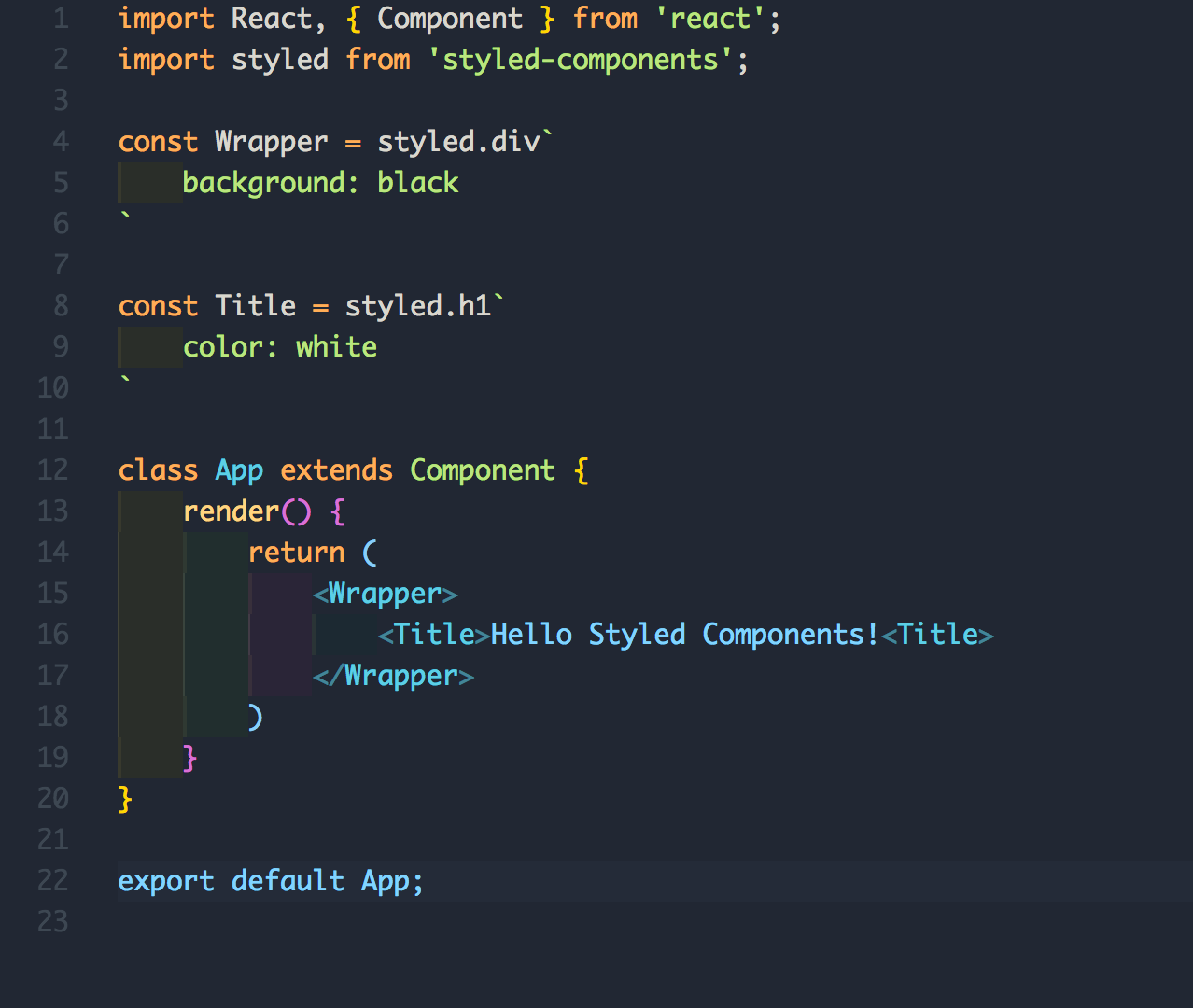
How To Use Css In React Js With Examples Www vrogue co
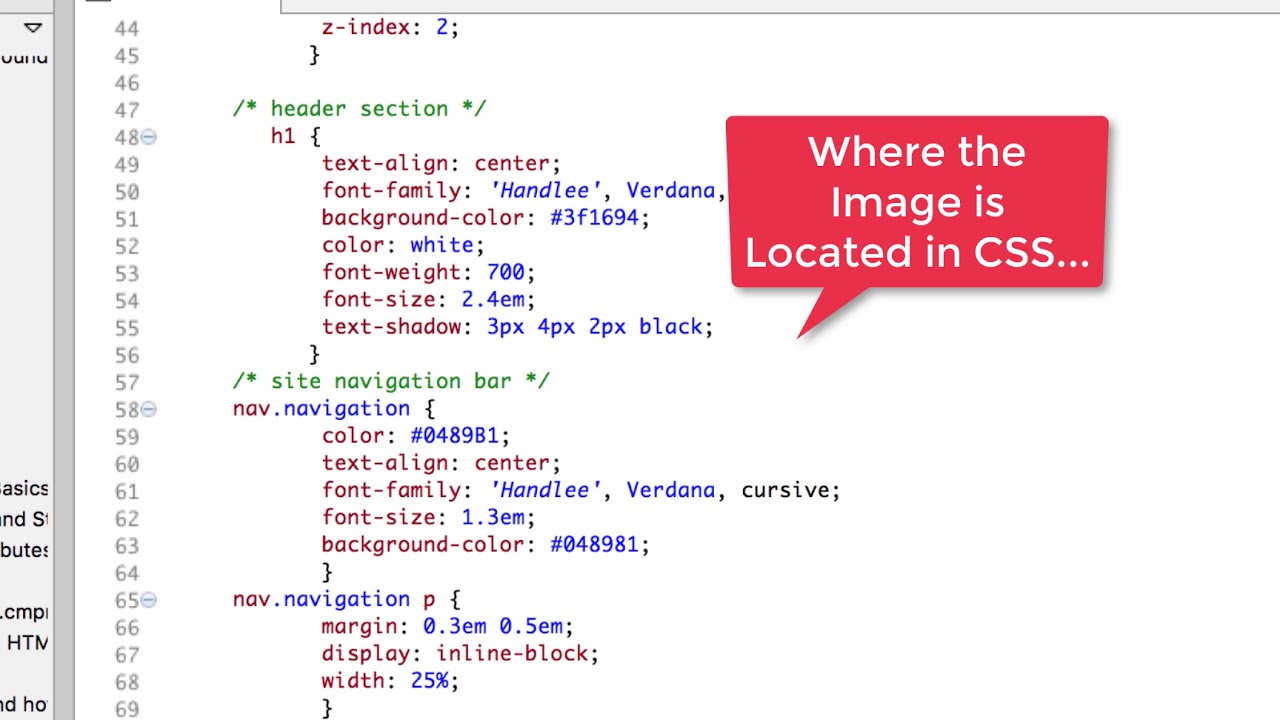
How To Set Background Image In Html
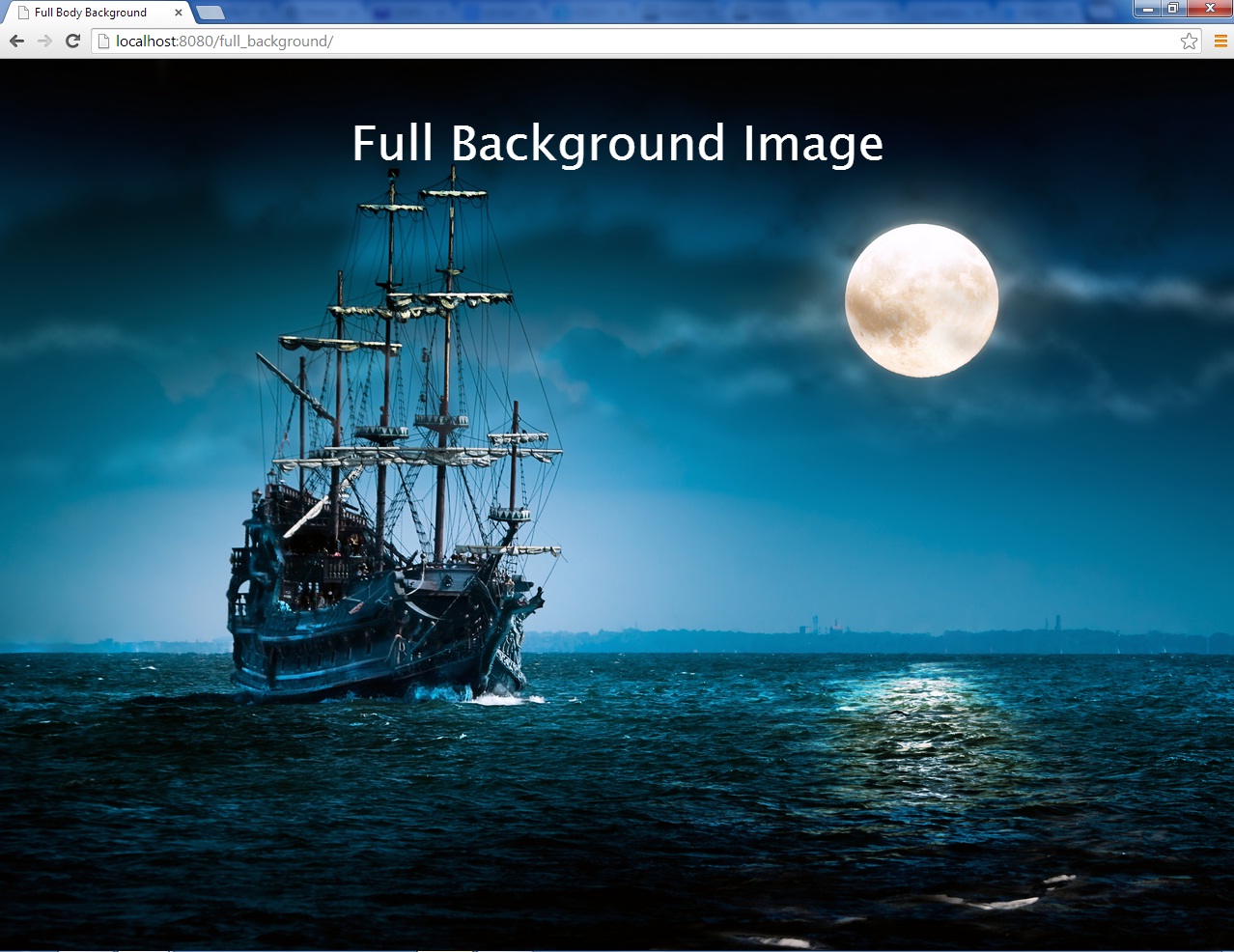
Full Background Image In CSS SourceCodester
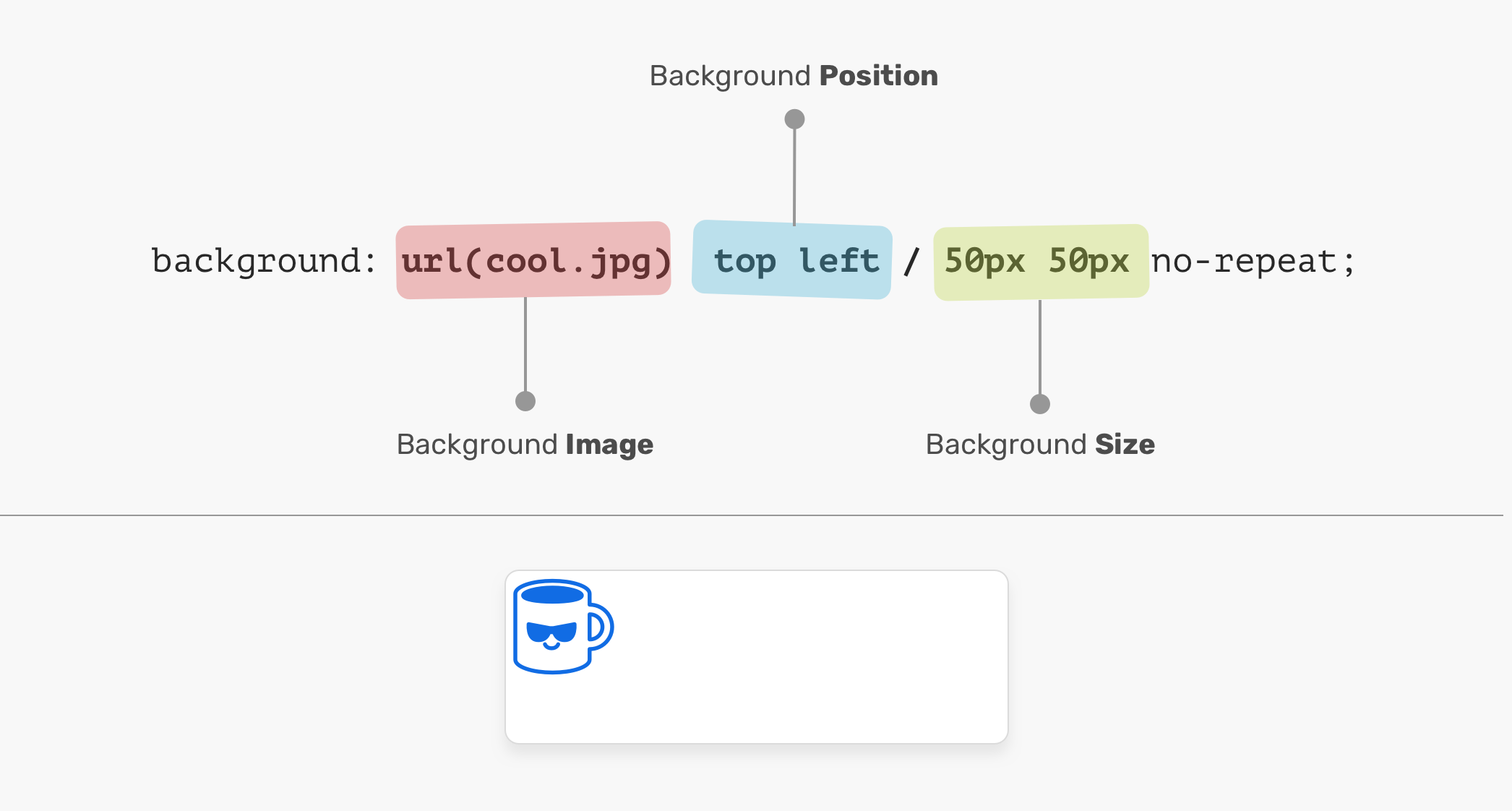
85 Css Background Image Stretch Y Picture MyWeb
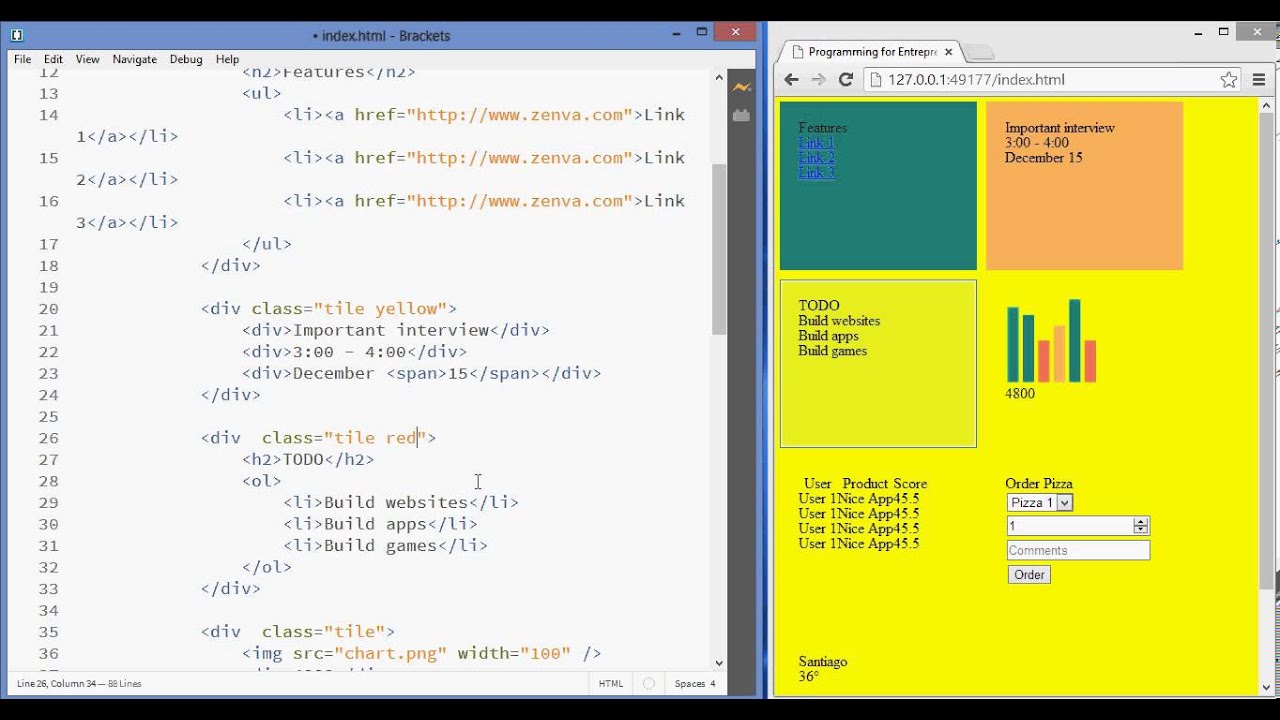
View How To Set Background Image In Div Using Css Gif Lemonndedekitchi
Update 82 Imagen Set Background Image In React Js Thptletrongtan edu vn
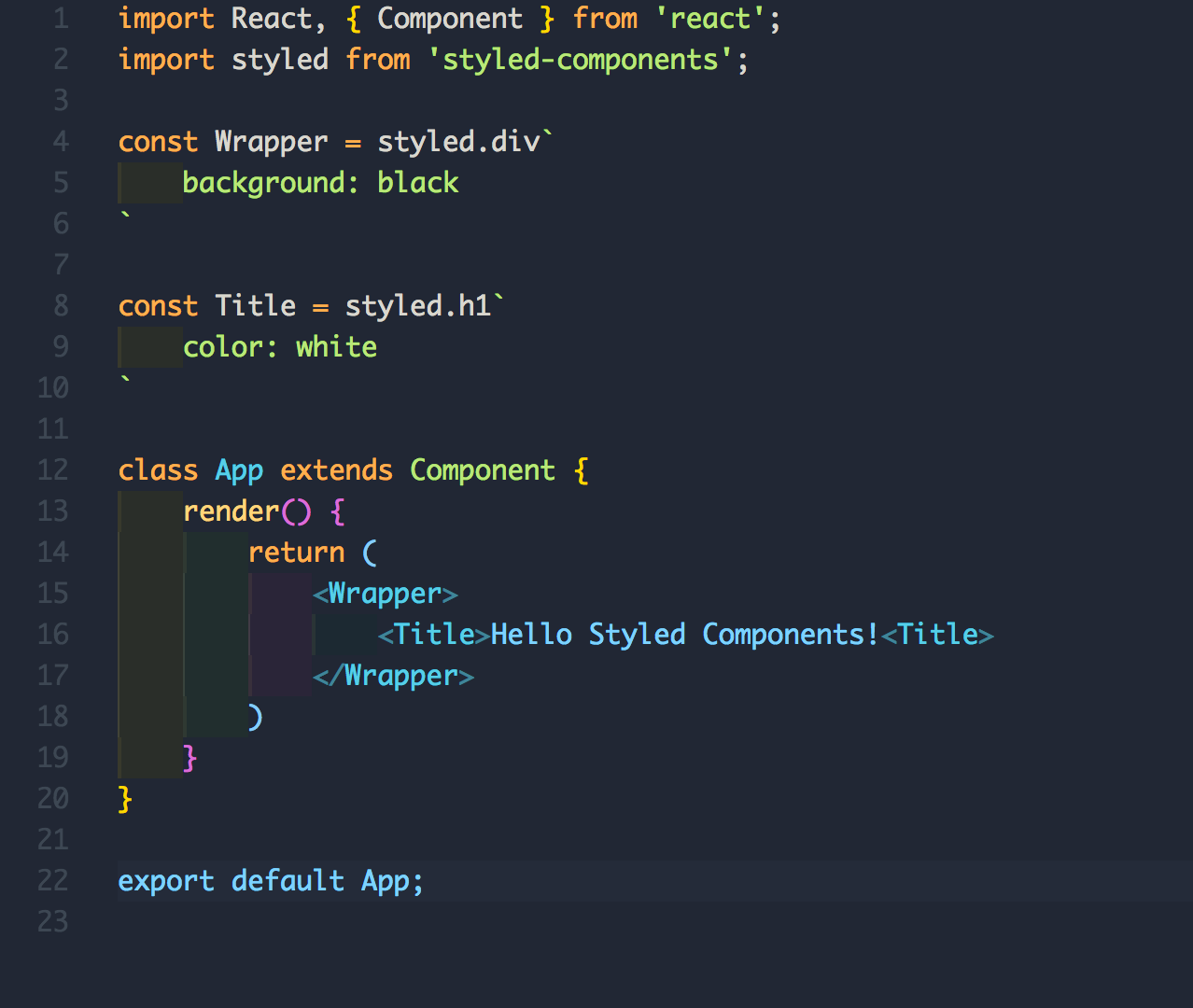
10 Answers Sorted by 30 You need to store your images in the public folder of your project You can refer to the public folder using a forward slash and access your images from there For example img src background jpg You can do the same in a CSS File background background image url background jpg Share Improve this answer

To do this we set the backgroundRepeat property import image from img UpmostlyLogo png function Component return div style backgroundImage url image backgroundRepeat no repeat Hello World div export Component The only thing we ve changed is we ve set backgroundRepeat to no repeat

Step 1 The user can create a new react project using the below command npx create react app testapp Step 2 Next the user needs to move to the test app project folder from the terminal using the below command cd testapp Project structure Method 1 Using inline CSS In this method we add the style attribute inside the element itself

4 I don t think your App css file can read images from your public folder due to React s import restrictions from outside the src folder The create react app imports restriction outside of src directory Instead add an inline style to App

29 I m trying to set a background image in React but it only covers about 75 of the height It seems that the component doesn t take up all of the height What s the solution In index js ReactDOM render Login document getElementById root In index css html body Login component height 100 In Login js
Create a style object named mystyle class MyHeader extends React Component render const mystyle color white backgroundColor DodgerBlue padding 10px fontFamily Arial return div h1 style mystyle Hello Style h1 p Add a little style p div Run Example CSS Stylesheet In this tutorial learn how to add pictures to your React JS web application both regular images background images React JS Tutorial Series https youtube
The background image property specifies an image to use as the background of an element By default the image is repeated so it covers the entire element Example Set the background image for a page body background image url paper gif Try it Yourself Example This example shows a bad combination of text and background image