How To Save Json File In Notepad How To Save A Json File In Notepad What Is Mark Down Format And View Json File In Notepad Editor Aipython json Save A File In Json Format Using Notepad SyntaxFix How To Save Data To JSON File YouTube What Is A JSON File And How To Open It Web In Notepad on the Language menu you will find the menu item J and under this menu item chose the language JSON Once you select the JSON language then you won t
Web Sample JSON data file Table of contents What is JSON Why do you need to format a JSON file View JSON data in notepad Installing the plugin JSON viewer in Web Install plugins Install plugins 0 57 Install plugins 0 57 Format JSON Format JSON 1 36 Format JSON
What Is A JSON File And How To Open It How To Load An Exported JSON Config File Notepad json notepad PHP How To Create Json File In Notepad Create Info How To Open JSON File With Notepad Chrome AndowMac How To Open Json File Easy Tips And Tricks To Media How To Create Json File In Notepad Create Info How To Open Json File In 7 Possible Ways Techtoday JSON File What Is A json File And How Do I Open It
How To Save Json File In Notepad
 How To Save Json File In Notepad
https://cdn.whatismarkdown.com/1664147352273.jpg
Web JSON Viewer Plugin is a helpful plugin that displays compresses and formats JSON This plugin can be very useful if you want to quickly view or edit your JSON document in
Templates are pre-designed documents or files that can be utilized for various functions. They can conserve effort and time by providing a ready-made format and layout for developing different sort of material. Templates can be used for personal or expert projects, such as resumes, invitations, leaflets, newsletters, reports, discussions, and more.
How To Save Json File In Notepad

How To Open JSON File With Notepad Chrome AndowMac
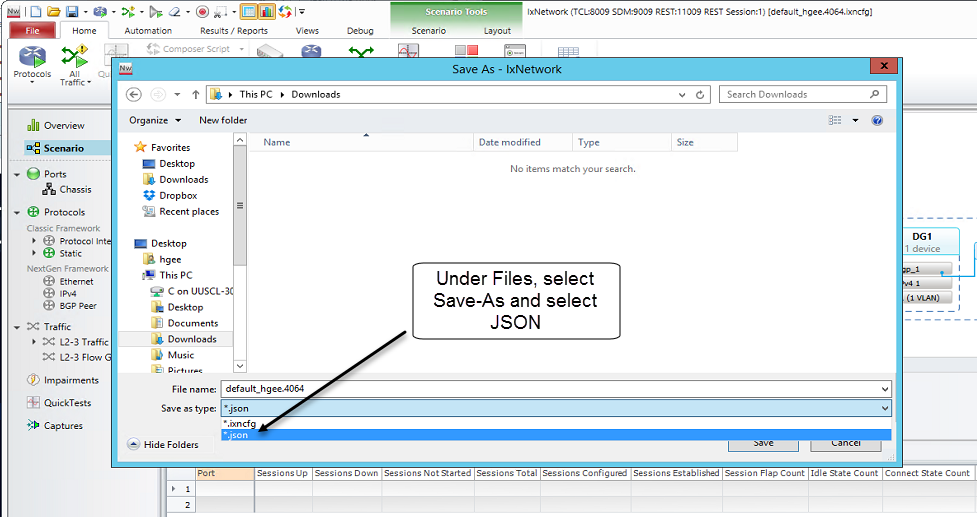
How To Load An Exported JSON Config File
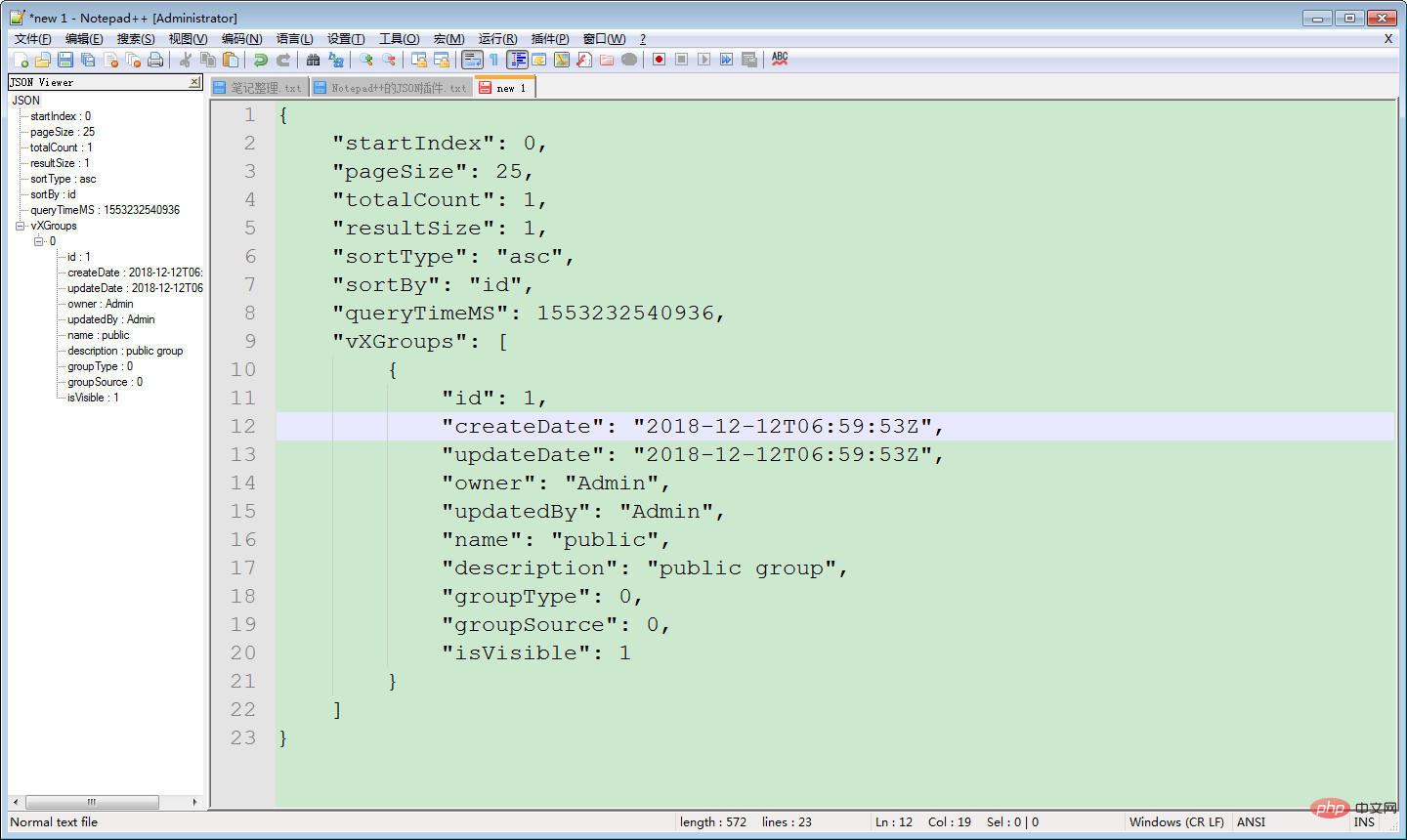
Notepad json notepad PHP

How To Create Json File In Notepad Create Info

How To Open Json File Easy Tips And Tricks To Media
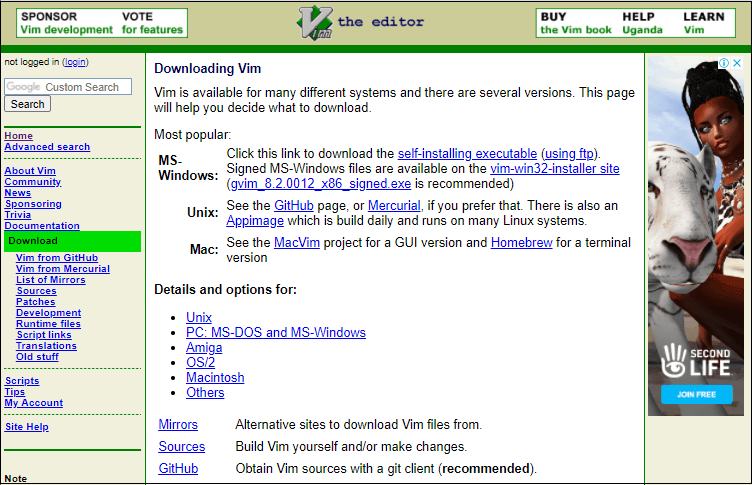
How To Create Json File In Notepad Create Info

Web Oct 12 2009 nbsp 0183 32 Paste the file quot NPPJSONViewer dll quot to Notepad plugin folder open a document containing a JSON string Select JSON

Web How to open JSOn FIles in Notepad JSOn content in a file contains strings so You can use any editor to open and save the files Notepad is also used to open and read

Web Notepad provides a simple and efficient way to format JSON data making it easier to read and understand To format JSON data in Notepad follow these simple steps

Web Oct 15 2021 nbsp 0183 32 Here s how 1 Right click on your JSON file and select Open with gt Choose another app from the menu 2 A window containing a list of apps will open Click on the

Web The easiest way to format Json in Notepad is to download the JsonViewer plugin With this plugin users can easily format their Json files according to the rules of syntax
Web Dec 8 2015 nbsp 0183 32 Node js var fs require fs fs writeFile quot test txt quot jsonData function err if err console log err Browser webapi Web Oct 19 2022 nbsp 0183 32 To open a JSON file in Notepad first make sure that the file is saved with a json extension Then open the file in Notepad and go to the Plugins menu In the
Web Aug 5 2013 nbsp 0183 32 3 Answers Sorted by 10 When you Save As make sure the quot Save as type quot dropdown contains quot All Files quot and not quot Text Documents txt quot That way it won t add the