How To Save Html Form Data In Excel Using Java How To Send HTML Form Data To Google Sheets How To Send Form Data In 3 Steps To Save HTML Form Into Database With PHP MYSQL YouTube Save HTML Form Data To A MySQL Database Using PHP YouTube How To Save Html Form Data To Text File Using Php Generate Random Delete Blank Rows And Columns In Excel Using Java JavaScript code Using the SheetJs library export table data into an excel file Here on the button tag we add an on click event and call the js method ie ExportToExcel Final javascript method as written below function ExportToExcel type fn dl var elt document getElementById tbl exporttable to xls var wb XLSX utils table to
We were using JQuery Datatable to render the grid throughout the application so that the user gets the functionalities like column sorting etc JQuery datatable provides the in built functionality to export the grid into Excel file but it was observed that it isn t used to export the value that used to assign to the input tag Thus we needed 1 solution Solution 1 There are libraries available to let you create Excel workbooks from Javascript code for example GitHub exceljs exceljs Excel Workbook Manager However code running in the browser does not have access to the user s file system
Delete Blank Rows And Columns In Excel Using Java How To Save HTML File In Notepad With Images Excel Form The Fastest Way To Input Data In Excel MicrosoftExcel How To Send HTML Form Data To Google Sheets How To Send Form Data In Fill In Form From Excel Data Html Form Option Mugiya udon jp How To Convert Excel Tables To HTML How To Add JQuery To A JavaScript File EasyExcel excel easyexcel sheet CSDN
How To Save Html Form Data In Excel Using Java
 How To Save Html Form Data In Excel Using Java
https://i.ytimg.com/vi/D_7EISbQhG8/maxresdefault.jpg
In this video I will show you how to Export Export HTML Table Data into an Excel File I will use table2excel Javascript library download table2excelhttps g
Pre-crafted templates use a time-saving solution for producing a diverse series of documents and files. These pre-designed formats and layouts can be utilized for numerous personal and expert projects, consisting of resumes, invitations, flyers, newsletters, reports, discussions, and more, streamlining the material creation procedure.
How To Save Html Form Data In Excel Using Java

How To Save Html Form Data In Excel Using Javascript Spritely

How To Save HTML File In Notepad With Images

Excel Form The Fastest Way To Input Data In Excel MicrosoftExcel
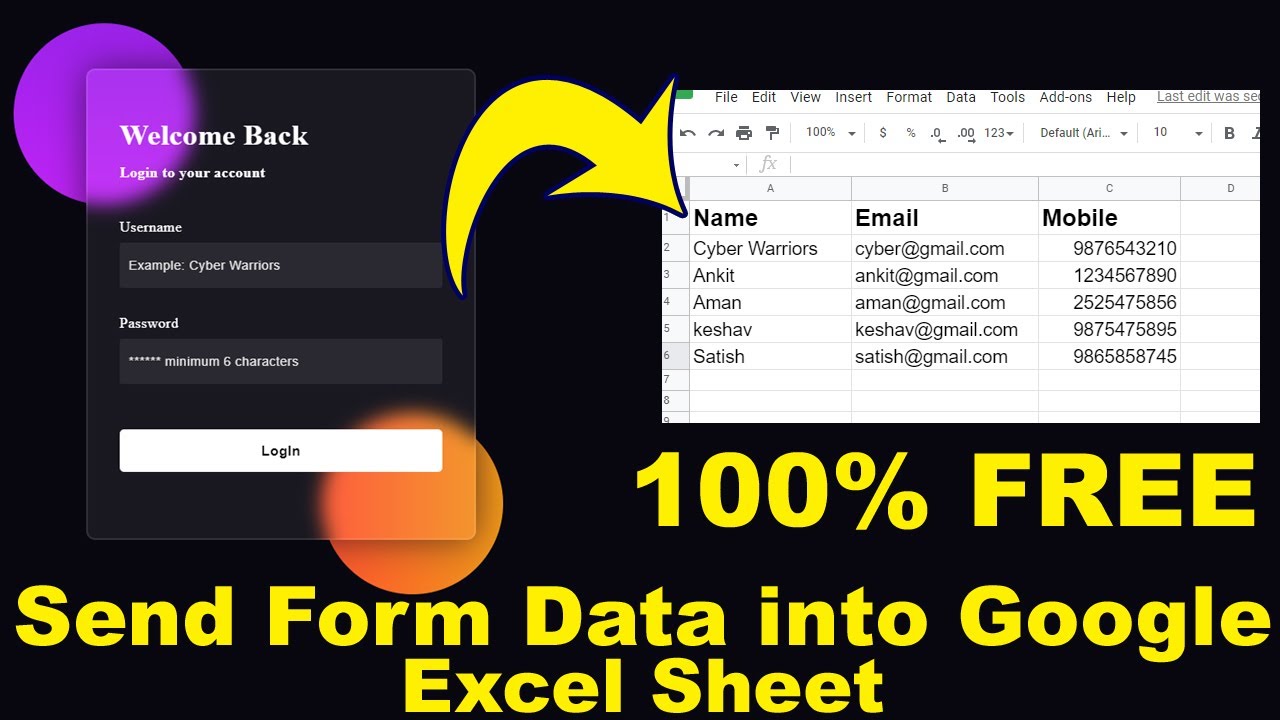
How To Send HTML Form Data To Google Sheets How To Send Form Data In
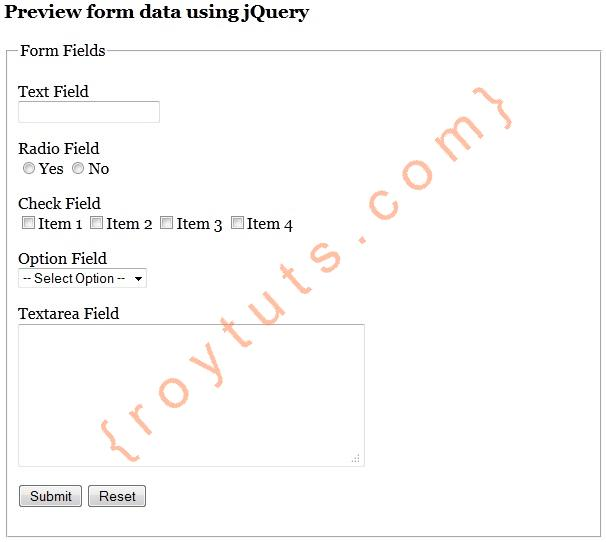
Html Form Option Mugiya udon jp
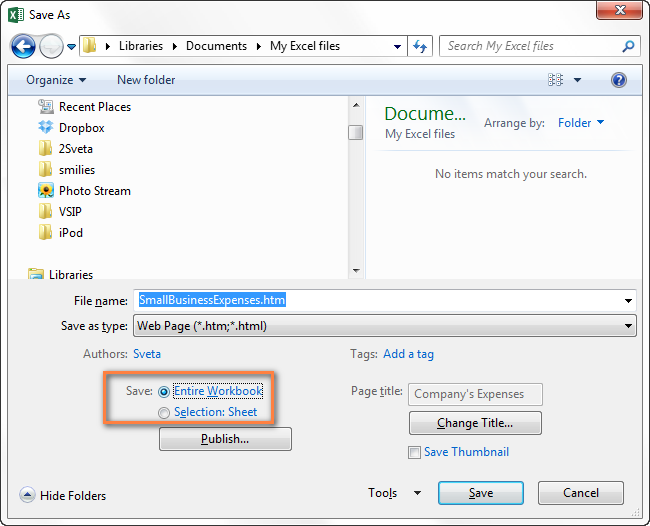
How To Convert Excel Tables To HTML

1 Ok then you will have to learn a server side language such as PHP since this cannot be done on the client alone using HTML Diodeus James MacFarlane Sep 9 2013 at 18 29 Tony I am using windows 8 filezilla ftp and godaddy is the host Don Griffin
Here are three easy methods to save web form data to Excel 1 Live Data Refresh via the Caspio Plugin for MS Office Caspio users can download our Microsoft Office Plugin and connect their desktop Office tools like Excel to their Caspio accounts This way the data inside a Caspio DataPage that is populated by web form submissions can be

5 Answers Sorted by 22 The unqualified response of You can t write a file from HTML is inaccurate While you may need to add some hidden fields in your HTML in order to simplify the exporting of only the data requested and not the questions or other text it is ABSOLUTELY possible to do this

Approach 1 Using jQuery plugin A simple jQuery plugin table2excel can be used for converting an HTML table to an excel sheet Syntax table id table2excel filename excel sheet name xls Example html table id studtable tr th ID th th Name th th Age th th Address th tr tr td 101 td td Alex td
JavaScript Code The exportTableToExcel function convert HTML table data to excel and download as XLS file xls tableID Required Specify the HTML table ID to export data from filename Optional Specify the file name to download excel data
Learn How to Export Data from HTML Table to Excel using JavaScript How to Convert HTML Table to Excel using JavaScript How to download HTML Table data in E 1 Open an Excel file Switch to Data tab and click Existing Connections in Get External Data section 2 Click Browse for More in the lower left corner of the popping out window 3 Find the HTML file you want to import in the folder then double click it or hit Open 4
219151 How to automate Microsoft Excel from Visual Basic 179706 How to use MFC to automate Excel and create and format a new workbook For more information about how to automate Excel from a HTML page click the following article number to view the article in the Microsoft Knowledge Base 198703 How to automate Excel from a client side VBScript