How To Run Watch Command In Background Linux Celebrating Shamina Taylor Inc Just Had Our Highest Cash Month EVER Stars Turn Their Backs On Harry And Meghan As They Struggle In Run Python Files Via Bash Script YouTube What Is Watch Command In Linux How To Use Watch Command In Linux In How To Run A Highly Profitable EBay Business 500 Week Out Of A Web Jun 1 2023 nbsp 0183 32 To run a Linux command in the background all you have to do is to add an ampersand amp at the end of the command like this your command amp Let s take a simple bash sleep command and send it to the background sleep 60 amp When the command finishes in the background you should see information about that on the terminal 1
Web Jul 5 2023 nbsp 0183 32 Running Linux commands in the background allows users to execute a command without waiting for the process to complete This method lets users initiate processes and continue working on other tasks simultaneously This guide explores different methods of running Linux commands in the background Web May 24 2018 nbsp 0183 32 I was wondering if there is a way to execute a command to start a client in the background with no output on the screen I want to run multiple clients in the background of my screen Running commands in background advanced usage Difference between nohup disown and amp
How To Run A Highly Profitable EBay Business 500 Week Out Of A Evening WURDs Evening WURDs With Dr James Peterson Is Live WURD FBC Live 03 16 25 Sunday PM FBC Live 03 16 25 Sunday PM By Vikas Singh How To Run Well In Summer Summer Running Instagram Mundo In The Morning 2 11 25 Get Your Six At 6 00 Plus Your Time Welcome To Monday s Nine Til Noon Show From Highland Radio The Nine Pure Vanilla White Lily Cookie Run Kingdom Purelily Ingenious Academy The Google Interview Warmup Tool Is Essential For Raise The Speakeasy Roof Streamathon Fundraiser We Invite You To Join
How To Run Watch Command In Background Linux
 How To Run Watch Command In Background Linux
https://lookaside.fbsbx.com/lookaside/crawler/threads/DB2BwXAPdBH/0/image.jpg
Web May 10 2019 nbsp 0183 32 In this tutorial we will introduce you to the watch command watch is used to run any arbitrary command at regular intervals and displays the output of the command on the terminal window It is useful when you have to execute a command repeatedly and watch the command output change over time
Pre-crafted templates offer a time-saving service for creating a varied range of documents and files. These pre-designed formats and designs can be made use of for various individual and professional projects, including resumes, invites, leaflets, newsletters, reports, discussions, and more, enhancing the material production procedure.
How To Run Watch Command In Background Linux

Bonnie Cashin Herself Bonnie Cashin Artists And Models Young

Evening WURDs Evening WURDs With Dr James Peterson Is Live WURD

FBC Live 03 16 25 Sunday PM FBC Live 03 16 25 Sunday PM By

Vikas Singh How To Run Well In Summer Summer Running Instagram

Welcome To Monday s Nine Til Noon Show From Highland Radio The Nine

Pure Vanilla White Lily Cookie Run Kingdom Purelily

Web Aug 11 2021 nbsp 0183 32 Linux Watch Command Examples Here are some of the ways you can use the watch command options to achieve different results Run Command with a Custom Interval Set a custom interval to run a user defined command and show the output by using the n or interval option watch n interval in seconds command

Web And neither is watch It s designed for interactively monitoring the output of some command it will refuse to run in background if it cannot control the terminal like any other interactive program Try something simpler while sleep 2 do do something sh done amp
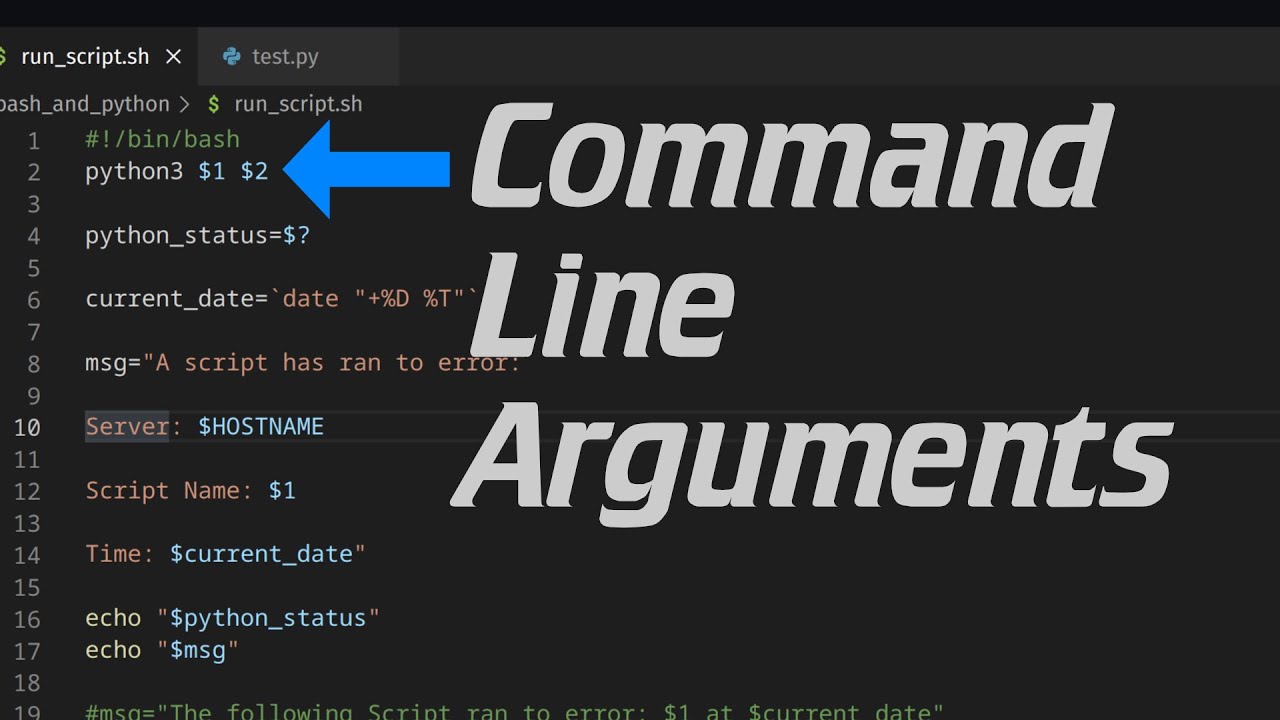
Web Nov 1 2019 nbsp 0183 32 How to Run Linux Commands in Background Run a Linux Command in the Background You can have multiple processes running in the background at the same time The Move a Foreground Process to Background Stop the process by typing Ctrl Z Move the stopped process to the background Keep Background

Web Jun 23 2021 nbsp 0183 32 2 Answers Sorted by 2 A simple way would be via inotifywait in m onitor mode i e running permanently instead of exiting after the first recorded event Specify an e vent like file directory modification to watch or do not to show all events like opening accessing writing etc See man inotifywait for more about possible events

Web Aug 12 2021 nbsp 0183 32 Use the d or differences option if you want watch command in Linux to highlight the changes that occur between each refresh This can be a lot easier than manually scanning for differences every time there s an update You may also use the d permanent option if you want the highlighting to remain permanent in successive
Web Sep 24 2019 nbsp 0183 32 Use the Bash shell in Linux to manage foreground and background processes You can use Bash s job control functions and signals to give you more flexibility in how you run commands We show you how All About Processes Whenever a program is executed in a Linux or Unix like operating system a process is started Web Apr 10 2021 nbsp 0183 32 If you have a command running and need to put it into the background to free up your terminal you can press Ctrl Z on your keyboard to stop the process Here s an example sleep 10000 Z 1 Stopped sleep 10000 To see a list of jobs in the background use the jobs command jobs l 1 1650 Stopped sleep 10000
Web May 27 2019 nbsp 0183 32 Example watch t free m b beep This option will give beep if the command has a non zero exit Example watch b free m e errexit This option will freeze the updates on command error and exit after a key press Example watch e free m g chgexit This option will exit when the output of command changes