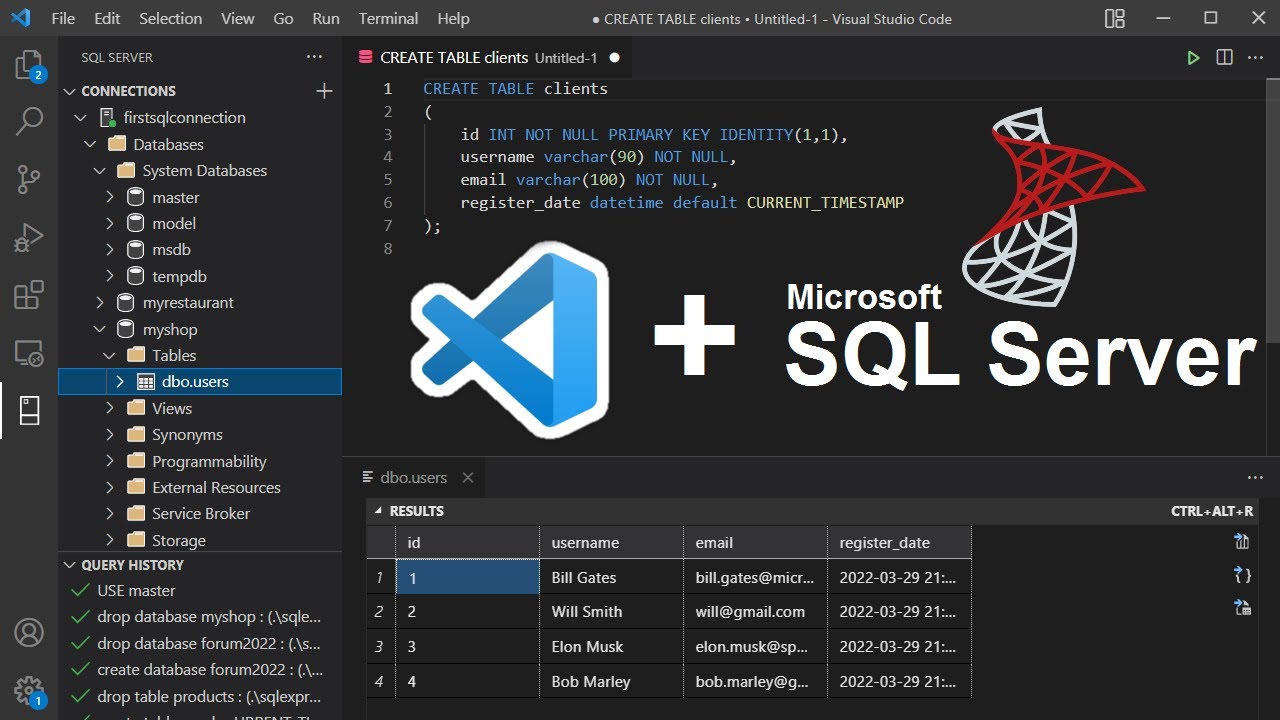
How To Run Sql In Terminal How To Connect SQL Server With Visual Studio Code YouTube Connect To SQL Server Using Visual Studio Code 2022 And Run SQL Queries Run SQL Command Line Interface How To Use SQL Command Line SQL HOW TO RUN A SQL FILE AND CREATE A DATABASE DEV Community Sql How To Execute SQL Statements In Command Prompt CMD ITecNote WEB mysql is a simple SQL shell with input line editing capabilities It supports interactive and noninteractive use When used interactively query results are presented in an ASCII table format
WEB Running an SQL file in MySQL is an essential skill for database administrators and developers MySQL offers serval ways to execute an SQL file Executing a SQL file using MySQL command line interface First open the Command Prompt on Windows or the Terminal on macOS or Linux Second run the following command WEB May 19 2017 nbsp 0183 32 There is a series of steps to Execute MySQL in Linux Ubuntu Terminal Execute MySQL Client using the following command mysql u root p It is important to Create a New Database first using the command create database demo db
Sql How To Execute SQL Statements In Command Prompt CMD ITecNote How To Execute SQL Statements From Command Prompt How To Use Notepad To Run Java Daxaholic Restore SQL Database Components With Or Without Backup About Why To Use Mycli Pgcli And Equivalents How To Build A Full Stack Real Time Voting App With Hasura And React Generating Insert Statements In Sql Server Codeproject Www vrogue co How To Using Sqlplus In Oracle Oracle How To Www vrogue co How To Run Oracle Multiple sql Script Files Using Single sql File
How To Run Sql In Terminal
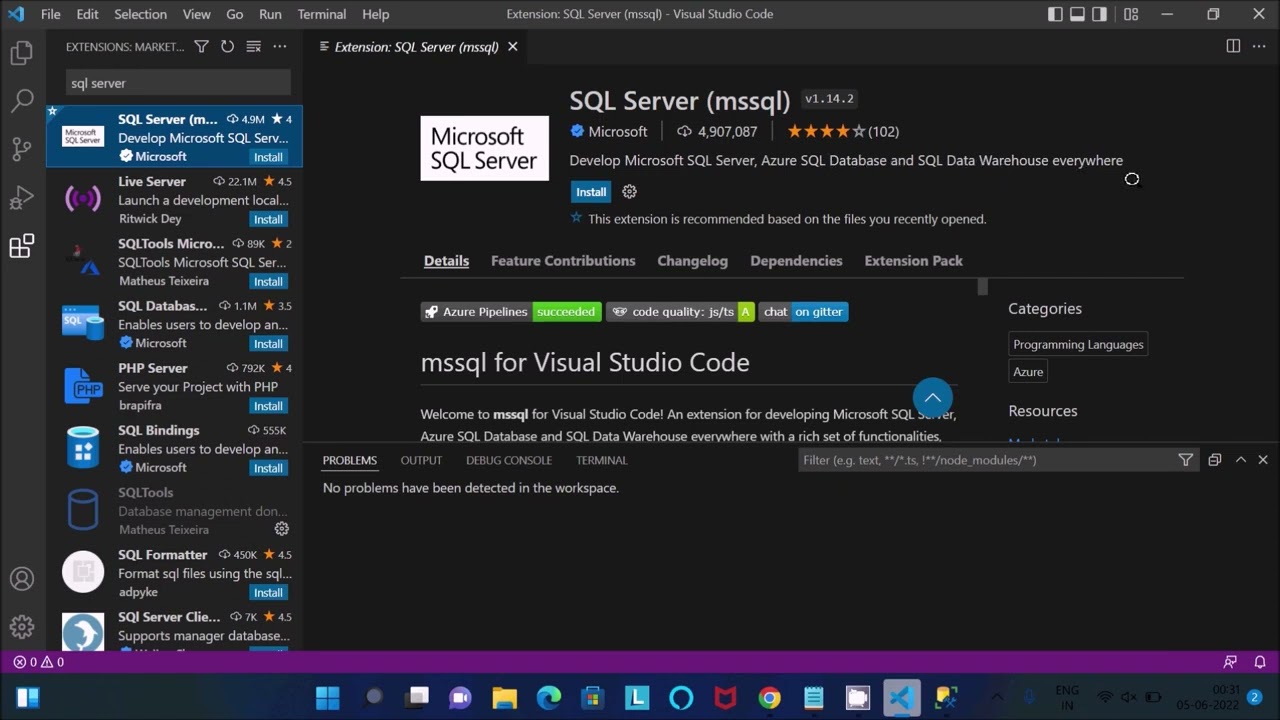 How To Run Sql In Terminal
https://i.ytimg.com/vi/pkXs2PgRrGw/maxresdefault.jpg
WEB Jul 31 2018 nbsp 0183 32 The best command to do this is dn Other commands that also work but not as good are select schema name from information schema schemata and select nspname from pg catalog pg namespace Now that you have the Schemas you want to know the tables in those Schemas For that you can use the dt command
Pre-crafted templates use a time-saving solution for creating a diverse variety of documents and files. These pre-designed formats and layouts can be made use of for numerous individual and expert tasks, consisting of resumes, invitations, flyers, newsletters, reports, discussions, and more, improving the material development process.
How To Run Sql In Terminal

Write SQL Query MySQL Database Basic In Terminal YouTube
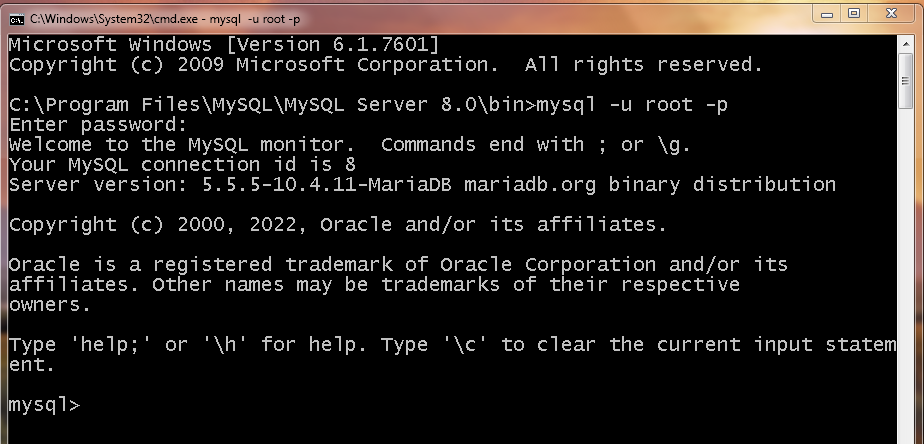
How To Execute SQL Statements From Command Prompt

How To Use Notepad To Run Java Daxaholic

Restore SQL Database Components With Or Without Backup
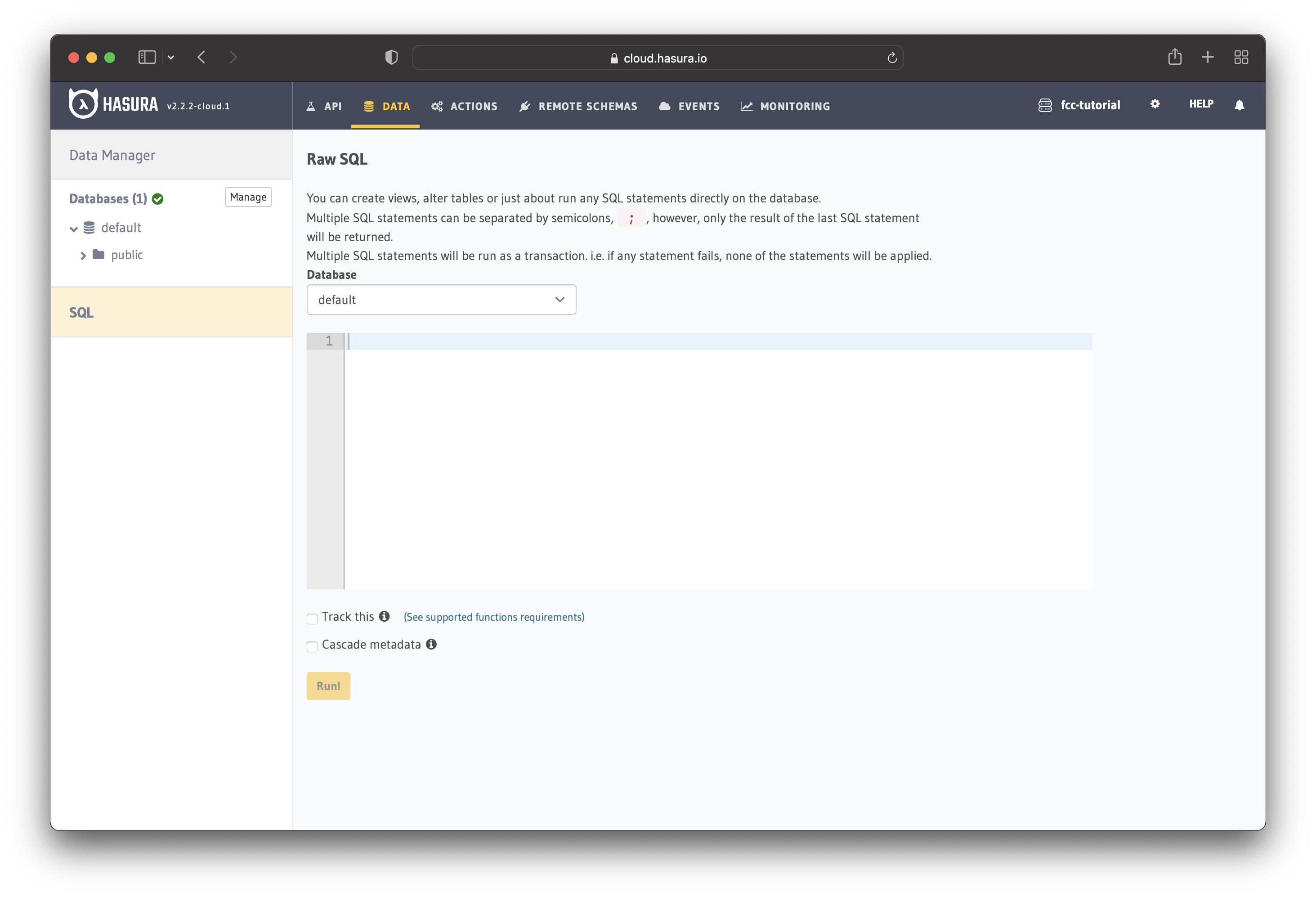
How To Build A Full Stack Real Time Voting App With Hasura And React
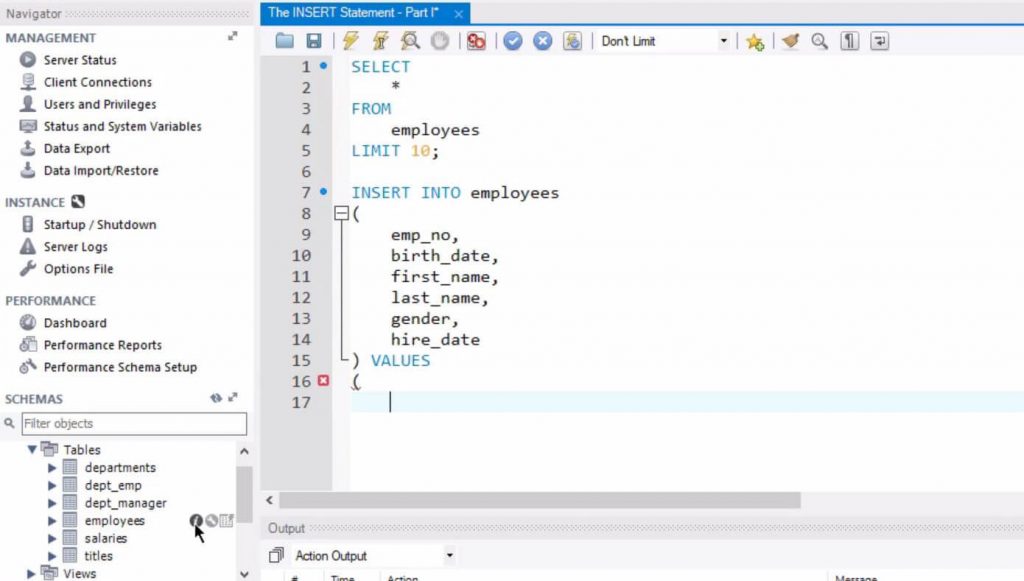
Generating Insert Statements In Sql Server Codeproject Www vrogue co
WEB Aug 9 2017 nbsp 0183 32 You ll have to first connect without specifying a database and run CREATE DATABASE dbname Furthermore if you specify the password on the command line not recommended the syntax is mysql u user name ppassword database without the space between p and your password
WEB Apr 20 2024 nbsp 0183 32 Executing sql scripts from Bash can be a useful way to automate database management tasks or migrate data from one server to another In this tutorial we ll discuss how to execute a sql script for MySQL from Bash

WEB Oct 18 2017 nbsp 0183 32 You can run sqlcmd as commands You can run scripts in command mode How to run a T SQL script and receive the output in a file in sqlcmd In the next example we will show how to run a script using sqlcmd and show the results in another file

WEB Mar 10 2024 nbsp 0183 32 In this tutorial we learned about using the MySQL command line We learned about different ways we can connect to the MySQL shell and how we can connect to a particular database directly how we can execute SQL

WEB Jan 20 2012 nbsp 0183 32 From Workbench File gt Run SQL Script then follow prompts From Windows Command Line Option 1 mysql u usr p mysql gt source file path sql Option 2 mysql u usr p e source file path sql Option 3 mysql u usr p lt file path sql Option 4 put multiple source statements inside of file path sql I do this to drop and recreate
WEB 5 days ago nbsp 0183 32 Below are some instructions to help you get MySQL up and running in a few easy steps We also explain how to perform some basic operations with MySQL using the mysql client Notes WEB Nov 30 2021 nbsp 0183 32 Database admins and developers interact with RDBMS by running statements which are referred to as queries in database management In this tutorial you will learn how you can run queries on your Linux terminal with MySQL
WEB Jul 19 2018 nbsp 0183 32 Running psql U username databasename will allow you to connect to that and execute SQL queries via that command line interpreter If you re asking about running commands while in bash shell you should be using psql command with c flag