How To Run Shell Script In Mac Terminal K fig M glich W hlen Mac Shell Scripting H fte Pracht Markenname How To Run Shell Script In Sqlplus BEST GAMES WALKTHROUGH How To Start Shell Scripting Phaseisland17 7 Ways To Write A Shell Script Using Bash Shell In Ubuntu Riset How To Write And Execute A Shell Script In Linux How To Teachics When the Terminal is up press to open the preferences window and then you will see below screen Then press shell tab and you will see below screen
To run a Mac shell script you must first convert the txt file into an executabe Then you can execute the file as a shell script In case Creating a Bash Zsh Script Open up the Terminal On macOS use Cmd Space to open spotlight search then start typing Terminal Hit Enter when it pops up
How To Write And Execute A Shell Script In Linux How To Teachics How To Run Shell Script In Windows 10 11 Tested Solutions 2023 Radar Ausiliario Percezione How To Create Sh File In Linux Solare Launching Scripts 4 AppleScript From Shell Script LaptrinhX News How To Run Shell Script On Mac TechWiser How To Run Shell Scripts With Sudo Command In Linux Linux Cyber Linux Shell Script The Ultimate Guide To Mac Shell Scripting How To Run sh Or Shell Script File In Windows 11 10
How To Run Shell Script In Mac Terminal
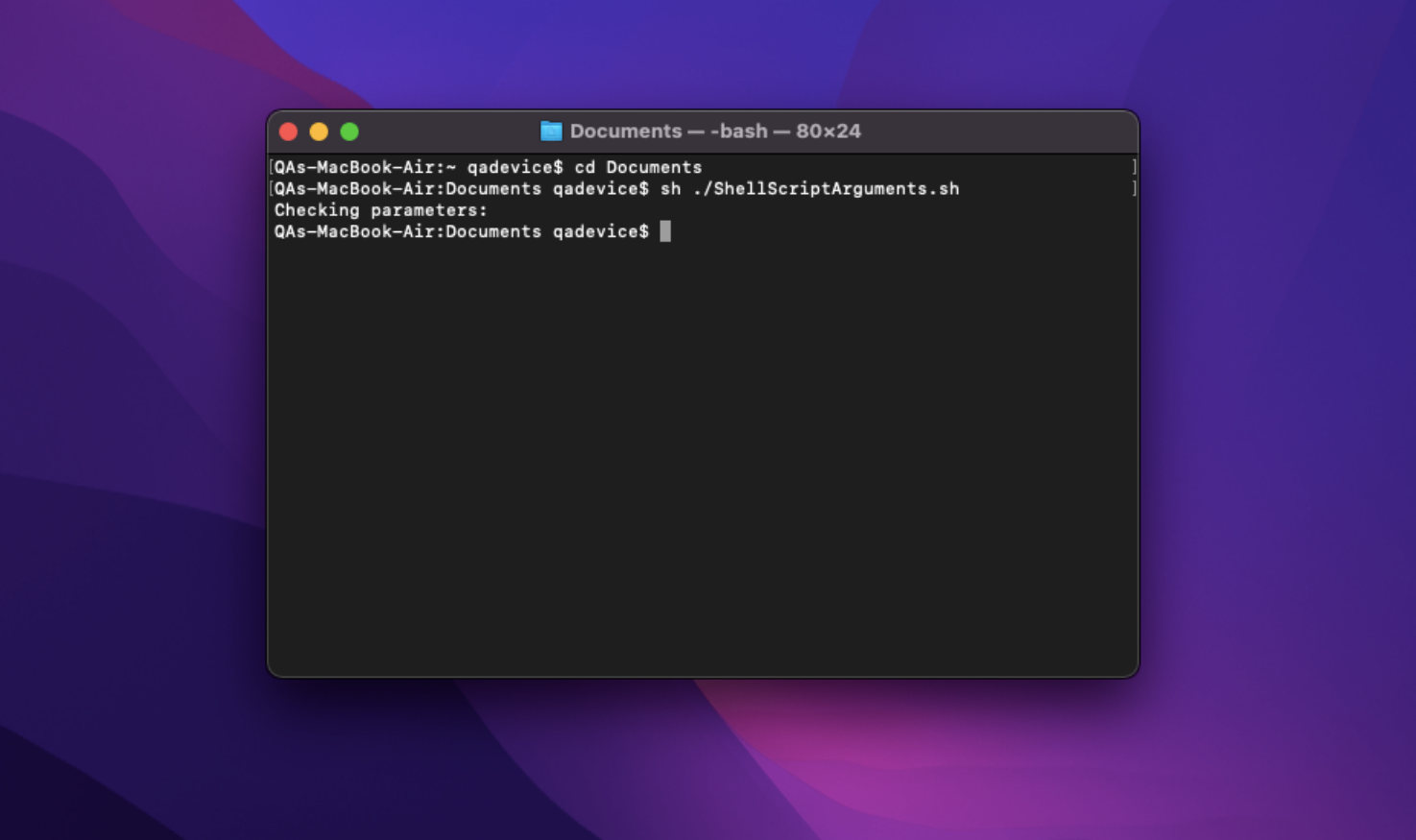 How To Run Shell Script In Mac Terminal
https://cdn.hexnode.com/blogs/wp-content/uploads/2022/03/30000820/Executing-a-shell-script-without-passing-arguments.png
Step 1 Open the terminal Step 2 Write the shell script using an editor Step 3 Make the shell script executable Step 4 Execute the
Pre-crafted templates provide a time-saving option for developing a varied series of files and files. These pre-designed formats and designs can be made use of for various individual and expert jobs, consisting of resumes, invitations, leaflets, newsletters, reports, presentations, and more, simplifying the content development process.
How To Run Shell Script In Mac Terminal
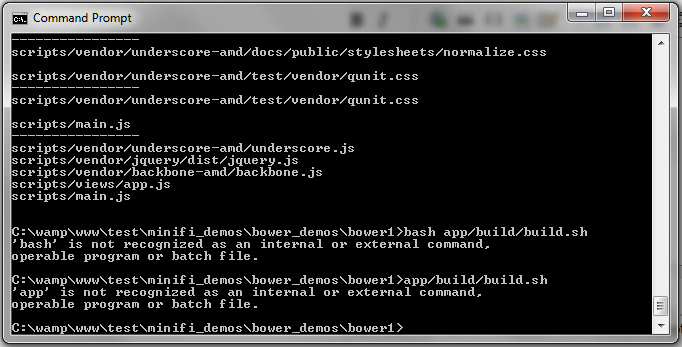
Quick Guide How To Run Shell Script In Windows Techstribe

How To Run Shell Script In Windows 10 11 Tested Solutions 2023

Radar Ausiliario Percezione How To Create Sh File In Linux Solare

Launching Scripts 4 AppleScript From Shell Script LaptrinhX News

How To Run Shell Scripts With Sudo Command In Linux Linux Cyber

Linux Shell Script
Open the Terminal on macOS Use the cd command to move to the folder that the script is in The location in the command below is just an example

A shell script is a text file that contains one or more UNIX commands You run a shell script to perform commands you might otherwise enter at the command line

1 The easiest way to run a shell script on Mac is by using the sudo command To do that hit Cmd Space and type Terminal on the Spotlight When

Shell scripts are normally written and run on Linux systems but they re almost as at home on

To run a non executable sh script use sh myscript To run a non executable bash script use bash myscript To start an executable which
The shell is the command line interpreter or language that will process the commands of the script Historically the default shell for macOS There are two ways to run a script in the macOS Terminal utility Here s a script in the file run txt code echo I m running code Type code sh
Run shell script using terminal Open terminal on macOS and navigate to the directory using cd command where you ve placed talkofweb sh and run