How To Run Shell Command In Command Prompt How To Open Command Line In Visual Studio Code BEST GAMES WALKTHROUGH Windows Run Exe From Cmd How To Open A Windows 11 Command Prompt As Administrator 6 Command Prompt Commands You Should Know PCWorld Ping From The Command Prompt In Windows Nathanworks Hot Sex Picture Create a command script to execute all the arguments passed sudo cmd Create a Windows short cut to the command script name it sudo lnk Put the sudo short cut in your windows PATH so it can be seen Edit the short cut properties make the Start in path empty Click the Advanced button Check Run as Administrator
The Command shell was the first shell built into Windows to automate routine tasks like user account management or nightly backups with batch bat files With Windows Script Host you could run more sophisticated scripts in the Command shell For more information see cscript or wscript You can perform operations more efficiently by using After starting PowerShell on Ubuntu you can run the same command from the PowerShell command line PowerShell PS home sdwheeler grep sdwheeler etc passwd sdwheeler x 1000 1000 home sdwheeler bin bash Passing arguments to native commands Most shells include features for using variables evaluating expressions and handling strings
Ping From The Command Prompt In Windows Nathanworks Hot Sex Picture How To Access Command History In Command Prompt On Windows 10 Vrogue 7 Ways To Write A Shell Script Using Bash Shell In Ubuntu Riset How To Execute A Shell Command In Python Step by Step Introduction Learn Linux Shell How To Access The Windows 10 Startup Folder 473 Hot Sex Picture C ch H p Nh t C c T p Tin V n B n Txt Trong Command Prompt Linux Execute Shell Script From Script Remove Virus Using Command Prompt Without Antivirus
How To Run Shell Command In Command Prompt
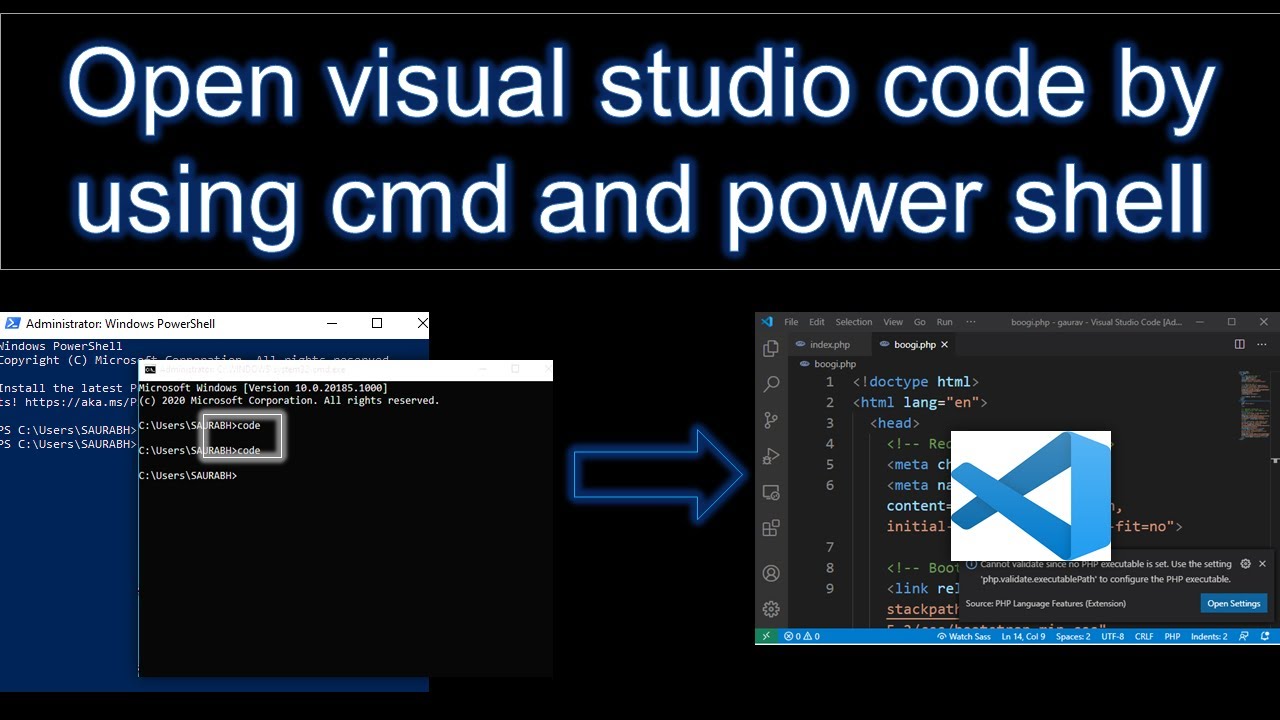 How To Run Shell Command In Command Prompt
https://i.ytimg.com/vi/i013swERcNY/maxresdefault.jpg
Launch Command Prompt Open the command prompt cmd with Run as administrator Type the PowerShell script path Type the path of the PowerShell script on the console ex D PS script1 ps1 Hit Enter Hit Enter and it will execute the PowerShell script on the command prompt console
Templates are pre-designed documents or files that can be utilized for different purposes. They can conserve effort and time by supplying a ready-made format and layout for creating different type of material. Templates can be used for personal or professional jobs, such as resumes, invites, leaflets, newsletters, reports, discussions, and more.
How To Run Shell Command In Command Prompt

Instead Of Listing All Of The Drivers Only A Chunk Of Them Is
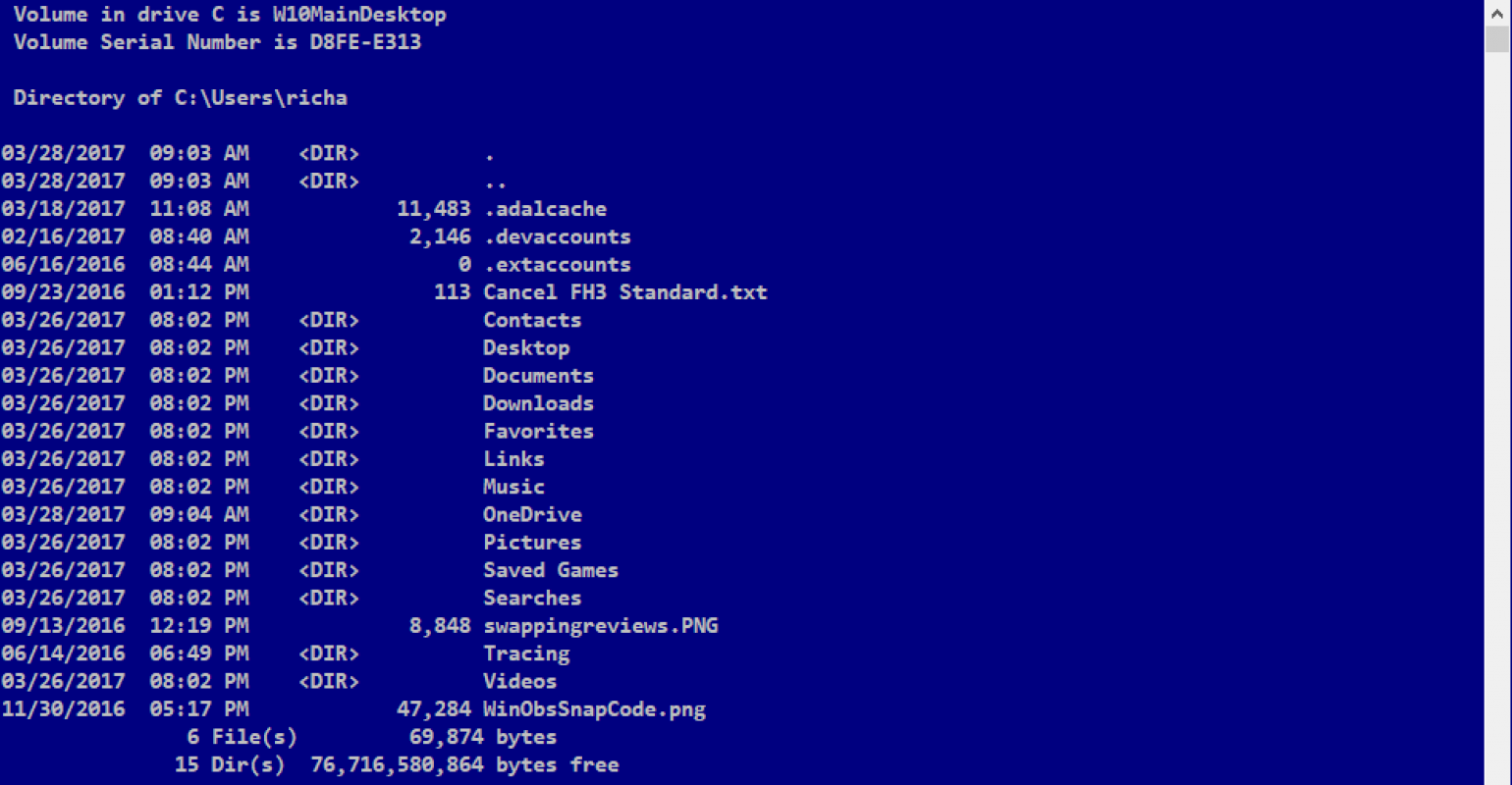
How To Access Command History In Command Prompt On Windows 10 Vrogue
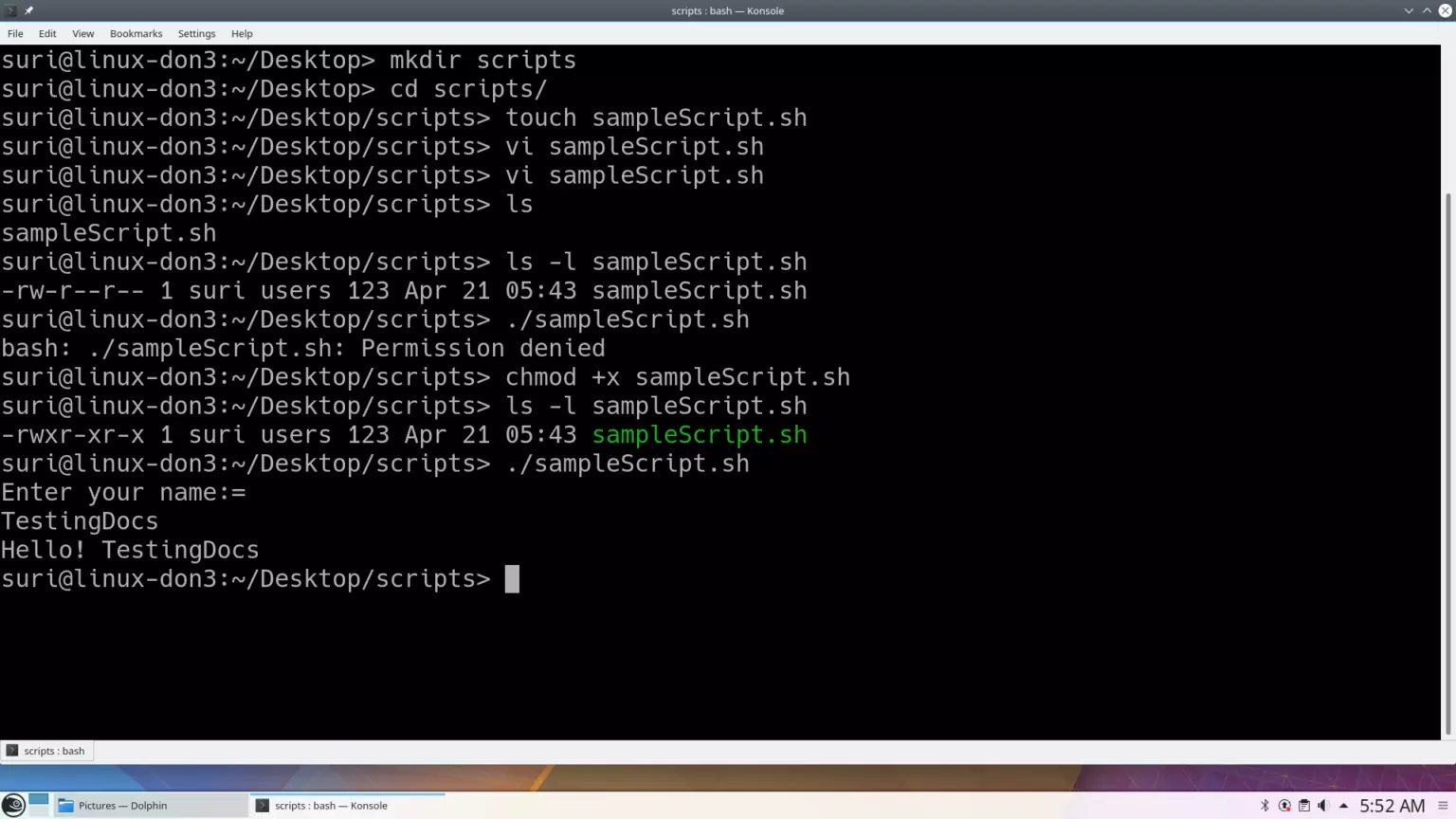
7 Ways To Write A Shell Script Using Bash Shell In Ubuntu Riset

How To Execute A Shell Command In Python Step by Step

How To Access The Windows 10 Startup Folder 473 Hot Sex Picture

C ch H p Nh t C c T p Tin V n B n Txt Trong Command Prompt
Activate WSL as an optional Windows feature or through a PowerShell command reboot Next go to the Windows Store select and install a distribution Run the distribution and update if needed Use it to run bash scripts or Linux command line utilities This article explains how to activate download install and use the Windows Subsystem for

The most straightforward method to change to CMD is by using keyboard shortcuts Press Ctrl Shift 2 while the Terminal window is in focus This opens a new tab with the Command Prompt shell You can now close the first tab and start working using CMD To close the first tab click on the X button next to the Windows PowerShell tab name
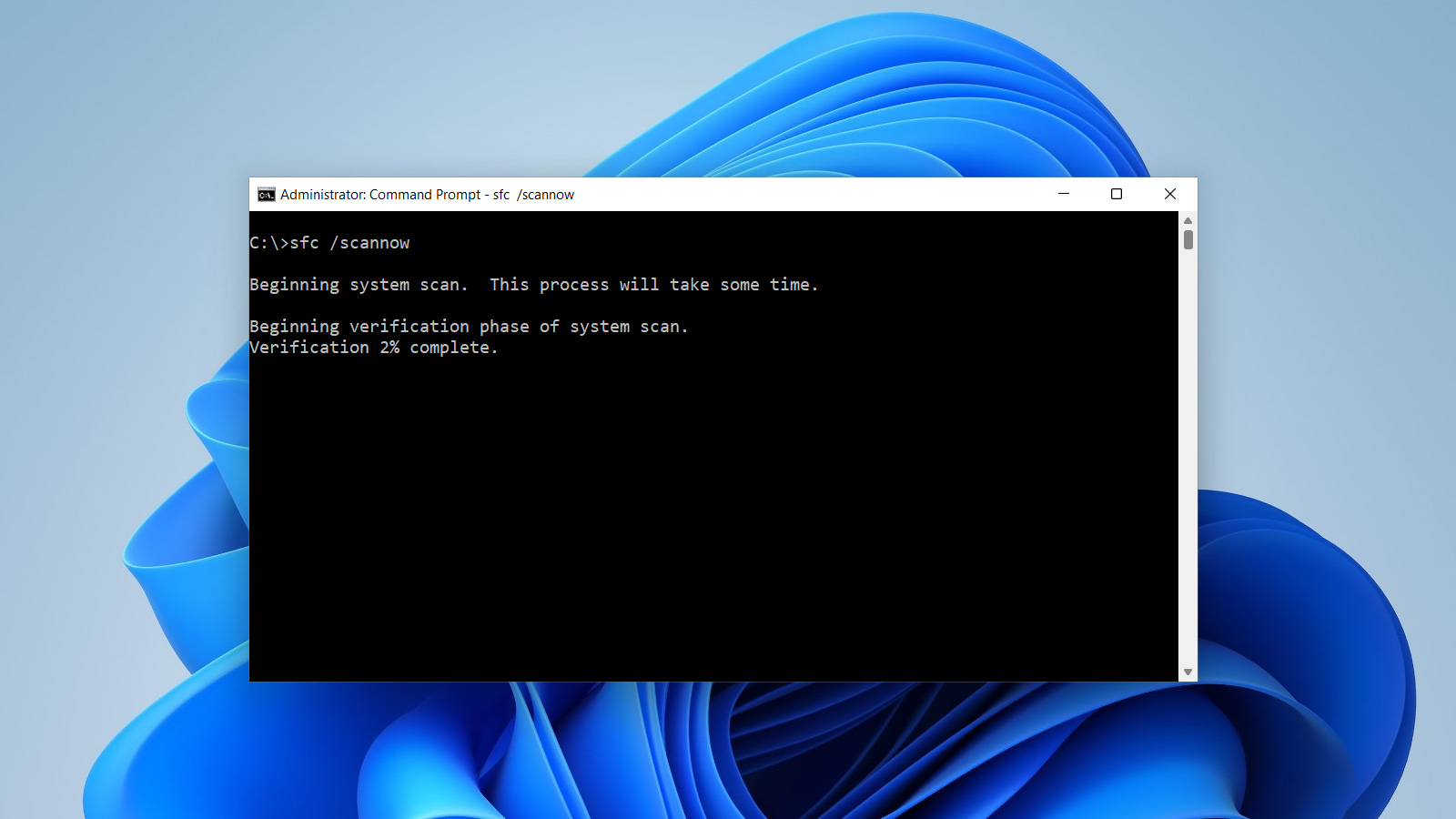
To do so run the following command in the terminal pointing it at your script chmod x myscript sh To run the script you can now just run it in the terminal by typing its path Whenever you want to launch the script in the future just open the Bash shell and type the path to the script myscript sh

Round up Difference between console command line CLI terminal and Shell I think a good place to start is to know exactly what the command line is When referring to this you may have heard the terms Terminal console command line CLI and shell People often use these words interchangeably but the truth is they re actually different things

Solution 1 System settings Select Start Settings Privacy security For developers In Terminal select Windows Console Host Solution 2 Windows Terminal settings Open Windows Terminal then select the Startup tab Default terminal application Windows Console Host Solution 3 Windows Console settings
To access the Command Prompt or PowerShell using this tool here s what you can do Press Win X to open the Quick Access menu Click Command Prompt or Command Prompt Admin from the options Depending on your Windows version you may also see the Windows PowerShell and Windows PowerShell Admin options 2 To open PowerShell from this menu press Windows X and then click Windows PowerShell or Windows PowerShell Admin Note that since the Creators Update for Windows 10 PowerShell appears in the Power Users menu by default
To run a command on one or more computers use the Invoke Command cmdlet For example to run a Get UICulture command on the Server01 and Server02 remote computers type PowerShell Invoke Command ComputerName Server01 Server02 ScriptBlock Get UICulture The output is returned to your computer