How To Run Python 3 9 On Windows 7 How To Save A Python File In Linux Systran Box Running Python Programs How To Get Portable Python 3 11 On Windows 11 CodeFAQ How To Run A Python Script A Professional Guide Python And Windows Part 2 Veronique Frizzell First you need to make sure that your command window recognises the word py as an instruction to start the interpreter If you have opened a command window you should try entering the command py and hitting return C Users YourName py You should then see something like
To set up your Windows machine for Python coding you ll Clean and update a new Windows install Use a package manager to bulk install key software Use the built in ssh keygen to generate SSH keys and connect to your GitHub account Set up a development environment including PowerShell Core pyenv for Windows Python and VS Code The installer now also actively disallows installation on Windows 7 Python 3 9 is incompatible with this unsupported version of Windows Major new features of the 3 9 series compared to 3 8 Some of the new major new features and changes in Python 3 9 are PEP 573 Module State Access from C Extension Methods PEP 584 Union Operators in dict
Python And Windows Part 2 Veronique Frizzell Install Python On Windows Learn 7 Useful Steps To Install Python Riset How To Run Python Programs py Files In Windows 10 Vscode Python Class Diagram Tabitomo How To Run Python Scripts Tutorial DataCamp How To Run Python Scripts In WordPress Maker s Aid How To Get Started With Python In Visual Studio Code DigitalOcean Vs Code Tips Running Python Code With The Jupyter Interactive Mobile How To Install Python 3 9 On Windows 10 32 Or 64 Bit Download Python
How To Run Python 3 9 On Windows 7
 How To Run Python 3 9 On Windows 7
https://syscdn.systranbox.com/1661359639522.png
Command line 1 1 1 Interface options 1 1 2 Generic options 1 1 3 Miscellaneous options 1 1 4 Options you shouldn t use 1 2 Environment variables 1 2 1 Debug mode variables 2 Using Python on Unix platforms 2 1 Getting and installing the latest version of Python 2 1 1 On Linux 2 1 2 On FreeBSD and OpenBSD 2 2 Building Python 2 3
Templates are pre-designed documents or files that can be utilized for numerous purposes. They can conserve time and effort by offering a ready-made format and design for developing various kinds of content. Templates can be used for individual or expert projects, such as resumes, invitations, leaflets, newsletters, reports, discussions, and more.
How To Run Python 3 9 On Windows 7
How To Download Install Python 3 9 On Windows TubeMint
Install Python On Windows Learn 7 Useful Steps To Install Python Riset
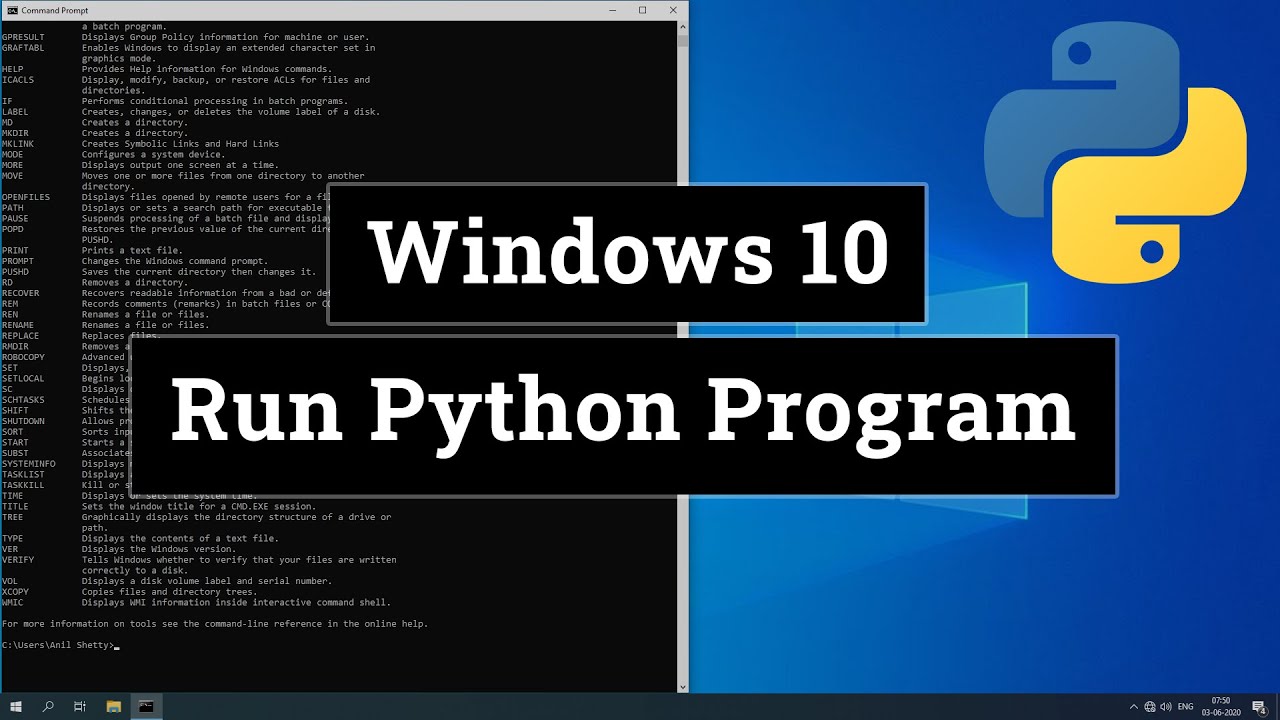
How To Run Python Programs py Files In Windows 10

Vscode Python Class Diagram Tabitomo

How To Run Python Scripts In WordPress Maker s Aid

How To Get Started With Python In Visual Studio Code DigitalOcean

If you require Windows 7 support please install Python 3 8 There are a number of different installers available for Windows each with certain benefits and downsides The full installer contains all components and is the best option for developers using Python for any kind of project
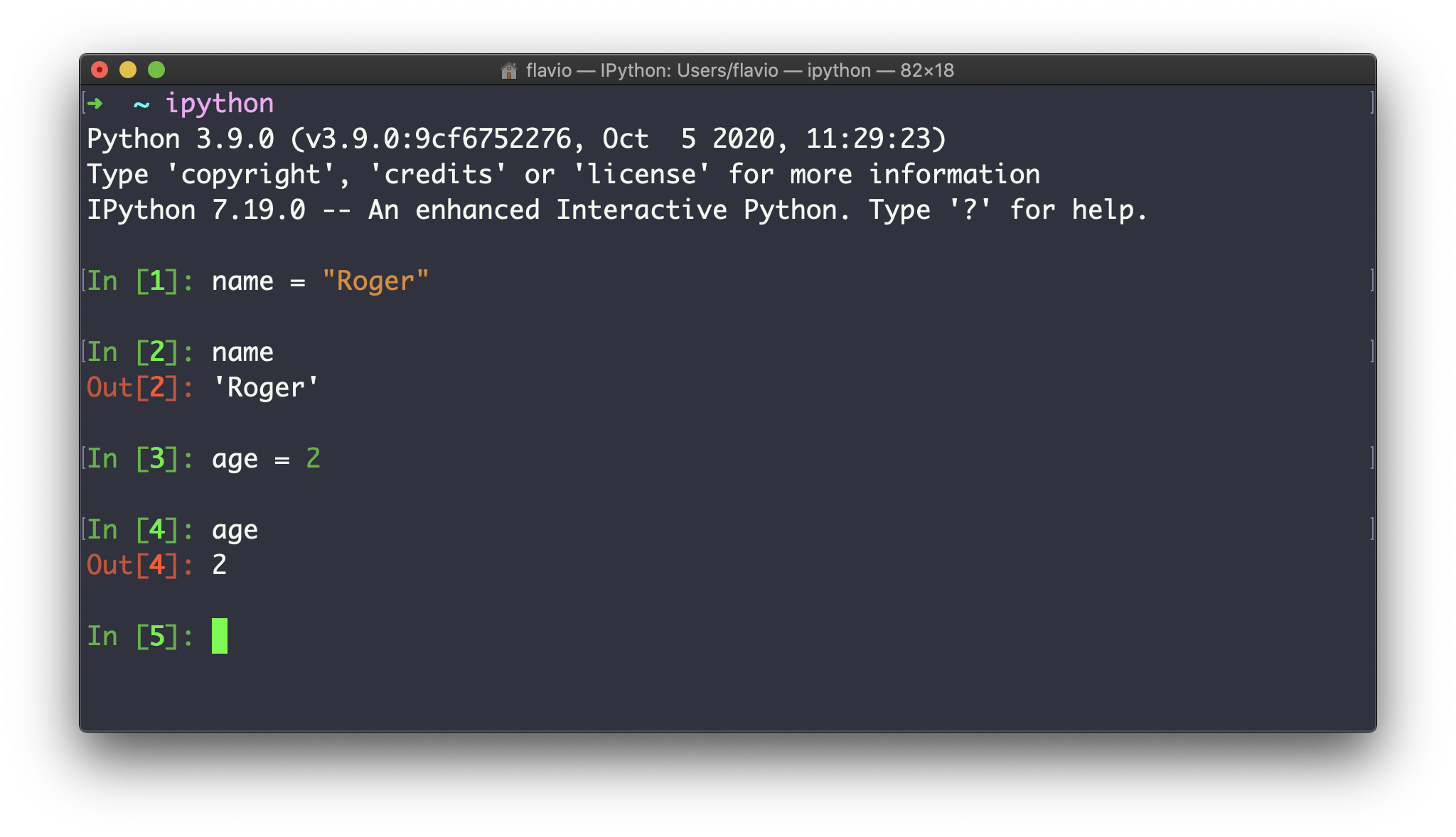
Since there are very very very few lines of code that prevent python3 9 3 10 to run on Win7 I thought maybe it would be possible to add something like in future versions of 3 10 at the start of the interpreter

Go to your Start menu lower left Windows icon type Microsoft Store select the link to open the store Once the store is open select Search from the upper right menu and enter Python Select which version of Python you would like to use from the results under Apps

Key Takeaways To install Python on Windows download the latest version of Python from the Python website then run the installer Ensure that you add Python to the PATH when presented with the option Python doesn t come prepackaged with Windows but that doesn t mean Windows users won t find the flexible programming language useful

Under the Python Releases for Mac OS X heading click the link for the Latest Python 3 Release Python 3 x x As of this writing the latest version was Python 3 8 4 Scroll to the bottom and click macOS 64 bit installer to start the download When the installer is finished downloading move on to the next step Step 2 Run the Installer
To run Python code itself you need to use the Python interpreter This is the software that converts Python code and executes it appropriately on your Windows PC You ll need to open a command line or PowerShell window to be able to use the interpreter To open a PowerShell window right click the Windows Start menu and press Windows Python 3 7 9 Aug 17 2020 Download Release Notes Python 3 The same source code archive can also be used to build the Windows and Mac versions and is the starting point for ports to all other platforms Download the To verify the authenticity of the download grab both files and then run this command gpg verify Python 3 6 2 tgz
Online Documentation PEP 537 3 7 Release Schedule Report bugs at https bugs python Help fund Python and its community Windows users The binaries for AMD64 will also work on processors that implement the Intel 64 architecture Also known as the x64 architecture and formerly known as both EM64T and x86 64