How To Run Powershell In Visual Studio Code How To Run C Program In Visual Studio Code On Windows 10 2021 Update Www vrogue co How To Run Powershell Script In Azure Pipeline Printable Forms Free Online Provision Virtual Machines Using PowerShell Implement IaaS Solutions Beautify Your Windows PowerShell In Visual Studio Code How To Run Powershell Script In Azure Pipeline Printable Forms Free Online Web Feb 12 2018 nbsp 0183 32 1 Answer Sorted by 1 You are missing a closing bracket in the Show Menu function function Show Menu Write Host quot Title quot Write Host quot 1 Press 1 for this option quot
Web Sep 25 2019 nbsp 0183 32 PowerShell ISE Mode inside Visual Studio Code If you are a big fan of PowerShell ISE you can have the same user experience but with the power of Visual Studio Code To enable the PowerShell ISE Mode you can open the command palette Ctrl Shift P or Cmd Shift P on Mac and type quot ISE Mode quot Select quot PowerShell Enable Web Aug 11 2023 nbsp 0183 32 Follow these steps to open Developer Command Prompt or Developer PowerShell from within Visual Studio Open Visual Studio On the menu bar select Tools gt Command Line gt Developer Command Prompt or Developer PowerShell
How To Run Powershell Script In Azure Pipeline Printable Forms Free Online Vs Code Running Powershell Code Runner Extensions 2 3 Max Trinidad The Powershell Front Theme Switch Git Bash Command Prompt And Powershell In Visual Studio Code Riset Setting Up Powershell In Visual Studio For Mac Pdfsouth How To Run Powershell In Windows Xp Spencer Prawn1984 C ch S D ng Chocolatey C i t V C p Nh t Ch ng Tr nh Windows Powershell Script Julie Parker Find PowerShell On Windows 11 Run Powershell Script Using CMD
How To Run Powershell In Visual Studio Code
 How To Run Powershell In Visual Studio Code
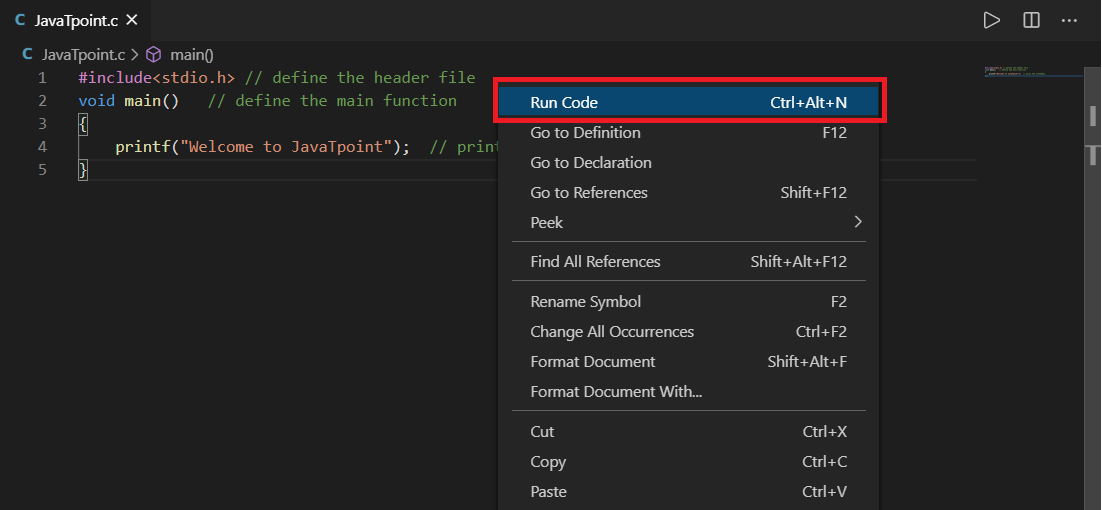
https://static.javatpoint.com/cpages/images/how-to-run-a-c-program-in-visual-studio-code31.png
Web Sep 25 2022 nbsp 0183 32 1 Answer Sorted by 13 In earlier VSCode Visual Studio Code versions the quot terminal integrated shell quot and quot terminal integrated shellArgs quot settings determined the default shell and its startup arguments for the integrated terminal
Pre-crafted templates provide a time-saving solution for developing a diverse variety of documents and files. These pre-designed formats and layouts can be utilized for different personal and expert jobs, including resumes, invitations, leaflets, newsletters, reports, presentations, and more, streamlining the content development process.
How To Run Powershell In Visual Studio Code

How To Run Powershell In Azure Functions Debajit s Power Apps Dynamics 365 Blog

Vs Code Running Powershell Code Runner Extensions 2 3 Max Trinidad The Powershell Front Theme

Switch Git Bash Command Prompt And Powershell In Visual Studio Code Riset

Setting Up Powershell In Visual Studio For Mac Pdfsouth
C ch S D ng Chocolatey C i t V C p Nh t Ch ng Tr nh Windows
Powershell Script Julie Parker
Web Nov 6 2022 nbsp 0183 32 Follow these steps to create a debug configuration file Open the Debug view on Windows or Linux by pressing Ctrl Shift D On macOS press Cmd Shift D Click the create a launch json file link From the Select Environment prompt choose PowerShell Choose the type of debugging you d like to
Web Mar 21 2018 nbsp 0183 32 How to run PowerShell code in VSCode You can run code or an entire script conveniently from the editor in Visual Studio Code VSCode with the Code Runner extension The VSCode PowerShell extension adds other important features that you know from PowerShell ISE

Web Nov 8 2018 nbsp 0183 32 Install the Shell Launcher Visual Studio Code extension The key to opening PowerShell Core and PowerShell for Windows side by side is the Shell Launcher Visual Studio Code extension Shell Launcher allows you to
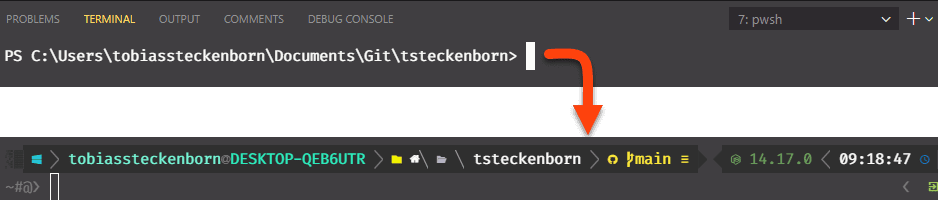
Web Oct 11 2021 nbsp 0183 32 In this short video I will introduce you to Visual Studio Code and then we will see how to set up this environment to start working with PowerShell VIDEO I
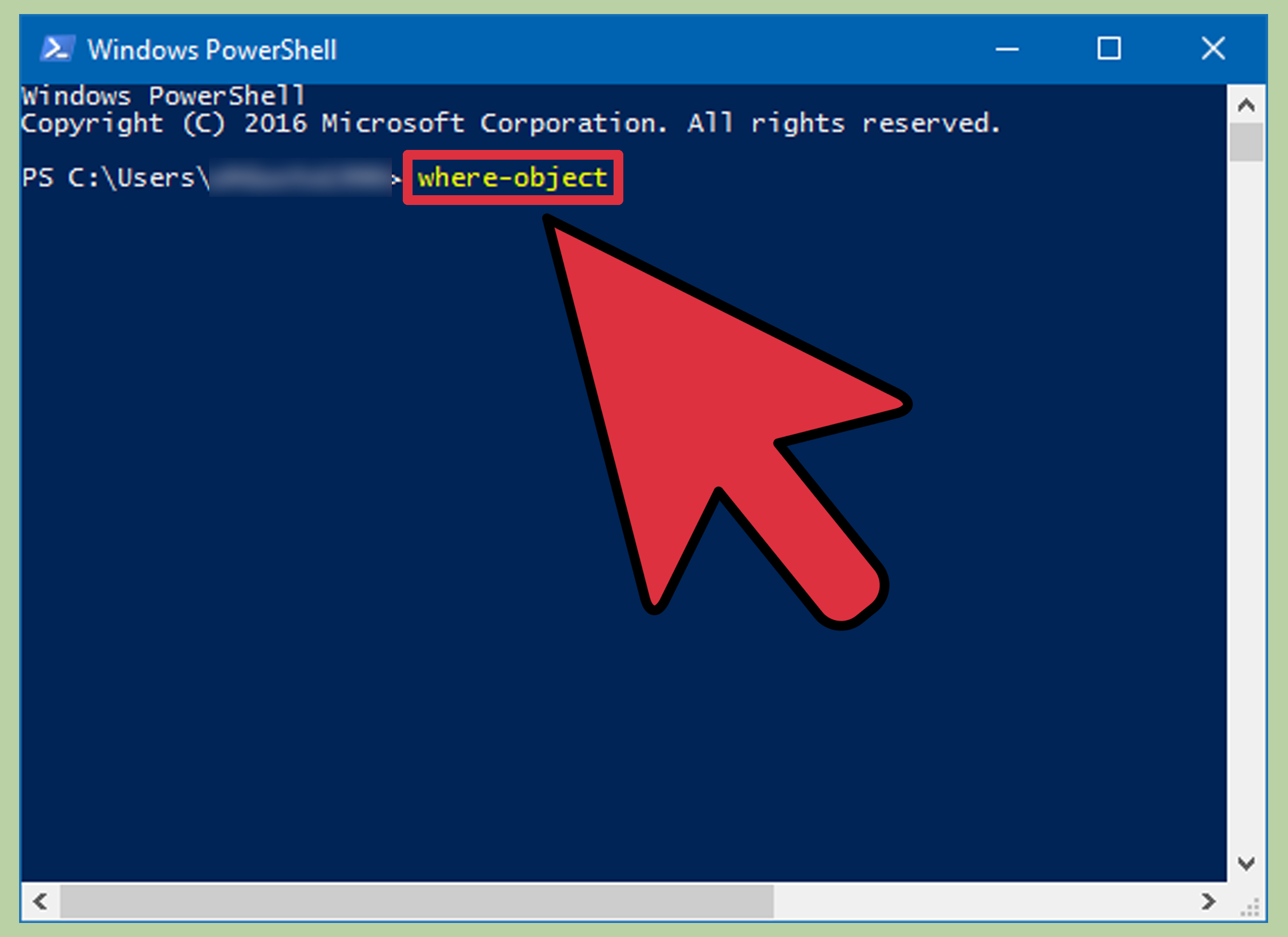
Web Terminal Basics Visual Studio Code includes a full featured integrated terminal that starts at the root of your workspace It provides integration with the editor to support features like links and error detection The integrated terminal can run commands such as mkdir and git just like a standalone terminal You can open a terminal as follows
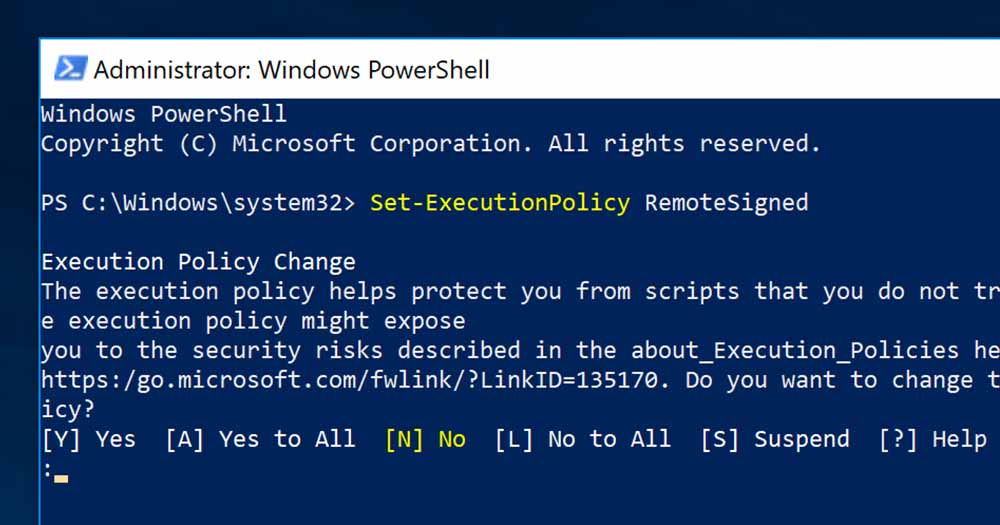
Web Step 1 Restart Visual Studio Code as an administrator click the Windows key search for quot Visual Studio Code quot right click and you ll see the administrator option Step 2 In your Visual Studio Code PowerShell terminal run Set ExecutionPolicy Unrestricted Share Web Dec 5 2016 nbsp 0183 32 To get the full PowerShell script development experience let s install the PowerShell extension for Visual Studio Code First select Extensionsfrom the Viewmenu or press Ctrl Shift X on Windows In the Extensionsview type PowerShellin the search box and then press Enter
Web Feb 6 2017 nbsp 0183 32 First look at the PowerShell Debugger in Visual Studio Code Press Ctrl Shift P Cmd Shift P on Mac to open the PowerShell extension s Examples folder type PowerShell open examples and then press Enter After the Examples folder has loaded open the DebugTest ps1 file and set a breakpoint on the line that has the Start