How To Run Bash Script In Terminal How To Run Bash Scripts In Linux By Double Clicking Them YouTube C mo Crear Y Ejecutar Scripts De Bash Shell En Windows 10 Experto Bash Script Tutorial Satu Trik Tips Tricks To Master BASH GadgetReactor Decodificare Spremere Indurire How To Open A Py File In Python Ordinato Web Learn how to create and run your first bash shell script in this beginner s tutorial Take the first step towards shell scripting Learn what it takes to create a simple bash script and how to run it
Web May 1 2011 nbsp 0183 32 In the terminal access the directory the Bash file is in using cd change directory Ex cd Downloads Run bash lt filename gt sh This also works with run files There is an example of this usage at this webpage on updating Rhythmbox Option 2 In the terminal navigate to the directory the bash file is in Run chmod x lt filename gt sh Web Dec 9 2021 nbsp 0183 32 After creating such programs there are various ways to run the file and execute the commands through the command line or terminal Follow this tutorial to learn how to run a Bash script using various methods Prerequisites Access to the command line terminal CTRL ALT T Essential Linux terminal commands
Decodificare Spremere Indurire How To Open A Py File In Python Ordinato How To Run Bash Script In Linux Using Html Button The Browser Vrogue How To Install Curl On Ubuntu 20 04 Nratv How Much Time It Takes To Learn Shell Scripting Tutorial How To Execute Sh File In Bash YouTube Bash Script Mit Sudo How To Run Python Script In Python Shell Aquamacs Powencasino Bash Scripting Execute Command From Within The Script Linux Run Bash Script As Specific User Automator
How To Run Bash Script In Terminal
 How To Run Bash Script In Terminal
https://i.ytimg.com/vi/wni0APOgIEY/maxresdefault.jpg
Web Dec 21 2019 nbsp 0183 32 Run Bash Script from script path Run Bash Script using bash Execute Bash script using sh zsh dash Run Bash script from anywhere Run Bash Scripts from the graphical interface Conclusion Prerequisites Before being able to run your script you need your script to be executable
Pre-crafted templates provide a time-saving option for creating a diverse series of files and files. These pre-designed formats and layouts can be made use of for numerous personal and expert jobs, consisting of resumes, invites, leaflets, newsletters, reports, presentations, and more, improving the content production procedure.
How To Run Bash Script In Terminal
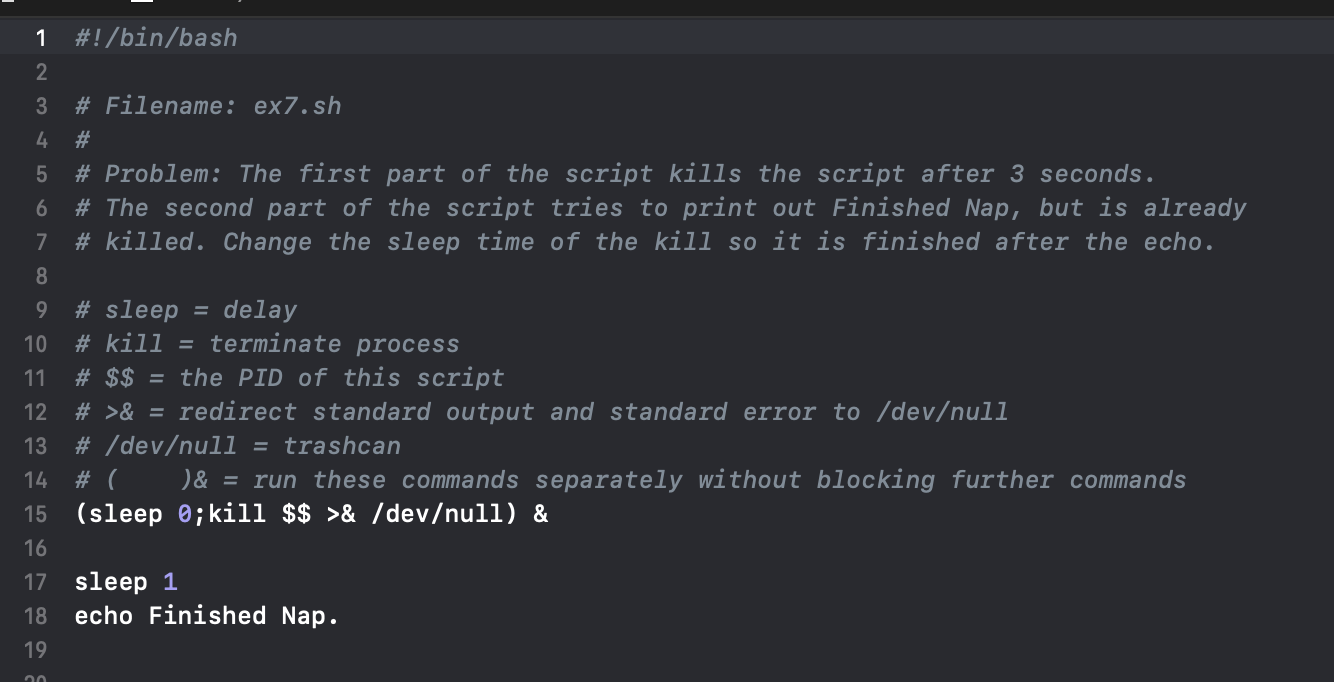
Solved Bash Script In Linux1 bin bash 2 3 Filename

How To Run Bash Script In Linux Using Html Button The Browser Vrogue

How To Install Curl On Ubuntu 20 04 Nratv

How Much Time It Takes To Learn Shell Scripting Tutorial
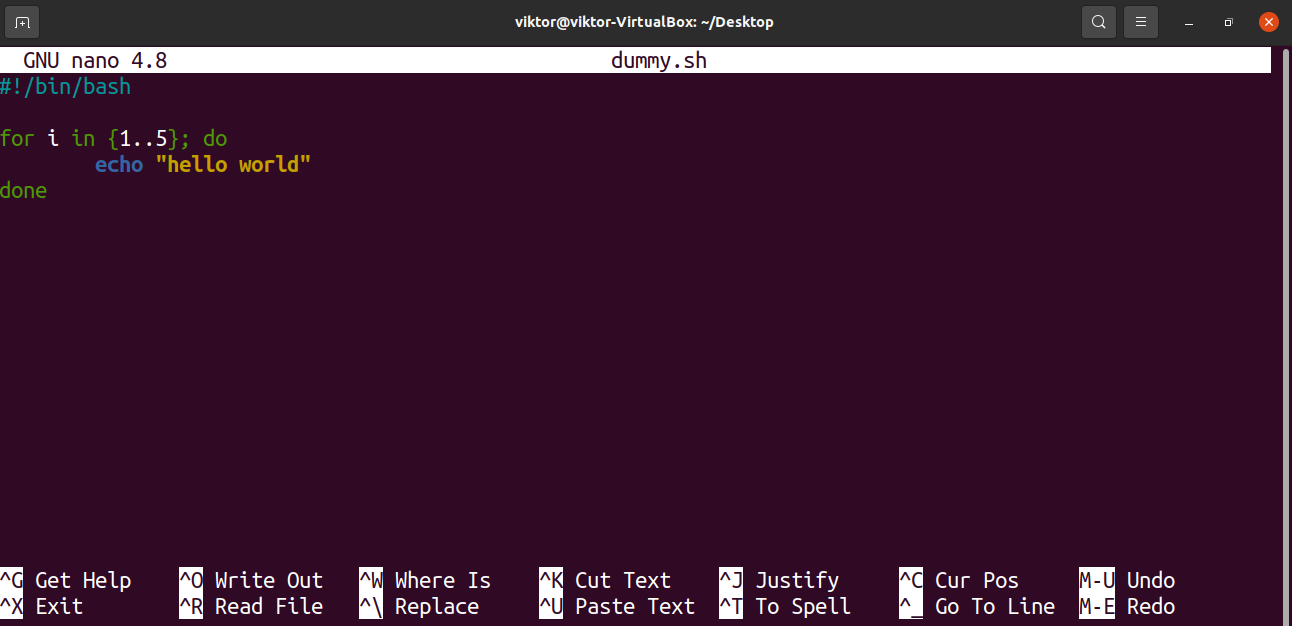
Bash Script Mit Sudo
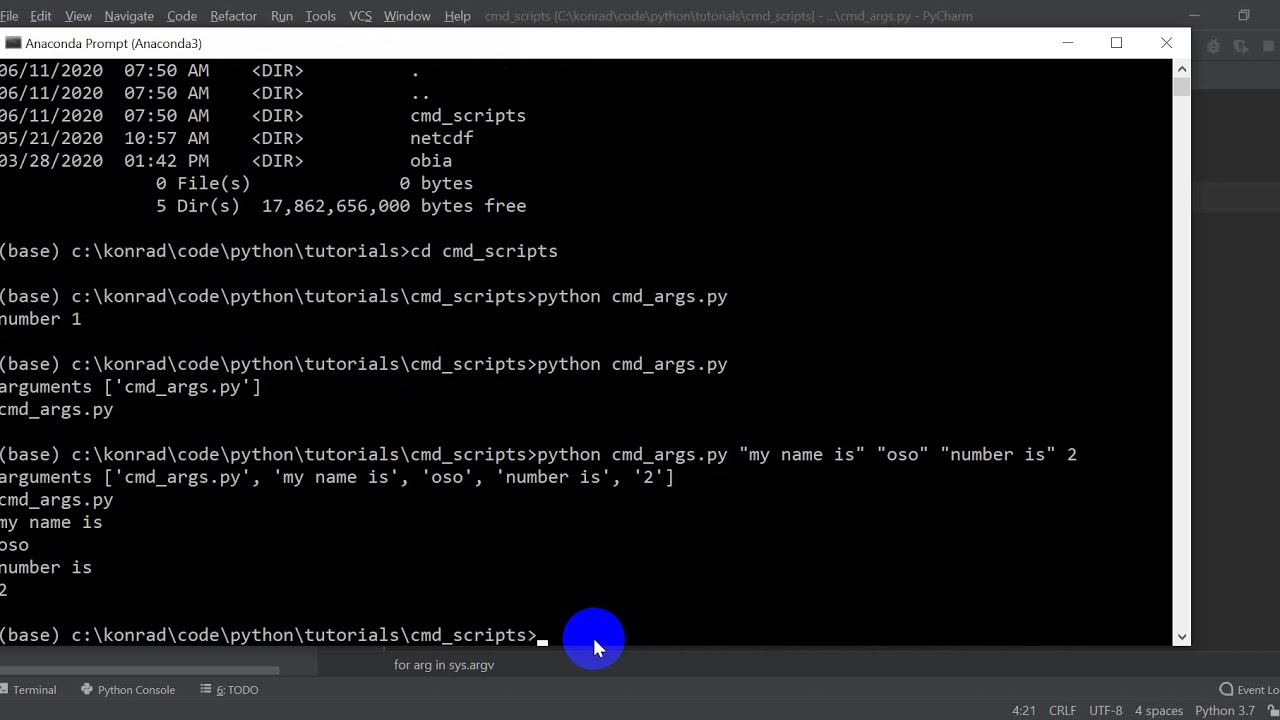
How To Run Python Script In Python Shell Aquamacs Powencasino

Web Last Updated 28 Nov 2021 In this article we are going to see how to run bash script in terminal For example we create a bash file set of instructions or commands known as bash script and through command we can run this file in terminal Let see how to run bash script in terminal Example 1
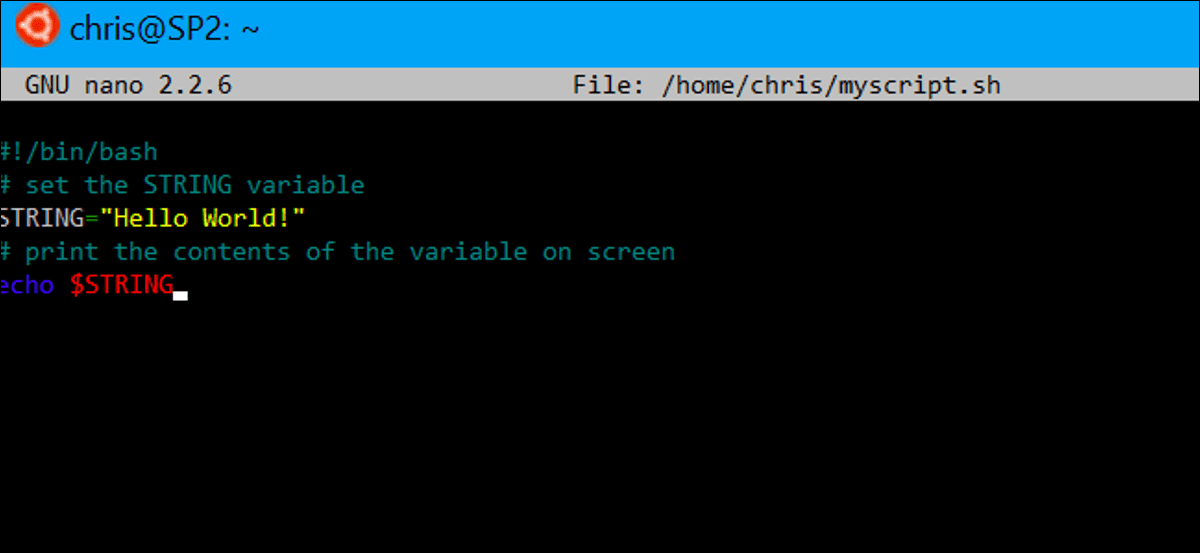
Web Mar 13 2024 nbsp 0183 32 The procedure to run the sh file shell script on Linux is as follows Open the Terminal application on Linux or Unix Create a new script file with sh extension using a text editor Write the script file using nano script name here sh Set execute permission on your script using chmod command chmod x script name here sh To run your script
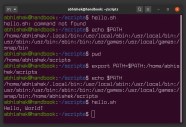
Web Sep 4 2023 nbsp 0183 32 The simplest way to run a bash shell script is bash path to script However the more popular method is by giving execute permission to the script and then running the script like this chmod u x script sh script sh Let me explain this in detail step by step

Web Dec 6 2023 nbsp 0183 32 Method 01 Run a Bash Script Using Terminal In the first method I will show you 5 different cases through which you can run a Bash script using your system s command line interface Case 1 Run a Bash Script Using sh
Web Feb 13 2024 nbsp 0183 32 To run a Bash script in Linux you first need to make sure the script has executable permissions You can do this by using the chmod x command followed by the script name Once the script is executable you can run it by typing followed by the script name in the terminal Can I run a Bash script without using the terminal
Web Nov 19 2019 nbsp 0183 32 Open up your terminal and write the following line everything after the sign zach marigold echo quot Hello world quot Hello world As you can see we used the echo command to print the string Hello world to the terminal Writing a bash script You can also put all of your bash commands into a sh file and run them from the command line Web Apr 26 2020 nbsp 0183 32 A shell script is a file usually ending in sh e g script sh that consists of UNIX commands to be run through the terminal shell when you execute it In Ubuntu the default terminal shell is called Bash and it s what you use whenever you enter a command into the terminal
Web Apr 9 2009 nbsp 0183 32 6 Answers Sorted by 1116 To run a non executable sh script use sh myscript To run a non executable bash script use bash myscript To start an executable which is any file with executable permission you just specify it by its path foo bar bin bar bar To make a script executable give it the necessary permission chmod x bar