How To Run A Docker App Docker Yml File Tutorial Safasspain Docker Networks Explained Part 2 Docker compose Microservices How To Create A Docker Container On Docker Desktop Design Talk How To Dockerize Your Python Applications Docker 2023 Depending on your learning setting you can sign in to Classroom with one of the following accounts School account An accredited educational institution creates this account typically
Official Google Play Help Center where you can find tips and tutorials on using Google Play and other answers to frequently asked questions If you forgot your password or username or you can t get verification codes follow these steps to recover your Google Account
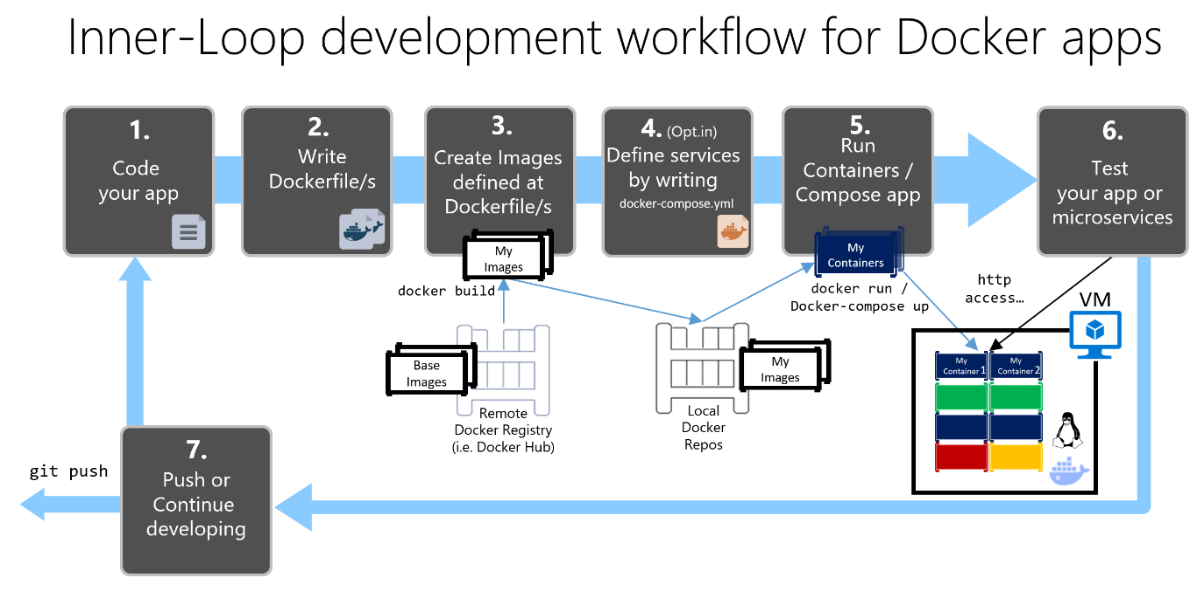
How To Build Docker Images For Windows Desktop Applications DZone Docker NET Microsoft Learn Getting Started With Docker Docker And The Benefits Of Application Deployment ITZone Docker Explained What Are The Advantage Of Docker Containerization Learn How To Update Docker Images Easily And Quickly Connecting People Transforming Nations Docker For Development Run A Docker Container Ericvisser
How To Run A Docker App
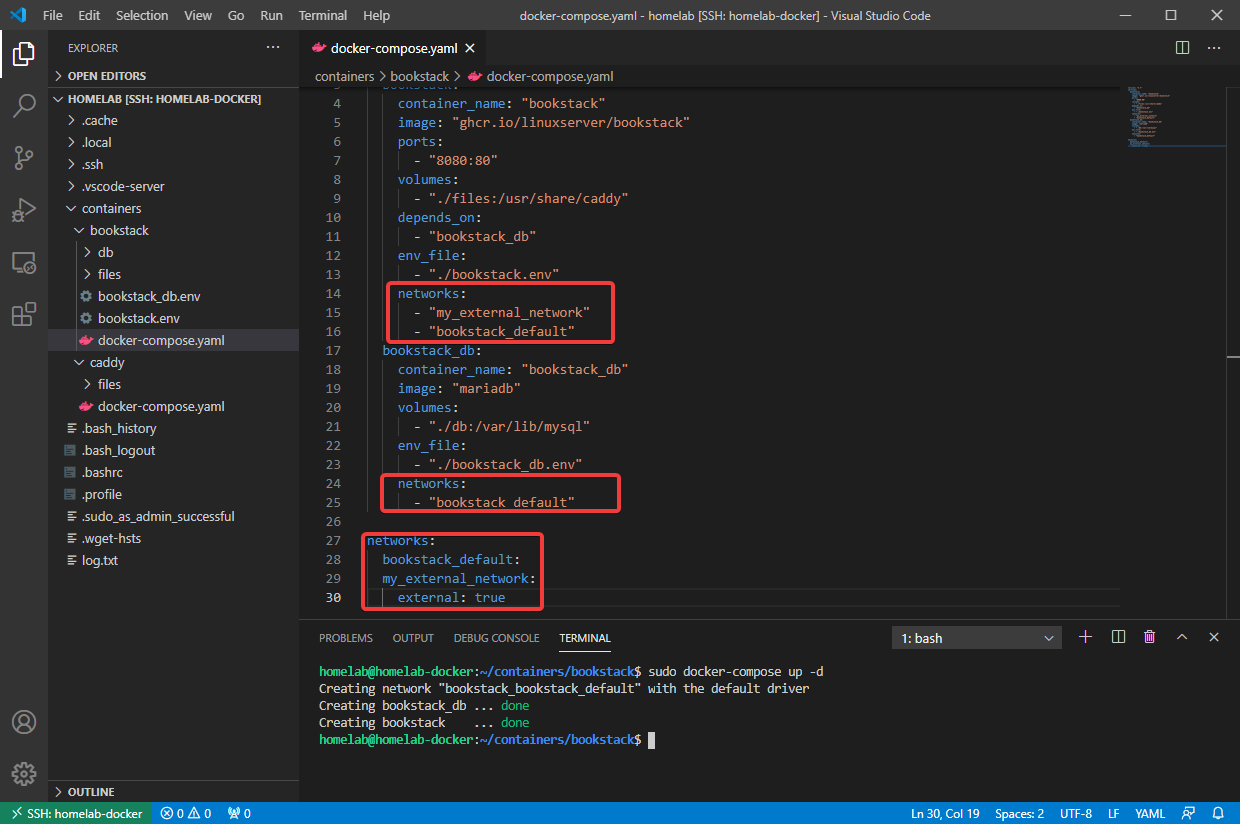 How To Run A Docker App
https://adamtheautomator.com/wp-content/uploads/2021/02/Untitled-2021-02-22T100759.315.png
Official Gmail Help Center where you can find tips and tutorials on using Gmail and other answers to frequently asked questions
Templates are pre-designed files or files that can be utilized for various functions. They can save time and effort by providing a ready-made format and design for developing different sort of material. Templates can be used for individual or expert tasks, such as resumes, invitations, flyers, newsletters, reports, presentations, and more.
How To Run A Docker App

How To Create A Dockerfile In Node js GeeksforGeeks
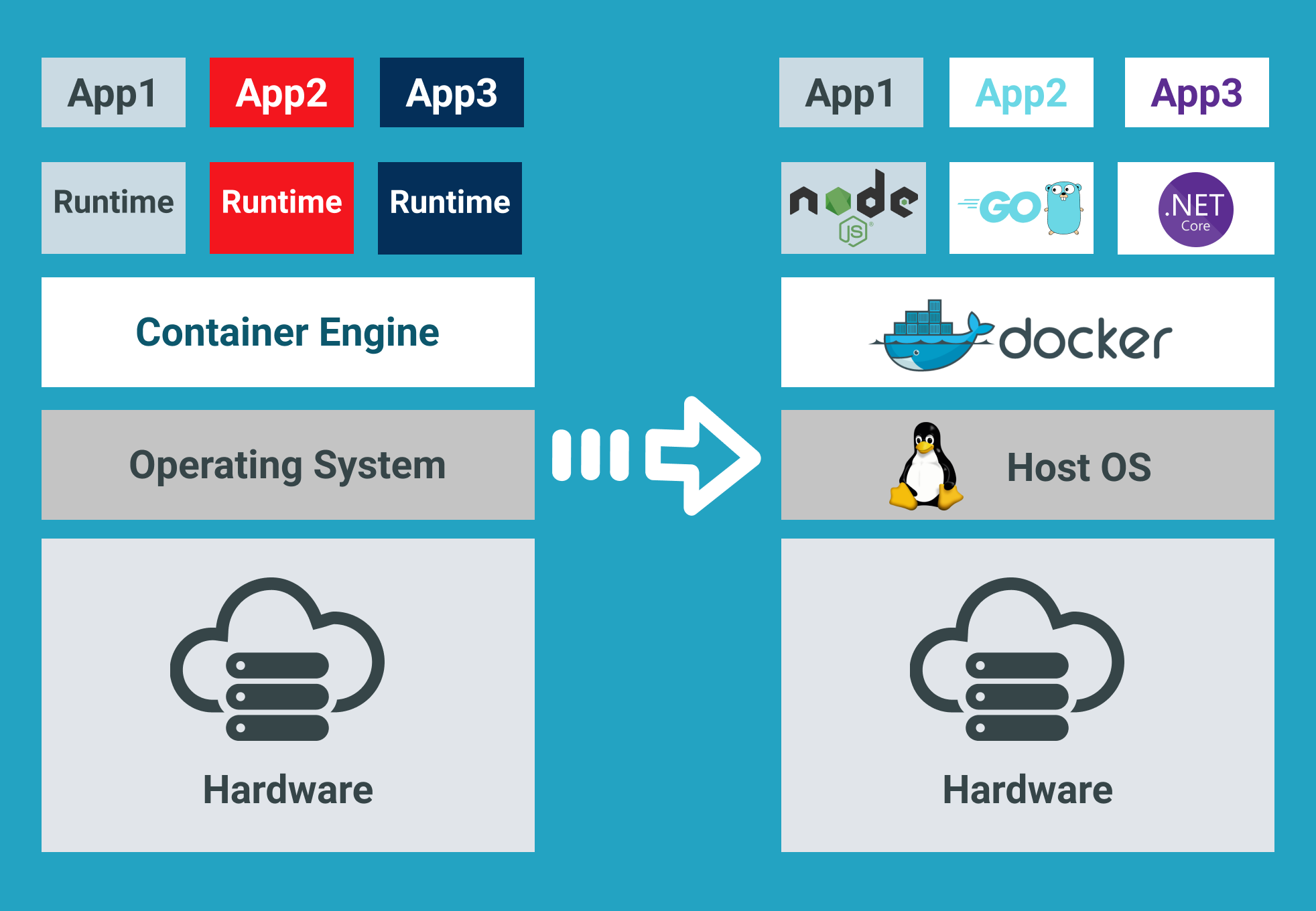
How To Build Docker Images For Windows Desktop Applications DZone
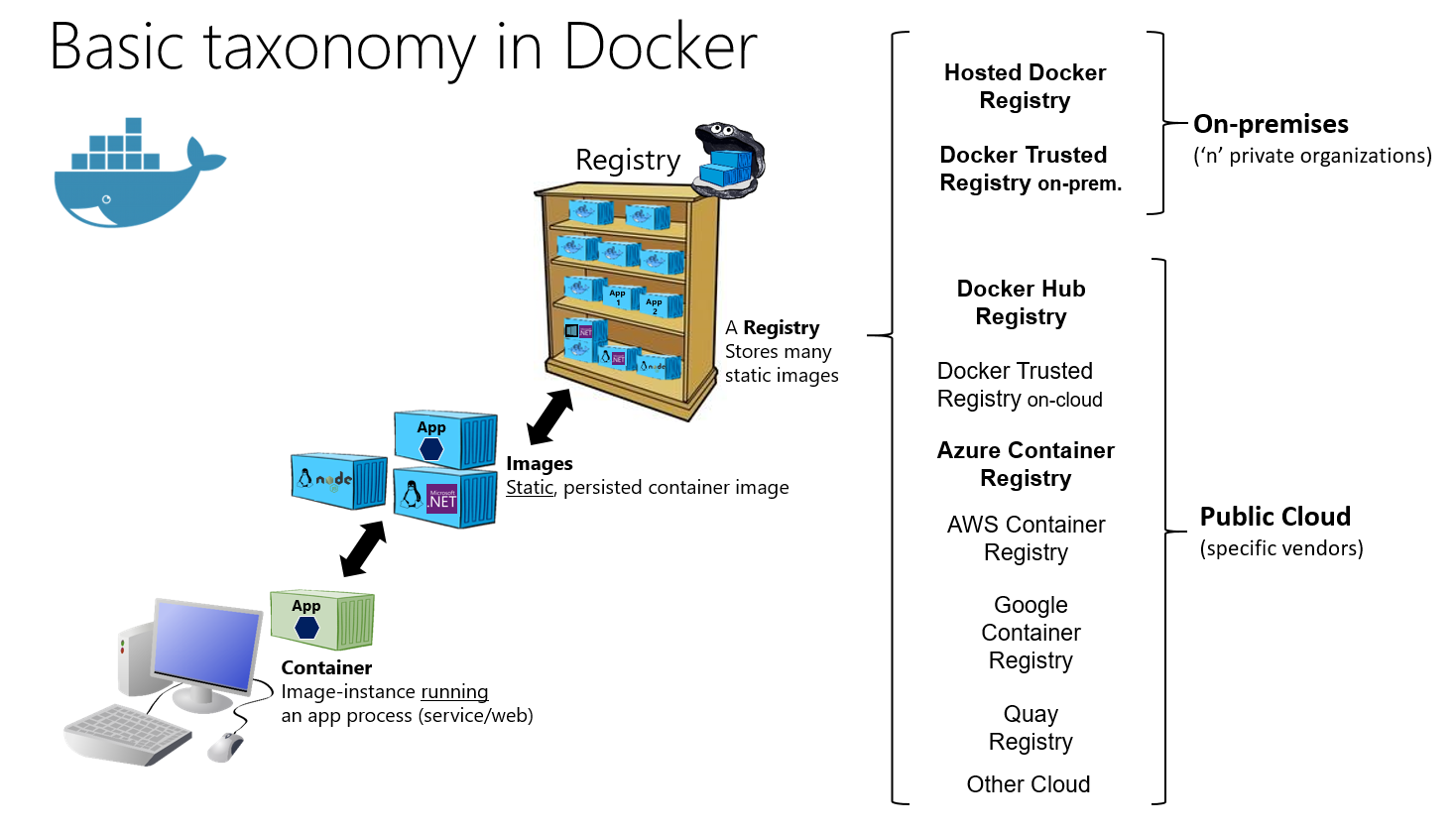
Docker NET Microsoft Learn
Getting Started With Docker
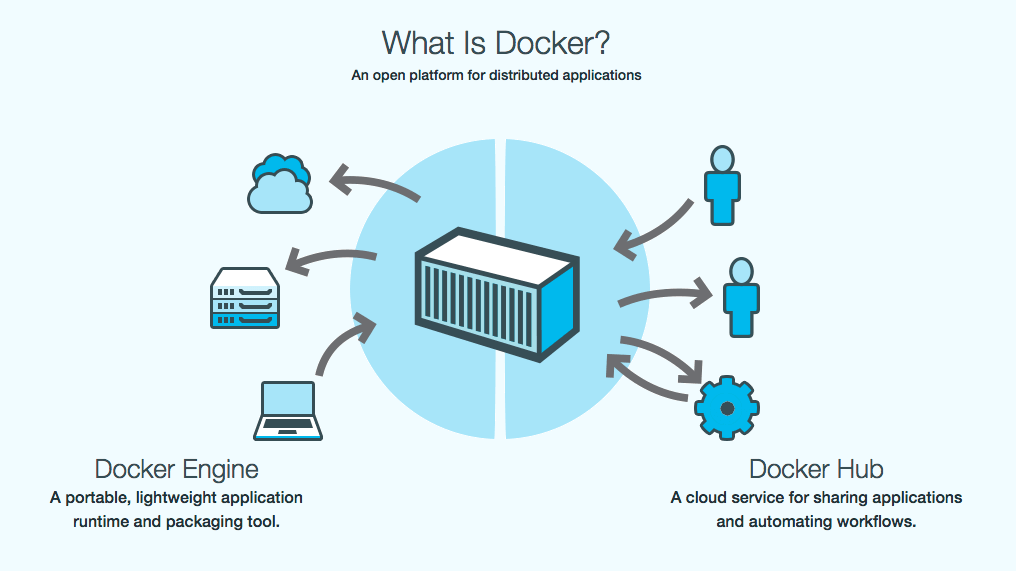
Docker Explained What Are The Advantage Of Docker Containerization
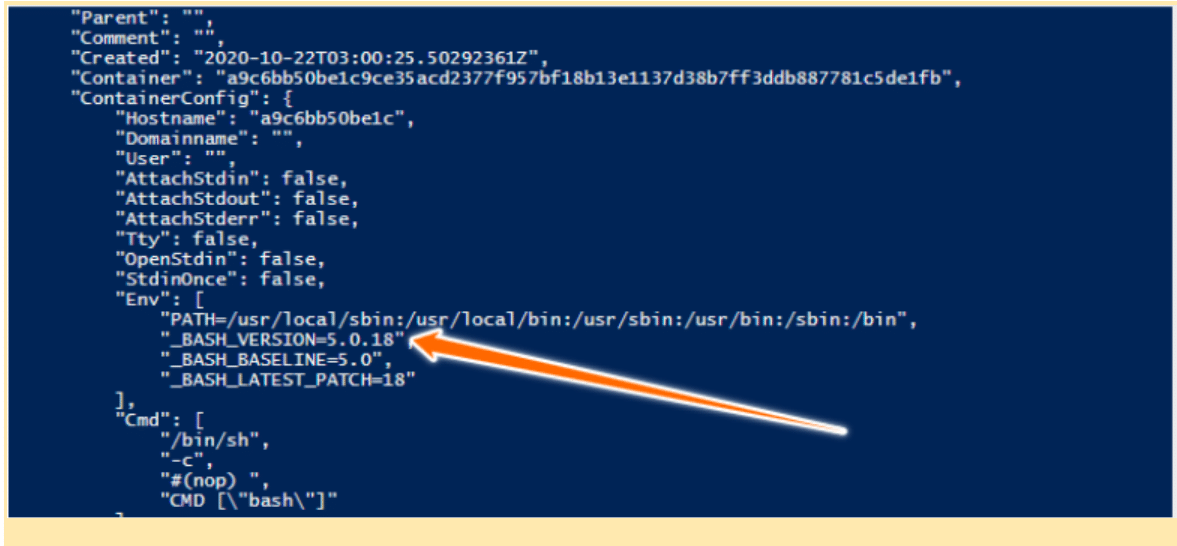
Learn How To Update Docker Images Easily And Quickly

To use Chrome on Mac you need macOS Big Sur 11 and up On your computer download the installation file Open the file named quot googlechrome dmg quot
Official Google Chrome Help Center where you can find tips and tutorials on using Google Chrome and other answers to frequently asked questions
You can download and install the Chrome web browser at no charge and use it to browse the web Get Google Chrome Download Chrome for Android phones and tablets
When you enter a destination in Google Maps we show you how to get there by different travel modes like driving cycling or walking
Home In the Home section of Google Drive you can Access files and folders that you or others opened shared or edited as well as those related to upcoming meetings
[desc-11] [desc-12]
[desc-13]