How To Revert Commit Using Git Command How To Revert The Last Commit In Git Command Line MakeloGy Git Revert File Reverting A File To A Previous Commit How Do I Revert A Git Repo To A Previous Commit O Reilly Git What Are Differences Between Revert Revert Commit And Reset Hot Git Revert File Reverting A File To A Previous Commit Remove unwanted programs on your computer Before you reset your browser settings check your computer for unwanted programs Learn how to reset your browser settings
If you change or reset your password you ll be signed out everywhere except Devices you use to verify that it s you when you sign in Some devices with third party apps that you ve given You can easily work with your files with Google Drive for desktop You can also Keep local files safe Your computer files are securely stored in the cloud Keep files up to date across
Git Revert File Reverting A File To A Previous Commit Git Revert Commit Solutions To Git Problems How To Undo Changes In Git reset Vs Revert Vs Restore How To Revert Commit Using IntellliJ Git Revert Resolve Conflicts How To Undo Pushed Commits With Git DEV Community Git Revert Multiple Commits Ajit Singh YouTube Reverting Changes From Remote Branch Mastering Visual Studio 2017 Book How To Reset Revert And Return To Previous States In Git Opensource Git Checkout To Previous Commit ID Didn t Revert The Changes Any
How To Revert Commit Using Git Command
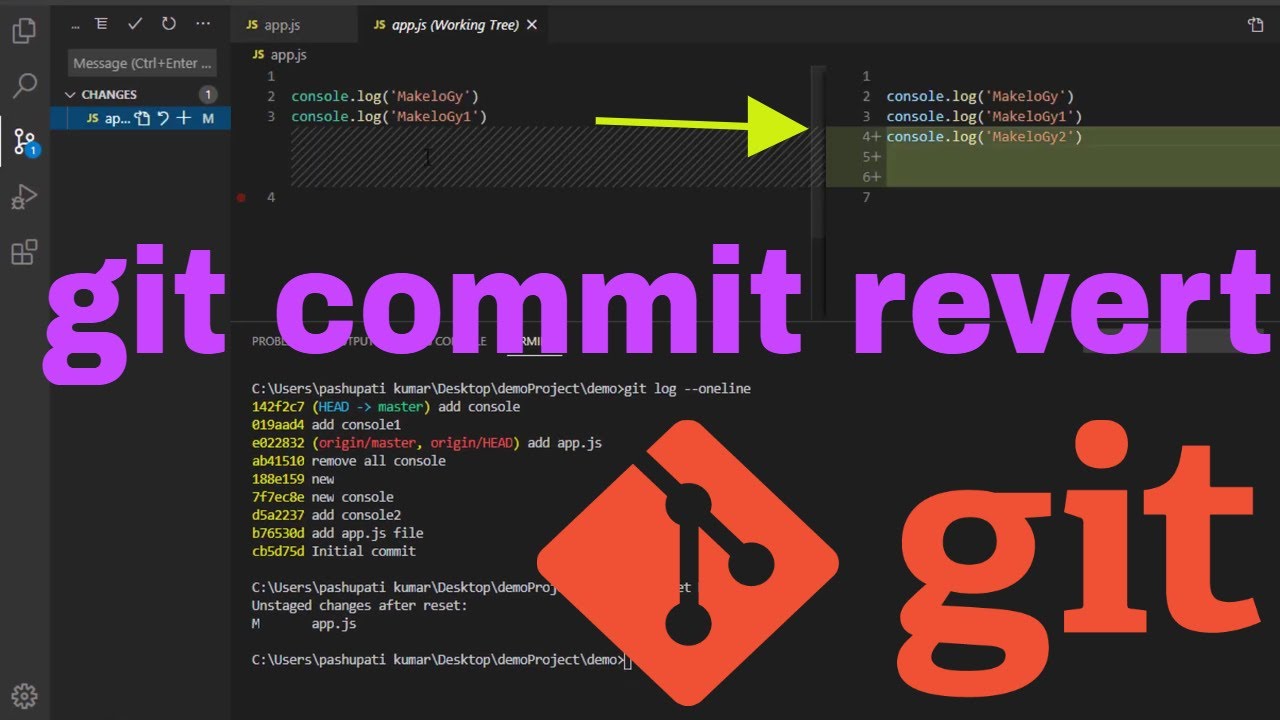 How To Revert Commit Using Git Command
https://i.ytimg.com/vi/7zylrwY7VDk/maxresdefault.jpg
When your account reaches its storage limit you won t be able to upload or create files in Drive send or receive emails in Gmail or back up photos or videos to Google Photos If you re over
Pre-crafted templates use a time-saving service for developing a diverse variety of documents and files. These pre-designed formats and layouts can be utilized for numerous personal and professional projects, including resumes, invites, leaflets, newsletters, reports, presentations, and more, improving the material creation process.
How To Revert Commit Using Git Command
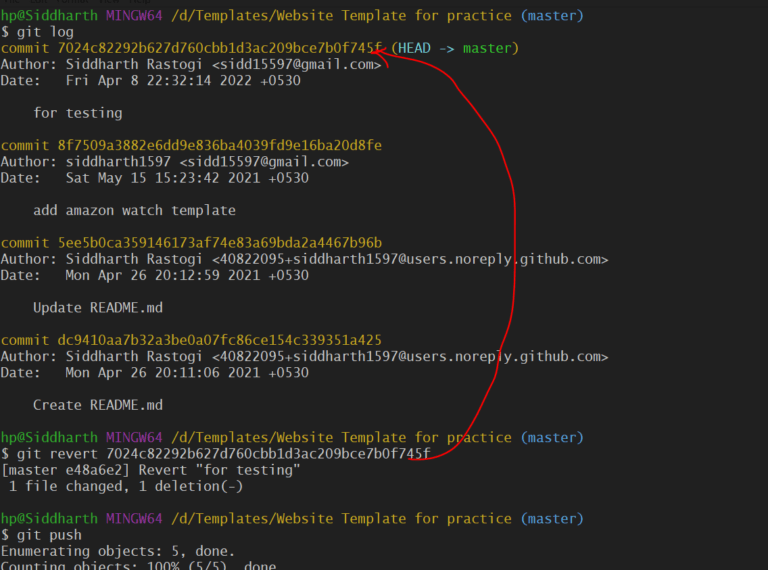
How To Revert Or Undo Last Commit In Git SidTechTalks
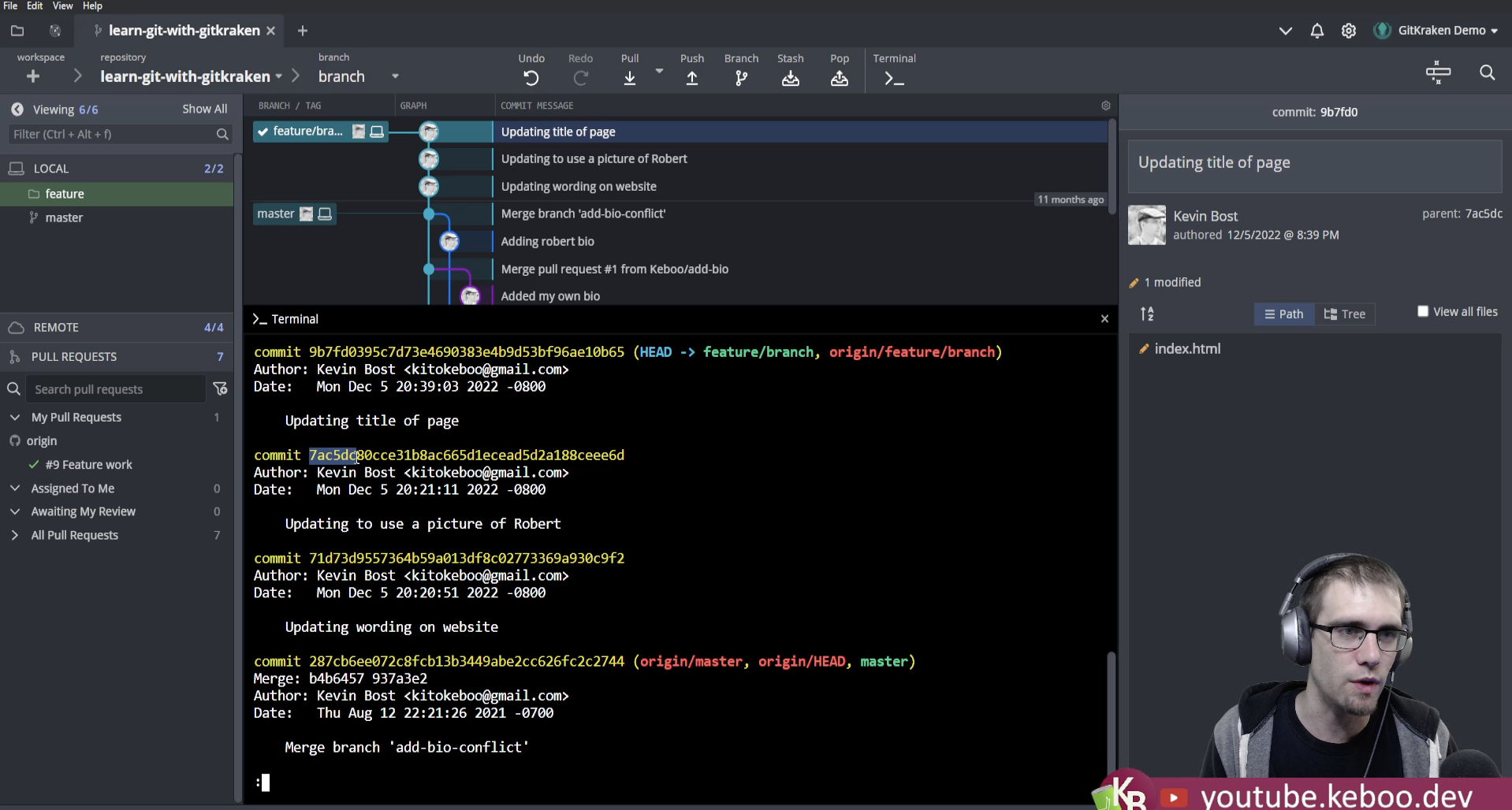
Git Revert Commit Solutions To Git Problems
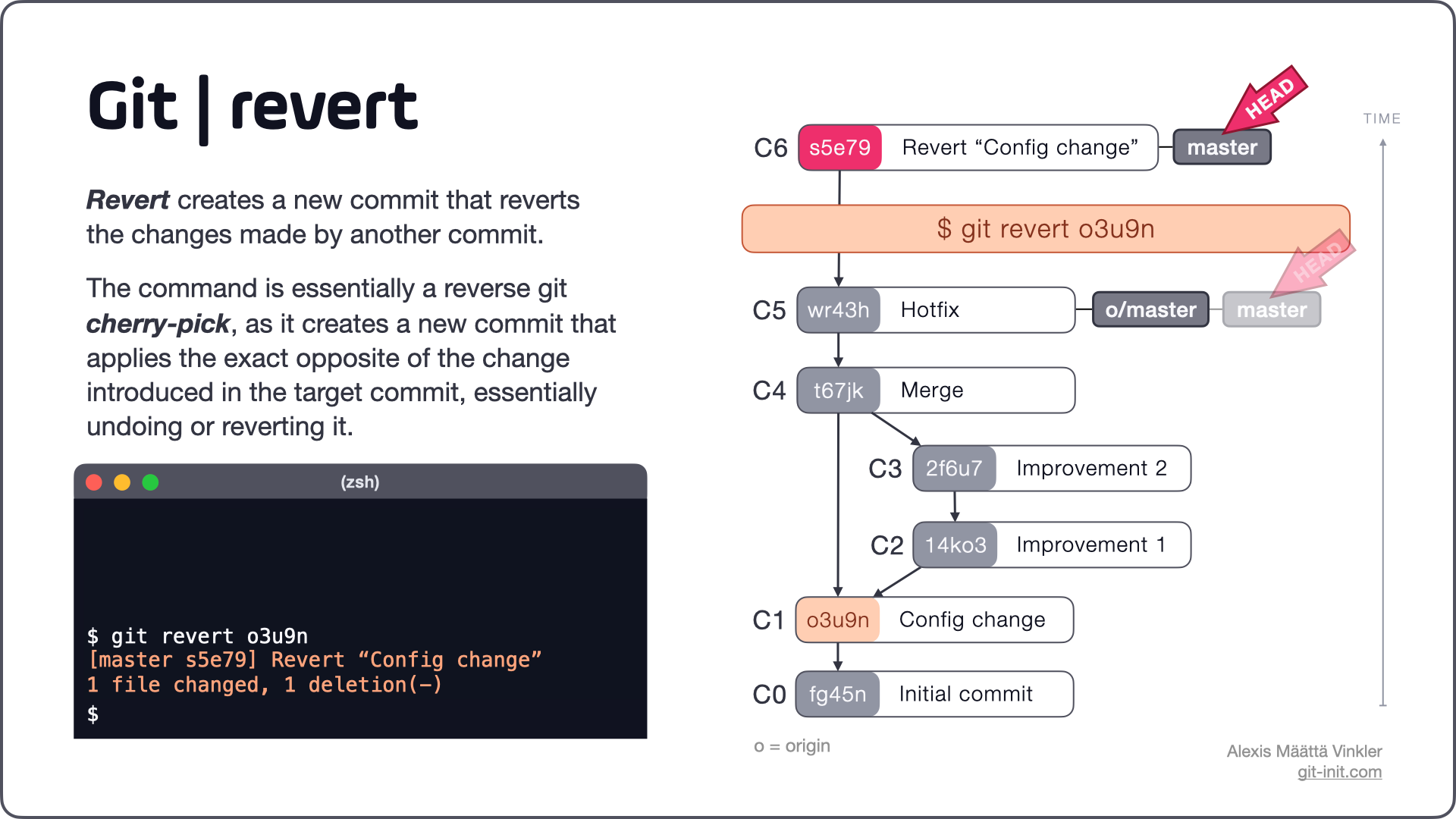
How To Undo Changes In Git reset Vs Revert Vs Restore

How To Revert Commit Using IntellliJ Git Revert Resolve Conflicts
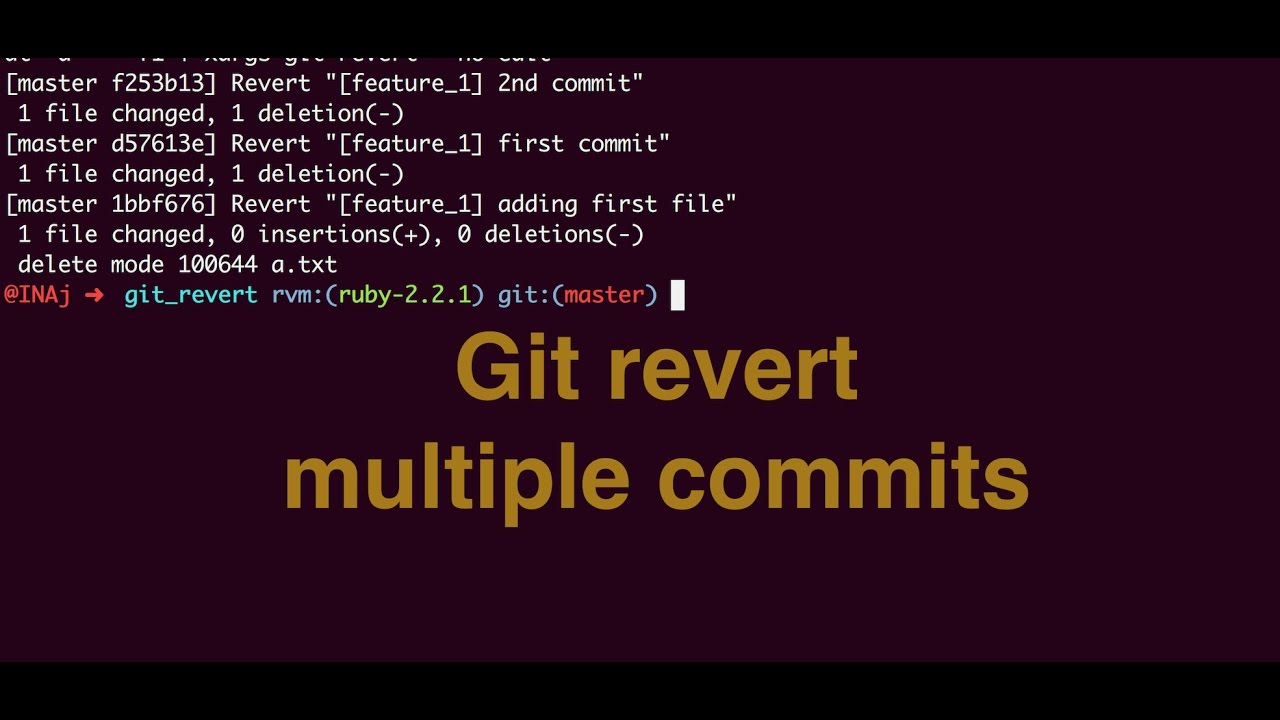
Git Revert Multiple Commits Ajit Singh YouTube

Reverting Changes From Remote Branch Mastering Visual Studio 2017 Book
Sign in to Gmail Tip If you sign in to a public computer make sure to sign out before you leave the computer Learn how to sign in on a device that s not yours

To find your username follow these steps You need to know A phone number or the recovery email address for the account The full name on your account Follow the instructions to

Create an account Tip To use Gmail for your business a Google Workspace account might be better for you than a personal Google Account With Google Workspace you get increased

Important When you create a Google Account for your business you can turn business personalization on A business account also makes it easier to set up Google Business Profile

On your computer open Chrome At the top right click More Delete browsing data Choose a time range like Last hour or All time Select the types of information you want to remove Click
[desc-11] [desc-12]
[desc-13]