How To Revert Commit In Git Repo How To Revert To Last Commit In Git YouTube Git Reverting To Previous Commit How To Revert To Last Commit Git Revert File Reverting A File To A Previous Commit How To Undo Pushed Commits With Git Sciencx Git What Are Differences Between Revert Revert Commit And Reset Hot WEB Dec 1 2021 nbsp 0183 32 The purpose of the git revert command is to remove all the changes a single commit made to your source code repository For example if a past commit added a file named index html to the repo a git revert on that commit will
WEB You can use GitHub Desktop to revert a specific commit to remove its changes from your branch When you revert to a previous commit the revert is also a commit WEB Sep 21 2022 nbsp 0183 32 In this article you will learn how to undo changes in Git depending on the state of your Git repository Here is what we will cover How to undo local unstaged changes How to undo local staged changes How to undo local committed changes How to undo public committed changes
Git What Are Differences Between Revert Revert Commit And Reset Hot Git Revert File Reverting A File To A Previous Commit How To Undo Changes In Git reset Vs Revert Vs Restore Git Difference Between Git Revert Checkout And Reset GeeksforGeeks Version Control With Git Undoing Changes Commit Changes To A Git Repository TestingDocs Git Revert Multiple Commits Ajit Singh YouTube Git Checkout To Previous Commit ID Didn t Revert The Changes Any Hochland Erkl rung Hurrikan How To Roll Back In Git Eisig Vesuv Blendung
How To Revert Commit In Git Repo
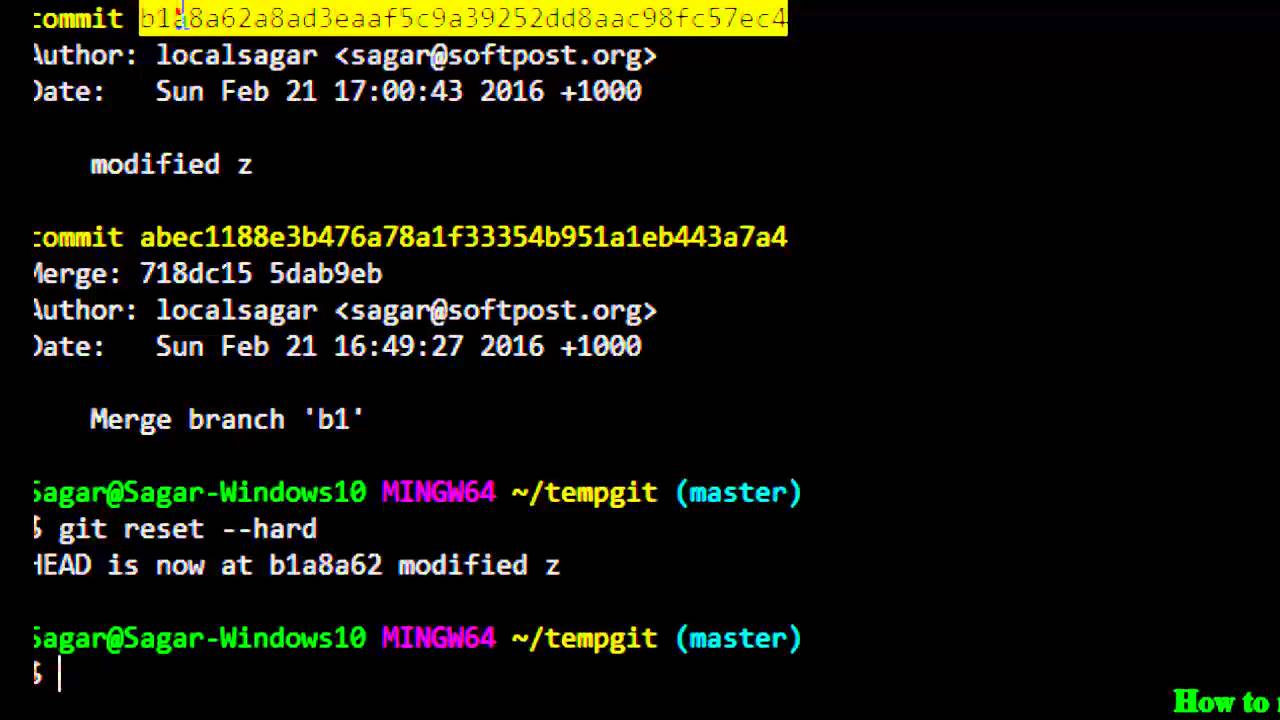 How To Revert Commit In Git Repo
https://i.ytimg.com/vi/fRVhvKNgdNw/maxresdefault.jpg
WEB Jun 19 2018 nbsp 0183 32 How to revert a Git commit The net effect of the git revert command is similar to reset but its approach is different Where the reset command moves the branch pointer back in the chain typically to quot undo quot changes the revert command adds a new commit at the end of the chain to quot cancel quot changes
Templates are pre-designed files or files that can be used for various functions. They can save effort and time by offering a ready-made format and layout for creating different type of material. Templates can be used for personal or expert projects, such as resumes, invites, flyers, newsletters, reports, discussions, and more.
How To Revert Commit In Git Repo
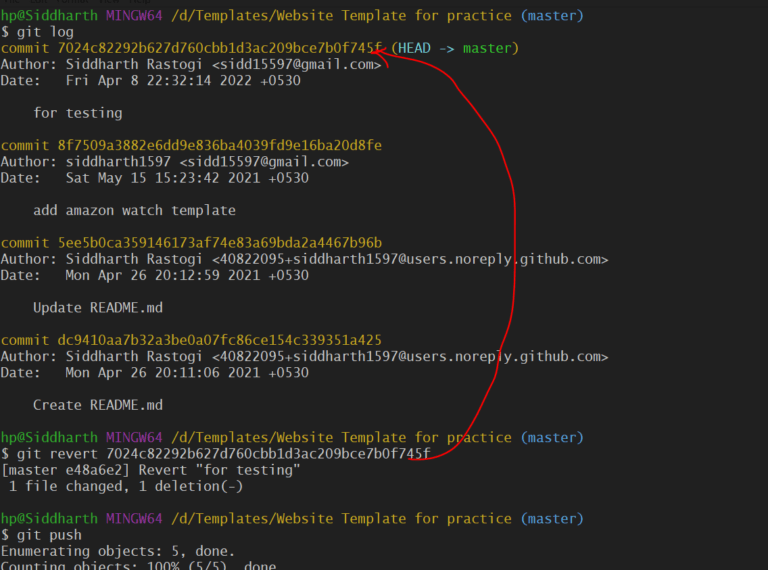
How To Revert Or Undo Last Commit In Git SidTechTalks

Git Revert File Reverting A File To A Previous Commit
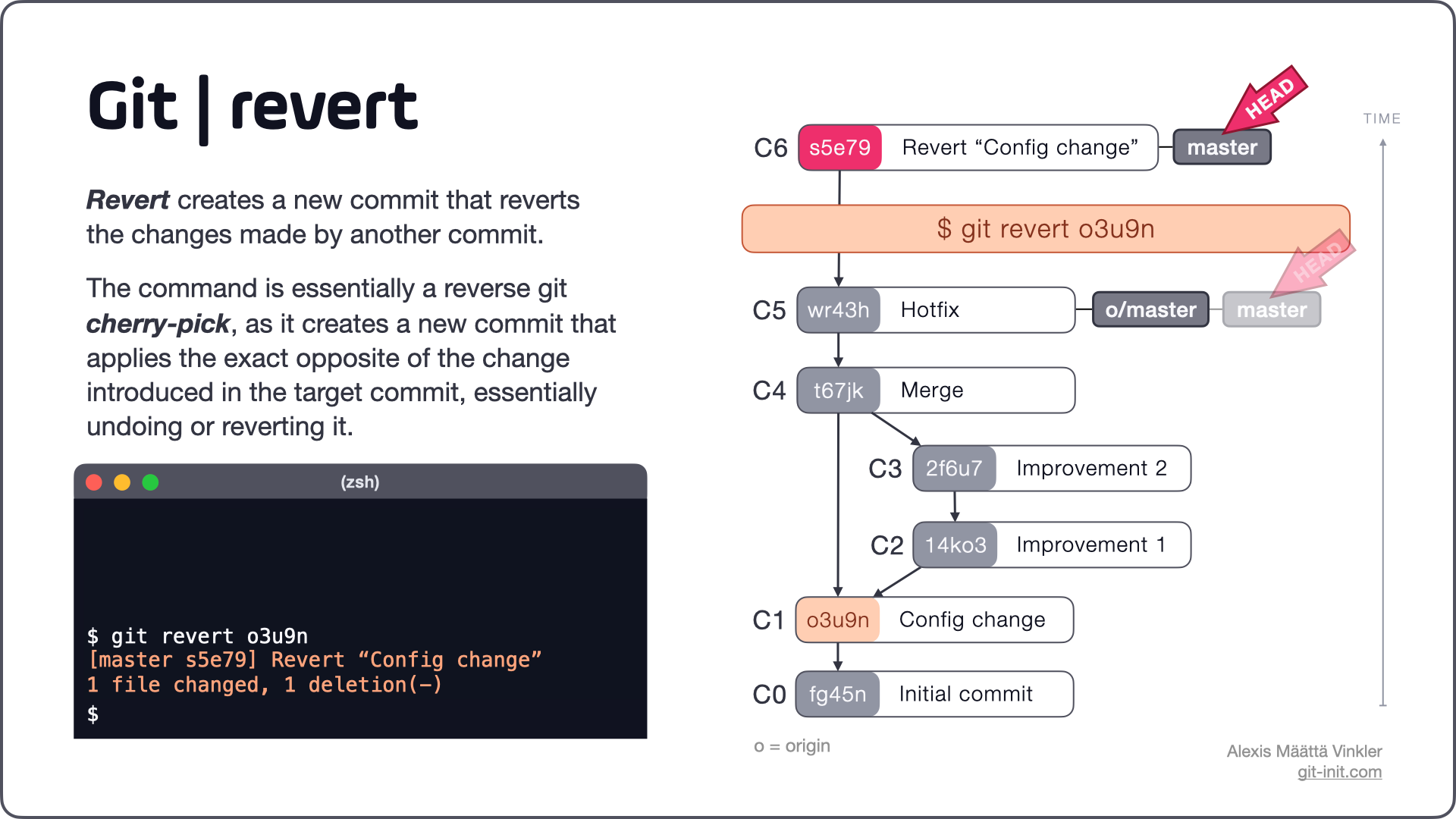
How To Undo Changes In Git reset Vs Revert Vs Restore
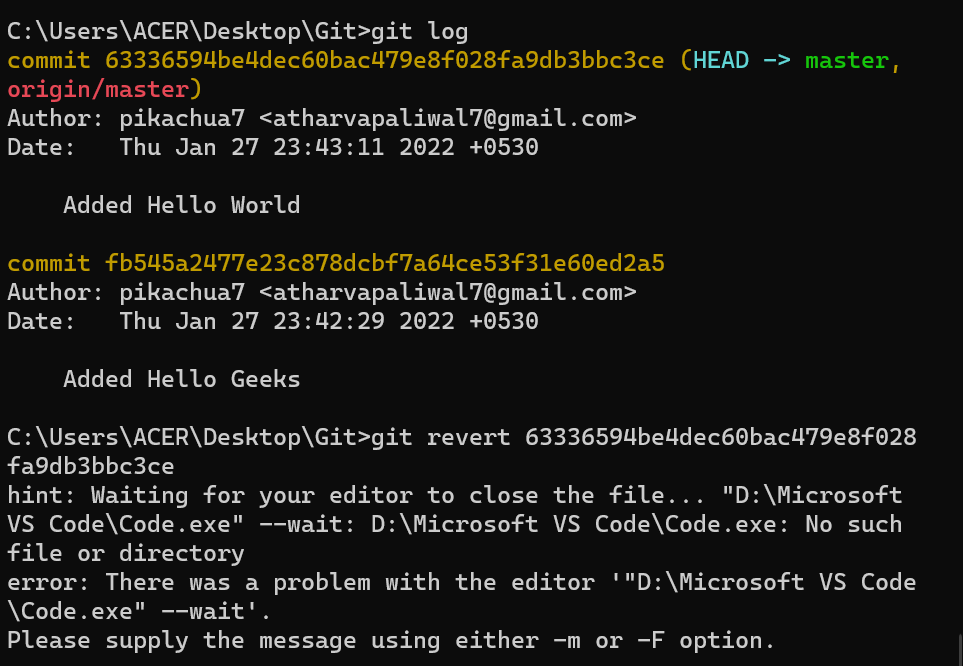
Git Difference Between Git Revert Checkout And Reset GeeksforGeeks
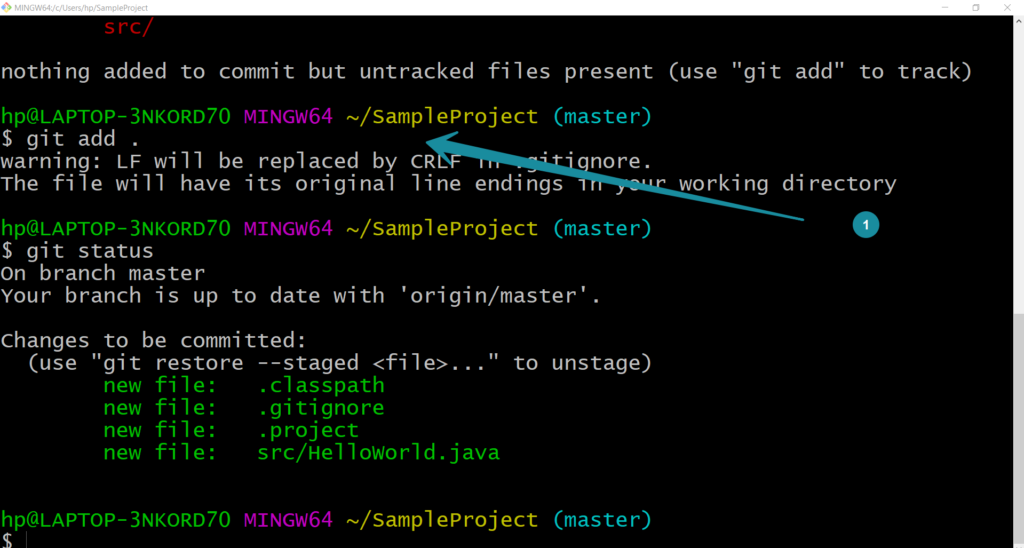
Commit Changes To A Git Repository TestingDocs
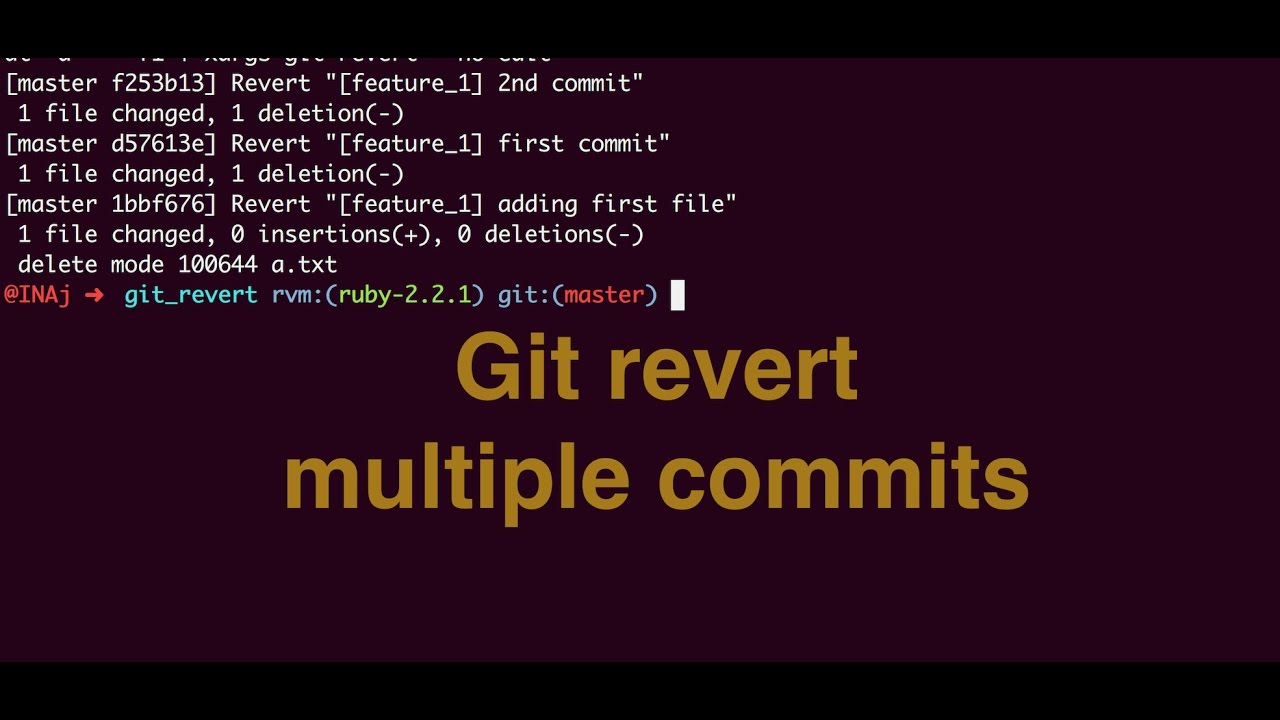
Git Revert Multiple Commits Ajit Singh YouTube
WEB If you want to revert the last commit you can use git revert head head refers to the most recent commit in your branch The reason you use head 1 when using reset is that you are telling Git to quot remove all changes in the commits after quot reset hard quot the commit one before head quot head 1

WEB Undo a commit amp redo git commit m quot Something terribly misguided quot 0 Your Accident git reset HEAD 1 edit files as necessary 2 git add 3 git commit c ORIG HEAD 4 git reset is the command responsible for the undo

WEB Feb 6 2024 nbsp 0183 32 With git revert we can safely undo a public commit whereas git reset is tailored toward undoing local changes in the working directory and staging index git

WEB Oct 19 2022 nbsp 0183 32 To revert to the to the previous commit run the git revert command along with the commit ID of the current commit In our case we ll be using the ID of the third commit git revert 882ad02 The command above will undo the current commit and revert the file to the state of the previous commit

WEB git revert n master 5 master 2 Revert the changes done by commits from the fifth last commit in master included to the third last commit in master included but do not create any commit with the reverted changes The revert only
WEB Oct 24 2009 nbsp 0183 32 This is what I recommend now Make a copy of the branch at its current state git branch crazyexperiment The git branch lt name gt command will leave you with your current branch still checked out Reset your current branch to your desired commit with git reset git reset hard c2e7af2b51 WEB Feb 16 2023 nbsp 0183 32 Whether you accidentally commit changes or just realized your previous committed code isn t what you wanted oftentimes you ll need to revert a previous commit in Git In this article I ll show a few ways to revert
WEB Aug 18 2022 nbsp 0183 32 Git revert undoes a commit by comparing the changes made in that commit to the repository s previous state It then creates a new commit that reverts the changes To use the git revert command you first need the ID for that commit You can get this with the git log command