How To Reset Xfinity Flex Remote How To Reset Your Xfinity Flex Remote XR16 Connection Problems And B n C i u Ki n Nh n Xfinity Flex Mi n Ph Kh ng Xfinity Remote Not Working Fix It EASILY Technology Rater How To Factory Reset Xfinity Flex Box Do These 6 Steps Internet How To Factory Reset Xfinity Flex Box Do These 6 Steps Internet When your account reaches its storage limit you won t be able to upload or create files in Drive send or receive emails in Gmail or back up photos or videos to Google Photos If you re over
You can take a picture screenshot or record a video of your phone s screen After you capture your screen you can view edit and share the image or video Important Some of these steps You can easily work with your files with Google Drive for desktop You can also Keep local files safe Your computer files are securely stored in the cloud Keep files up to date across
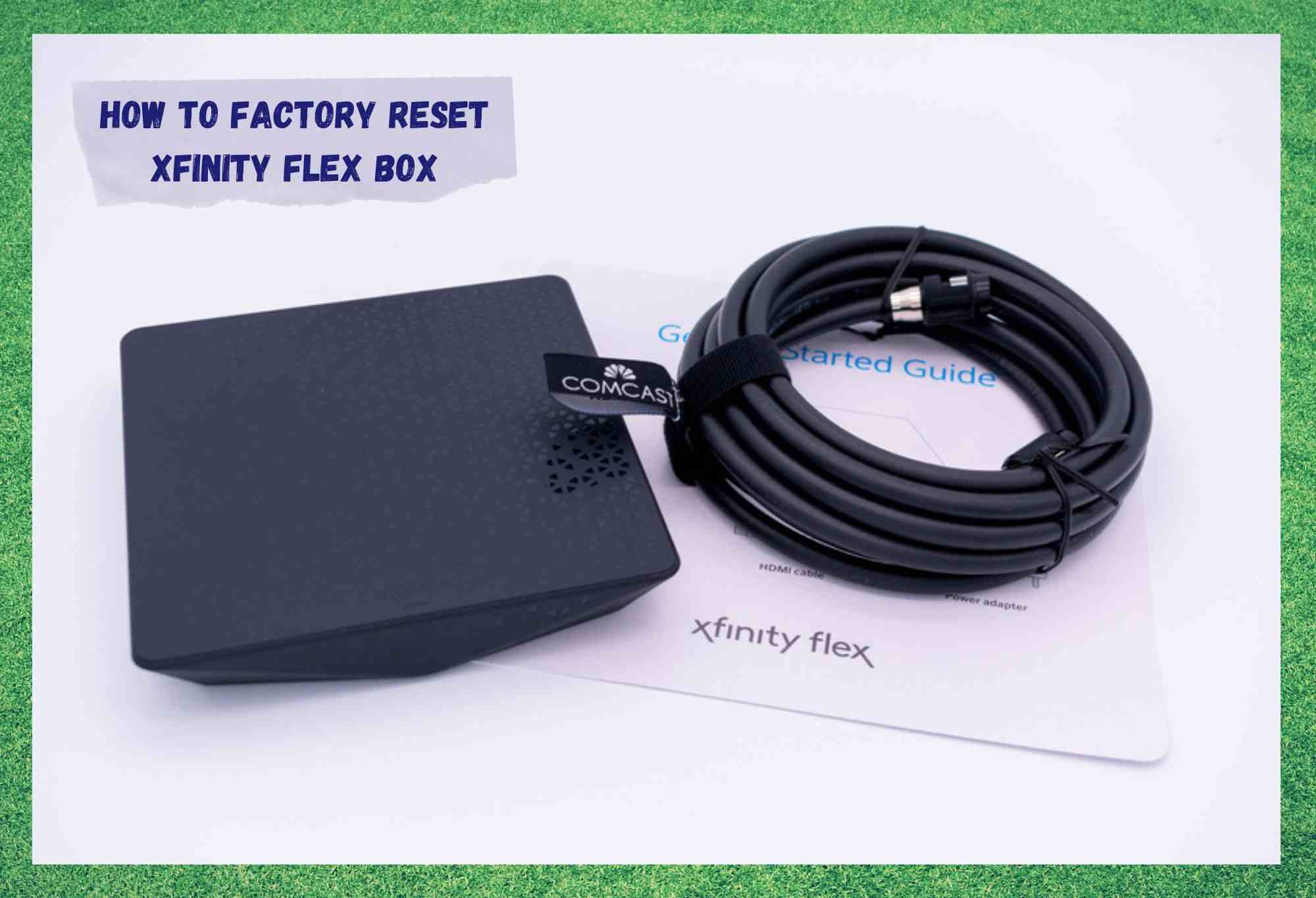
How To Factory Reset Xfinity Flex Box Do These 6 Steps Internet ANSWERED What Is Xfinty Flex And How Does It Work Xfinity Xfinity Flex Review Should You Use Comcast s Free Streaming Device Xfinity Flex Review HighSpeedInternet Xfinity Flex Review Comcast s free Streaming Hardware service Combo Xfinity Flex Review HighSpeedInternet Comcast Launches Streaming Platform For Xfinity Internet Customers Xfinity Flex Surpasses One Million Devices Deployed Xfinity Flex Remote Connection Problems And Answers YouTube
How To Reset Xfinity Flex Remote
 How To Reset Xfinity Flex Remote
https://i.ytimg.com/vi/4crVfkIY3g0/maxresdefault.jpg
Remove unwanted programs on your computer Before you reset your browser settings check your computer for unwanted programs Learn how to reset your browser settings
Pre-crafted templates offer a time-saving solution for creating a diverse series of documents and files. These pre-designed formats and layouts can be made use of for numerous personal and expert projects, including resumes, invitations, flyers, newsletters, reports, presentations, and more, improving the content creation process.
How To Reset Xfinity Flex Remote
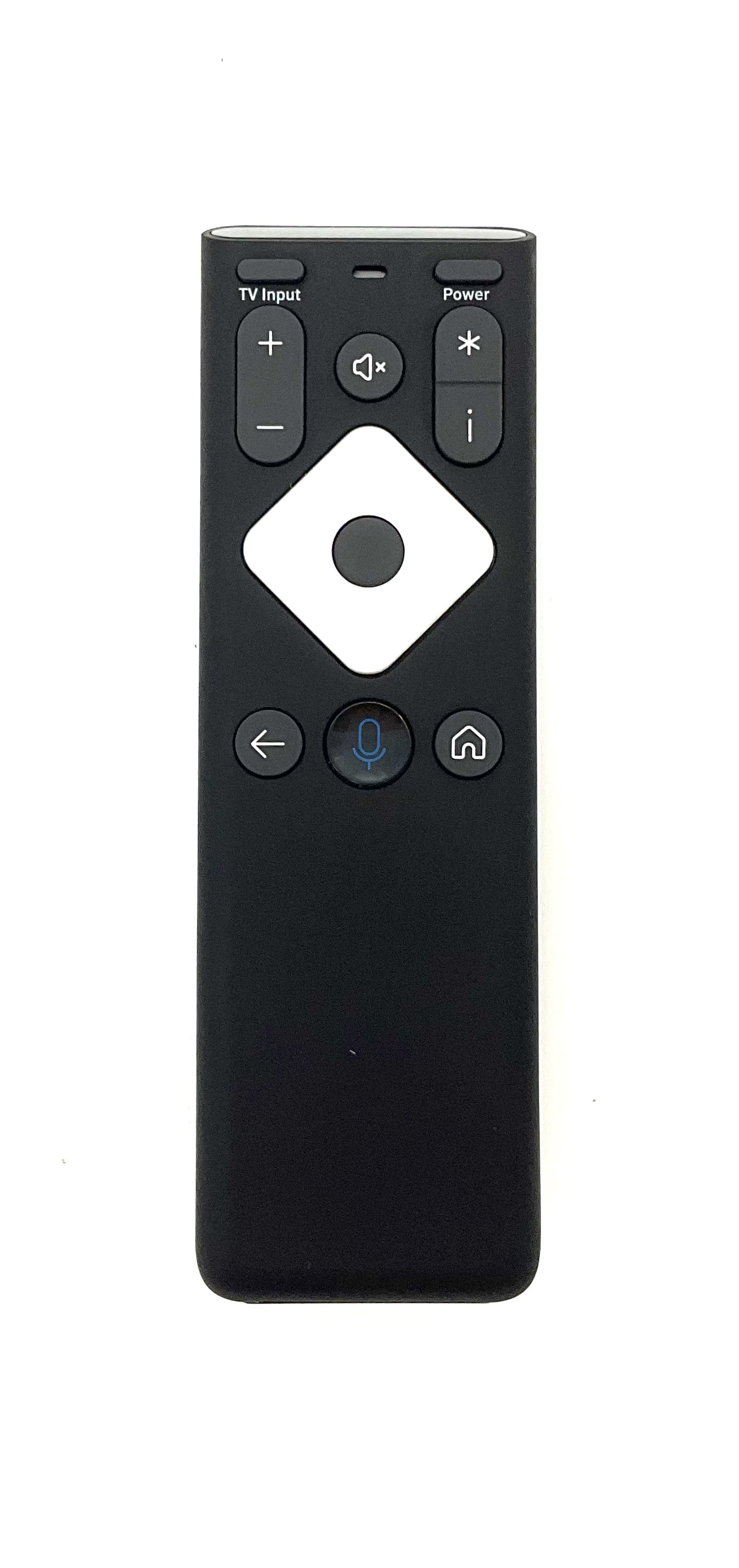
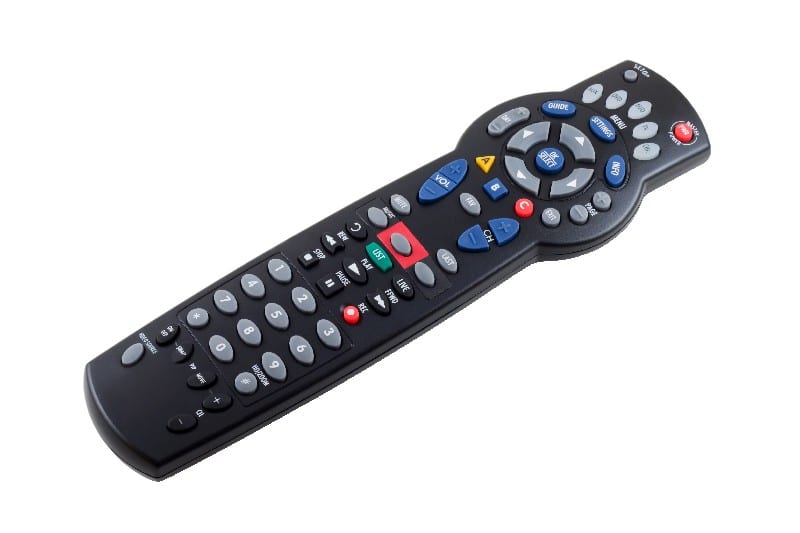
1 Pack Replacement For Xfinity Comcast Voice Remote Control XR16 For

ANSWERED What Is Xfinty Flex And How Does It Work Xfinity

Xfinity Flex Review Should You Use Comcast s Free Streaming Device
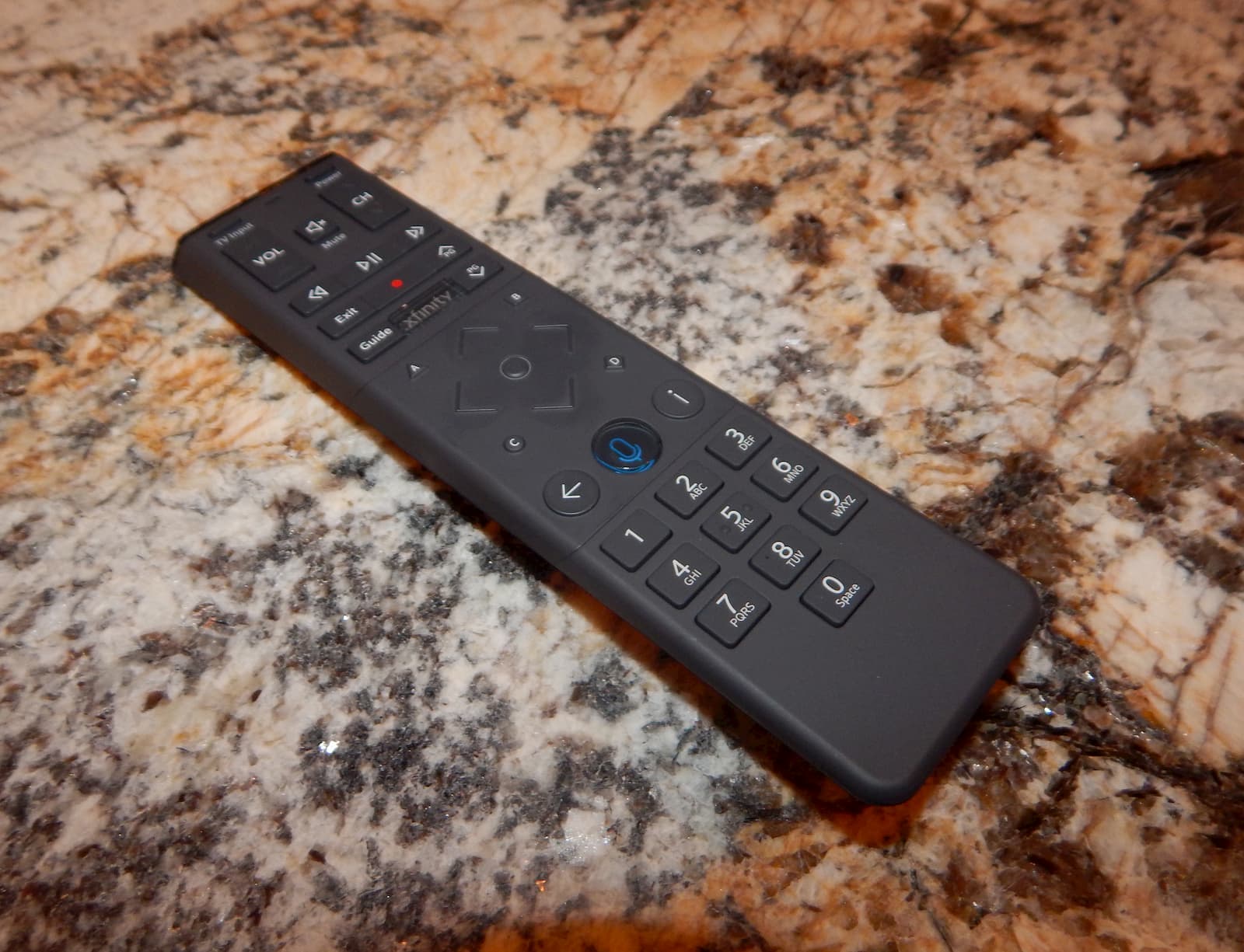
Xfinity Flex Review HighSpeedInternet
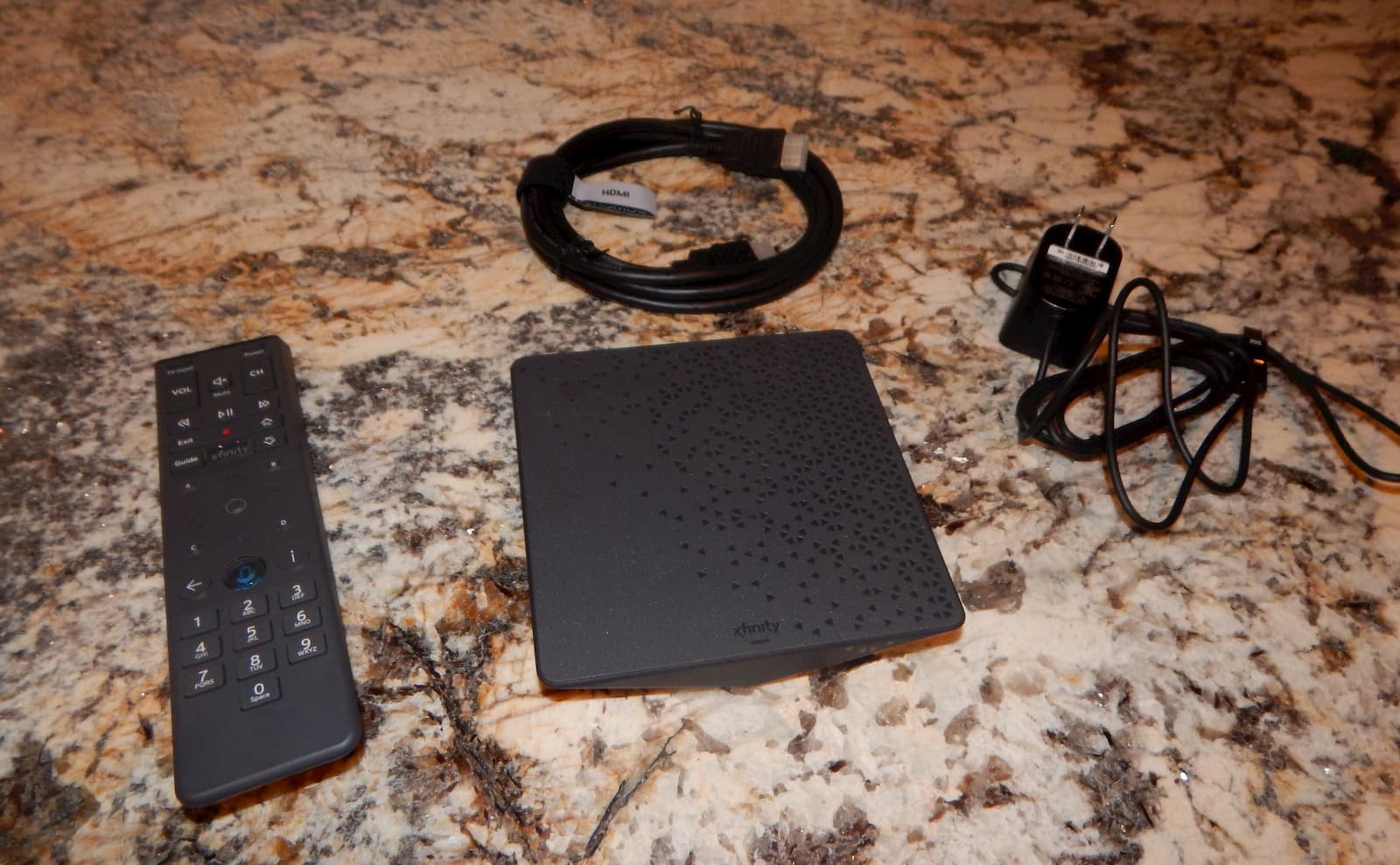
Xfinity Flex Review HighSpeedInternet

Comcast Launches Streaming Platform For Xfinity Internet Customers

How to install Chrome Important Before you download you can check if Chrome supports your operating system and other system requirements

Sign in to Gmail Tip If you sign in to a public computer make sure to sign out before you leave the computer Learn how to sign in on a device that s not yours

To find your username follow these steps You need to know A phone number or the recovery email address for the account The full name on your account Follow the instructions to
On your computer open Chrome At the top right click More Delete browsing data Choose a time range like Last hour or All time Select the types of information you want to remove Click
Important Before you set up a new Gmail account make sure to sign out of your current Gmail account Learn how to sign out of Gmail From your device go to the Google Account sign in
[desc-11] [desc-12]
[desc-13]