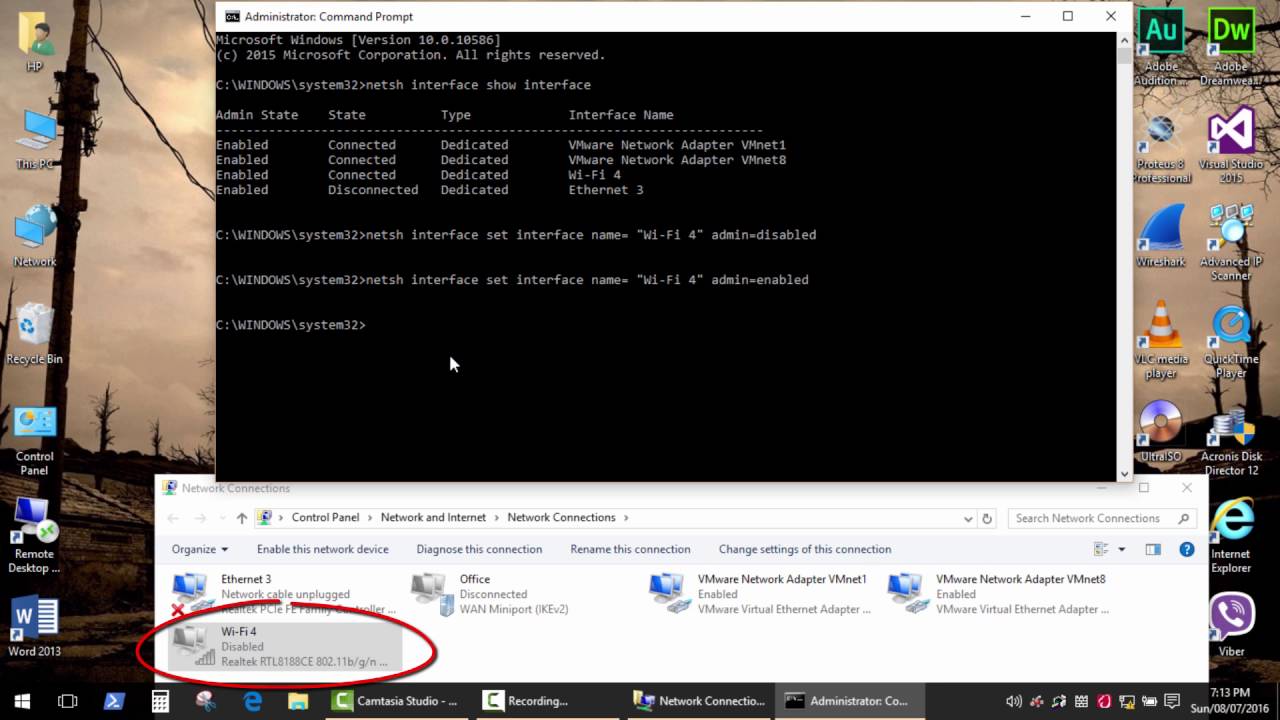
How To Reset Wireless Network Card How To Reset Network Adapter WiFi Ethernet Using Command Prompt Batch Wireless Network Card 150Mbps 4G Lte Usb Modem Standard Portable Usb Dell Latitude D420 47 100 Checking Your Wireless Network Card Szkepticizmus Egyen rt k Filmek Reset Wireless Adapter Mese jra Forg s How To Reset Wireless Network Adapter Windows 7 8 10 Ug Tech Mag In this video you will learn how to reset wifi or wireless network adapter in windows 10
Restart your modem and wireless router This helps create a new connection to your internet service provider ISP When you do this everyone that is connected to your Wi Fi network will be temporarily disconnected The steps you take to restart your modem and router can vary but here are the general steps To reset network settings go to Start menu Settings Network and Internet Status Network Reset If you have a VPN or a proxy server it may need to be reconfigured following the reset Resetting network settings removes and reinstalls every network adapter installed on your system
How To Reset Wireless Network Adapter Windows 7 8 10 Ug Tech Mag Wireless Network Card PCIE 1800mbps High Speed 802 11AC Wireless WiFi 6 Notebook Network Cards 62230ANGMW 6230 ABGN ADVANCED N BLUETOOTH 3 0 How To Reset Your Wireless Router Remotely How To Reset Wireless Network Adapter Windows 7 8 10 Ug Tech Mag Amazon ASHATA Mini Pcie WiFi Card 2 4G 5G Dual Band Wireless Usb Wifi Wireless Network Card 150M Wireless Wifi Transmitter 9B08 USB3 0 Network Card 1900m Wireless Network Card Dual Band AC Wifi 1200M Wireless Network Card 2 4G 5 8G USB3 0 Dual Frequency RTL8812BU
How To Reset Wireless Network Card
 How To Reset Wireless Network Card
https://i.ytimg.com/vi/zTm-igdOUB4/maxresdefault.jpg
How to Reset WI Fi or Ethernet Network Adapter on Windows 10 Tutorial If you have to disable a network adapter you don t use or one that doesn t work in t
Templates are pre-designed documents or files that can be utilized for numerous functions. They can save time and effort by providing a ready-made format and layout for producing different sort of material. Templates can be used for personal or professional projects, such as resumes, invites, flyers, newsletters, reports, presentations, and more.
How To Reset Wireless Network Card

Wireless Network Card 1800M Gigabit Dual frequency 5g Network Desktop
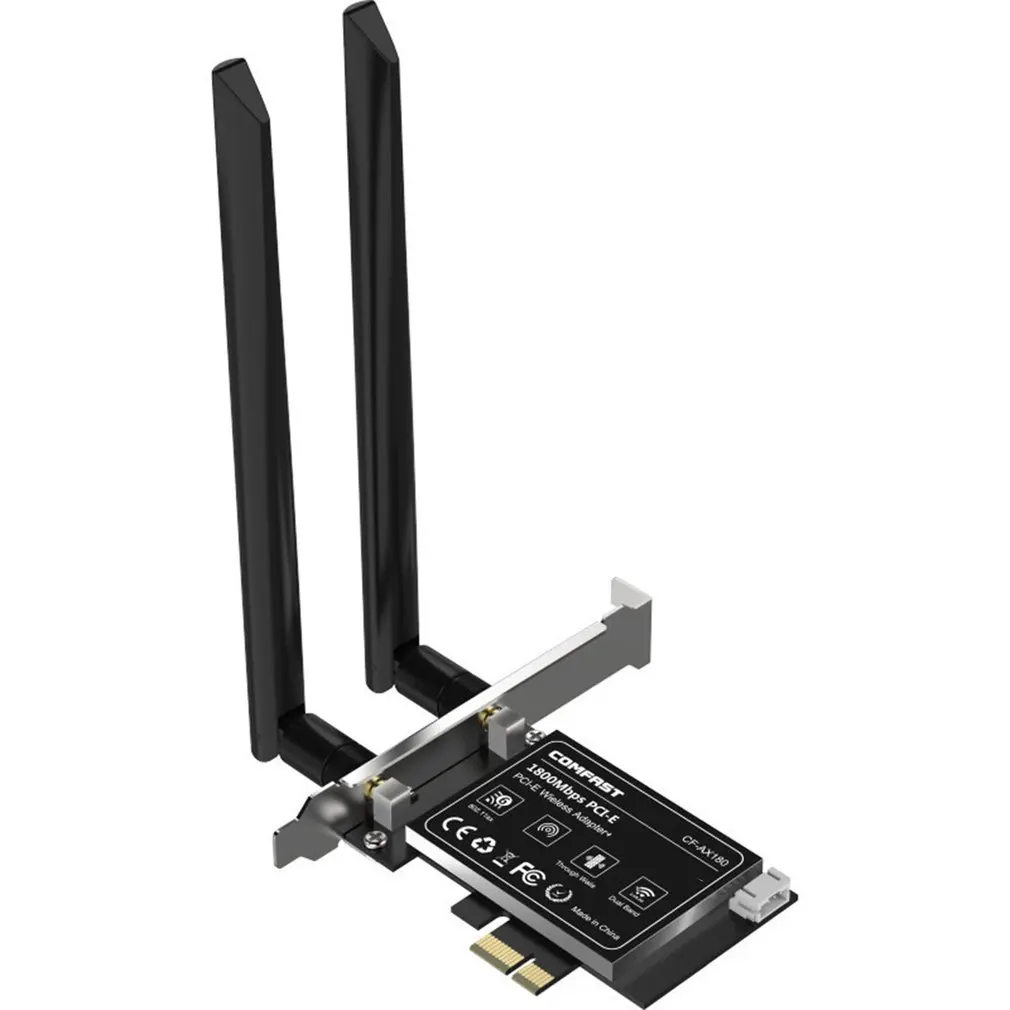
Wireless Network Card PCIE 1800mbps High Speed 802 11AC Wireless WiFi 6
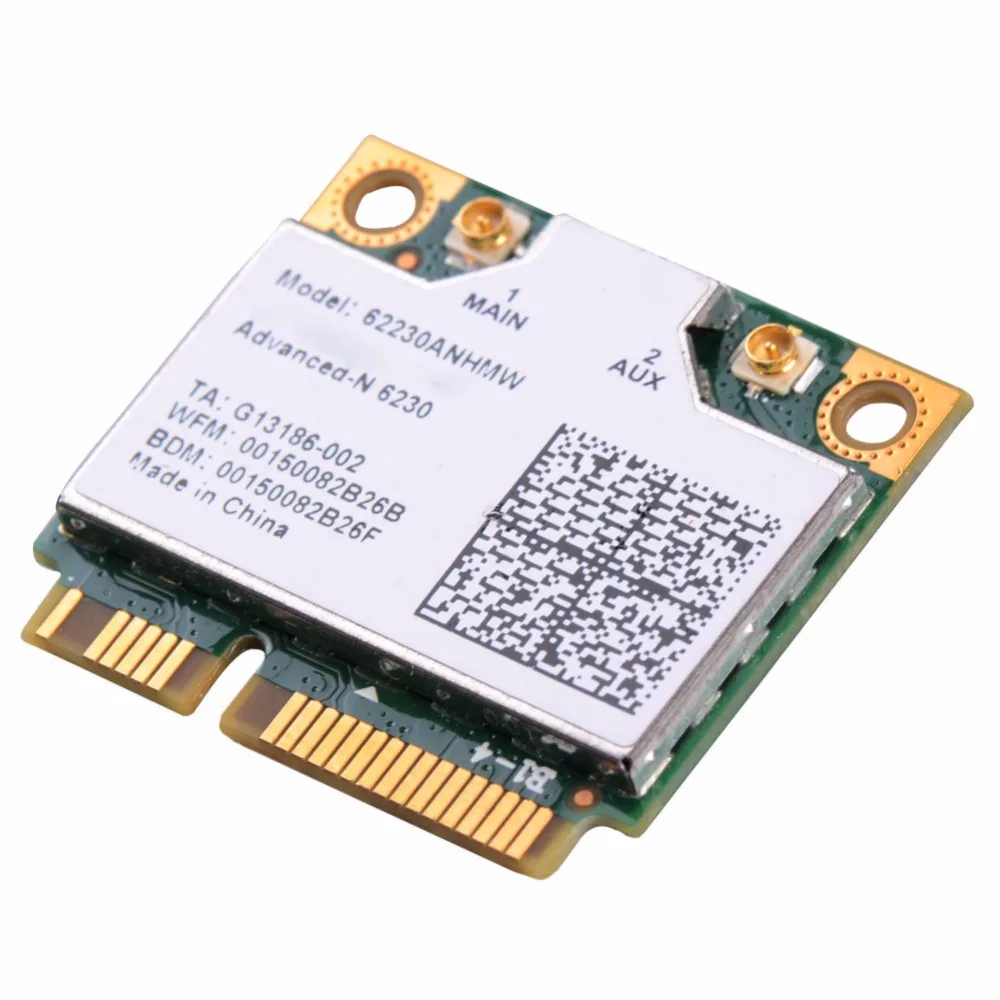
Notebook Network Cards 62230ANGMW 6230 ABGN ADVANCED N BLUETOOTH 3 0

How To Reset Your Wireless Router Remotely

Amazon ASHATA Mini Pcie WiFi Card 2 4G 5G Dual Band Wireless
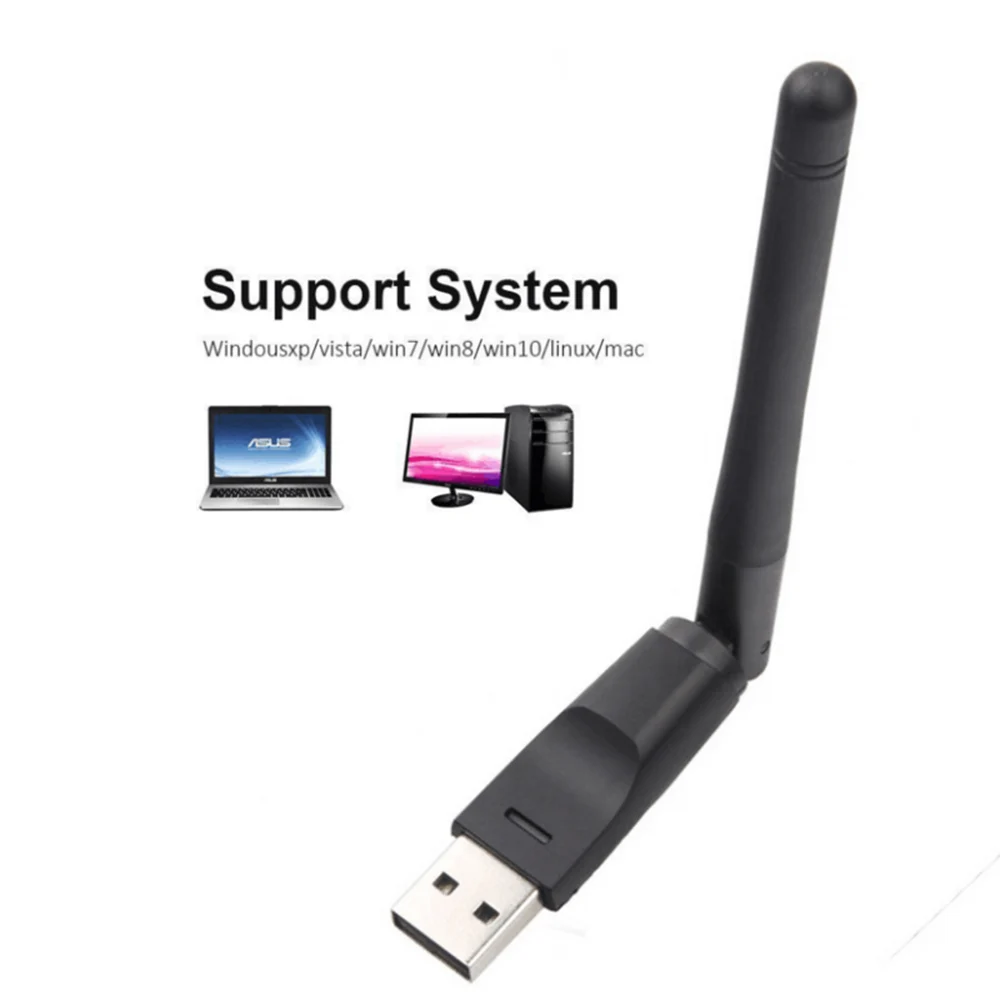
Usb Wifi Wireless Network Card 150M Wireless Wifi Transmitter

If you re using Windows 10 you can reset all network adapters and their settings by opening the Settings app Windows I Then click or tap Network Internet You should see the Status section selected on the left and your network status on the right like in the screenshot below
What to Know Disable enable Wi Fi Adapter Go to Settings Network Internet Change adapter options Click Disable After 60 seconds click Enable Reset all Wi Fi network adapters Go to Settings Network Internet and choose Network reset Reset Now

Open Device Manager by clicking the Start button clicking Control Panel clicking System and Maintenance and then clicking Device Manager If you are prompted for an administrator password or confirmation type the password or provide confirmation 2 In Device Manager locate the device under Network adapters

The simple way to reset your network adapter in Windows 11 Left click on the Start button to bring up the Start menu and select Settings in the pinned apps In the left hand column left click on the Network and internet category In the right hand column left click on Advanced network settings

1 Open an elevated command prompt 2 Type the netcfg d command into the elevated command prompt and press Enter see screenshot below If you run the command and receive an error referring to NetSetupDeleteObject run the netcfg d command until it s successful 3 When finished restart the computer to apply
The wireless card is not showed in the Device manager Resolution See possible solutions below Enable Wireless adapter in BIOS Set BIOS settings to defaults Install wireless driver Perform a Windows update Reset network in Windows 10 and winsock data Re install operating system Step 1 Right click on Start icon positioned at the bottom left corner of your screen Click on Command Prompt Admin Step 2 Type the following command as given in the Screenshot Ipconfig release Step 3 Type the following command as given in the Screenshot Ipconfig renew
Choose Device Manager Double click Network Adapters and then right click on the network adapter to reinstall The exact name will vary from computer to computer Choose Uninstall If a checkbox appears to also delete the driver software leave this checkbox unchecked Click OK Restart the computer The adapter will be reinstalled on startup