How To Reset Network Settings Via Cmd How To Reset Network Settings On Mac If WiFi Not Working How To Reset Network Settings In A Samsung Galaxy How To Reset Mac Network Settings Neulokasin How To Completely Reset Network Settings On Windows 10 Www vrogue co How To Reset Network Settings On Mac If WiFi Not Working Click Start Settings Click Network Internet If you are using Windows 10 go to Status and click Network reset Windows 11 go to
Type netsh winsock reset and press Enter Type netsh int ip reset and press Enter Type ipconfig release and press Enter Type ipconfig renew Using the network reset utility in Windows 10 is fairly simple Go to Start menu Settings then select Network and Internet In the left
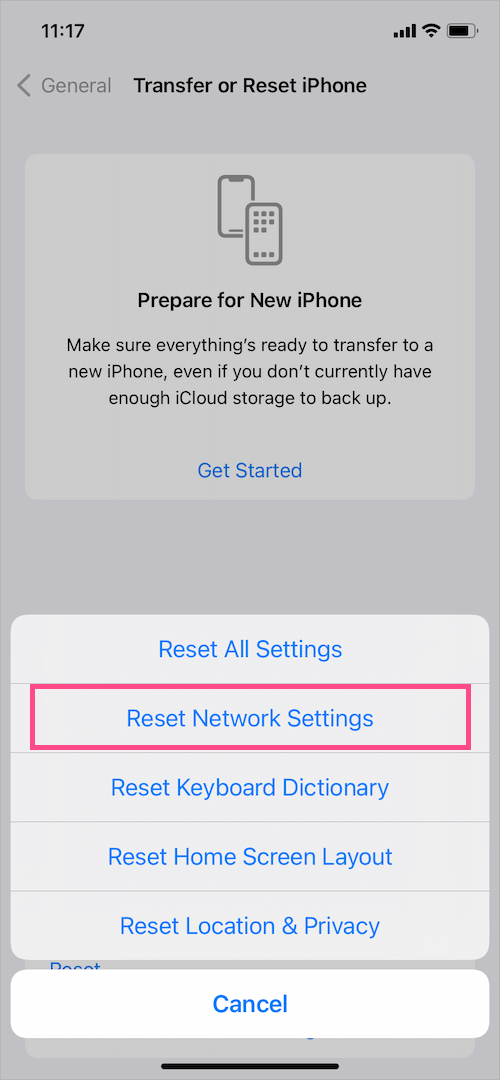
How To Reset Network Settings On Mac If WiFi Not Working RESET NETWORK SETTINGS ON IPHONE HOW TO DO IT Kar la mak Yakut Kat lmak How To Reset Network Settings Y pranm Factory Reset Any Windows 10 Computer Using Command Prompt MiniTool How To Reset Network Settings In Windows 10 YouTube Slow Data Causes And Solutions Why Your Phone Won t Connect To WiFi How To Fix 3 Method To Reset Network Settings To Default In Windows 10 YouTube What Happens When You Reset Network Settings On IPhone And Android
How To Reset Network Settings Via Cmd
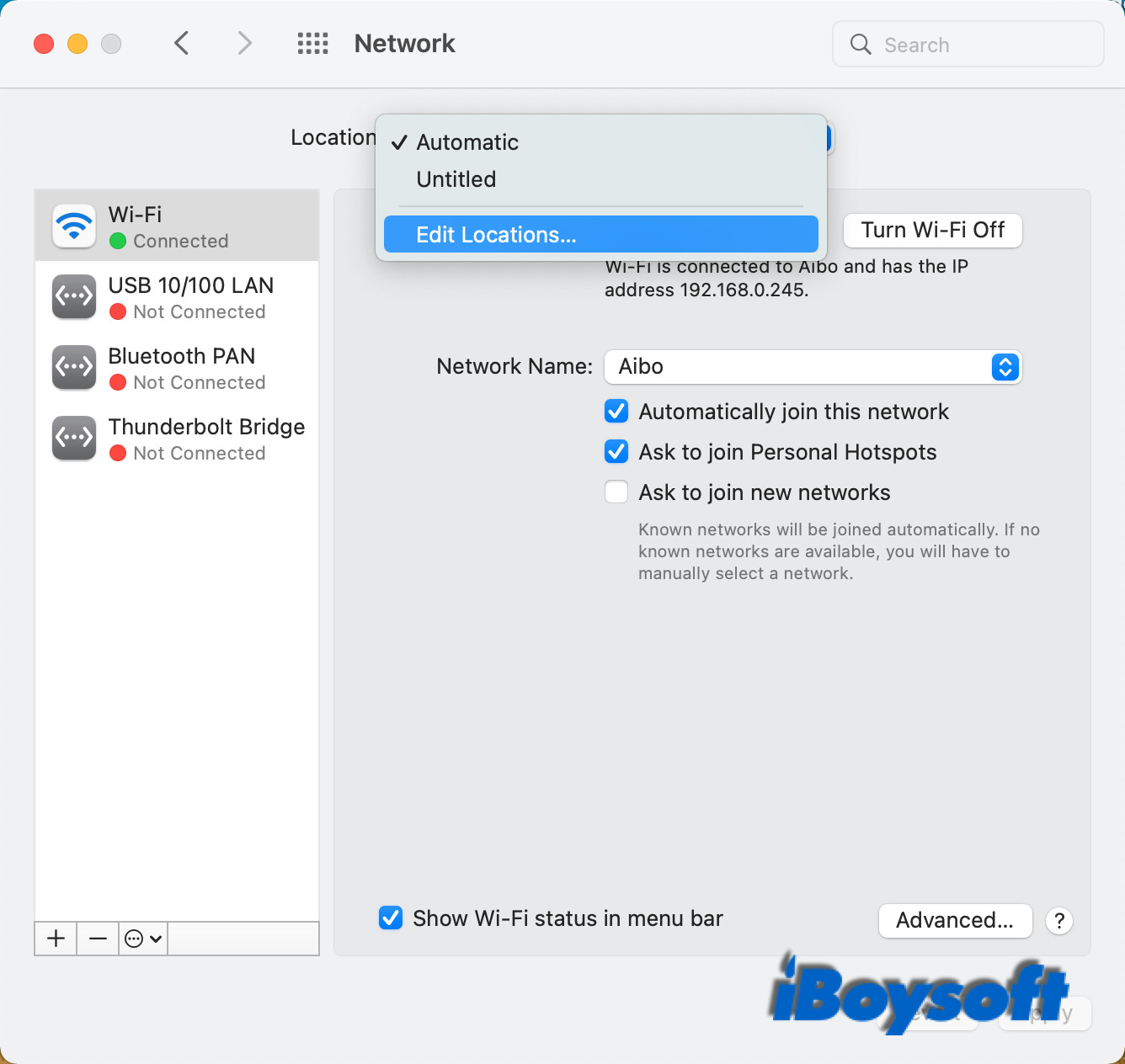 How To Reset Network Settings Via Cmd
https://iboysoft.com/images/en-news/reset-network-settings-mac/edit-locations-network.png
The command for this is netsh int ip reset Type it in the same PowerShell window and press Enter on your keyboard Reset your IP configuration
Templates are pre-designed documents or files that can be used for different purposes. They can conserve effort and time by supplying a ready-made format and design for creating different kinds of content. Templates can be used for individual or expert projects, such as resumes, invites, leaflets, newsletters, reports, presentations, and more.
How To Reset Network Settings Via Cmd
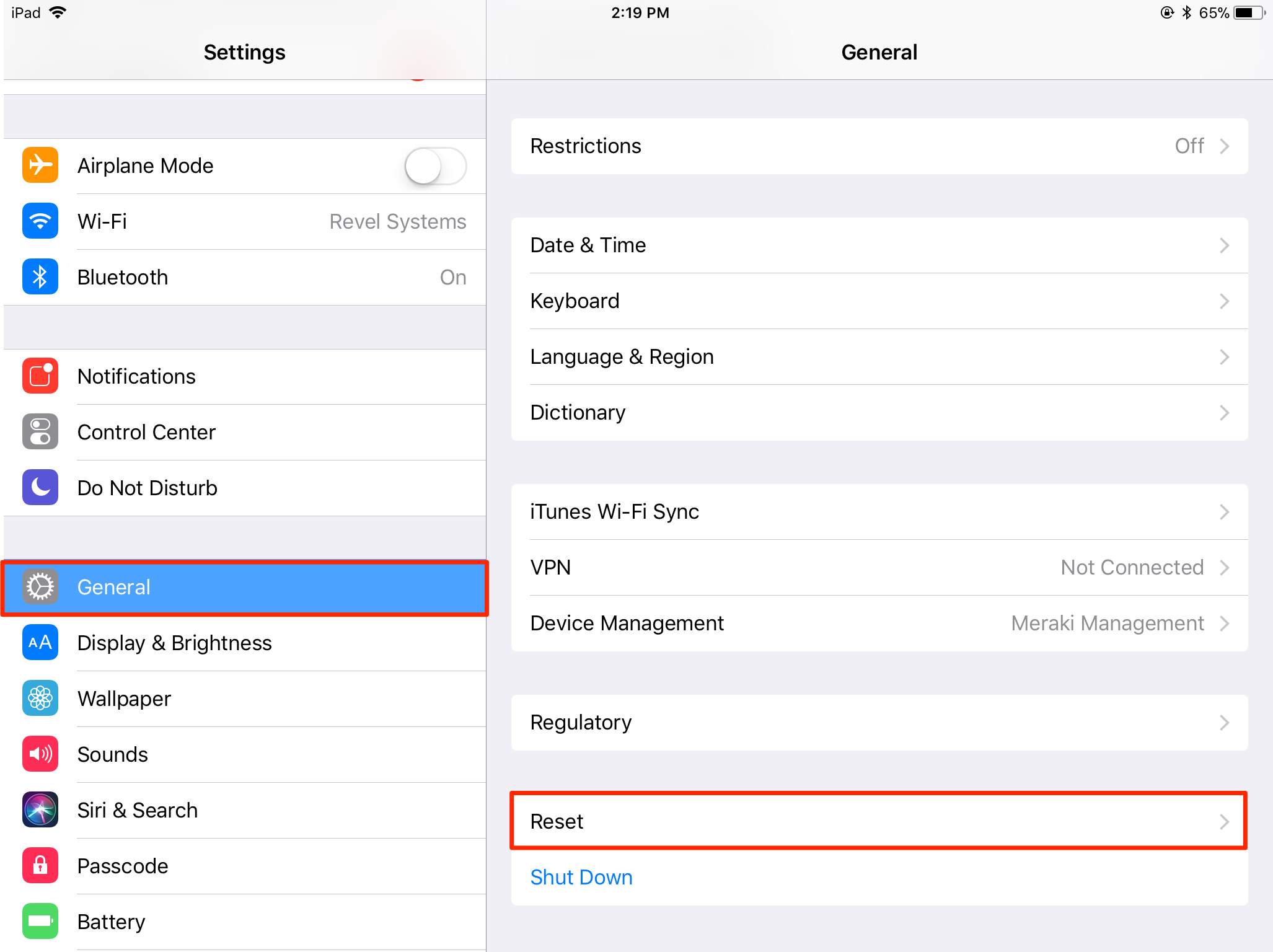
How To Reset Network Settings On Windows 11 Mashtips Photos
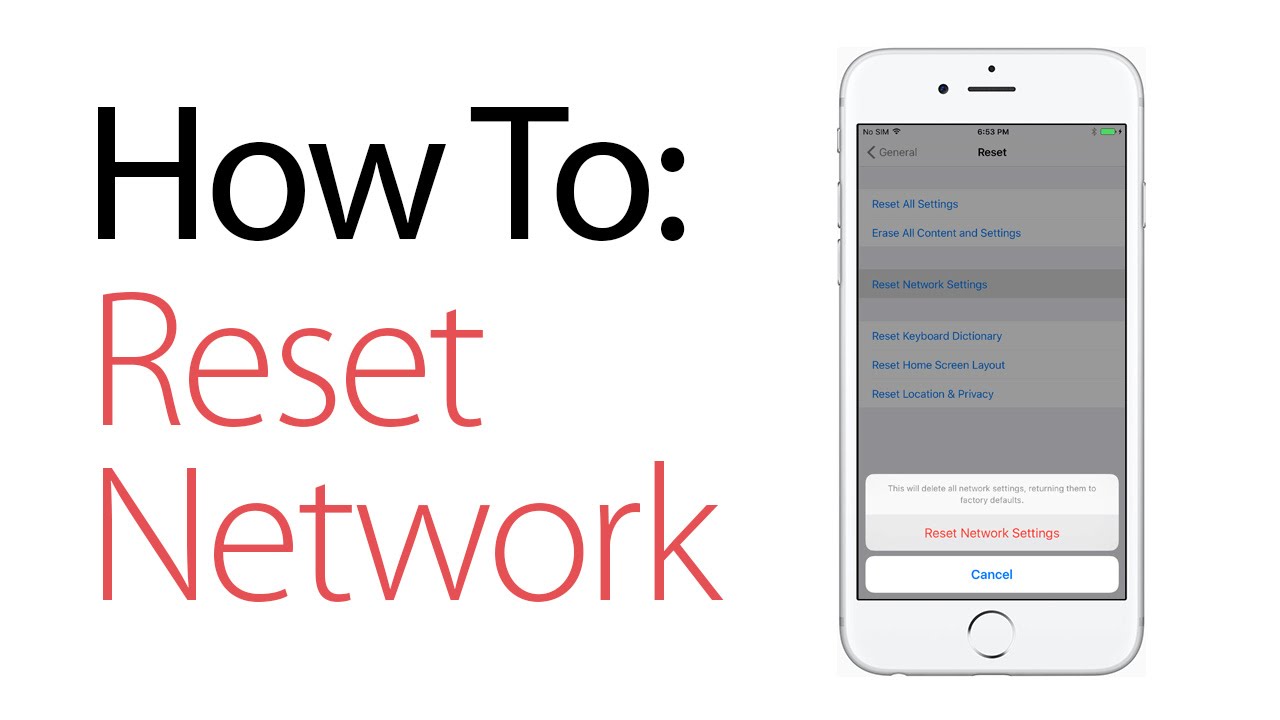
RESET NETWORK SETTINGS ON IPHONE HOW TO DO IT
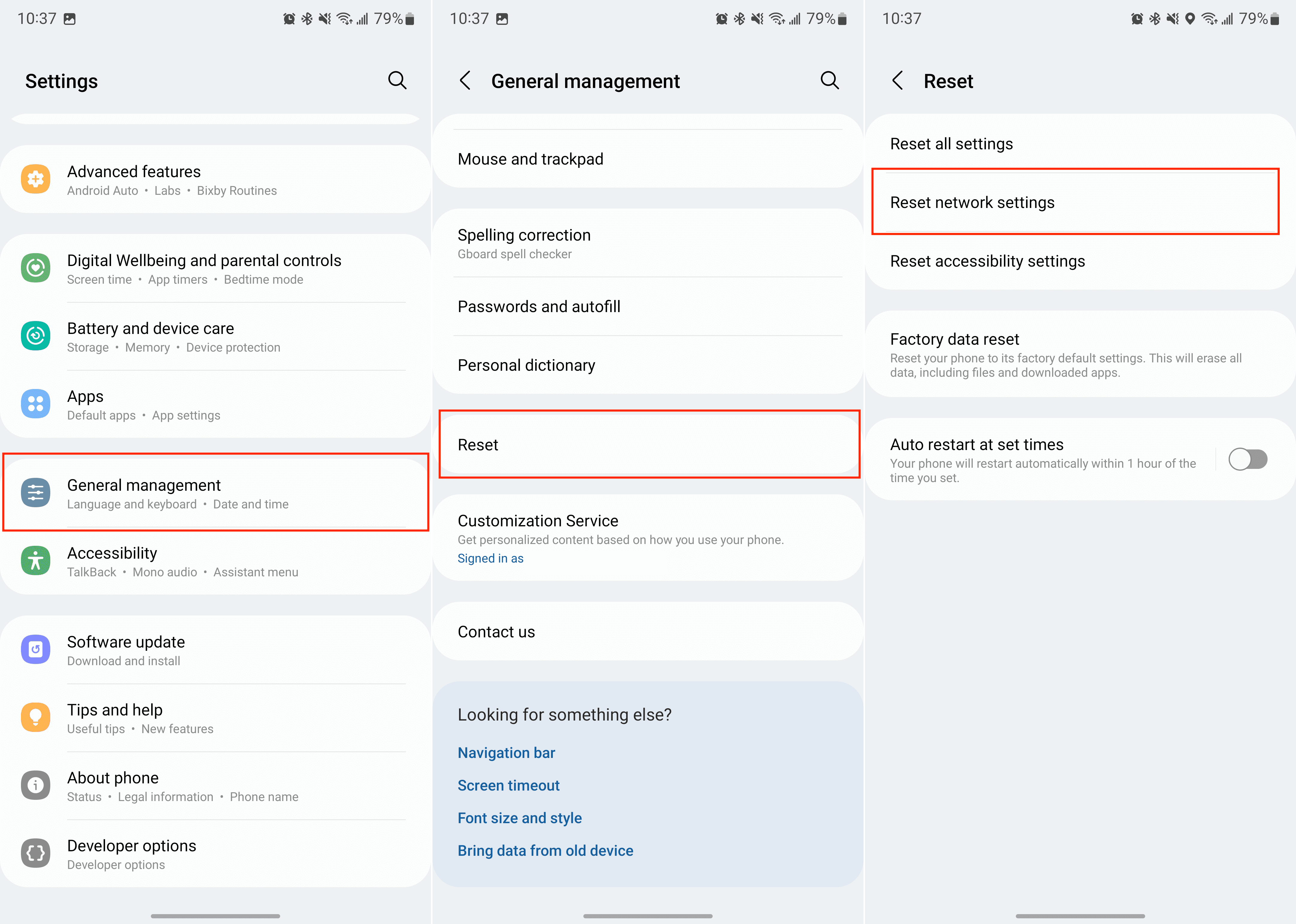
Kar la mak Yakut Kat lmak How To Reset Network Settings Y pranm

Factory Reset Any Windows 10 Computer Using Command Prompt MiniTool
Slow Data Causes And Solutions
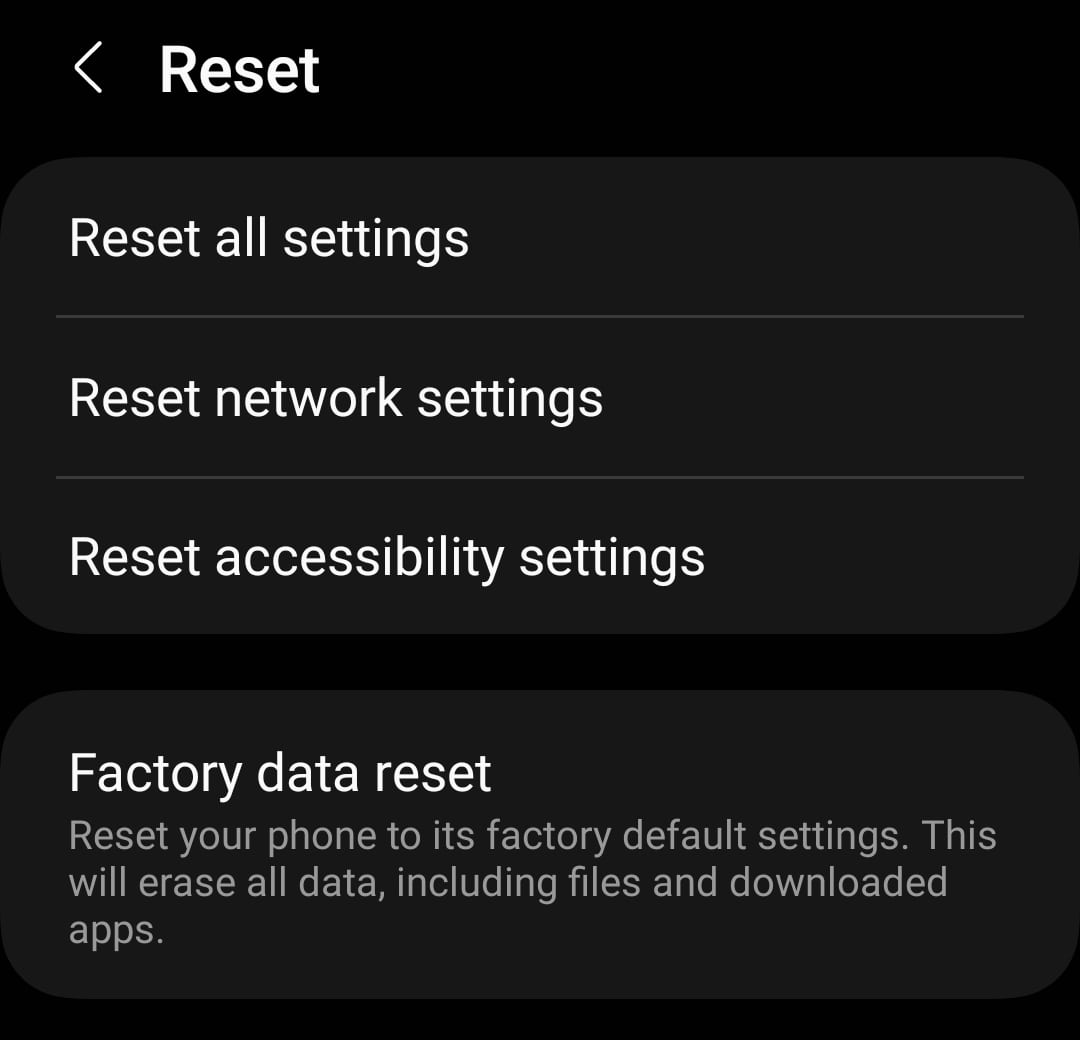
Why Your Phone Won t Connect To WiFi How To Fix
Let s look at how to reset network settings in Windows using a GUI and the command line Before you reset network settings make sure that

Hi KHUMO N MAKUKUMAKUKU Open PowerShell or Command Prompt and run as administrator type the following commands by pressing enter at the
Type netsh winsock reset and then hit the Enter key on your keyboard Windows 10 Winsock reset 3 Wait for the Command Prompt to run through the reset Once

Issues addressed in this tutorial reset network settings windows 10 reset network settings

How to Reset Network Settings on Windows 10 Open Network Internet menu from Settings app Click Reset now Or use Command Prompt reset
Use the netcfg CMD Command to Reset Network Adapters in Windows Now for command prompt fans there s a command for resetting the Windows Windows 7 Click Start All Programs Accessories Right click Command Prompt and choose Run as administrator When asked whether to allow Command Prompt to
Type netsh winsock reset and press Enter This command resets your TCP IP settings which can help resolve internet issues 1 X