How To Replace Text In Adobe Acrobat Reader Dc Replace Text In PDF Free Offline Or Online We Offer 5 Options How To Replace Text In Wordpress Website Using Javascript GetWpExpert Replace Text In PDF Free Offline Or Online We Offer 5 Options C mo Reemplazar El Texto De Una Imagen Con Adobe Photoshop Free Ways How To Replace Text In PDF Online Offline EaseUS Edit text and images Stay productive at home or on the go with Adobe Acrobat Easy to use tools designed for phones tablets and desktop give you the power to quickly edit text and images inside your PDF from anywhere With minimal effort you can flip crop resize or replace images add text and fix typos to make sure your PDF is perfect
How to edit a PDF Adobe Acrobat Learn how to edit PDF files using Adobe Acrobat Change text and images quickly and easily in PDF documents Start with a free trial 2 Answers Sorted by 2 It is not possible in one action in Adobe Acrobat Pro DC I have it here Find and Replace as you did and after the first Replace click on Next and do that until done Here is a supporting Acrobat article Adobe Replace All Voted Best Answer Open the Find dialog Ctrl or Cmd F Enter XYZ
Free Ways How To Replace Text In PDF Online Offline EaseUS Linux How To Replace Text In File From Command Line Lost Saloon Replace Text In Multiple Files Neo Replace How Software Application s Works How To Replace Text In Document At Microsoft Word How To Change Highlight Color In Adobe Acrobat Reader Dc Jzath How To Replace Text In Excel With Formula Riset Find And Replace Text In Adobe Illustrator CC YouTube SOLVED Pdf Xchange Search And Replace 2020 Expertrec How To Move Text In Adobe Acrobat 7 0 Professional Imagingvvti
How To Replace Text In Adobe Acrobat Reader Dc
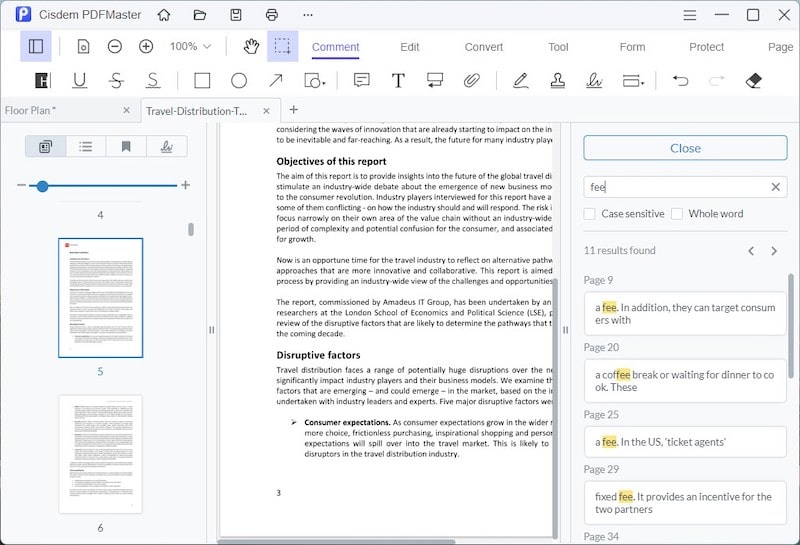 How To Replace Text In Adobe Acrobat Reader Dc
https://www.cisdem.com/media/upload/2022/12/23/replace-text-pdf.jpeg
Choose the hamburger Menu Windows or the View menu macOS Show Hide N avigation Panels Content Expand the document name to view pages and objects Move a container or object by selecting it and doing one of the following Drag it to the location that you want
Pre-crafted templates provide a time-saving option for producing a varied series of files and files. These pre-designed formats and layouts can be utilized for various individual and professional jobs, including resumes, invites, leaflets, newsletters, reports, presentations, and more, streamlining the material production procedure.
How To Replace Text In Adobe Acrobat Reader Dc

Find And Replace Text In Adobe Illustrator CS6 VisiHow

Linux How To Replace Text In File From Command Line Lost Saloon
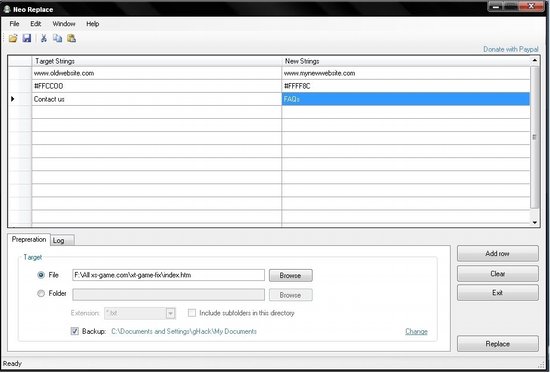
Replace Text In Multiple Files Neo Replace
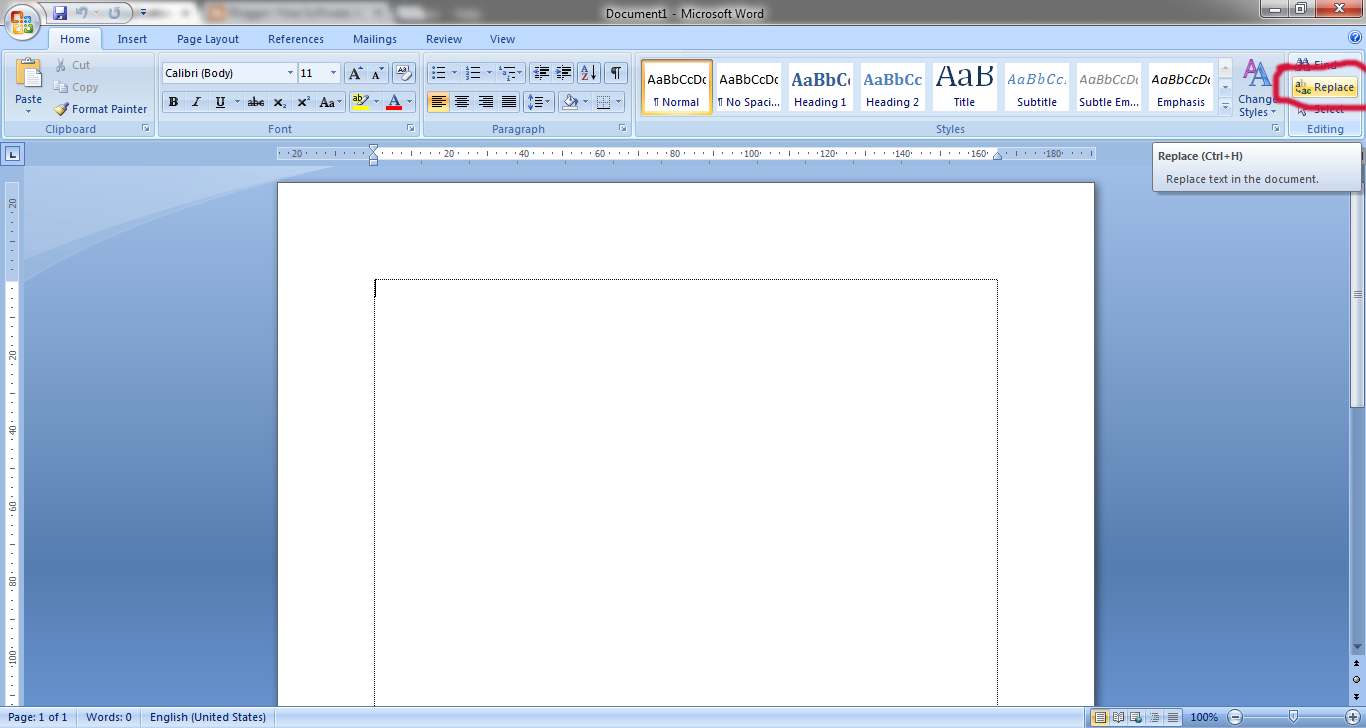
How Software Application s Works How To Replace Text In Document At Microsoft Word

How To Replace Text In Excel With Formula Riset
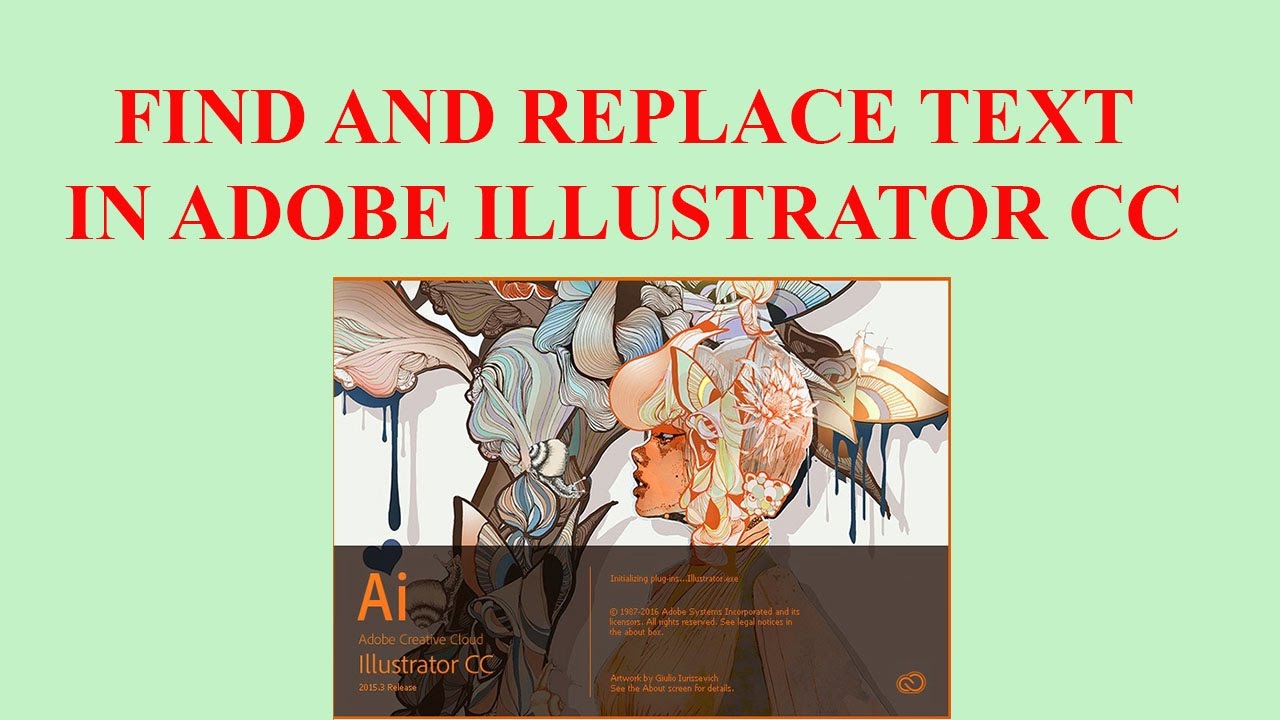
Find And Replace Text In Adobe Illustrator CC YouTube

1 Select the Edit tab 2 Select Find Pro Tip PC users can type Ctrl F instead of selecting the Edit tab and the Find option 3 Enter the word that you want to find in the Find text box 4 Select the down arrow to open the options menu 5

If I want to replace text instead of just deleting or inserting I can still do it manually by highlighting the text I want to change and typing my changes However the changes appear in red and blue which they didn t do before text was just blue before
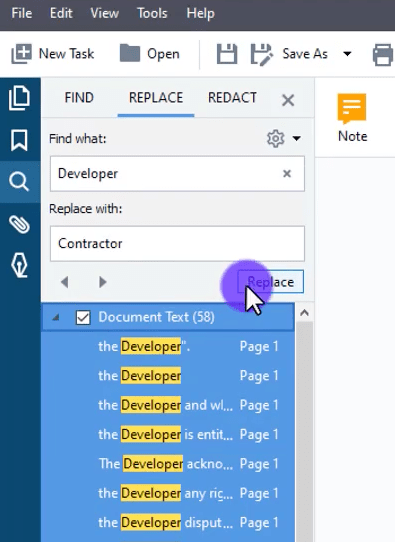
Learn how to find and replace text in Adobe Acrobat Pro DC and Acrobat Standard DC Corresponding Blog Post https erinwrightwriting how to find and rep

Learn how to add or replace text and fix typos in a PDF using Acrobat Change fonts and typeface Adjust text size and alignment in a PDF Current Acrobat New Acrobat Before you begin We are rolling out a new more intuitive product experience If the screen shown here doesn t match your product interface switch to the help for the new experience
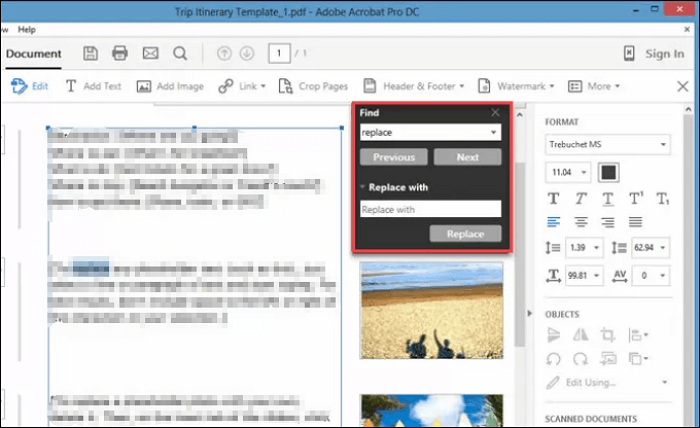
Overview You can use markup tools to give suggestions for formatting the text structuring a document or for providing other edit suggestions
Choose Tools Edit PDF Edit Select the text you want to change In the right side Format panel select a font font size or other formatting options You can also use the advanced format Click on the Edit PDF tool on the right hand side of the screen Select a text block and make changes in the PDF or erase words using your keyboard Erase entire text blocks by clicking Delete when the block is highlighted Save any changes made to your PDF A PDF editor is the fastest way to erase words on a PDF document
Can we replace an image automatically