How To Remove Words From String In Excel How To Remove Formula In Excel Sheet And Keep Values Riset How To Remove Words From Outlook Dictionary June29 How To Extract First Middle And Last Names In Microsoft Excel CLOUD HOT GIRL How To Remove Words From Onenote Dictionary June29 How To Remove Words From IPhone Predictive Text Macworld The SUBSTITUTE function lets you replace text by matching content In this case we want to remove hyphens from telephone numbers The SUBSTITUTE function can handle this easily we just need to provide
To remove text from a cell by position you can use the REPLACE function In the example shown the formula in C6 is REPLACE B6 1 24 which replaces the first 24 characters in the text with an empty string To run Text Toolkit in Excel go to the Home tab and click the Text Toolkit icon Select Remove Text You will see the Remove Text pane Select your options and click the Remove button Select the range of cells where
How To Remove Words From IPhone Predictive Text Macworld How To Remove Words From Excel Dictionary June29 How To Remove Words From Your Mac Dictionary Moof IT Python Split String By Comma Data Science Parichay How To Remove Words From Samsung Galaxy Dictionary June29 How To Remove Words From Dictionary Macbook June29 Extract Nth Word From Text String Excel Formula Exceljet Split Text String At Specific Character Excel Formula Exceljet How To Remove Words From Dictionary Microsoft Word June29
How To Remove Words From String In Excel
 How To Remove Words From String In Excel
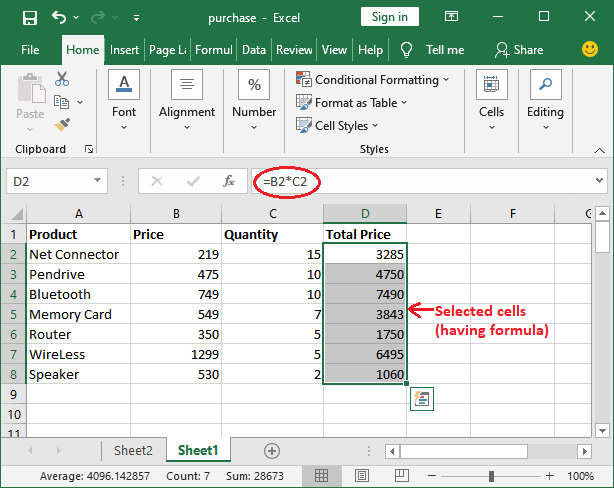
https://static.javatpoint.com/ms/excel/images/how-to-remove-formula-in-excel.png
Directions Select the cells containing the text you wish to remove Go to the Data menu tab and select Text to Columns Select the Delimited option and click
Pre-crafted templates offer a time-saving service for creating a diverse variety of documents and files. These pre-designed formats and layouts can be utilized for numerous personal and expert tasks, including resumes, invitations, flyers, newsletters, reports, presentations, and more, streamlining the content development process.
How To Remove Words From String In Excel

Replace Remove Words From String In Python Inside Observer Solution Of Your Problems

How To Remove Words From Excel Dictionary June29

How To Remove Words From Your Mac Dictionary Moof IT
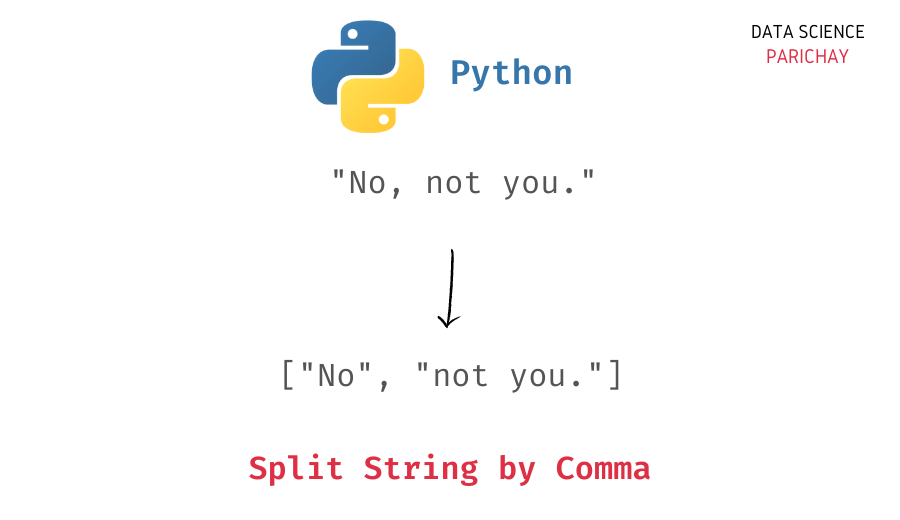
Python Split String By Comma Data Science Parichay

How To Remove Words From Dictionary Macbook June29
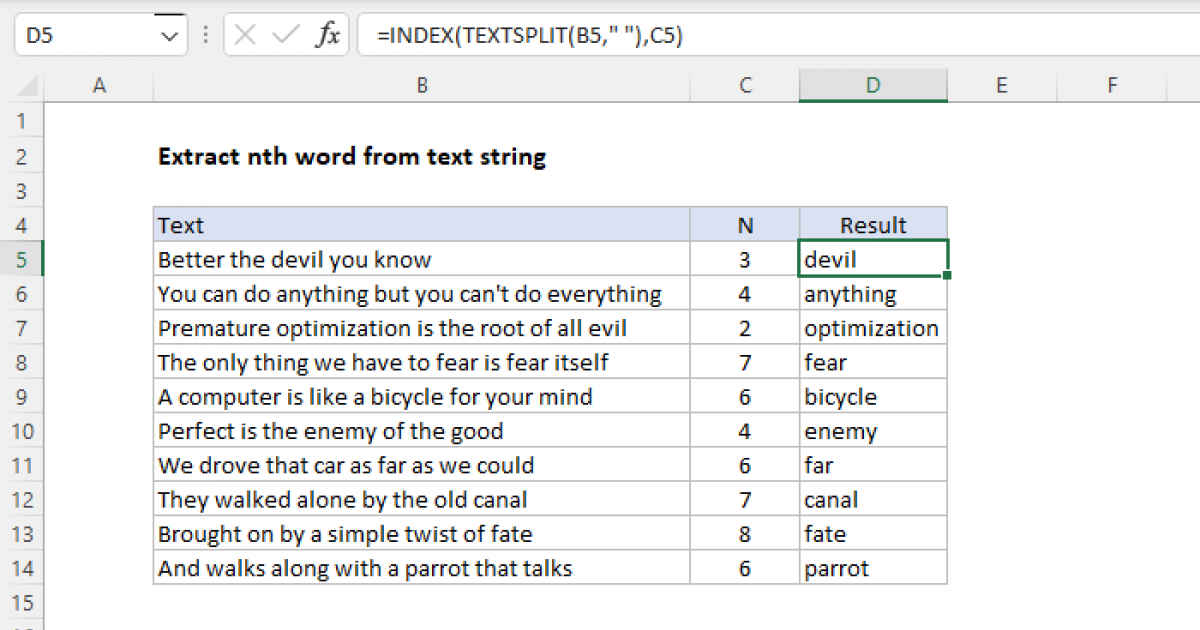
Extract Nth Word From Text String Excel Formula Exceljet
Remove text by its position Split cells by symbol string or mask Replace unwanted characters Eliminate leading zeros Swap text

Summary To remove specific unwanted characters in Excel you can use a formula based on the SUBSTITUTE function In the example shown the formula in C4 is SUBSTITUTE B4 CHAR 202 Which removes a

Select all the cells where you want to delete text Press Ctrl H to open the Find and Replace dialog In the Find what box enter one of the following combinations To eliminate text before a given character

Here s the formula TEXTSPLIT A2 Instead of splitting the string across columns we ll split it across rows using a space as our row delimiter with this formula

To find and remove specific text in Excel we can use the SUBSTITUTE function Let s say we have hyphen signs in a text and we want to remove it We can do this with SUBSTITUTE function by
The SUBSTITUTE function can be used to remove a specific character from a string or replace it with something else The general syntax for this function is SUBSTITUTE To delete the first character from a string you can use either the REPLACE function or a combination of RIGHT and LEN functions REPLACE string 1 1 Here
To remove the last n characters from a text string you can use a formula based on the LEFT and LEN functions You can use a formula like this to strip the last 6 characters of