How To Remove Split Window From Word How To Get Rid Of Split Ends Pantene AU How To Remove Periwinkle Ground Cover Storables Free Download How To Remove Wallpaper Easy 999x998 For Your Desktop How To Remove Split Ends Overnight How To Get Rid Of Split Ends At How To Remove Blank Lines In A Word Document Web On the Home tab in the Paragraph group click Show Hide to show all formatting marks including page breaks Double click the page break to select it then press Delete Click Show Hide again to hide the remaining
Web Apr 7 2022 nbsp 0183 32 To quickly remove the split bar double click it Doing so returns the screen to one Word window This is one of the few actions you can t undo by pressing Ctrl Z Web Oct 29 2022 nbsp 0183 32 gt Editing Splitting the Window Written by Allen Wyatt last updated October 29 2022 This tip applies to Word 2007 2010 2013 2016 2019 Word in Microsoft 365
How To Remove Blank Lines In A Word Document How To Remove Split Screen On The IPad Learn How To Remove Split Ends Overnight Home Remedies For Hair How To Remove Split Ends Quickly And Effectively YouTube Preventing Split Ends And Repaired Them Split Ends Relaxed Hair How To Remove Empty Lines In Visual Studio Code Vrogue co Suggestions Salon NEW Split End Repair How To Remove A Key From Your Keyboard 2 Insert One Side Flickr How To Remove Windows 7 And Install Windows 8 1 Windows 8 1 Upgrade
How To Remove Split Window From Word
 How To Remove Split Window From Word
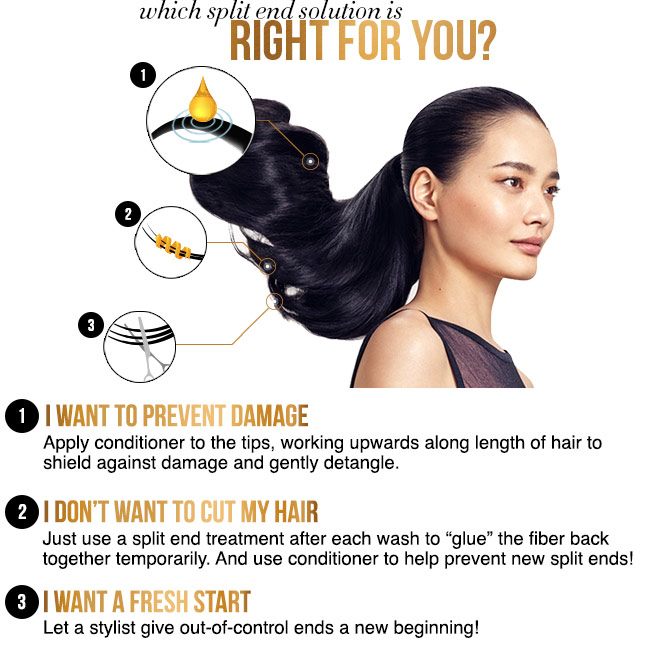
https://images.ctfassets.net/11glknwkozoe/3wdDysYWrtSc024m6udvXd/9d83f8ccb0dba04a0635be89024343f4/Hygiene_SplitEnds_Solution_v3.jpeg
Web Select Insert gt Page Break Change page break settings Select Layout In the Paragraph group select the small arrow In the Paragraph dialog box select Line and Page Breaks
Pre-crafted templates provide a time-saving solution for creating a diverse variety of documents and files. These pre-designed formats and designs can be made use of for different personal and professional tasks, including resumes, invitations, flyers, newsletters, reports, discussions, and more, enhancing the content creation process.
How To Remove Split Window From Word

The Words How To Remove Crayon Off Anything Written On A Piece Of Paper

How To Remove Split Screen On The IPad

Learn How To Remove Split Ends Overnight Home Remedies For Hair

How To Remove Split Ends Quickly And Effectively YouTube
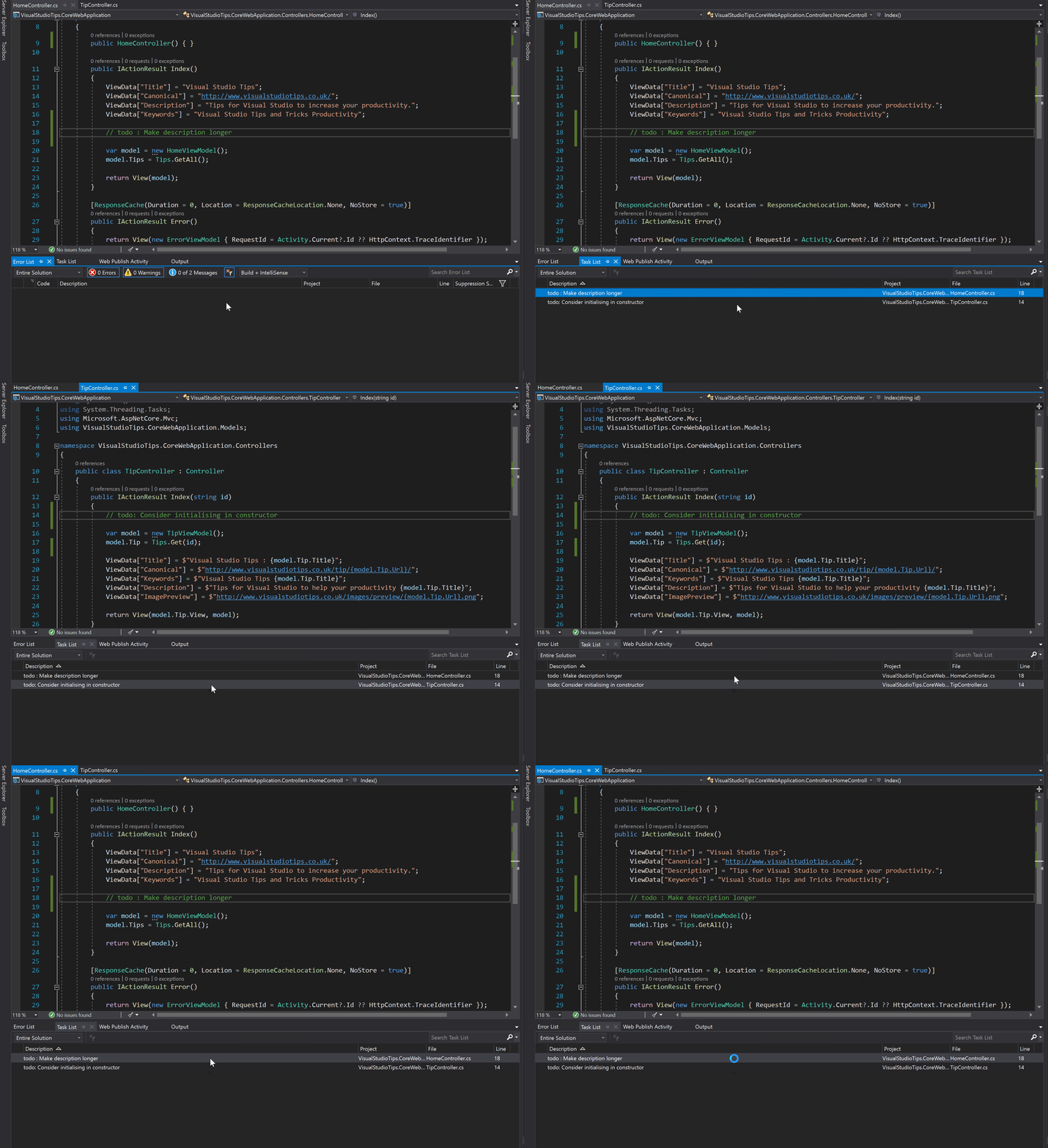
How To Remove Empty Lines In Visual Studio Code Vrogue co

Suggestions Salon NEW Split End Repair
Web Jun 30 2022 nbsp 0183 32 In this video you will learn How to Remove the Document Window Split in MS word Microsoft Word Keyboard Shortcut Key in Windows

Web Jul 7 2022 nbsp 0183 32 Remove Section and Page Breaks in Word on Windows 10 To get started open the Word document that contains the section and or page breaks that you d like to remove Once it s open you ll need to
Web Double click the page break to select it and then press Delete Adjust automatic page breaks You can t remove automatic page breaks but you can prevent them from landing in awkward places such as between lines

Web Feb 28 2021 nbsp 0183 32 On the View tab in the Window group click the Split tool it will split the window into two viewing the same document To remove the split from the window click the Remove Split tool in the
Web Feb 10 2023 nbsp 0183 32 You can use either the Restore Expand feature in the upper right of each window or use your mouse to click on the borders then drag each window to your preferred width or height Again the new window
Web Note To remove the split in the window drag the dividing line to the top or bottom edge of the window Tip In addition to simultaneously viewing two different parts of the same Web Nov 16 2020 nbsp 0183 32 To remove split after splitting the screen into two double click on the vertical or horizontal split boundary The split is then removed Alternatively dragging
Web The split line will appear in the center of your document Click your mouse to accept that position or move your mouse up or down before clicking to change the location Place