How To Remove Selection In Excel How To Remove Formula In Excel Sheet And Keep Values Riset How Do I Move Copy And Delete Selection Photoshop Cara Mengatasi Selection Is Locked Microsoft Word 2016 Reverasite Can You Erase Just One Color In Photoshop WebsiteBuilderInsider How To Remove Selection Frame Or Preview In Cad Step by Step Select the range of cells you want to deselect Press the Esc key on your keyboard The previous selection is now deselected and you can proceed
Hold the Control key Click on the cell which you want to deselect In case you want to deselect a range of cells such as a quarter column in our example click and drag to cover the entire column range 1 Using CTRL Key to Deselect Multiple Cells Columns Rows You can use the CTRL key to deselect specific cells or ranges of cells from a larger selection This feature can be useful
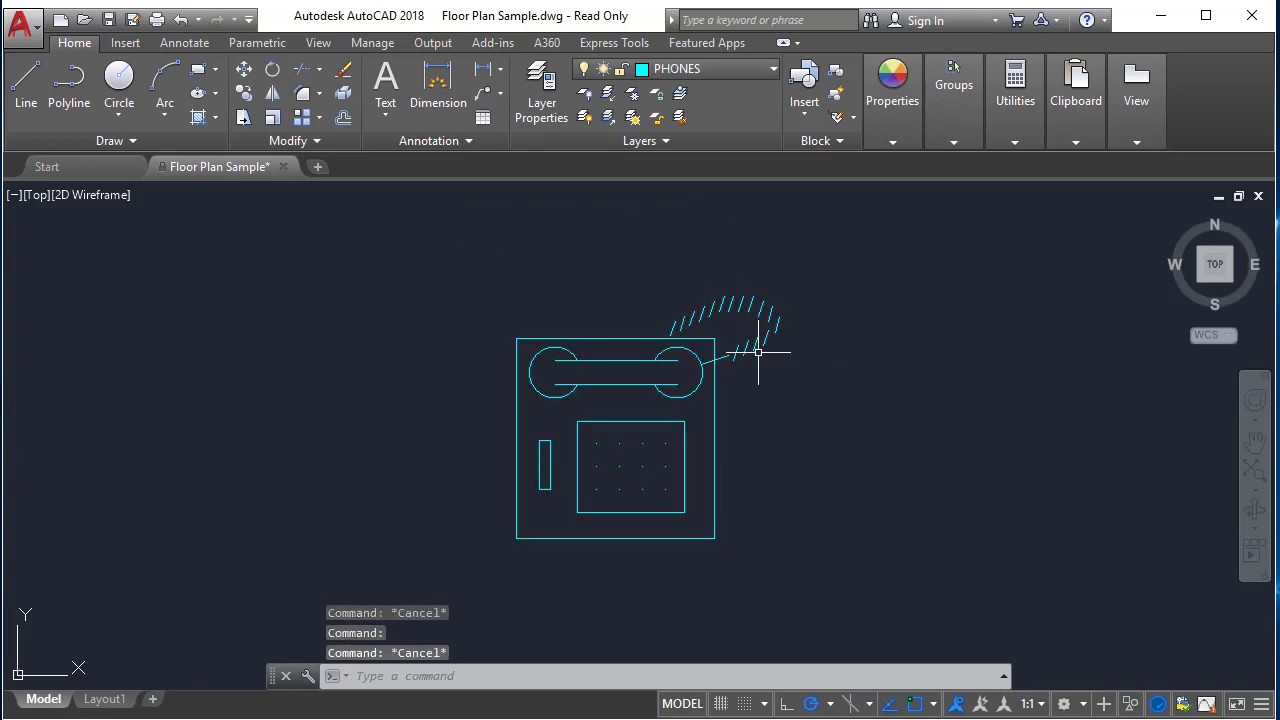
How To Remove Selection Frame Or Preview In Cad Steps To Delete Selections In Photoshop Are Very Easy And Effective AutoCAD How To Delete A Selection In Photoshop Brendan Williams Creative How To Unlock Selection In Microsoft Word Herehfile How To Delete A Selection In Photoshop Brendan Williams Creative How To Delete A Selection In Photoshop Brendan Williams Creative How To Remove A Selection YouTube Flutter Login Page Ui Speed Code Tutorial Youtube Vrogue
How To Remove Selection In Excel
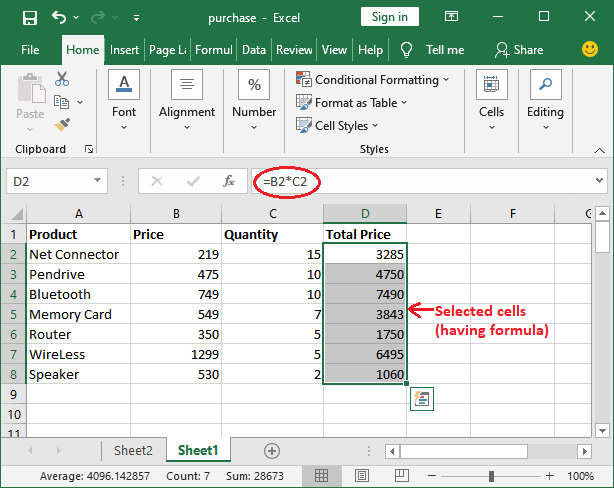 How To Remove Selection In Excel
https://static.javatpoint.com/ms/excel/images/how-to-remove-formula-in-excel.png
To remove drop down lists from selected cells in Excel follow these steps Select the range of cells Note CTRL Click to select non adjacent cells Go to the Data tab Data Tools group Data
Templates are pre-designed documents or files that can be used for numerous purposes. They can conserve time and effort by offering a ready-made format and layout for producing various sort of content. Templates can be utilized for personal or expert jobs, such as resumes, invites, leaflets, newsletters, reports, discussions, and more.
How To Remove Selection In Excel
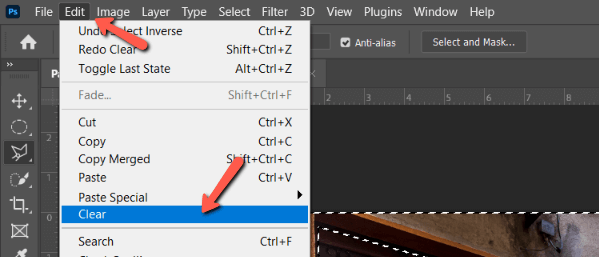
How To Delete A Selection In Photoshop Quick Guides
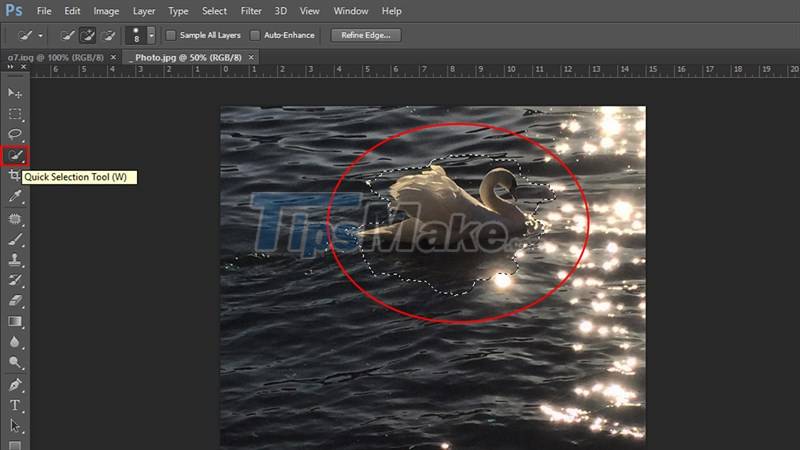
Steps To Delete Selections In Photoshop Are Very Easy And Effective
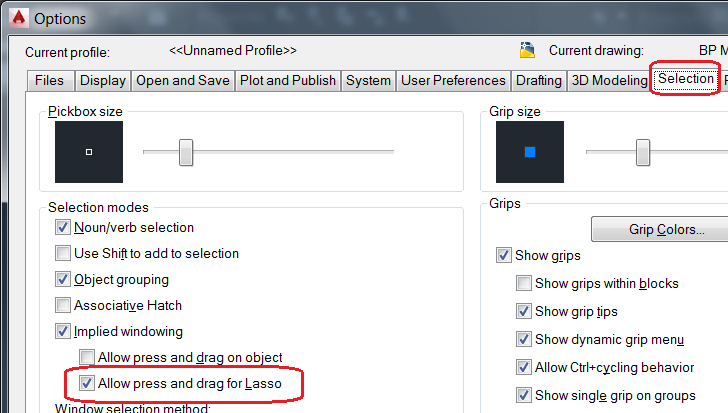
AutoCAD
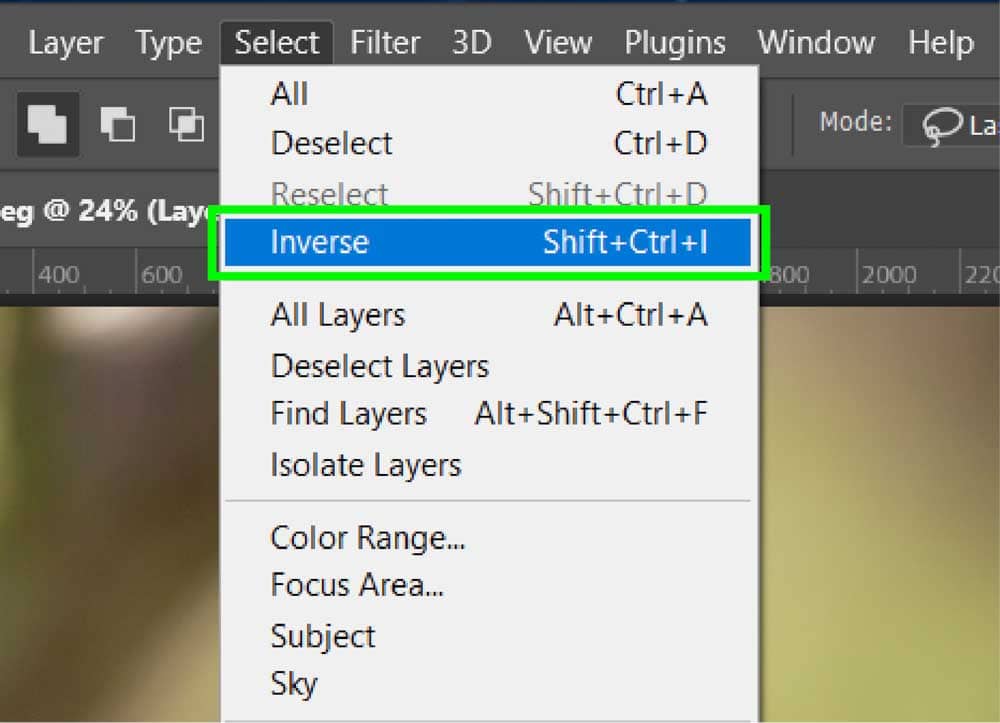
How To Delete A Selection In Photoshop Brendan Williams Creative

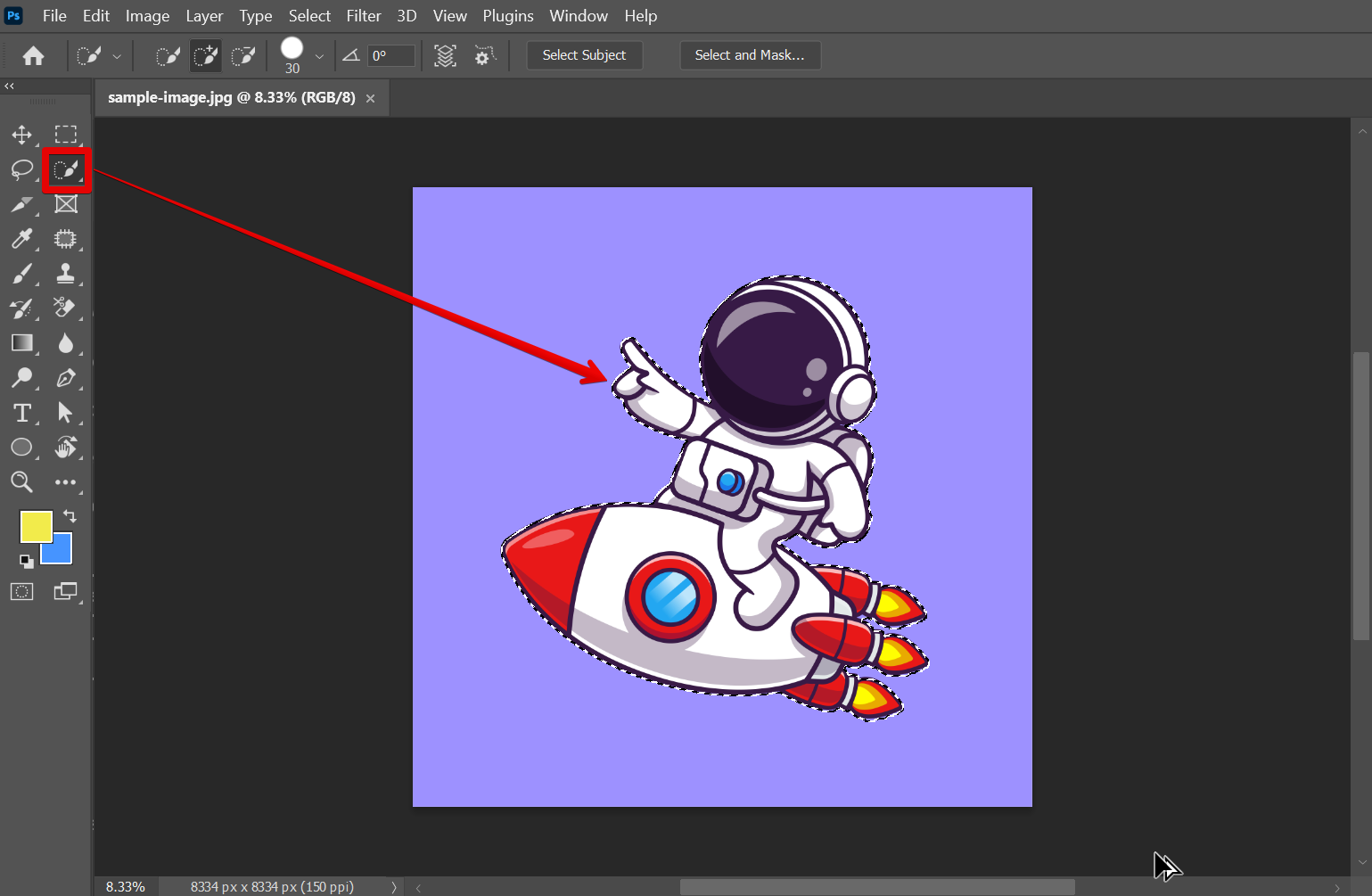
How To Delete A Selection In Photoshop Brendan Williams Creative
How To Delete A Selection In Photoshop Brendan Williams Creative
Pressing the Ctrl key you can click or click and drag to deselect any cells or ranges within a selection If you need to reselect any of those cells continue holding the Ctrl key and

To remove an item press Delete Tip If the item you want to delete is somewhere in the middle of your list right click its cell click Delete and then click OK to shift the cells up Edit a drop down list that s based on a

To unselect a selected cell hold down the CTRL or Command on mac key and click on the cells you want to deselect To
There are two ways to remove a drop down list in Excel By using the Data Validation dialog box By using the Clear button By copy pasting any blank cell Both methods work equally well However the first method is the
To remove an item right click and choose Delete Table Rows This removes the item from the table and the list If you simply delete the text in the cell this
Using the Esc key to quickly deselect in Excel Deselecting cells while keeping the active cell highlighted Troubleshooting common issues when deselecting in F Press the Delete key Once the blank cells are selected simply press the Delete key on your keyboard to remove the multiple selections from the highlighted cells Using
Remove Previous Selections From Cell In the comments on the original post Dan asked for a way to remove items if they been previously selected For