How To Remove Security Off A Pdf Hanoa61844 This 21 Facts About How To Remove Security Tag Clothing How To Remove Security From PDF Files With PDF Password Remover YouTube How To Remove Security Tag From Electronics IreneLawrence How To Remove Security Tag Purse PippaBaker Remove Security Tags From Clothing The Easy Way YouTube Remove Web Use the Unlock tool Choose Tools gt Protect gt Encrypt gt Remove Security Remove Security The options vary depending on the type of password security attached to the document If the document has a Document Open password click OK to remove it from the document
Web How to remove PDF passwords Removing or unlocking a password requires you to have the appropriate permissions to do so If you don t have those you ll need to locate a policy author or administrator of the secured PDF to make this happen Then follow these steps 1 Open the PDF in Acrobat Pro on Windows or Mac 2 Web May 23 2023 nbsp 0183 32 You can remove security from a PDF if you have the document password If the PDF is secured with a server based security policy only the policy author or a server administrator can change it Contact the creator or the author of the PDF to get the password to edit the PDFs
Remove Security Tags From Clothing The Easy Way YouTube Remove How To Remove Security Tags From Clothing How To Remove Security Tags When The STORE Forgets To Remove Them How To Take Security Tags Off Clothing In Store Best Design Idea How To Remove Security Tag From Clothing YouTube How To Remove Security Lock Nokia Microsoft 220 Rm 969 By Miracle Tool Different Types Of Security Tags And How To Remove Them HOW TO REMOVE SECURITY INK TAGS NO MESS FIRE METHOD YouTube How To Take Security Tags Off Clothing In Store Best Design Idea
How To Remove Security Off A Pdf
 How To Remove Security Off A Pdf
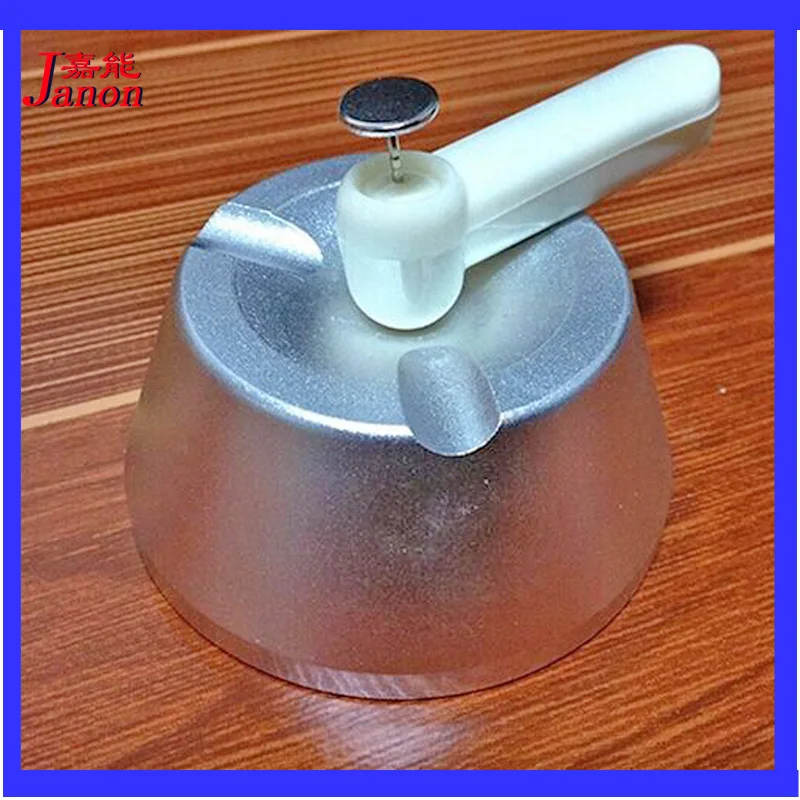
https://ae01.alicdn.com/kf/HLB1fumkaynrK1RjSsziq6xptpXak/10pcs-Lot-15000GS-Multi-function-Clothing-Security-Tag-Remover-Universal-EAS-System-Detacher-For-Supermarket.jpg
Web Open the PDF in Acrobat Use the Unlock tool Choose Tools gt Protect gt Encrypt gt Remove Security Remove Security The options vary depending on the type of password security attached to the document If the document has a Document Open password click OK to remove it from the document
Templates are pre-designed files or files that can be utilized for different purposes. They can conserve time and effort by offering a ready-made format and design for producing various type of content. Templates can be used for personal or expert projects, such as resumes, invites, flyers, newsletters, reports, presentations, and more.
How To Remove Security Off A Pdf
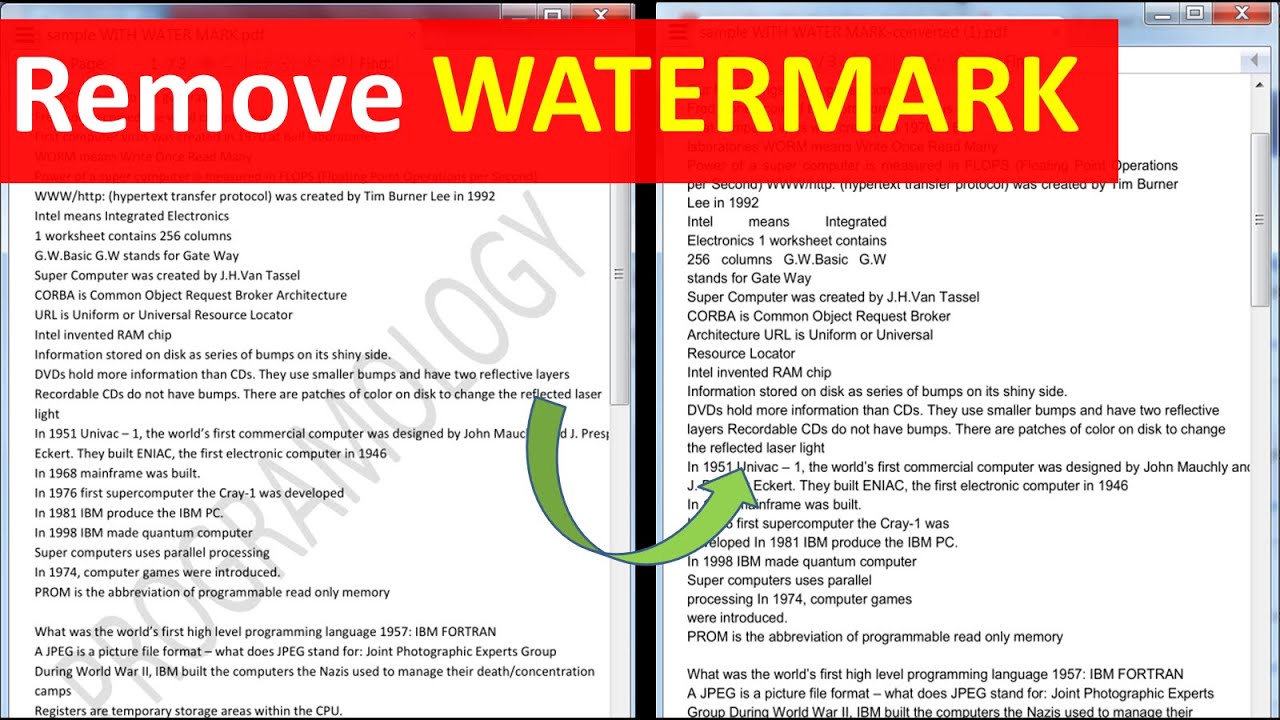
How To Remove A Watermark From A Protected Pdf Document Riset

How To Remove Security Tags From Clothing

How To Remove Security Tags When The STORE Forgets To Remove Them
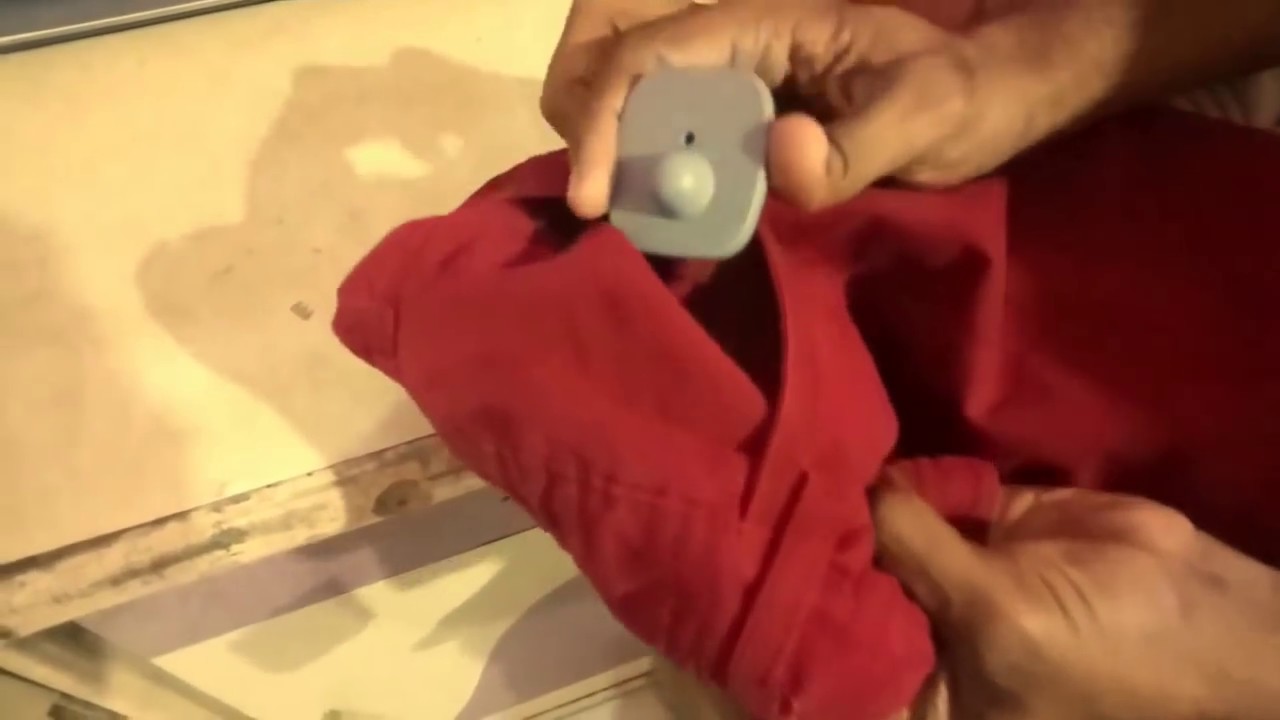
How To Take Security Tags Off Clothing In Store Best Design Idea

How To Remove Security Lock Nokia Microsoft 220 Rm 969 By Miracle Tool

Different Types Of Security Tags And How To Remove Them
Web Use the Unlock tool Choose Tools gt Protect gt Encrypt gt Remove Security Remove Security The options vary depending on the type of password security attached to the document If the document has a Document Open password click OK to remove it from the document

Web Grab https github qpdf qpdf releases Unzip Install and navigate to the bin folder that holds qpdf exe or similar for your platform Place the PDF you wish to work on in the same folder Run qpdf decrypt InputFile pdf OutputFile pdf use quot s if the file name has spaces Do what you like with the OutputFile

Web Remove PDF password security giving you the freedom to use your PDFs as you want Select PDF files or drop PDFs here Remove PDF password online Remove security from password protected PDF files

Web Oct 25 2022 nbsp 0183 32 Click the lock icon at the left side of the window and click quot Permission Details quot You can also click File gt Properties and click the quot Security quot tab Click the quot Security Method quot box select quot No Security quot and click quot OK quot to remove the password Click File gt Save to save your changes

Web Jan 17 2021 nbsp 0183 32 In a free PDF viewer open the PDF gt Enter password gt Submit gt Print gt choose destination gt Save as PDF gt Save gt Enter name gt Save In Adobe Acrobat DC open the PDF gt Enter the password gt OK gt File gt Properties gt Security gt Security Method gt No Security gt OK gt OK
Web Then follow these steps 1 Open the PDF in Acrobat Pro on Windows or Mac 2 Choose Tools Encrypt Remove Security 3 If the document has a Document Open password click OK to remove it 4 If the document has a permissions password type the correct password in the Enter Password box and then click OK Web 1 Open the password protected PDF in Adobe Acrobat Enter the password when directed 2 Click File in the menu bar then choose Properties 3 In the Document Properties window click the
Web Jul 8 2013 nbsp 0183 32 If the PDF is secured with a server based security policy only the policy author or a server administrator can change it In the open PDF do one of the following Select Tools gt Protection gt Encrypt gt Remove In the Security tab of the Document Properties dialog box choose No Security from the Security Method menu